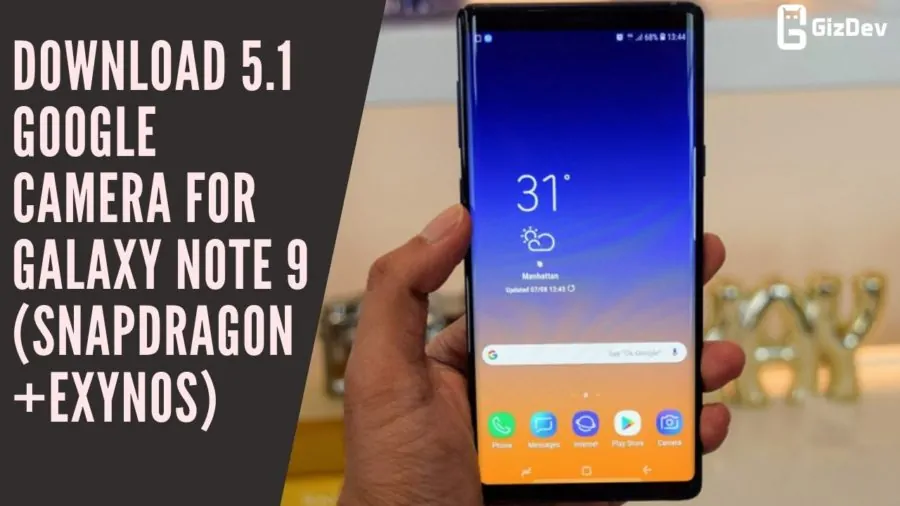
Today we share Gcam for Galaxy Note 9. Samsung launched the Note 9 a year ago. Galaxy Note 9 is a flagship device and has already a good camera itself. This device takes a good quality picture but the stock camera app looks more pleasing to the eyes and in some places, image quality overexpose so the object in the image lose their original color whereas images shot with GCam is closer to reality and highly detailed. Also, you can use all the features from Google Camera version 5.1.016. So let’s download and install 5.1 Google Camera for Galaxy Note 9.
This is the best 3rd party camera app for Galaxy Note 9. We all want our phone camera quality to be very good. Well, so Google Camera Improve the Quality of Image of Galaxy Note 9. But all of the features are not working if you want to try something new then you can try this Google camera.
Google Camera 5.1 For Samsung Galaxy Note 9:
Gcam is a very much popular camera app for Android smartphones. Also, it has features like night sight mode, PhotoSphere, Slow Motion, Playground (AR Stickers), RAW support, HDR+ mode, Panorama, Lens Blur, Portrait mode (with Focus Slider), Google Lens mode & few more. This camera app works with all types of devices (root and non-root). You can install it like a simple APK then you need to change some settings for a better photo experience. Google camera picture quality is better than the stock camera in some places. It provides better low-light image quality and a more detailed picture. Just follow the guide and install Google Camera 5.1 For Galaxy Note 9.
Download Google Camera For Note 9
- Google_Camera_5.1_Note 9 (Snapdragon Variant)
- Google_Camera_5.1_Note 9 (Exynos Variant)
Install Google Camera:
- Download The GCamera.apk file.
- Then Copy the downloaded file to your mobile or tablet in internal or external storage.
- Now enable Unknown Sources options from Settings > Security or Settings > Additional settings > Privacy.
- Install GCamera.apk and Open the camera app.
- Then grant all the permissions like Camera, Microphone, and Storage.
- Now enjoy.
Now you can enjoy Google Camera on your device. Share the most beautiful pictures taken by you in the comment section below.