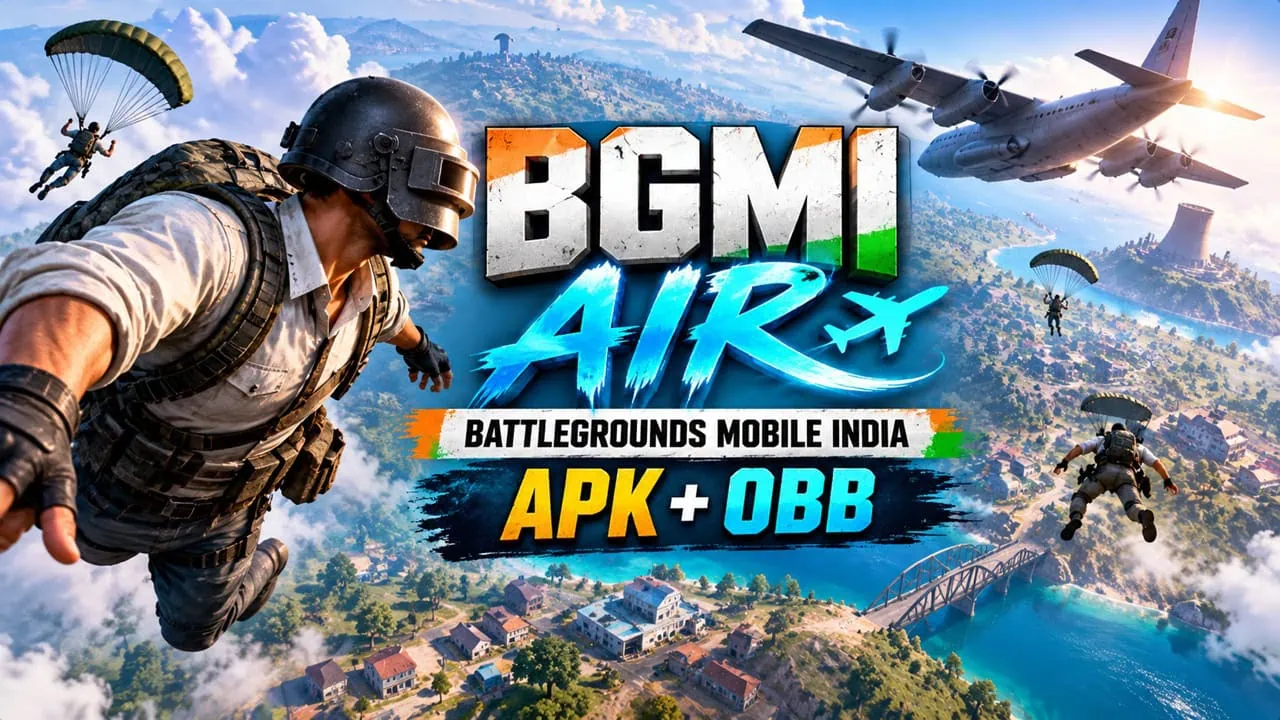
BGMI Lite now has an official name: BGMI Air. KRAFTON India has relabeled the companion app and opened pre-registration on Google Play with full launch planned before year end. This post covers both sides of this: the official BGMI Air app with all its promises and a complete download guide for the BGMI Air APK and OBB files, so everyone can grab the light build right away.
For years, Indian players had only one choice: the full BGMI installation that eats storage space, RAM, and phone resources. BGMI Air is KRAFTON’s official Lite Version of BGMI. It is not a game with lighter graphics, it is the same battle royale game but in a leaner package. Built for smooth performance on budget and mid-level phones, letting you enjoy the full experience of the game regardless.
About Battlegrounds Mobile India Air
BGMI Air is a standalone app from the developers of Battlegrounds Mobile India and is aimed at players who want short matches without a heavy download. Classic map Erangel remains unchanged, 100 players dropping works exactly as in main game and KRAFTON confirmed during pre registration that existing BGMI accounts carry over with accounts, cosmetics and owned items. Crossplay is also included: Air users can team up with friends using the full BGMI app and thus no one is left out of lobby. The BGMI Air APK and its OBB data ride on the same official package id, com.krafton.bgmilite, for store installs and sideloads alike.
BGMI Air Features
Every BGMI Air APK drop below is the same official KRAFTON build, wrapped with its OBB data file for sideloading. KRAFTON sells BGMI Air on five pillars and each of them directly addresses a long-standing complaint by Indian players: the game is just too heavy. Air counters with modular content, instant drops and exactly the same DNA of Battle Royale as the main app itself.
- Lighter, not smaller – the same Erangel map, 100-player drops, looting and combat, delivered without the full install weight.
- Install, open, drop – no mandatory extra package after the first download; you land in a match almost immediately.
- Your storage, your rules – maps and modes are separate modules you can download, remove and re-add anytime.
- Account carry-over – log in with an existing BGMI account and your outfits and owned items follow you.
- No social barriers – cross-play with the main BGMI app keeps solo, duo and squad lobbies together.
- Wide hardware support – KRAFTON confirmed both 64-bit and 32-bit (ARMv7) builds, a promise budget phones have waited years for.

Key Facts
BGMI Air - Key Facts
Developer: KRAFTON, Inc.
Package: com.krafton.bgmilite
Status: Pre-registration open on Google Play
Launch: expected before the end of the year
Platforms: Android (no iOS build announced)
Rating: Teen, violence and blood, in-app purchases
Gameplay: Erangel 100-player Battle Royale, cross-play with BGMI
Account: BGMI login carries over items and cosmetics
Storage: modular map and mode downloads, no mandatory first-run package
Builds: arm64-v8a and 32-bit armeabi-v7a confirmed
Size: early beta builds tested under 1 GB on Android
BGMI Air Official Download Link
The free BGMI Air app is available via Google Play. KRAFTON now offers a pre-registration button that downloads the full game instantly when it launches. BGMI Air APK sideloads with OBB files are also listed below for devices that cannot reach the app through the store. There is still no announcement for iOS yet so keep an eye on official sources for iPhone users.
Google Play store link (Android) –


BGMI Air APK + OBB Download Link
In the download section, we have shared BGMI Air APK and BGMI Air OBB File. You can download and install it on your mid-range Android phone. The game roughly takes 2+ GB of storage, so make sure you keep at least 2+ GB free. The BGMI Air APK is available for Android ARM arm64-v8a and Arm-v7a, so you can install it on old or mid-range Android phones and play them easily.
- BGMI Air APK Download Link (arm64-v8a) – arm64-v8a | arm-v7a
- BGMI Air OBB File – com.krafton.bgmilite_obb.zip
- New GTA 5 For Mobile – Ported GTA 5 for Android APK + GAME DATA
How to Install BGMI Air Manually
- Download and install the BGMI Air APK file on your device.
- To install the game data OBB manually, download the com.krafton.bgmilite.obb file.
- Copy the OBB file to phone Internal Storage (\Android\obb\com.krafton.bgmilite) folder. Create the folder if it does not exist.
- Open the BGMI Air app on your Android device.
- Sign in with your existing BGMI account – outfits and owned items carry over.
- Launch Battlegrounds Mobile India Air and drop straight into a match.