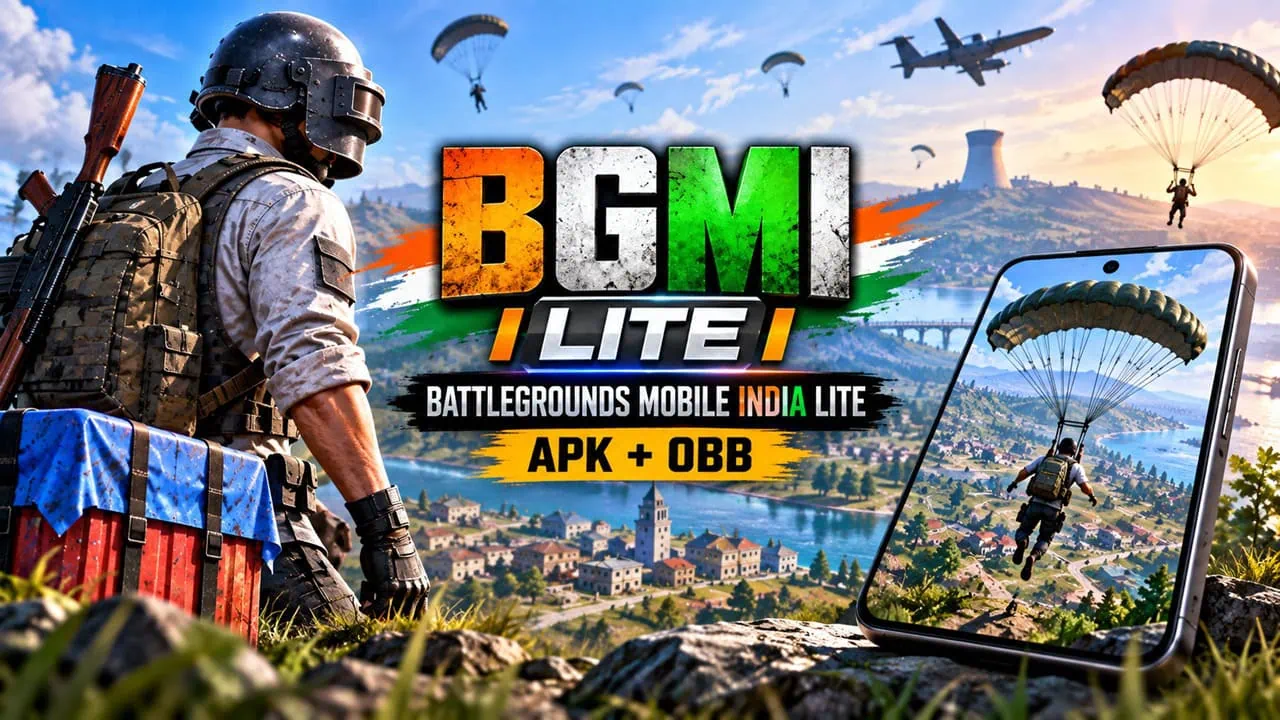
So, finally, Battlegrounds Mobile India Lite (BGMI Lite) has a real official form. KRAFTON India opened pre-registration for the new BGMI Lite companion app on August 25, 2026, and the full launch is expected before the end of the year. For years the only way to run a light battle royale on a budget phone was the v0.27.0 build that fans sideloaded as APK and OBB files. In this post, we cover both sides: where the official BGMI Lite stands right now, and the complete Battlegrounds Mobile India Lite APK v0.27.0 and OBB download and install guide for anyone who wants the light build today.
Talk about BGMI Lite that has been around for quite some time. In August 2026 KRAFTON India first hinted at it through official social media channels. The basic idea is to offer players what they really like from BGMI but in a smaller and faster package. This version runs well on cheaper and mid level phones too. You get cross play and old items carry over as well from previous BGMI accounts. Previously people used the 0.27.0 update of PUBG Mobile. That version was tiny but still allowed 60 players, four modes under 10 minutes, and 2km by 2km maps.
About Battlegrounds Mobile India Lite
Krafton has just released BGMI Lite, a smaller version of their battle royale game and has made it exclusive to India. This Lite version came after PUBG Mobile and its Lite version got banned in September 2020 because of privacy concerns. BGMI Lite is what you want if your phone isn’t powerful enough or you just want to jump into quick games. It uses the same account system as regular PUBG Mobile for Android and is available only for Indian players. Version 0.27.0 of BGMI Lite is part of the Lite client family that has global versions also.
Battlegrounds Mobile India Lite (BGMI Lite) v0.27.0 Changelogs
PUBG Mobile Lite 0.27.0 landed on January 19, 2024, with the final version of the Winter Festival update. Varenga gets its first snow with the Varenga Snow Fight mode, a snowboard mini game that has you speeding down a snowy mountain, and the Frozen Egg gadget that throws an ice sculpture barrier to save you in a tight spot. A Winter Castle area, winter-themed lobby and spawn island, and the Universal Mark real time team marking system round out the update. Alongside this older client, pre-registration for the official BGMI Lite app is now open, and that app launches at around 1 GB with maps and modes you can download separately.
v0.27.0 Patch Notes
PUBG Mobile Lite v0.27.0 - Key Facts
Uploaded: January 19, 2024
APK Size: 53.39 MB (OBB ~1 GB in-game download)
Engine: Unreal Engine 4

Winter Festival Content:
 Varenga Snow Fight + winter chicken dinner
 Snowboard: speed downhill mini game
 Frozen Egg: ice sculpture barrier gadget
 Winter Castle: new adventure area
 Winter themed Lobby and Spawn Island

Battle Royale Maps:
 Varenga  - 60 players, 2km x 2km island
 Golden Woods

Arcade Modes:
 TDM: Warehouse   - 4v4 endless respawns
 Assault: Ruins
 Payload
 War
 War-RPG

New:
 Universal Mark real time team marking

Variants:
 arm64-v8a  - Android 10+, build 15156
 armeabi-v7a - Android 4.3+, build 15155

Specs:
 600 MB free space, 1 GB RAM
 12 language support
 Anti-cheat system
BGMI Lite APK Official Download Link
KRAFTON India has just announced that Lite version is now open for pre registration on Google Play. Android users can click now on the registration button on the Play Store listing. Full download will activate automatically when game launches. No news yet for iOS so users of that platform should follow official channels for PUBG Mobile Lite. Until then sideload APK and OBB files below onto any Android device.
Google Play store link (Android) –


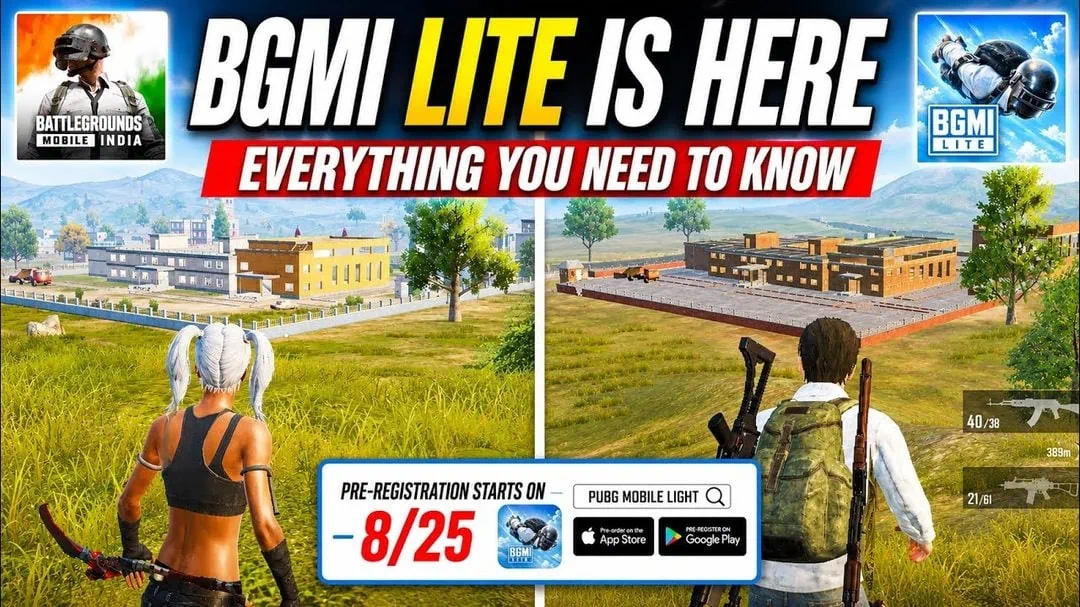
BGMI Lite APK v0.27.0 + OBB Download Link
The v0.27.0 APK is around 53 MB. The data package OBB is much bigger, about 1 GB, and it downloads in-game after the APK installs. The official BGMI Lite app will start at around that size when it launches later this year. Extra maps and modes are also downloadable. To make sure the v0.27.0 build runs well on older phones, keep at least 600 MB of free space and about 1 GB of RAM available.
- BGMI Lite APK Download Link (arm64-v8a) – arm64-v8a | arm-v7a
- BGMI Lite OBB File (arm64-v8a) – com.tencent.iglite_0.27.0.obb
- New GTA 5 For Mobile – Ported GTA 5 for Android APK + GAME DATA
How to Install BGMI Lite Manually
- Download and install the BGMI Lite APK file on your device.
- To install the game data OBB file manually, download the com.tencent.iglite.obb file.
- Copy the com.tencent.iglite.obb file to phone Internal Storage (\Android\obb\com.tencent.iglite) folder. Create the folder if it does not exist.
- Open the BGMI Lite app on your Android device and sign in with your account.
- Launch Battlegrounds Mobile India Lite.
- The app will start downloading the extra OBB game data.
- Sign in with your account and enjoy the gaming.