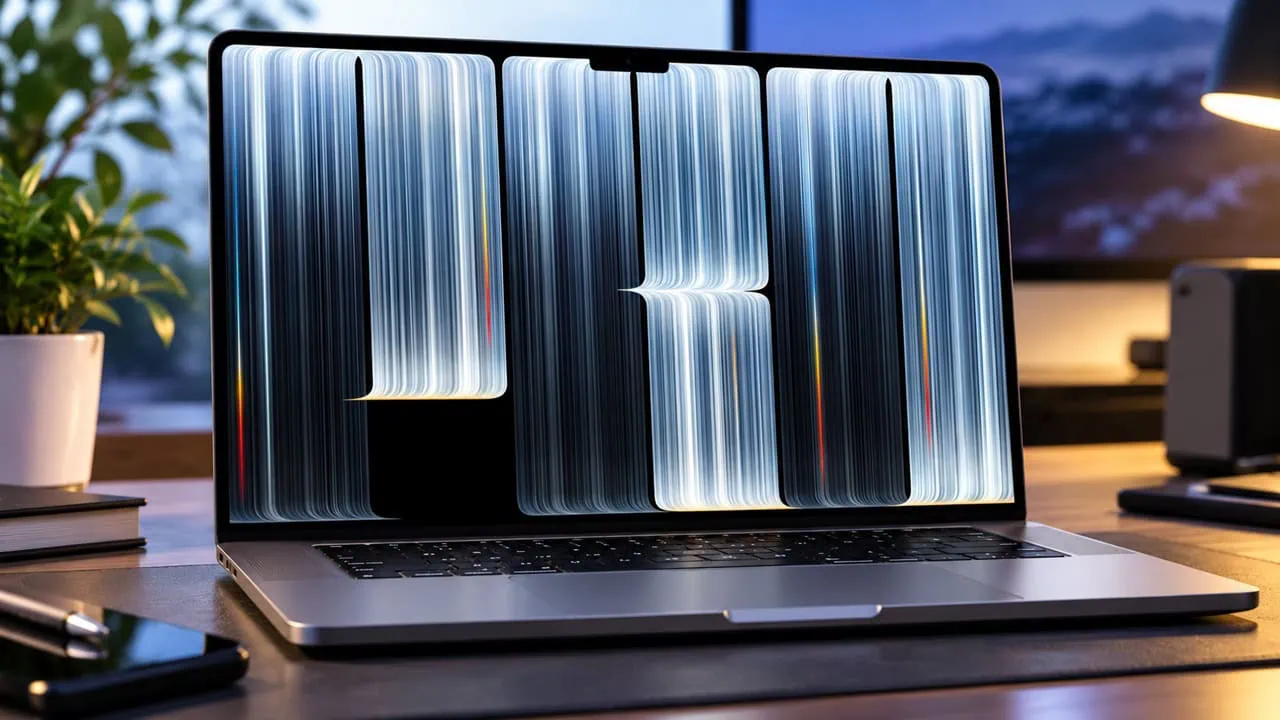
Apple has finally revealed the new MacBook Pro with PROLED XDR Display at its October event, and the machine brings the first tandem OLED panel to a Mac along with touch input for the first time. Pre-orders opened right after the event and the laptops reach customers on November 6. As always, the marketing renders and the system wallpapers from the new MacBook are already circulating online, and we have collected them for you. This article covers the MacBook Pro 2026 Wallpapers in full resolution for both desktop and mobile devices.
In this post, you can download the official MacBook Pro 2026 Wallpapers extracted in their original quality. The set includes thirteen wallpapers in total: five desktop files of the same artwork in different sizes and five portrait designs for iPhone and Android phones. We have zipped everything together, so you can grab one file and apply the wallpapers to your Mac, Windows PC, iPhone or Android device right away.
About the New MacBook Pro with PROLED XDR Display
The new MacBook Pro with PROLED XDR Display is the biggest display update the Apple laptop line has ever received. Apple moved from mini-LED to a tandem OLED panel that pushes 2000 nits of peak brightness, a 10,000,000:1 contrast ratio, a 120Hz variable refresh rate and a color gamut that covers both P3 and Adobe RGB. It is also the first Mac display with touch input, and the Dynamic Island lands on the Mac as the home for Spotlight, Live Activities and Siri AI. Under the hood sit the M5 Pro and M5 Max chips with up to 128GB of unified memory and 16TB of storage, while the thinner body drops to around three or four pounds and still runs up to 24 hours on a charge.
MacBook Pro 2026 Specifications
- Tandem OLED PROLED XDR display in 14-inch and 16-inch sizes with 2000 nits of peak HDR and SDR brightness.
- 10,000,000:1 contrast ratio, 120Hz variable refresh rate and P3 plus Adobe RGB wide color coverage.
- Touch support on the Mac for the first time, with the Dynamic Island hosting Spotlight, Live Activities and Siri AI.
- M5 Pro and M5 Max chips with up to 128GB of unified memory and up to 16TB of storage.
- Up to 24 hours of battery life in thinner 3- and 4-pound designs.
- Enhanced six-speaker sound system with 50 percent deeper bass.
- Thunderbolt 5 ports, a 12MP Center Stage camera and studio-quality microphones.
- Runs macOS 27 with Apple Intelligence; pre-orders started October 28 and sales begin November 6.
MacBook Pro 2026 Wallpapers
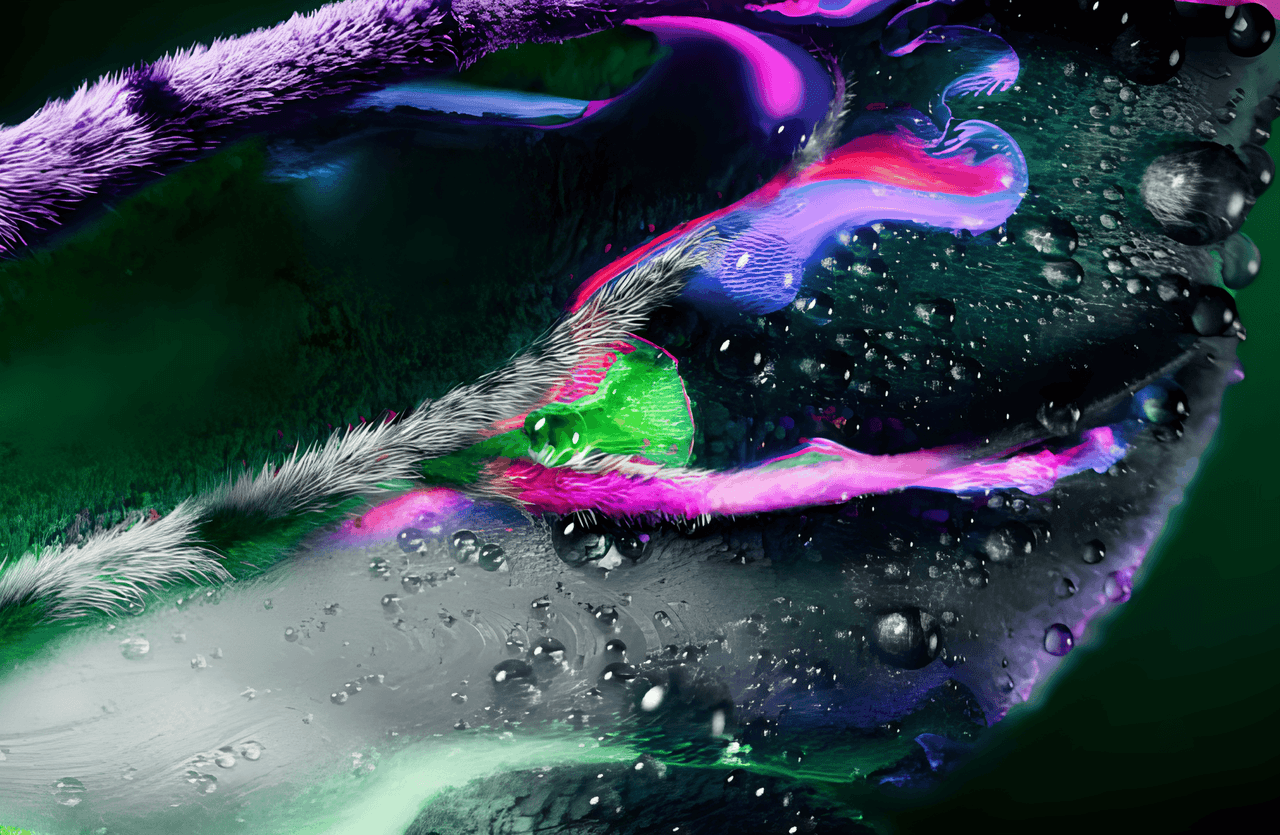
The MacBook Pro 2026 Wallpapers keep the signature dark, premium look Apple uses for its pro machines. The desktop pack holds one striking artwork made of vertical light streaks in icy white, silver and steel blue over a black background, delivered in 5K 5120×2880 plus two more desktop sizes that match the new screen. The mobile pack carries seven portrait designs at 1884×4096 for iPhone and Android, including a minimal Light gradient, a Twilight blue-to-mauve gradient, and blue, green, purple, Purple, and Gold light-streak artworks. You can check every design in the previews below before you download the pack.
MacBook Pro 2026 Desktop Wallpapers







MacBook Pro 2026 Wallpapers for iPhone and Android
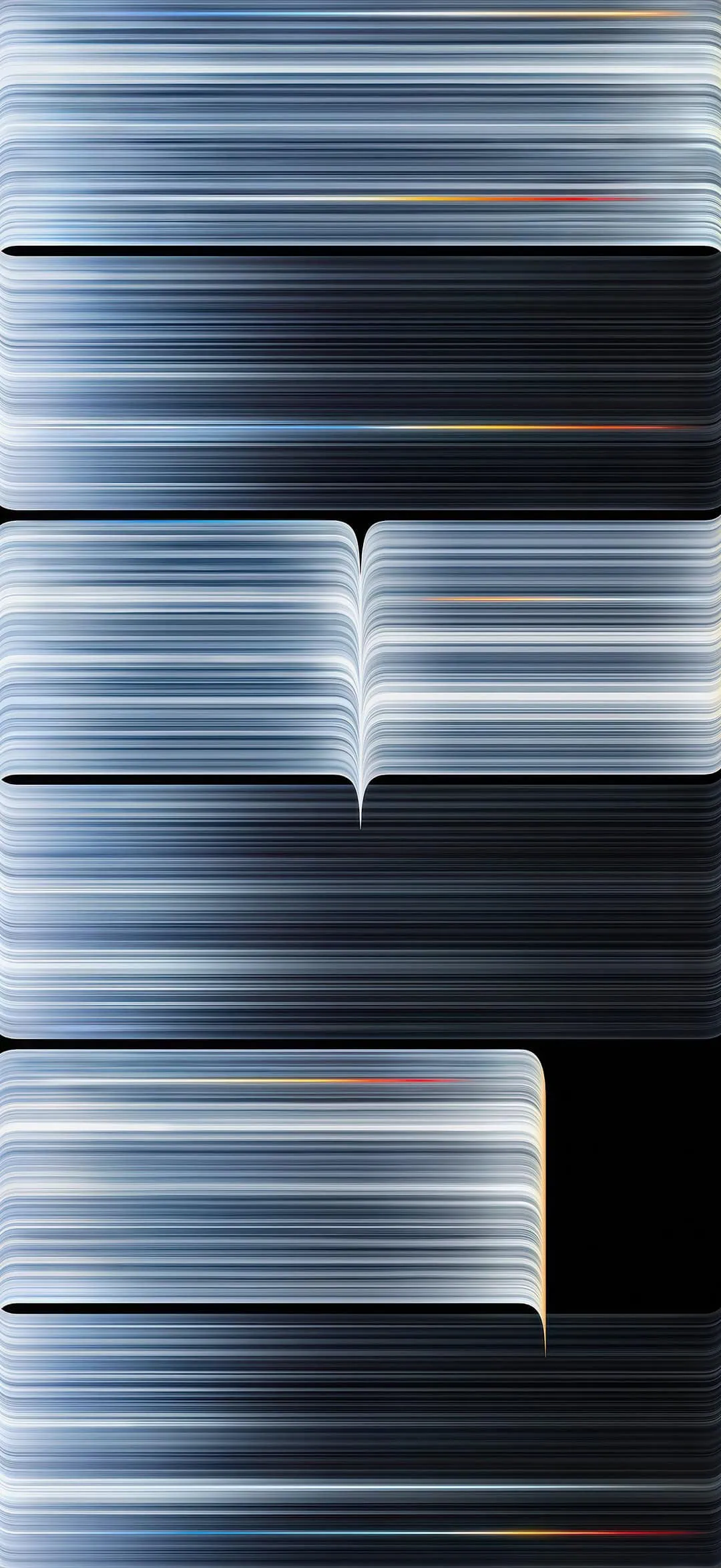

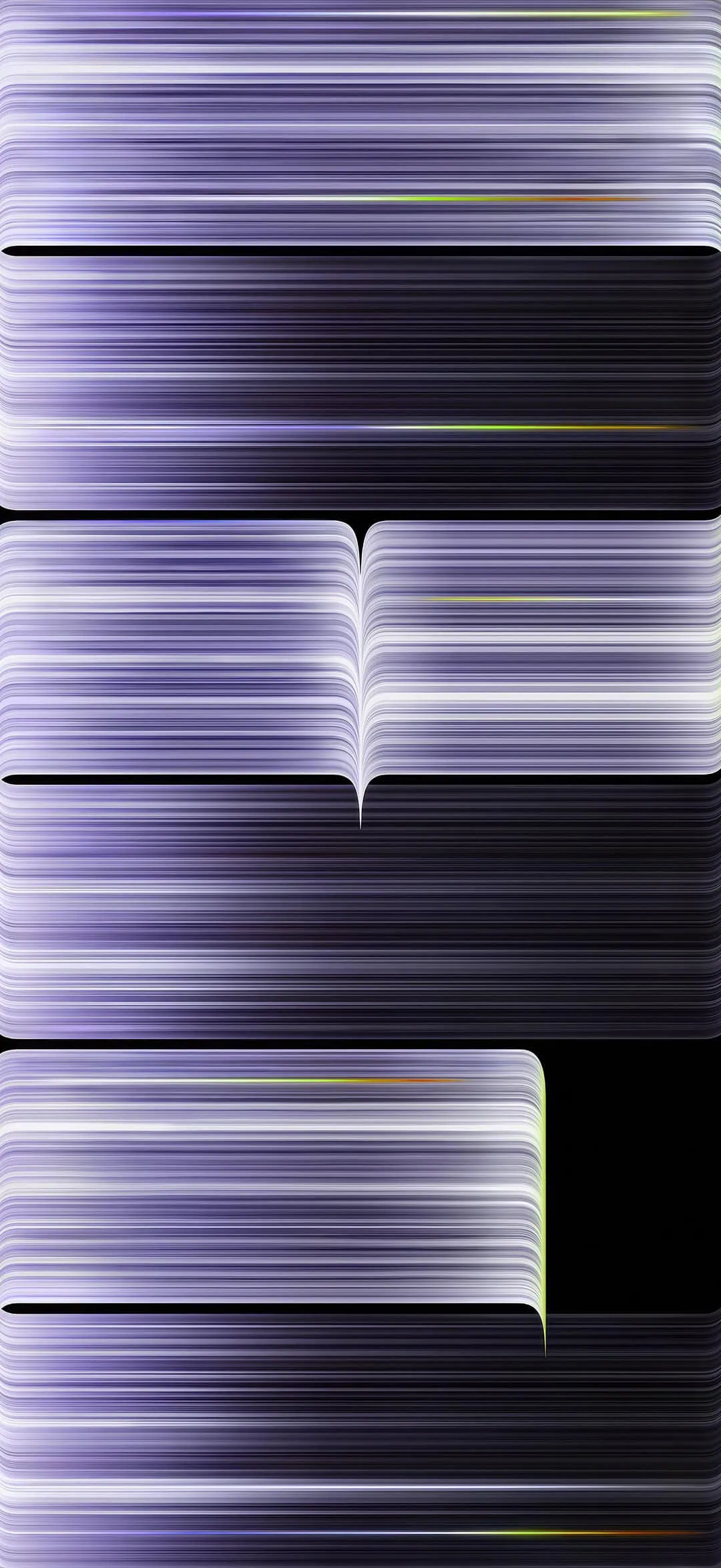
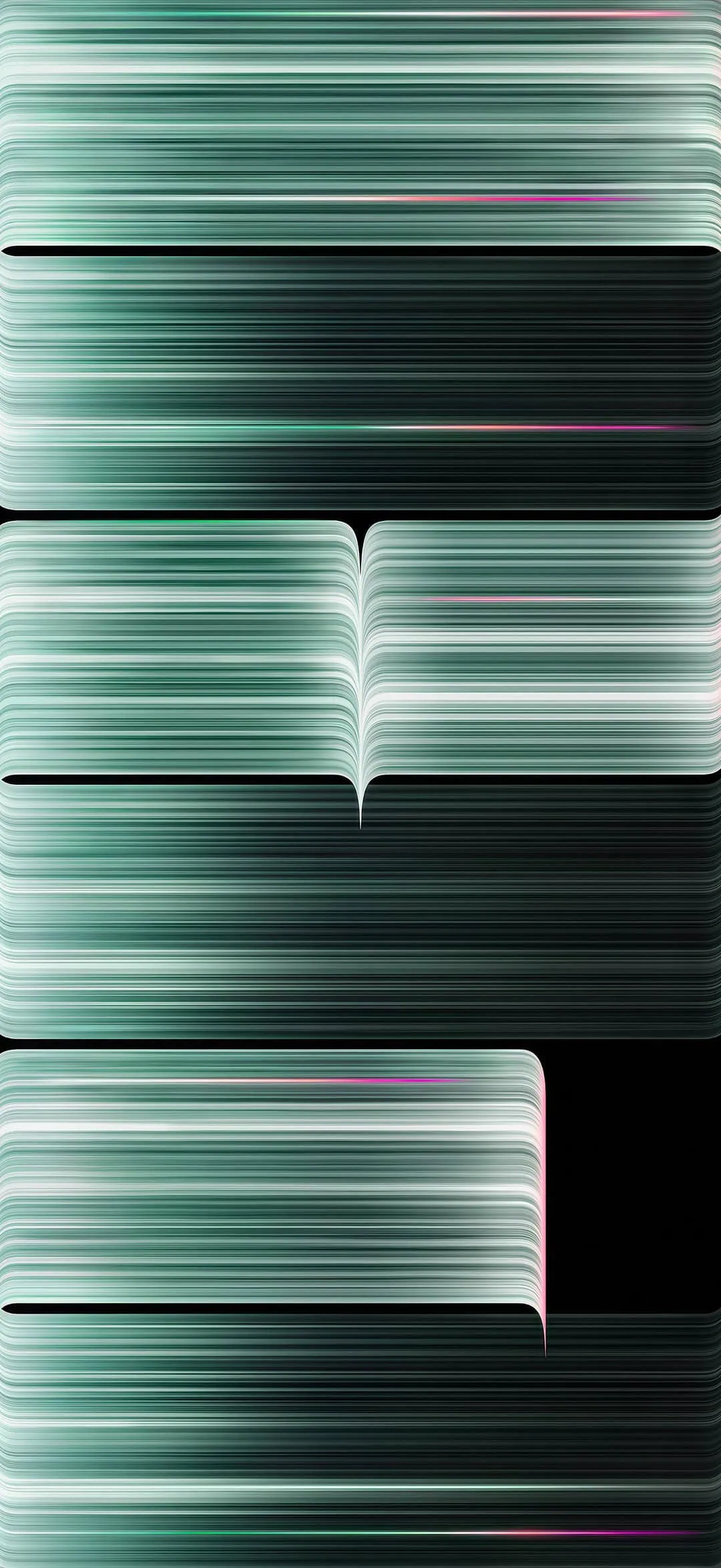

Note: the images listed above serve as a preview of the wallpapers and are only intended for representational purposes. It is important to note that the preview images are of lower quality, hence it is not recommended to download them directly. Instead, kindly utilize the designated download link provided in the section below for obtaining the wallpapers.Download Wallpapers In ZIP File –
We have bundled all wallpapers into one file for easy downloading. Grab the file and unzip it and you are ready to set them. On Mac or PC, open the desktop folder, right-click on your favorite wallpaper, and select Set as Desktop Background. On an iPhone or Android phone, open the mobile folder, pick a wallpaper and set it from the wallpaper menu or the 3-dot option.
Download Desktop Version MacBook Pro 2026 Wallpapers –
Download Mobile Version MacBook Pro 2026 Wallpapers – Devdrive.cloud
How to Set these Wallpapers on Mac, Windows, iPhone, and Android
- First, download the MacBook Pro 2026 wallpapers.zip file and unzip it from File Manager or Explorer. After extraction, you can select your favorite wallpaper from the desktop or mobile folder.
- On a Mac or Windows PC, open the desktop folder, right-click the wallpaper you like, and choose the ” Set as Desktop Background option.
- On an iPhone or Android phone, open the mobile folder, pick a design and set it from the wallpaper menu or the 3-dot option.
Please share those wallpapers with other communities and forums if you like them. Don’t forget to join our community for more wallpapers, Themes, and ringtones updates. Many users love to collect MacBook Pro 2026 Wallpapers for their tech setups.