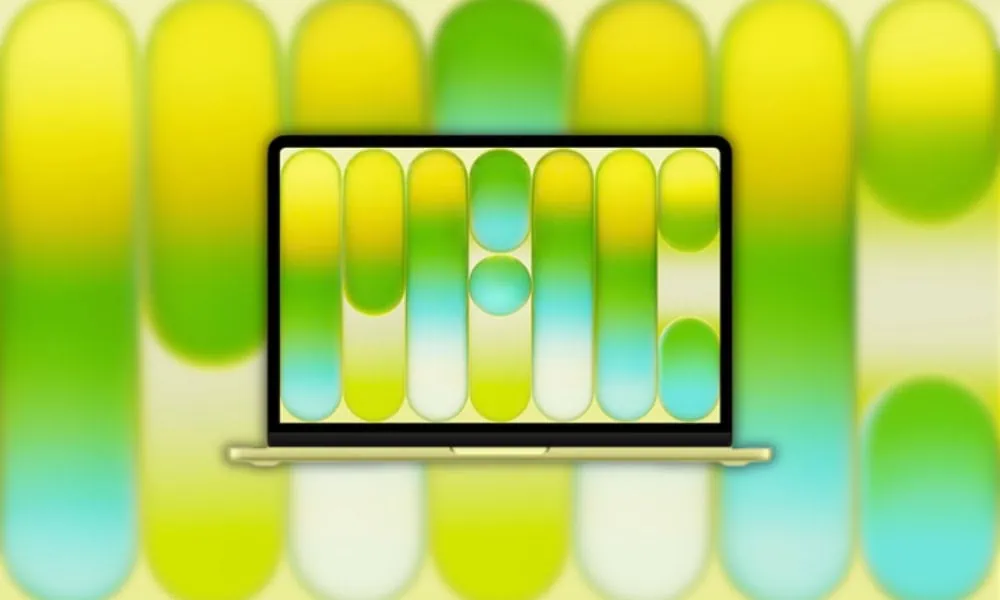
Apple officially announced the most budget-friendly laptop, MacBook Neo. We have already updated the Apple MacBook Neo news and updates on our Telegram channel. The newest MacBook Neo 2026 has still not been launched for sale, but some devices are provided for media and YouTubers. Some media persons shared the MacBook Neo wallpapers on Twitter. This article will share MacBook Neo 2026 Wallpaper in 4K for Desktop and Laptop. Additionally, if you’re searching for MacBook Neo Wallpapers, we will cover how to get them in this article.
In this post, you can download Apple MacBook Neo 2026 Wallpapers. We have extracted all the MacBook Neo 2026 wallpapers from the MacBook Neo 2026 devices. The wallpapers are in 4K resolution. We have zipped all the wallpapers so you can download them easily. You can apply these Wallpapers to your Windows or Linux device to test MacOS on your device :D.
About MacBook Neo
MacBook Neo is a brand-new entry level Mac laptop from Apple. It has an aluminum body, Liquid Retina 13-inch display and will run all day on a single charge. The MacBook Neo has an A18 Pro processor (chip) in the back of it that has a 6-core CPU, a 5-core GPU and a 16-core Neural Engine. It was made to do many things at once quickly and efficiently; from school assignments to video editing and other tasks using artificial intelligence. The device stays cool. For design enthusiasts, MacBook Neo Wallpapers give your screen a stunning look that matches the new hardware.
MacBook Neo 2026 specifications
- Apple A18 Pro chip with 6‑core CPU (2 performance, 4 efficiency) and 5‑core GPU.
- 16‑core Neural Engine with 60GB/s memory bandwidth.
- 13.0‑inch Liquid Retina display, 2408 × 1506 resolution at 219 ppi, 500 nits brightness.
- 8GB unified memory with 256GB or 512GB SSD storage options.
- Dual‑speaker sound system with Dolby Atmos Spatial Audio support.
- 1080p FaceTime HD camera with advanced image signal processor.
- Wi‑Fi 6E and Bluetooth 6 wireless connectivity.
- Two USB‑C ports and 3.5 mm headphone jack.
- Slim aluminum design around 2.5 lb (about 1.13 kg) in multiple colors like Silver, Blush, Citrus, and Indigo.
- All‑day battery life rated up to around 18 hours of video playback (Apple estimate).
MacBook Neo Wallpapers
The official MacBook Neo 13-inch wallpapers are available now. Though only a few wallpapers are available now, you can download the official ones on the devices themselves. We will update more wallpapers once we have them. Until then, download the Abstract Pink and blue gradient, Abstract Purple and blue gradient, Abstract Yellow and green gradient, Abstract Blue with pink and purple gradient, tall rounded bars wallpapers below from the MacBook Neo. To get inspired for your desktop or lock screen, try customizing with MacBook Neo Wallpapers for a fresh new style.

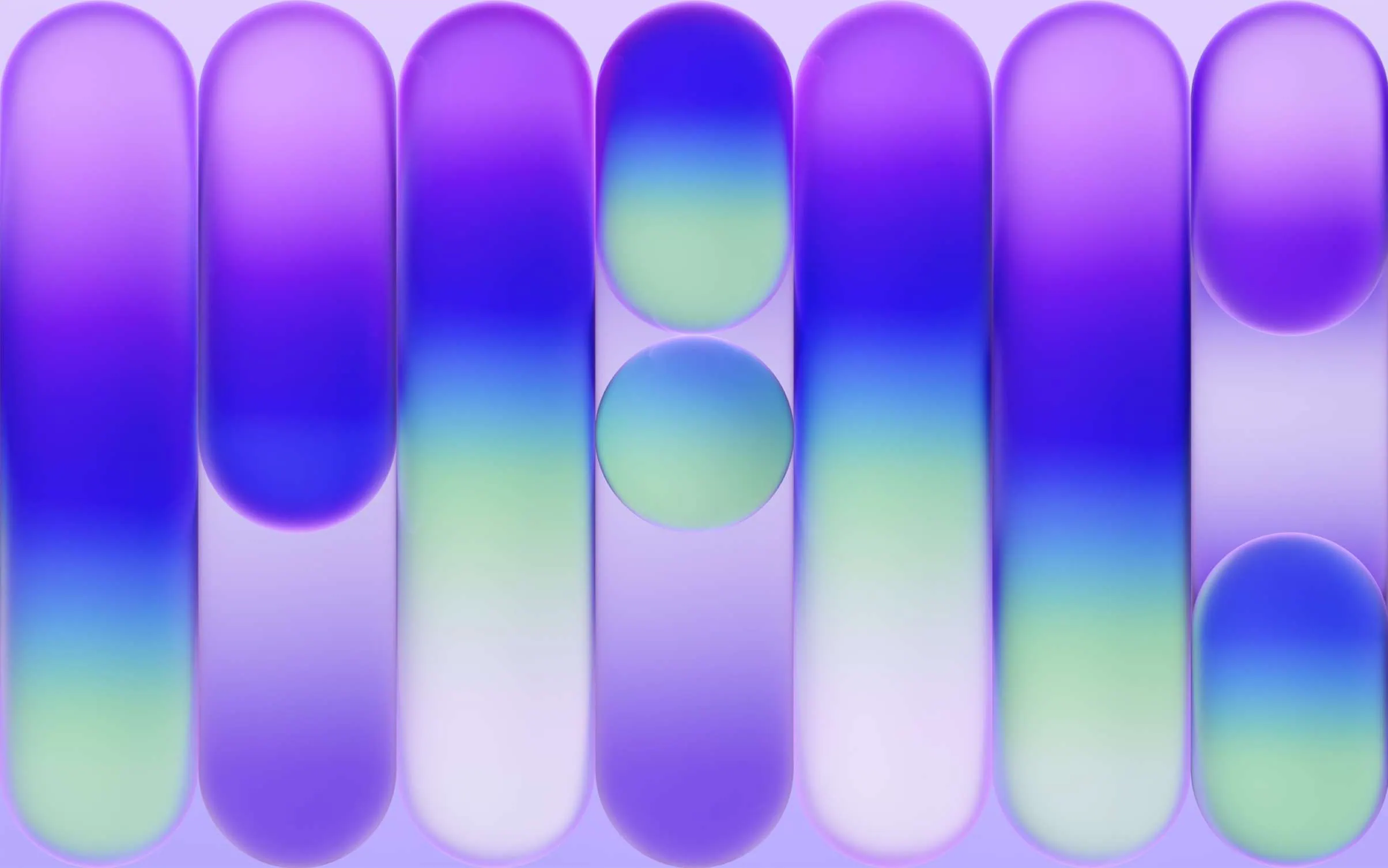

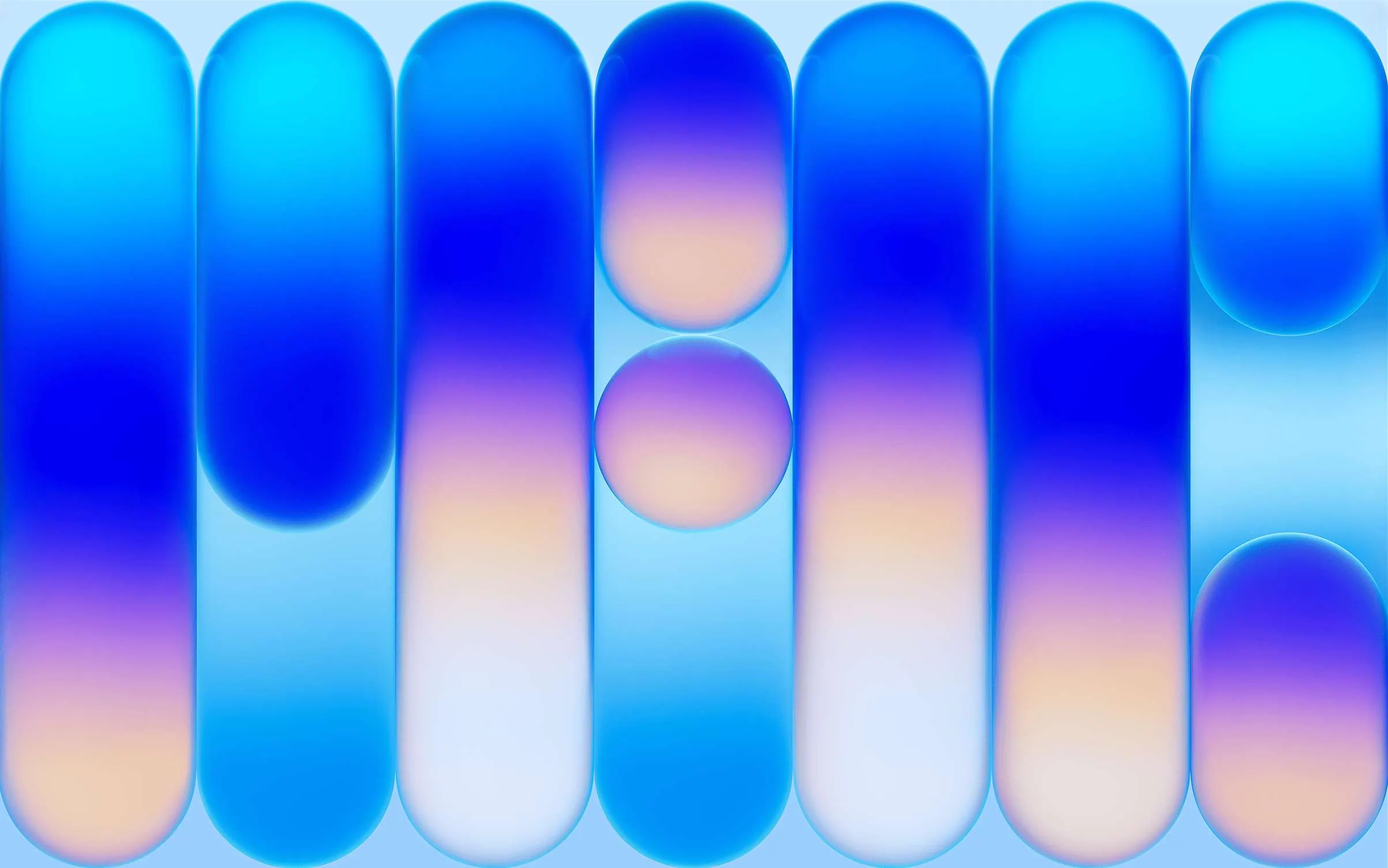
Note: the images listed above serve as a preview of the wallpapers and are only intended for representational purposes. It is important to note that the preview images are of lower quality, hence it is not recommended to download them directly. Instead, kindly utilize the designated download link provided in the section below for obtaining the wallpapers.Download Wallpapers In ZIP File –
How to Set these Wallpapers on Home Screen, Lock Screen, and Always-on Display
- First, download the MacBook Neo zip file and unzip it from File Manager or Explorer. After extraction, you can select your favorite MacBook Neo Wallpapers from the folder.
- Open File Manager and Browse The unzipped wallpapers folder.
- Select the Wallpaper you like, tap on the 3-dot menu, and then tap Set As Wallpaper, Home Screen, or Always-on Display.
Please share those wallpapers with other communities and forums if you like them. Don’t forget to join our Telegram group for more wallpapers, Themes, and ringtones updates. Many users love to collect MacBook Neo Wallpapers for their tech setups.