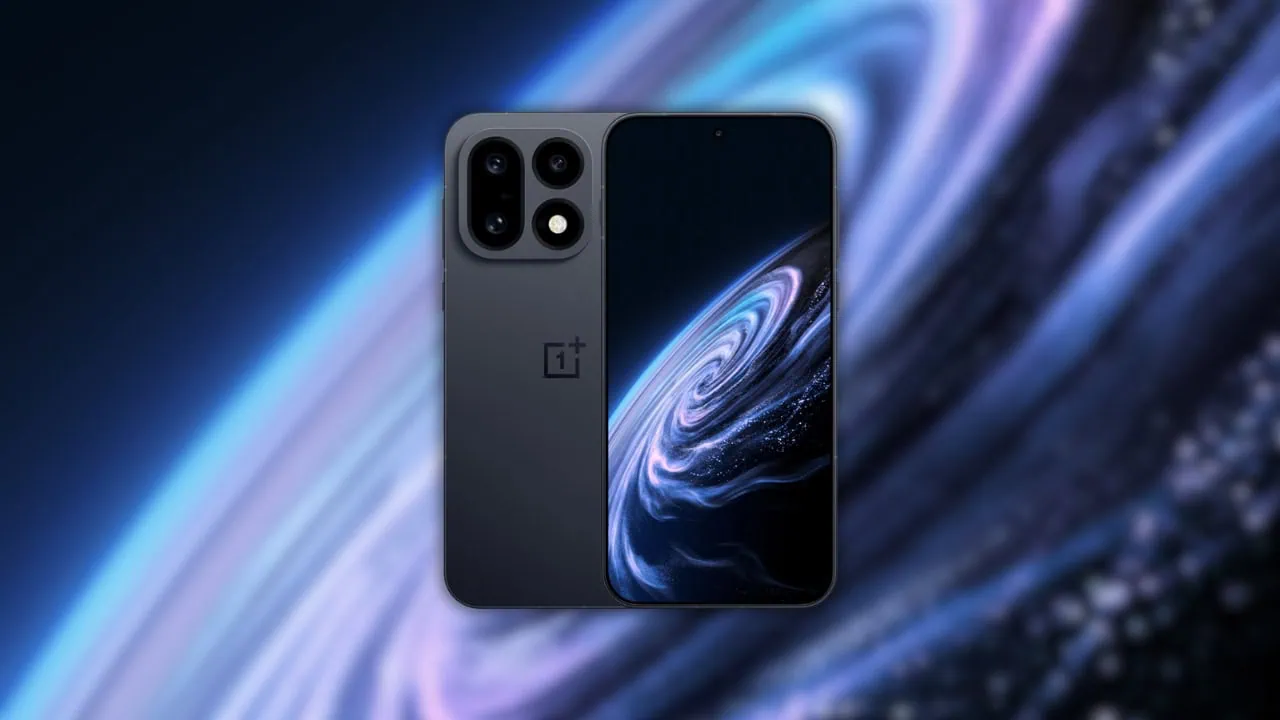
OnePlus has finally launched its flagship, and they called it OnePlus 16. It has the new Snapdragon 8 Elite Extreme Gen 6 chipset with a 185Hz refresh rate LTPO AMOLED display, a couple of elegant accessories, and other high-end specifications. Also, the most attractive unique rear camera design is a daring innovation that highlights the OnePlus flagship spirit. The device comes with a slew of aesthetic wallpapers and live wallpapers that look impressive. Here we have shared OnePlus 16 Stock Wallpapers & Live Wallpapers from the OnePlus 16.
Every time we share new wallpapers on our blog, when a new phone is released or leaked on the internet. Today the OnePlus 16 wallpapers were shared online before the launch event. So we will share the latest OnePlus 16 Stock Wallpapers and OnePlus 16 Live Wallpapers. We will share all the other wallpapers when the device launches in the market. We have shared all the stock Wallpapers and Live Wallpapers from the OnePlus 16 in a ZIP file.
OnePlus 16 Specification:
| Processor | Qualcomm Snapdragon 8 Elite Extreme Gen 6 |
| Display | 6.78-inch LTPO AMOLED, 2772 x 1272, 185Hz |
| RAM | 12GB / 16GB |
| Storage | 256GB / 512GB / 1TB (UFS 4.1) |
| OS | Android 17, OxygenOS 17 |
| Battery | 9000mAh, 100W wired + 50W wireless |
| Rear Camera | 200MP + 50MP + 50MP (wide, 3x periscope telephoto, ultrawide) |
| Front Camera | 50MP |
| Colors | Starlight, Dark Forest, Martian Masterpiece |
The OnePlus 16 rear packs a 200-megapixel primary camera with an f/1.6 aperture and OIS; a second 50-megapixel periscope telephoto camera with 3x optical zoom and an f/2.6 aperture; and a third 50-megapixel ultrawide camera. The rear camera setup has laser autofocus, color spectrum sensor, LED flash, HDR and panorama. It is protected by Crystal Shield glass, rated IP68 and IP69K, and runs Android 17 with OxygenOS 17 on top.
OnePlus 16 Stock Wallpapers
OnePlus 16 stock wallpapers come with aesthetics and are impressive with their unique images. You know that we always share all new wallpapers and themes as soon as possible on our websites. The device comes with three new preloaded abstract wallpapers with planet-like textures, and every one of them has a matching live wallpaper version. All the wallpapers are now available to download, which are listed below. If your device has the same screen resolution or lower, then these will look good on your device.
OnePlus 16 Wallpapers Preview




OnePlus 16 Live Wallpapers Preview
The OnePlus 16 ships with matching live wallpapers for its abstract stock set. The live files are handed out through an installer app rather than a flashable ZIP, so we keep the download section to the full stock set for now – the live pack will land here as soon as a clean community copy appears. The previews above are the complete stock set at full resolution.
Download OnePlus 16 Stock Wallpapers and Live Wallpapers
We have extracted the stock wallpapers from the OnePlus 16. Additionally, you can download the wallpapers for your phone in a zip file. To set wallpaper or lock screen, browse the wallpaper folder and open the image you want to set as wallpaper. Press the 3-dot menu and tap on the set as wallpaper or lock screen.
Stock Wallpapers –
- OnePlus 16 Live Wallpapers APK – OnePlus16_Live_Wallpapers_v1.0.apk
- OnePlus 16 Live Wallpapers MP4 – OnePlus_16_Live_Wallpapers.zip
How to Set Wallpapers on Home Screen, Lock Screen, and Always-on Display
- First, download the OnePlus 16 wallpapers.zip file and unzip it from File Manager or Explorer.
- Open File Manager and browse the unzipped wallpapers folder.
- Select the Wallpaper you like, tap on the 3-dot menu, and then tap Use, Open Gallery App, and Set As Home Screen, Lock Screen, or Always-on Display.
Please share those wallpapers with other communities and forums if you like them. Don’t forget to join our community.
How to Set Live Wallpapers on Android
- Download and install the Google Wallpaper app and the OnePlus 16 Live Wallpaper APK.
- Long-press an empty area of the home screen and choose Wallpapers and style.
- Tap Live wallpapers from the top tabs.
- Pick the Radiant Crimson live set.
- Tap Apply to set it on the lock screen, home screen, or both.