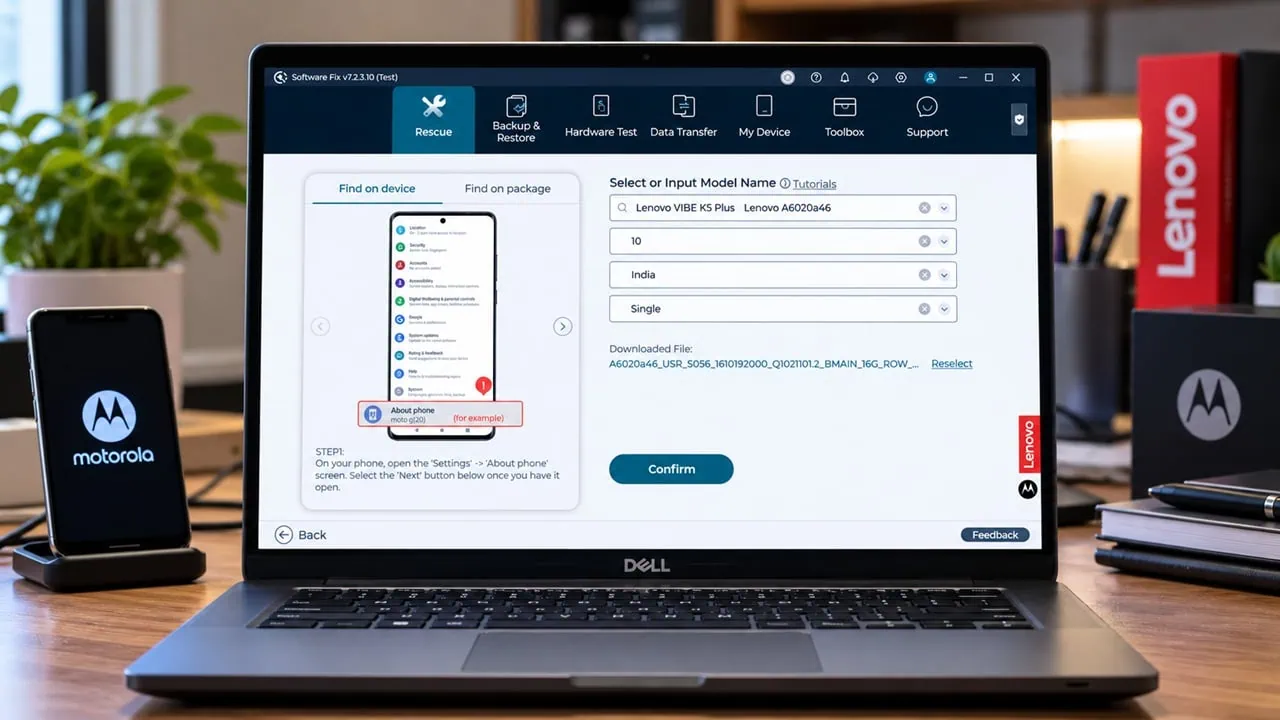
For years, Lenovo and Motorola phones have been recovered using the same official tool. Names have varied, however: RSD Lite was renamed Motorola Device Manager, then later Rescue and Smart Assistant, and now Lenovo calls it simply Software Fix. Whatever the label, this is an official Lenovo Rescue Windows app. It reflashes the right firmware right from Lenovo servers and unbricks Lenovo and Motorola phones from a hard brick.
Current version is 7.6.2.10 and was released for Windows 10 and 11 in July 2026. It supports Lenovo phones, Motorola phones and tablets from Lenovo. Most devices released since 2014 are supported. Besides its famous rescue flow feature, the software also backs up data, transfers to new phones, runs hardware tests and manages files via USB or Wi-Fi.
What Lenovo Smart Assistant Does
| Feature | What It Does |
| Rescue | Reflashes the correct official firmware straight from Lenovo servers; fixes boot loops, logo hangs and other software faults |
| Device management | Connects over USB or Wi-Fi and manages pictures, videos, music, contacts, SMS and files |
| Backup & restore | Saves your data before a rescue and puts it back afterwards |
| Data transfer | Moves contacts, SMS, photos and more from an old device to a new Lenovo or Moto phone, wirelessly or by cable |
| Hardware test | Runs diagnostics on the connected device and reports failing components |
| Driver check & warranty | Installs the right USB drivers and lets you look up warranty status by serial number |
When to Use Software Fix (Rescue and Smart Assistant): Rescue Mode
The official manual lists the situations where the rescue flow is the answer:
- The device does not turn on at all.
- The phone hangs on the Moto or Lenovo logo.
- An app crash loop or slow response that a factory reset has already failed to fix.
- You want to remove a Google account or a payment app before handing the device over.
- You simply want the latest firmware on the device and no update is coming through OTA.
Anything you value should be backed up first – the tool has a dedicated Backup & Restore module for exactly this reason.
Download Lenovo Smart Assistant
The installer is 145.76 MB and carries the version tag v7.6.2.10. Grab it from the link below, unzip it, and run the setup file. Supports Windows 10 and Windows 11 64-bit.
How to Rescue a Lenovo or Motorola Device
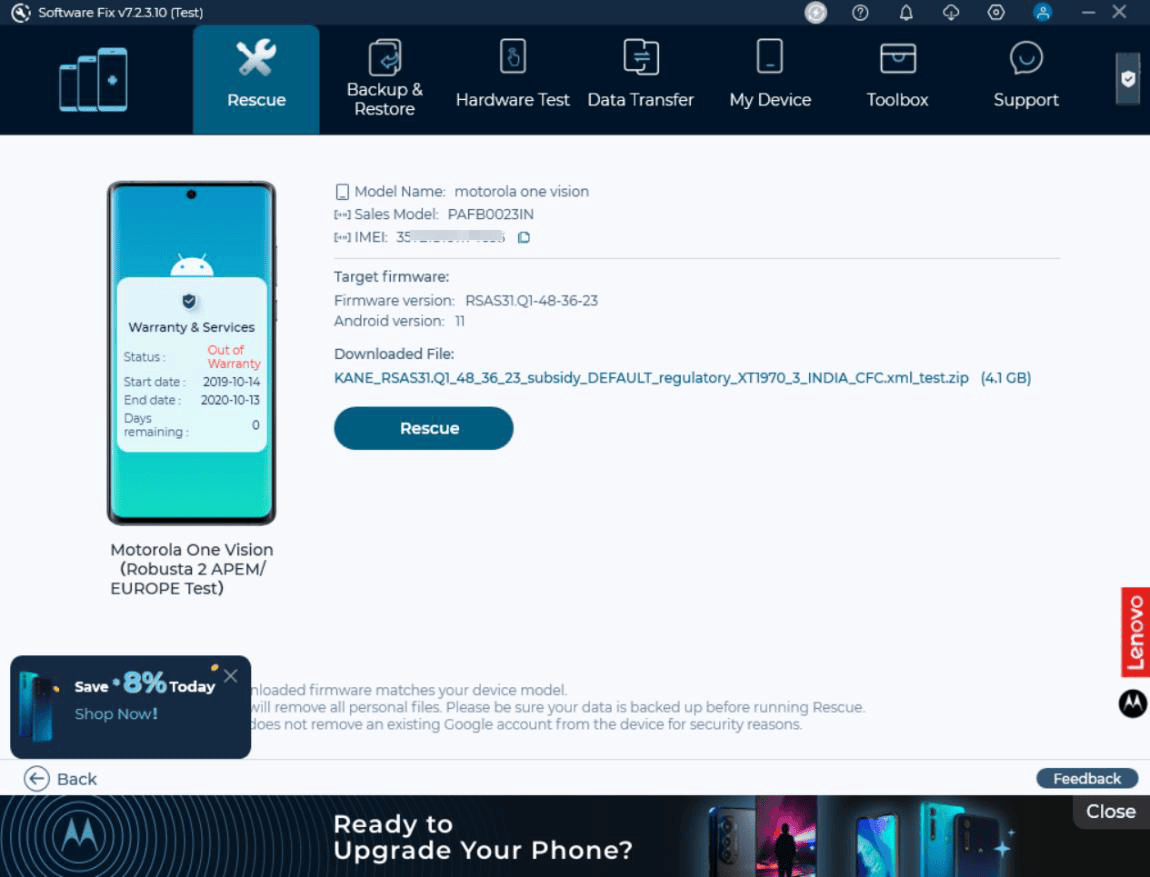
The Rescue Wizard handles rescue flows very easily: simply plug in the device and let the tool match firmware right away. After that, everything else is handled. For phones, it recovers the device mode via fastboot or Wi-Fi recovery mode; for tablets, it matches the right firmware using the serial number.
Install and Check Drivers
- Run the setup and finish the installation on your Windows 10 or 11 PC.
- Open the tool and let the Driver Check plug-in install or update the USB drivers for your device.
- Plug the phone or tablet in over USB and confirm the device appears in the main window.
Pick a Rescue Mode
- IMEI matching (phones) – the tool reads the IMEI and pulls the exact firmware for that unit.
- Fastboot mode (phones) – for devices that still reach the bootloader; the tool boots them into fastboot and flashes the matched firmware.
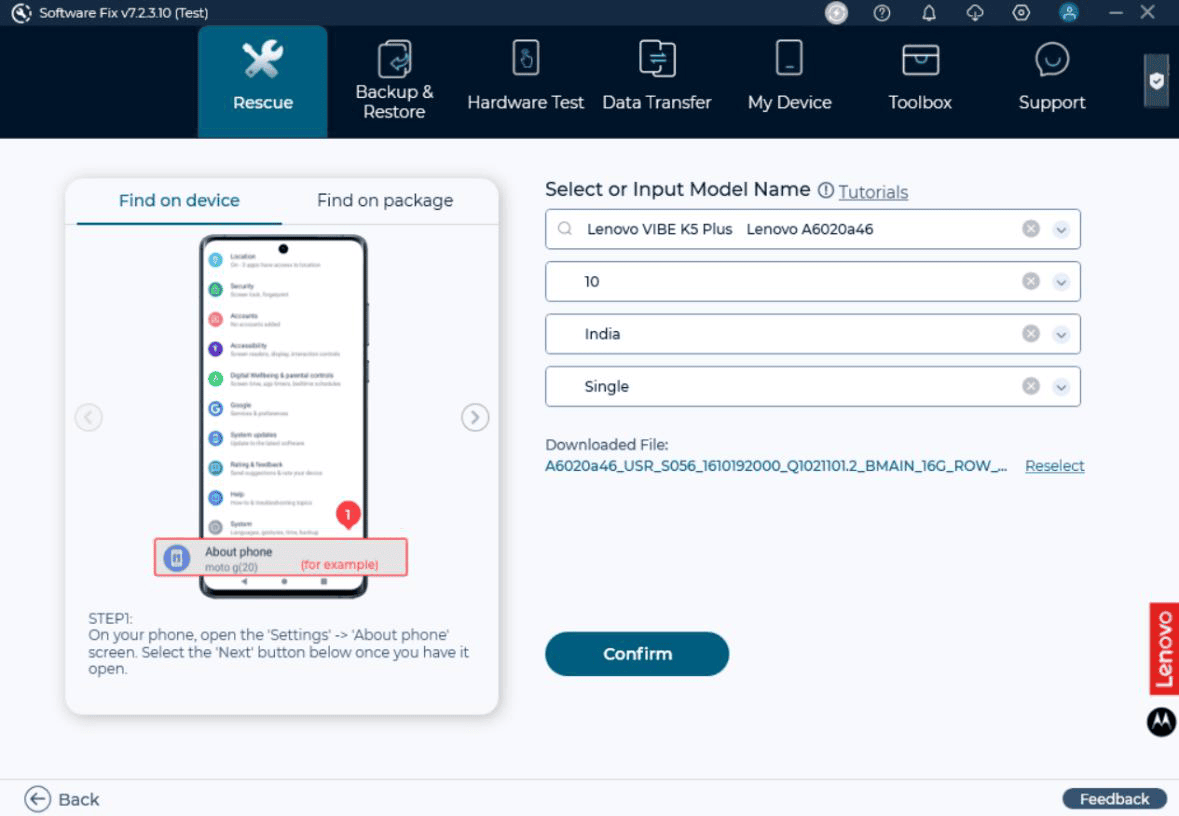
- Manual selection – pick your model and region yourself when automatic matching fails.
- Wi-Fi matching – phones that cannot be recognized over USB can be matched over Wi-Fi instead.
- Tablets – match by serial number or select the model manually.
Run the Rescue
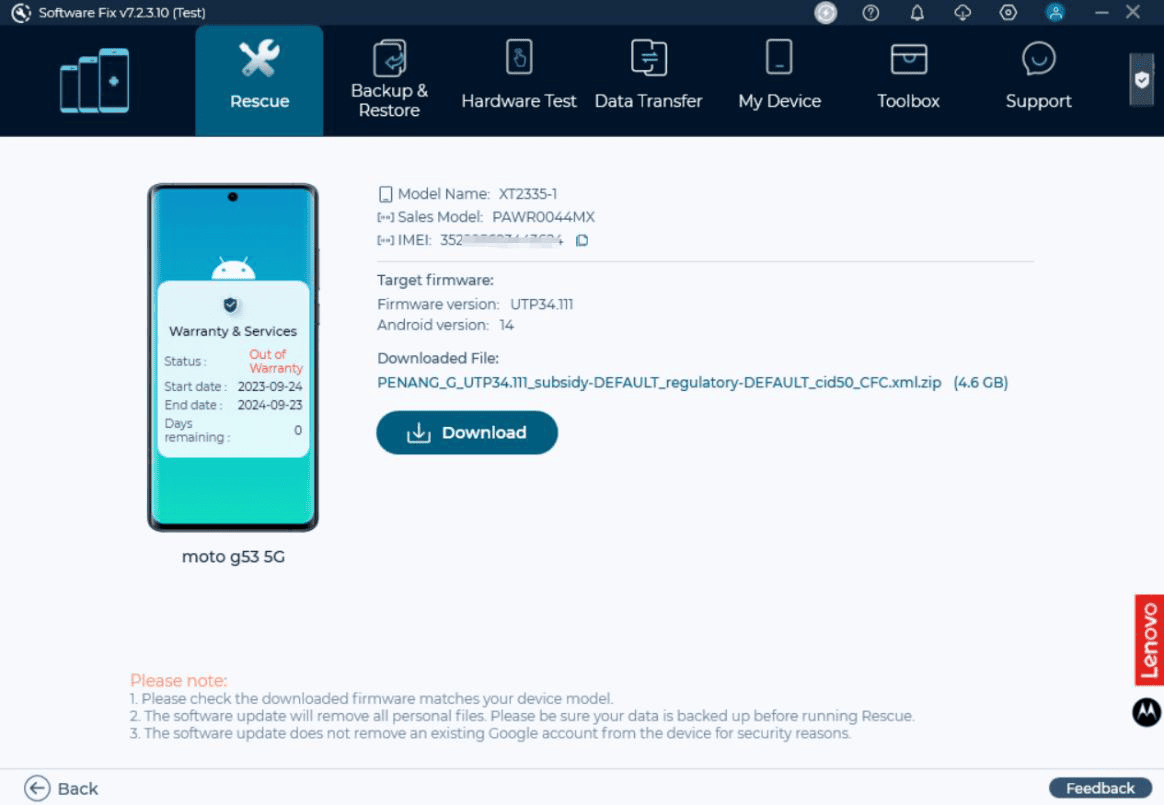
- Confirm the matched firmware in the summary screen – the tool downloads it from Lenovo servers on the spot.
- Leave the USB cable connected and keep the phone screen on while the flash runs.
- Wait for the success screen, then let the device reboot normally.
Troubleshooting
- Unable to match the appropriate firmware – some device info could not be read. Enable USB debugging in developer options, reconnect, and try the fastboot rescue route instead.
- Phone not detected at all – run the Driver Check plug-in again and try a different USB Cable.
- Verizon branded device – Verizon Moto phones sometimes refuse Lenovo firmware; use Verizon’s own Motorola repair assistant for those.
- Rescue stops halfway – keep the cable stable, disable USB power saving on the PC, and start the rescue again – it resumes cleanly.
- Older tablet models – the tool covers devices from around 2014 onward; anything older needs the classic RSD Lite Tool.