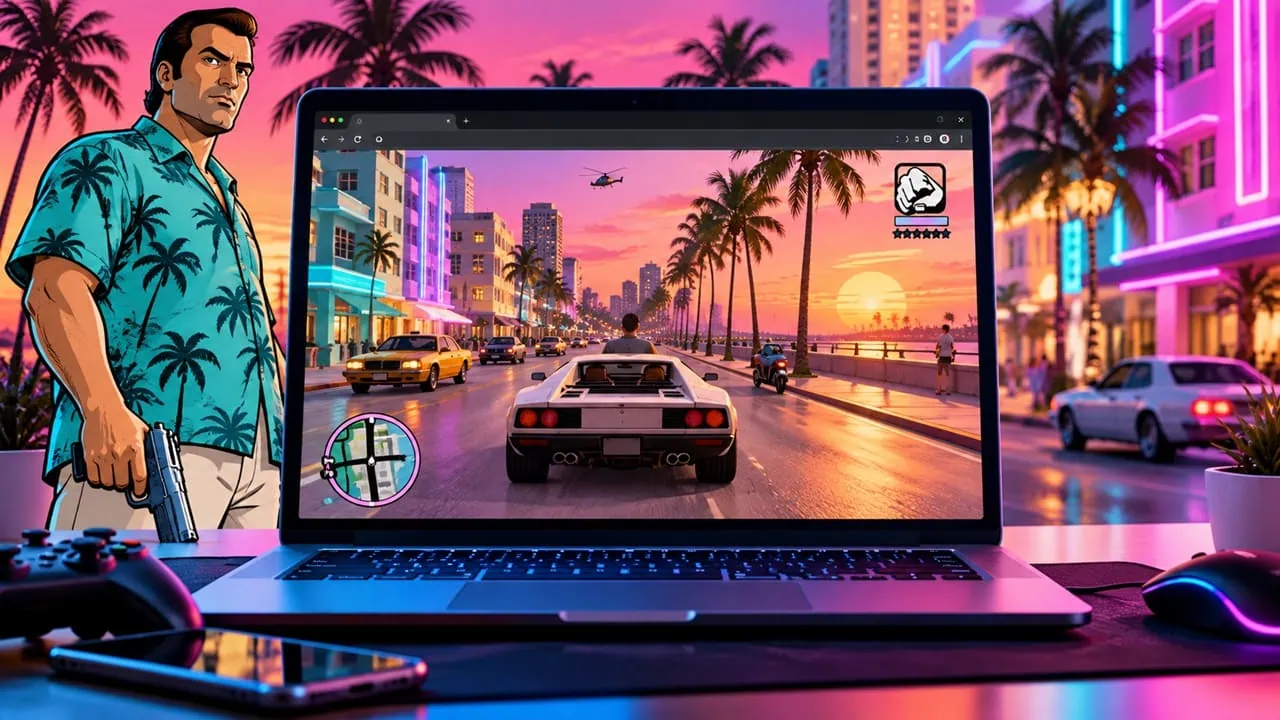
A week after GTA 5 appeared shocking by loading directly into browser tabs, Vice City is doing the same thing and this setup is even more impressive. The full 2002 game runs inside browsers now directly; no downloads, no install and no account to make. It works on Windows, Mac and Android and the same URL works even on a phone. Miami 1986 open in a tab. And here’s how to play GTA Vice City in browser – step by step, no download involved.
The project runs the real game on the revcDOS codebase, which is built on the reverse-engineered reVC engine rewritten to run in WebAssembly. Assets stream in as you drive instead of downloading a multi-gigabyte package up front, so the first load is seconds, not a wait. Because reVC is open source reverse engineering rather than copied proprietary code, this is also one of the few browser projects with a solid legal footing – a big reason Vice City and GTA III are returning to browsers after earlier versions got pulled years ago.
What You Need to Play GTA Vice City in Browser
- Chrome, Edge, Brave or any modern desktop browser
- Hardware acceleration enabled in browser settings (required, see troubleshooting)
- Around 4 GB of RAM
- Keyboard and mouse, a gamepad, or just a phone screen – your call
How to Play GTA Vice City in Your Browser
- Open quenq.com/apps/vice-city/ in your desktop browser.
- Wait a few seconds for the engine to boot. There is no big initial download – the map and assets stream in as you move around.
- Play with keyboard and mouse using the classic Vice City controls. WASD moves, space jumps, and the standard GTA layout from the original game applies.
- On a phone, use the on-screen touch controls. Landscape mode with full screen gives the best mobile experience.
- If physics start acting strange or a mission gets stuck, open the game menu and change the FPS limit to 30. The original was built for 30 FPS and unlocked frames cause physics bugs on modern hardware.
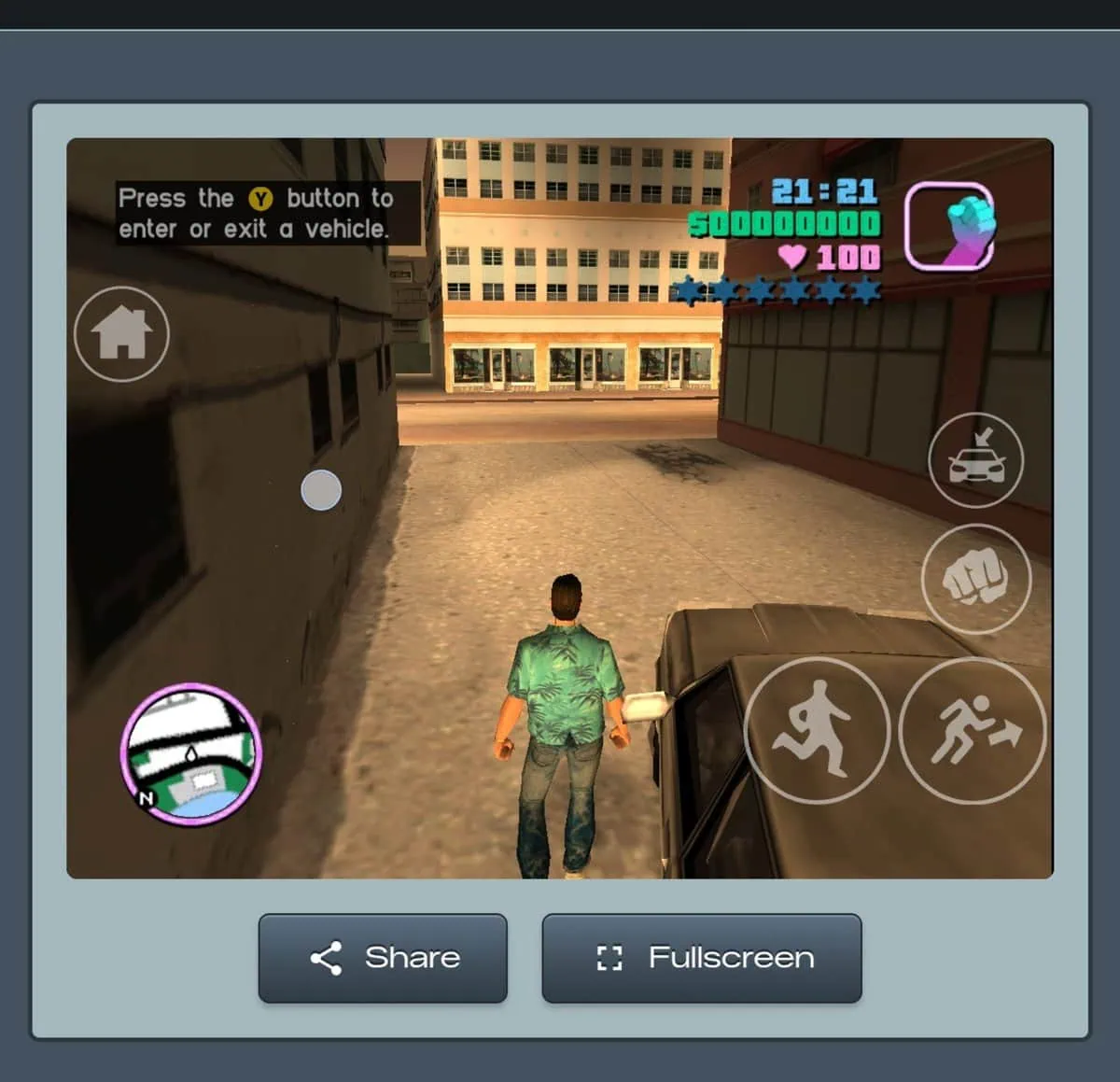
Gameplay
Here’s a gameplay of GTA Vice City players digging through old save files again, this time on the browser build: no signup needed, and both PC and mobile work fine.
GTA vice city is now playable on web browser uisng opus 5.5 Here I am playing GTA vice city on chrome https://t.co/W4DfZdOhT0
— Umair Ali (@buildwithumair) October 6, 2026
A quick note on performance: with the frame rate unlocked, the game runs far faster than the original on modern hardware, and driving feels much smoother, but physics may be affected. Cap the frame rate at 30, and the game performs exactly as in the 2002 classic.
Save Manager – Carry Your Progress
The best feature of this build is the built-in Save Manager. You can upload save files from the PC or PS2 versions to carry on where you left off years ago and download your current browser save as a backup. This way you can start at home, export your save, and then resume the story from your phone. Carrying a Vice City in browser save between PC and phone takes a single export.
Controller Support and Mobile Play
Plug controllers either via USB or Bluetooth and play with proper analog controls on a desktop. On mobile touch controls load automatically; no controller is needed and there is no need to log in. Thanks to built in Save Manager, the same system saves work across both devices too.
Vice City in Browser vs GTA 5 in Browser
This week we covered the GTA 5 experiment as a browser game and the two builds could hardly be more different. GTA 5 port was a miracle thanks to AI going viral and crashing servers and going offline within hours. Vice City in browser is quite different experience: a full game, stable website and open source tools are behind it.
Troubleshooting
- Black screen or nothing loads – enable Hardware Acceleration in your browser settings and restart the browser. The WebAssembly engine needs the GPU to render the 3D world.
- Physics feel wrong or missions fail – the game is running at an unlocked frame rate. Set the FPS limit to 30 in the game menu.
- Phone overheating or battery draining – restrict the frame rate to 30 or 60 in the menu to cut the load.
- Controller not detected – check the USB or Bluetooth pairing, then reload the page and press a button on the controller.
- Slow streaming on mobile – stay on a stable Wi-Fi connection; the map streams while you play.
Every few years the web reminds us of what is truly possible in a browser tab. Loading Vice City with its full world of neon lights seamlessly without download or signup is one of those moments. It also stands out as one browser port that might really stick, because of the open-source engine powering it. Whether you want to relive nostalgia or just finally get around to finishing a story you left in 2003, the game is just a tab away.