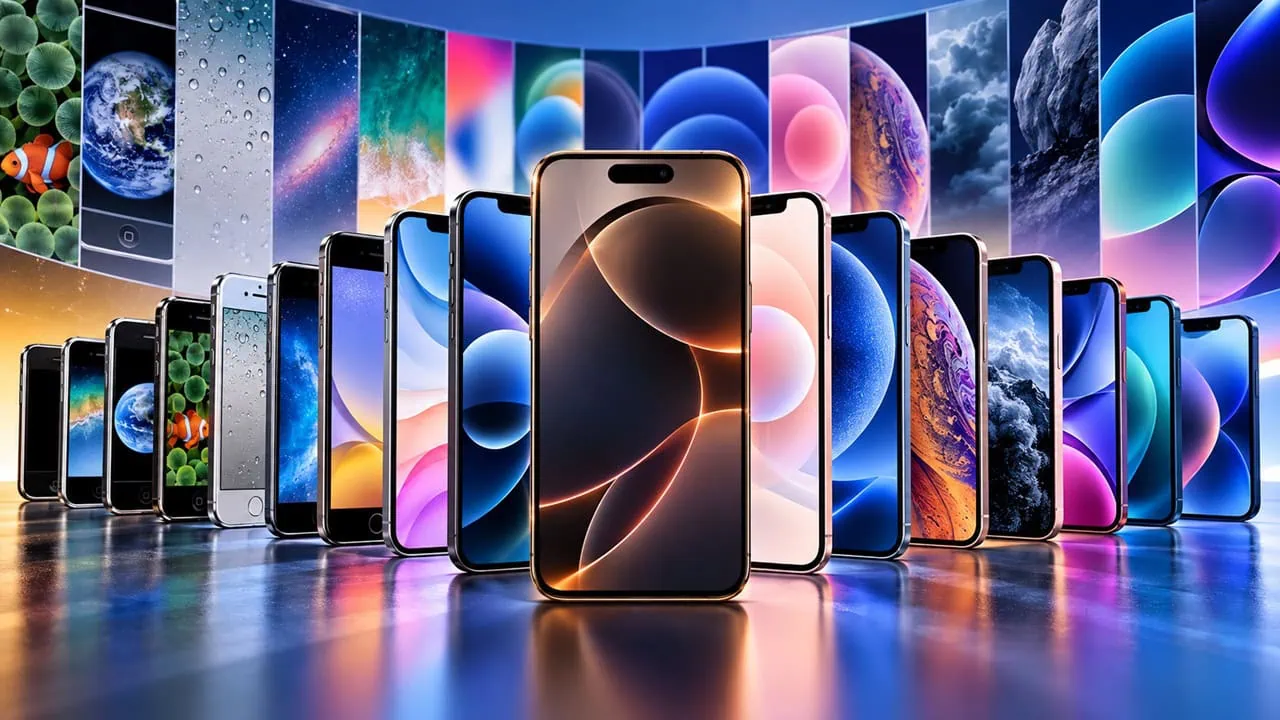
Apple has shipped wallpaper sets with every iPhone since 2007, and most of those wallpaper sets are hard to find now. This guide gathers an entire collection of stock wallpapers from iPhones into one place, from the underwater scene of the first iPhone right up to the most recent 2026 flagship models. Every set is included with a fresh preview and direct download links of iPhone Stock Wallpapers, so you can bring back the screensaver you recall.
Older iPhone wallpaper sets have disappeared because every new iOS release replaces stock art and Apple never offers them again. That is why this one collection is handy; you can compare different generations side by side and choose ones you like and keep them permanently. We have collected all the Apple iPhone Wallpapers from iPhone 1 to the 2026 iPhone 18, with all the Wallpapers previewe and download links.
Download All Apple iPhone Stock Wallpapers (iPhone 1 to iPhone 18)
Here you can download the first iPhone 1 (1st Generation, 2007) to iPhone 18, iPhone DUO 2026 built-in Stock Wallpapers. We have collected all the wallpapers, and each wallpaper is shared in a zip file, so you can extract the wallpapers easily on your phone.
iPhone 1 Wallpapers & iPhone 3G Wallpapers
It all started with the 2007 iPhone, whose stock set was built around the famous underwater scene. The iPhone 3G that followed a year later used the very same collection, so the two devices share the same iconic wallpapers.
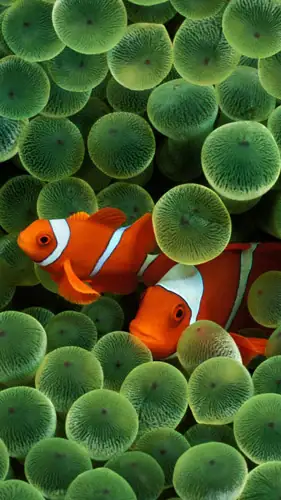
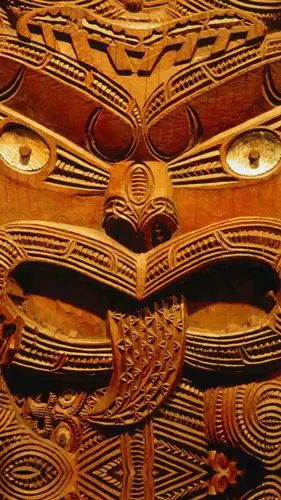
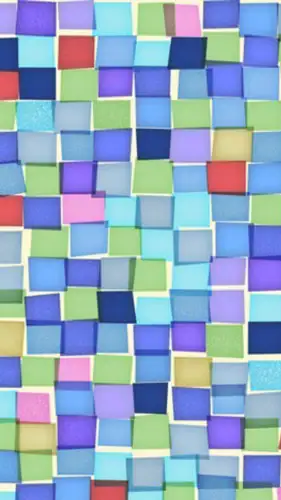
Download iPhone 1 Wallpapers & iPhone 3G Wallpapers – devdrive.cloud
iPhone 3GS Wallpapers
The 2009 iPhone 3GS added around nineteen stock wallpapers of its own. Most carry the same calm, nature-heavy mood as the earlier set, with plenty of water and abstract close-up shots.
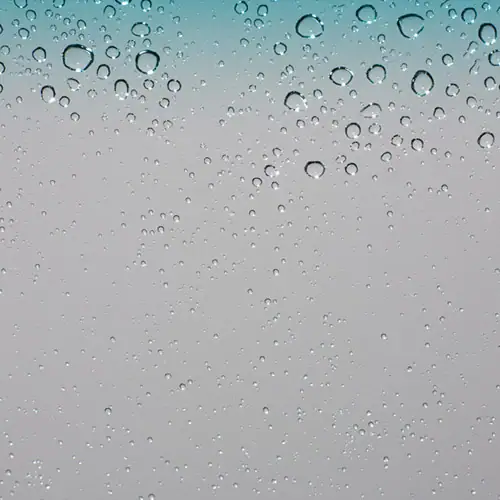

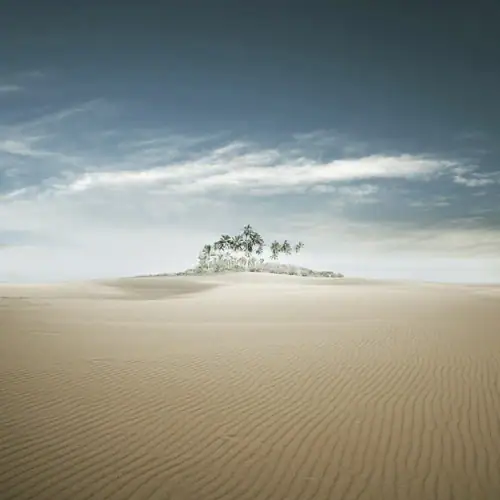
Download iPhone 3GS Wallpapers – devdrive.cloud
iPhone 4 & iPhone 4s Wallpapers
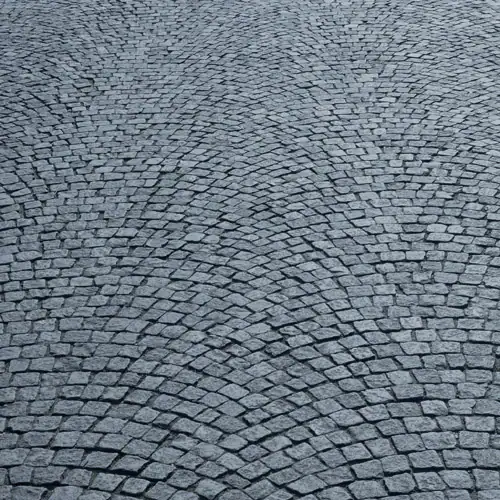
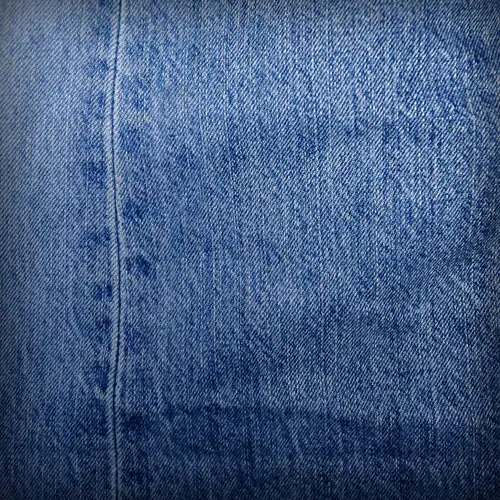
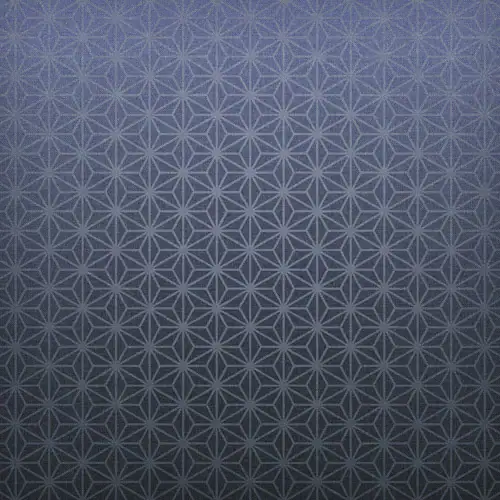
The iPhone 4 brought a much sharper display, and its wallpapers show it. The set introduced water droplet art and colorful abstract walls that still look great on modern phones.
Download iPhone 4 & iPhone 4s Wallpapers – devdrive.cloud
iPhone 5 Wallpapers
The iPhone 5 launched with iOS 6 and its signature water wave wallpaper. The set is small, but every piece in it aged well.



Download iPhone 5 Wallpapers – devdrive.cloud
iPhone 6 Wallpapers
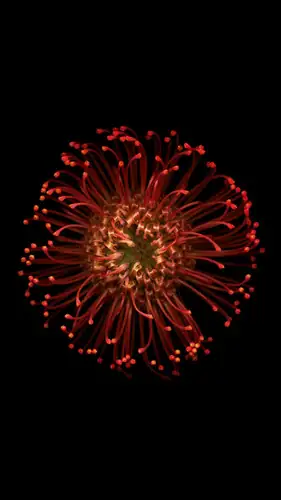
The bigger screens of the iPhone 6 and 6 Plus meant wallpapers could show much more detail. The iPhone 6 collection is one of the largest of the early era, with dozens of colorful abstract designs.


Download iPhone 6 Wallpapers – devdrive.cloud
iPhone 6s (Plus) Wallpapers
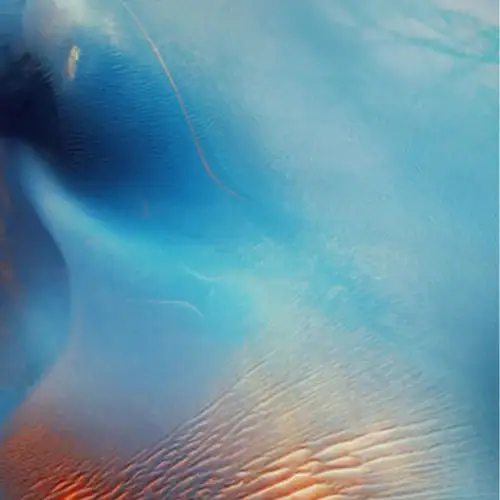
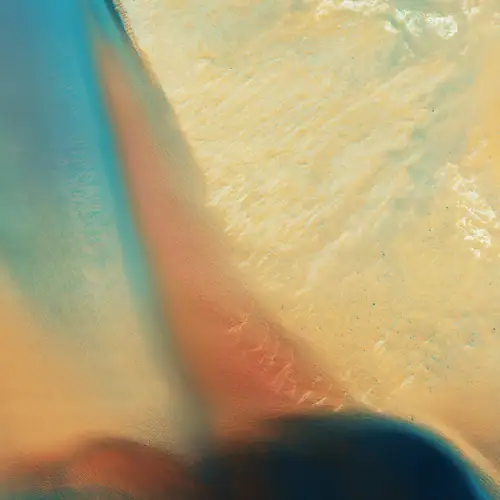
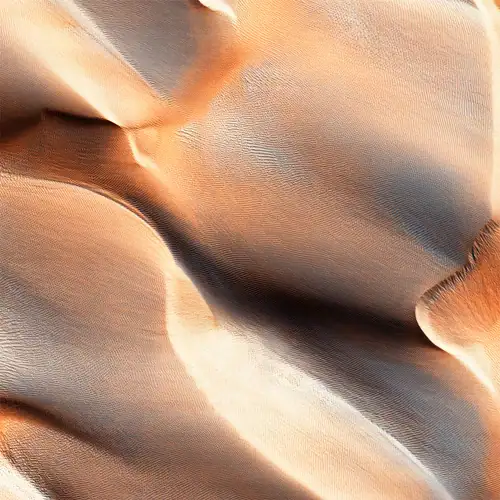
The 6s series was the first iPhone to ship live wallpapers. Around nine of them came preloaded, all in the same gentle abstract style as the rest of the set.
Download iPhone 6s (Plus) Wallpapers + Live Wallpapers – devdrive.cloud
iPhone SE 2016 Wallpapers
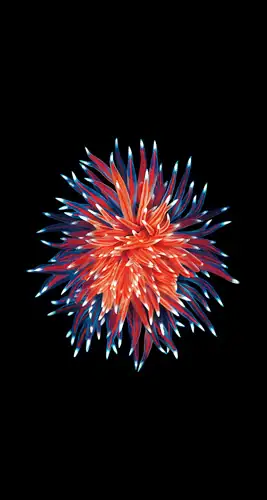
The original 2016 iPhone SE shipped with just four new wallpapers, but they are easy to recognize, soft color palettes built around flower patterns.


Download iPhone SE Wallpapers – iPhone SE 2016 Wallpapers
iPhone 7 Wallpapers
The iPhone 7 set is a single bubble design repeated in different colors and shapes. All 24 wallpapers share the same playful theme.
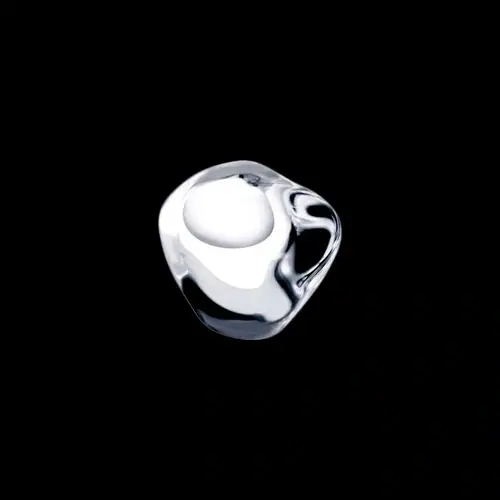
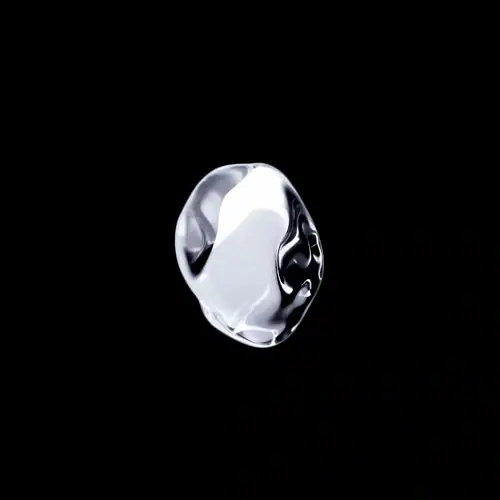
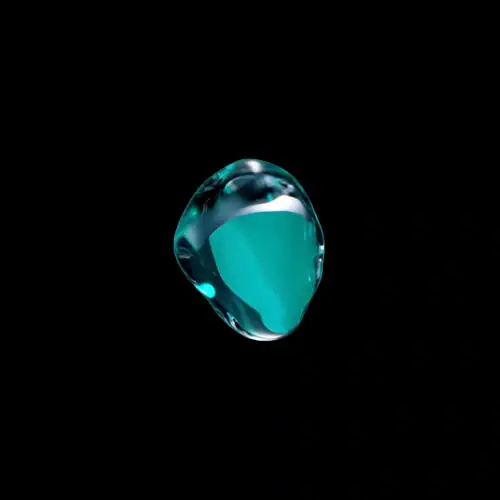
Download iPhone 7 Wallpapers – iPhone 7 and iPhone 7 Plus Stock Wallpapers
iPhone 8 Wallpapers
The iPhone 8 series does not have its own exclusive wallpaper set. The pieces shown here come from the same iOS 11 wallpapers used in Apple’s own promotional shots.
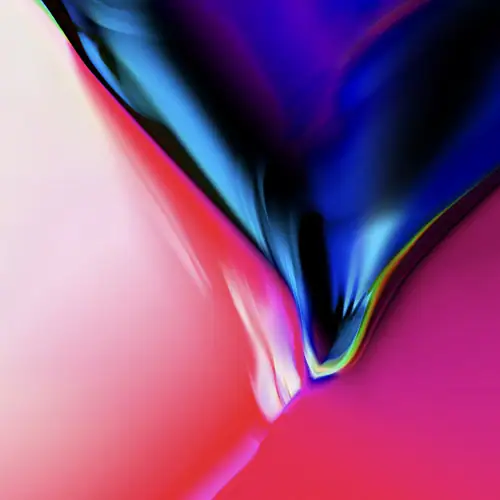
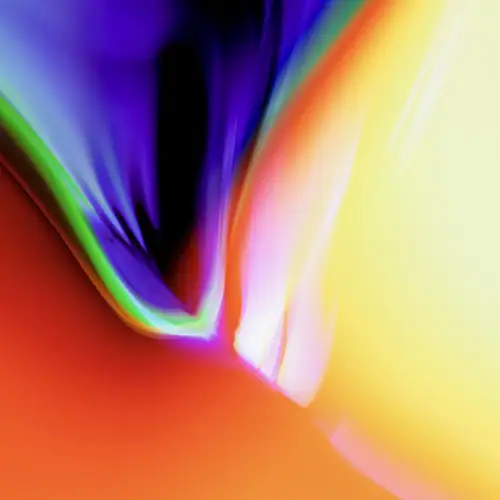
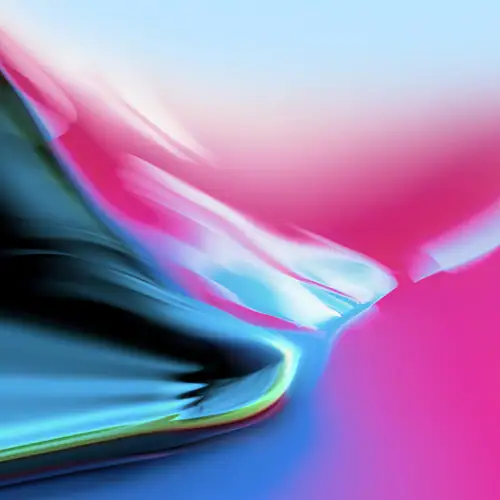
Download iPhone 8 Wallpapers – iPhone 8 Stock Wallpapers
iPhone X Wallpapers
The iPhone X introduced the notch, and its wallpapers became just as famous. The set pairs colorful blur gradients with six live lock screen wallpapers.
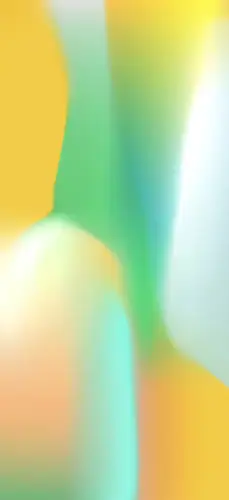
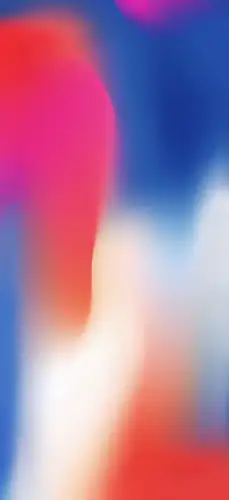

Download iPhone X Wallpapers – iPhone X Stock Wallpapers
iPhone XR Wallpapers
The iPhone XR came in multiple colors, and each one matched a wallpaper of the same shade. Twelve clean, bright pieces make up the collection.
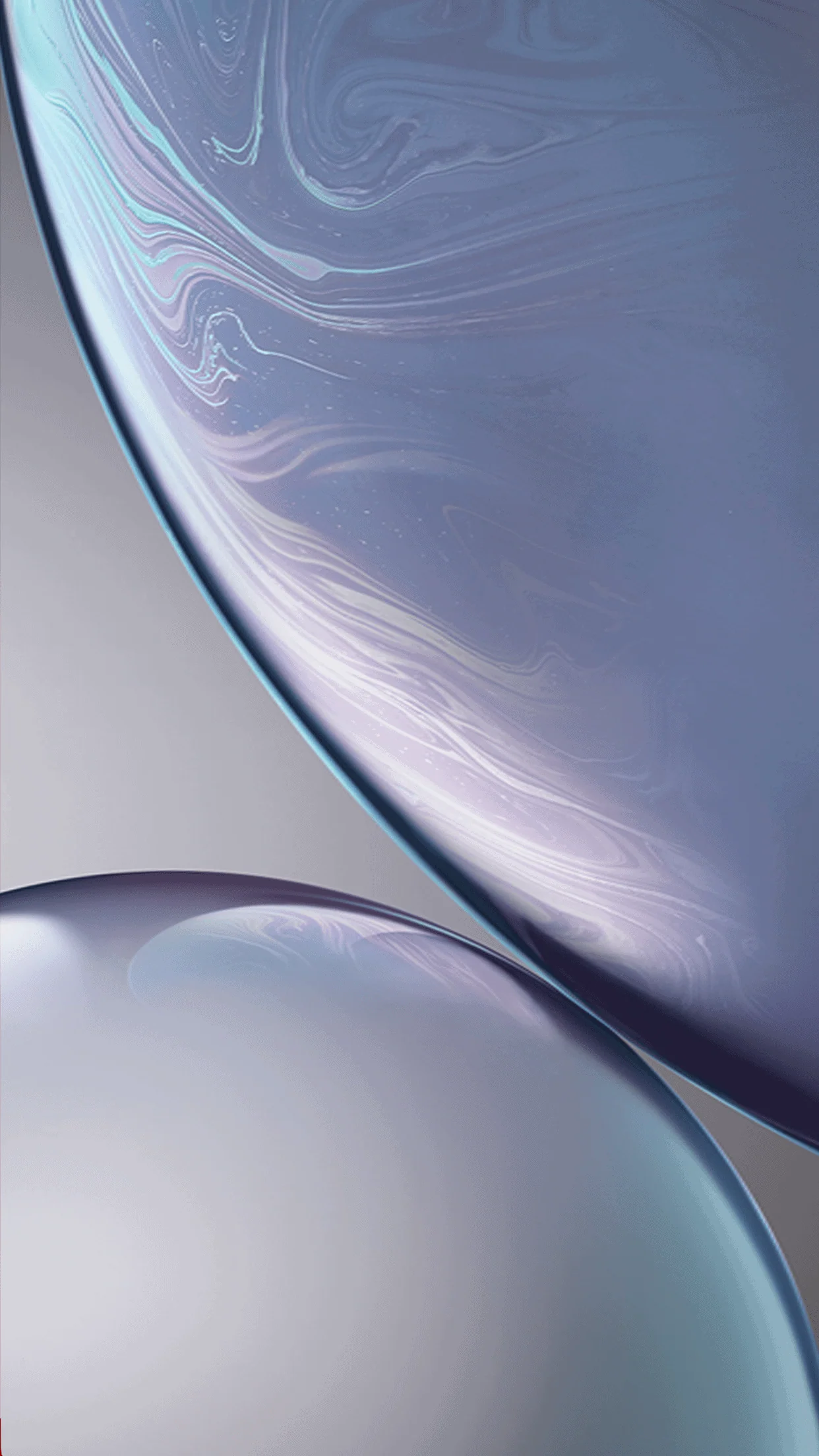
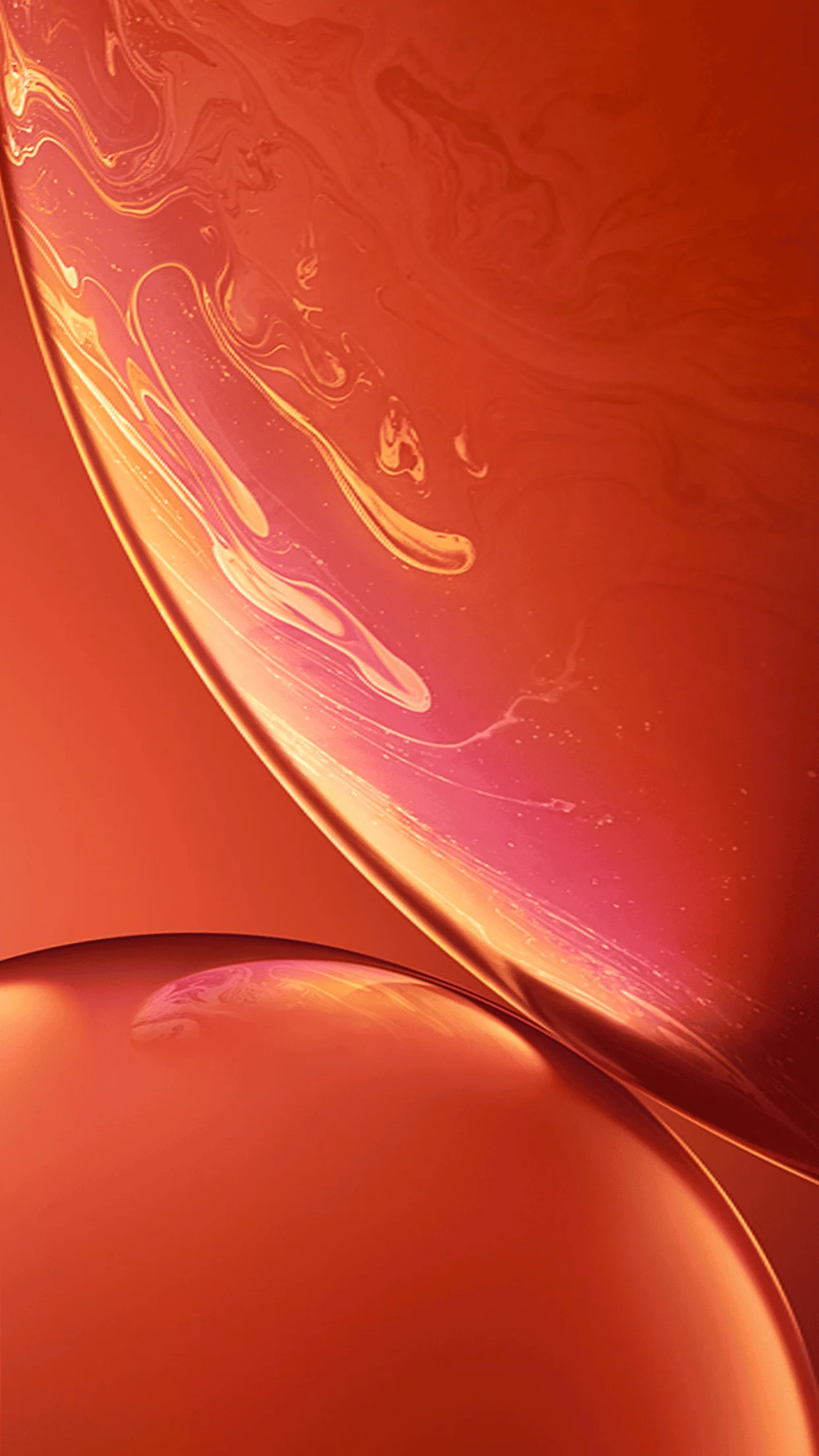
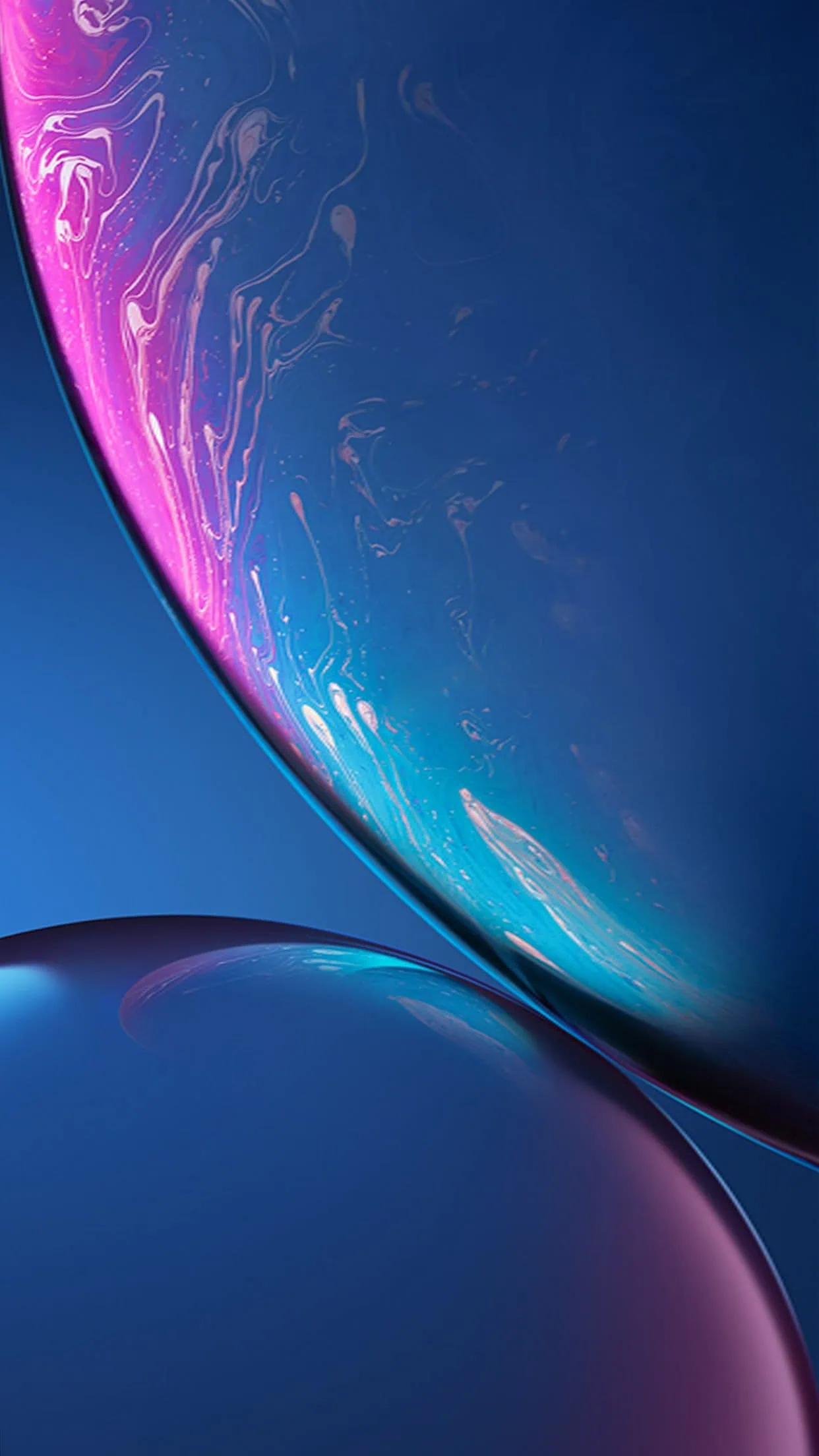
Download iPhone XR Wallpapers – devdrive.cloud
iPhone XS Wallpapers
The iPhone XS set keeps one abstract design and repeats it in three different colorways. The same three designs also exist as live wallpapers.
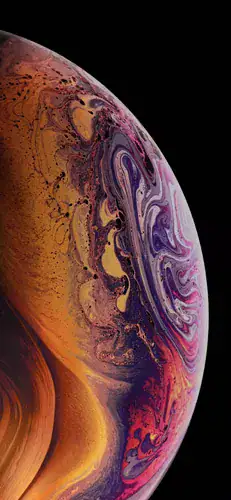
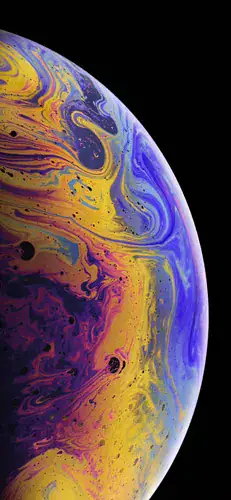
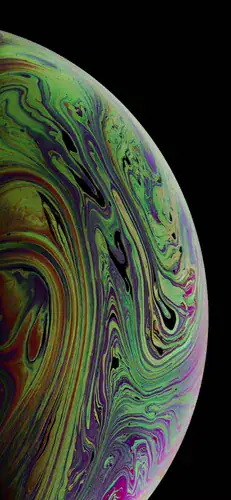
Download iPhone XS Wallpapers – Apple iPhone XS Wallpapers
iPhone XS Max Wallpapers
The XS Max shares the spirit of the XS set, but each wallpaper was remastered for the larger 6.5-inch OLED panel, and the three live versions come along too.
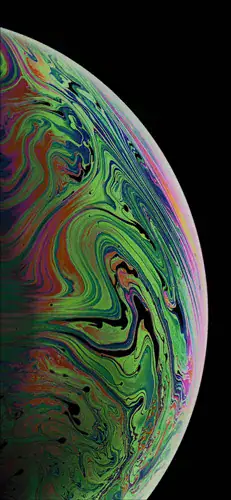
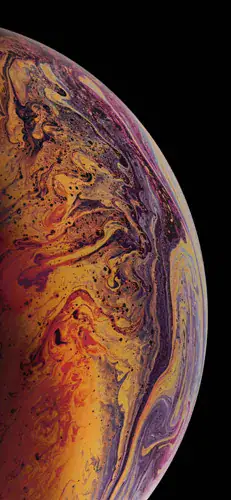
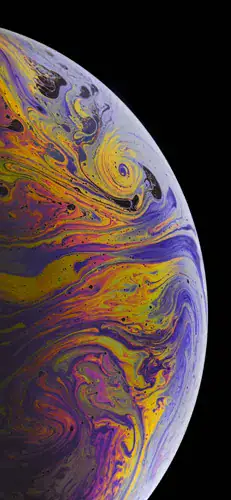
Download iPhone XS Max Wallpapers + Live Wallpapers – devdrive.cloud
iPhone 11 Wallpapers
The iPhone 11 walls introduced a flowing, wavy look no previous iPhone had. The set includes twelve static and twelve live wallpapers.
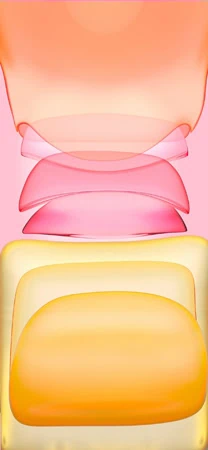
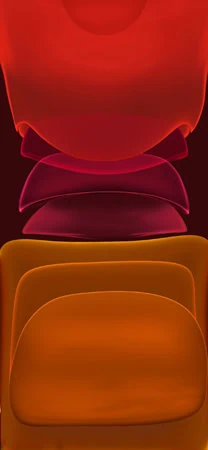
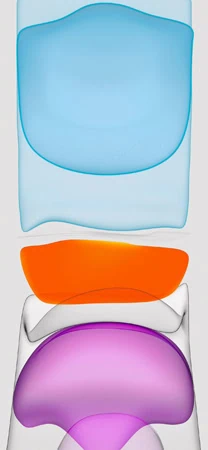
Download iPhone 11 Wallpapers – iPhone 11 Stock Wallpapers | iPhone 11 Live Wallpapers
iPhone 11 Pro (Max) Wallpapers
The 11 Pro shows how differently Apple treats Pro lineup: eight pairs of static and live wallpapers share a single refined abstract idea.
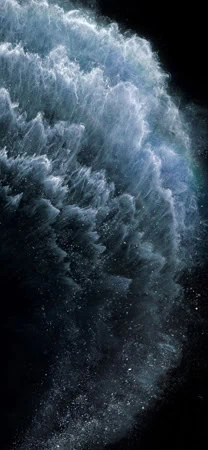

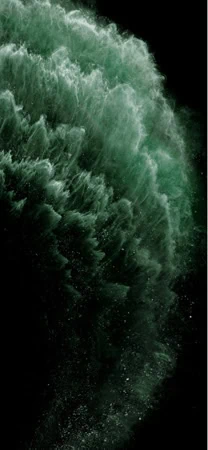
Download iPhone 11 Pro (Max) Wallpapers + Live Wallpapers – devdrive.cloud
iPhone SE 2020 Wallpapers
The second-generation iPhone SE finally got its own wallpaper set. The colorful renditions here are far more modern than the original SE’s four pieces.
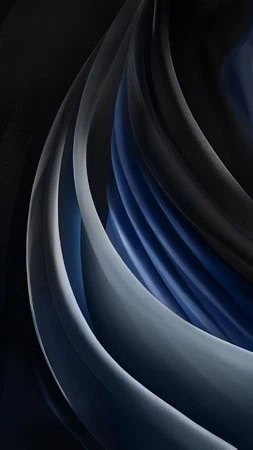
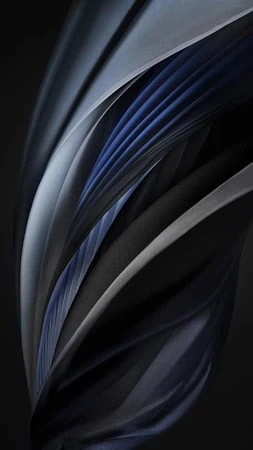
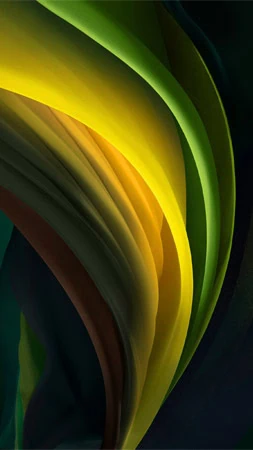
Download iPhone SE 2020 Wallpapers – Apple iPhone SE 2020 Wallpapers
iPhone 12 Wallpapers
The iPhone 12 comes in one clean design with ten static colors and also some that are more lively. Base models have bright and playful surfaces.
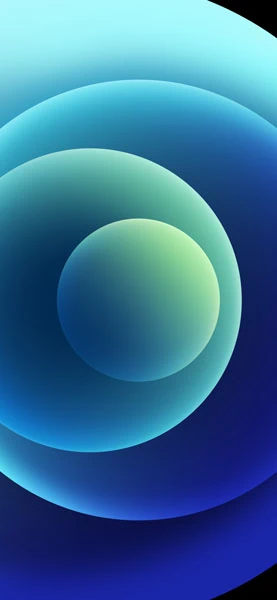
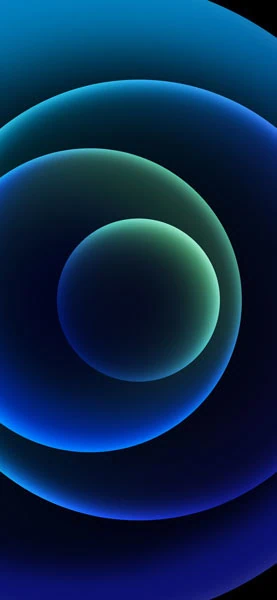
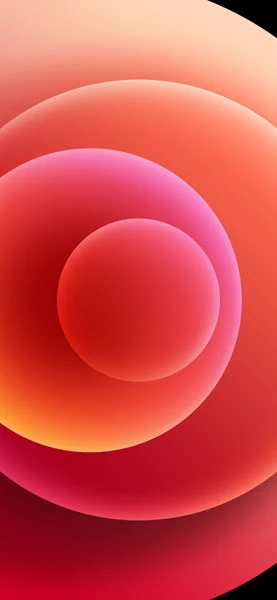
Download iPhone 12 Wallpapers + Live Wallpapers – devdrive.cloud
iPhone 12 Pro Wallpapers
As usual the Pro variant is more reserved: the iPhone 12 Pro comes with eight wallpapers in deep high quality and all are live wallpapers.
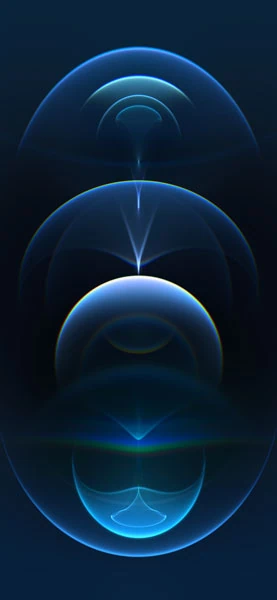
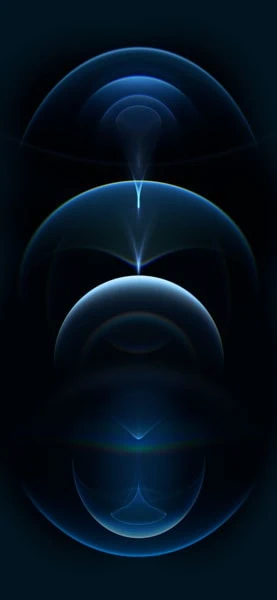
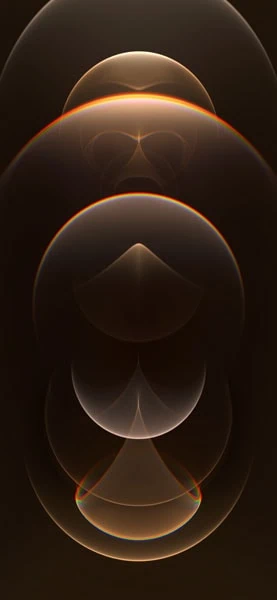
Download iPhone 12 Pro Wallpapers + Live Wallpapers – devdrive.cloud
iPhone 13 Wallpapers
iPhone 13 wallpapers focus on soft gradients and fluid shapes. The collection includes around ten static pieces also featuring live versions for the lock screen.
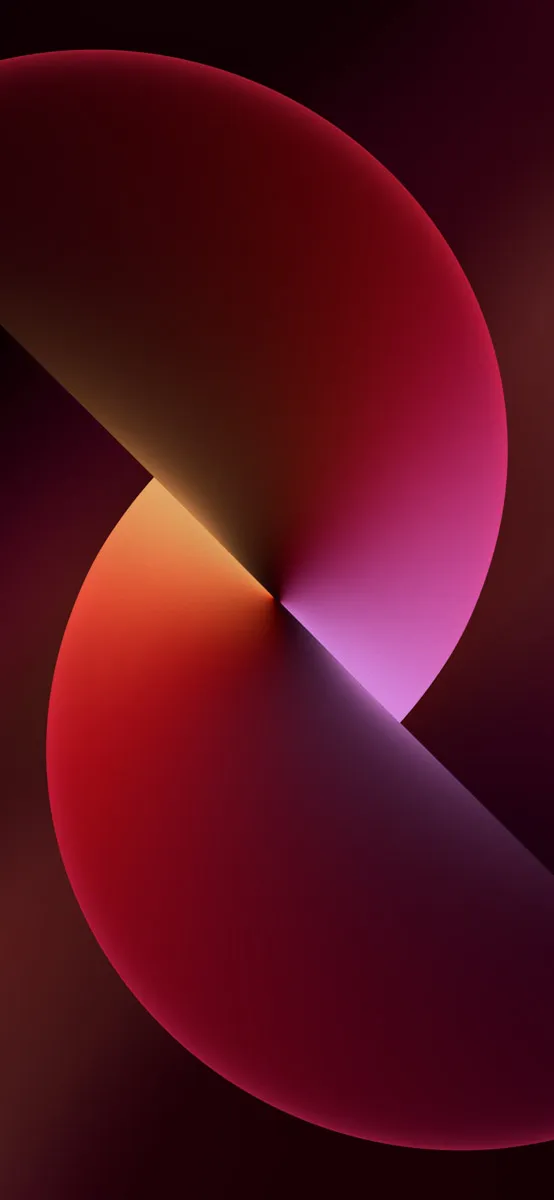
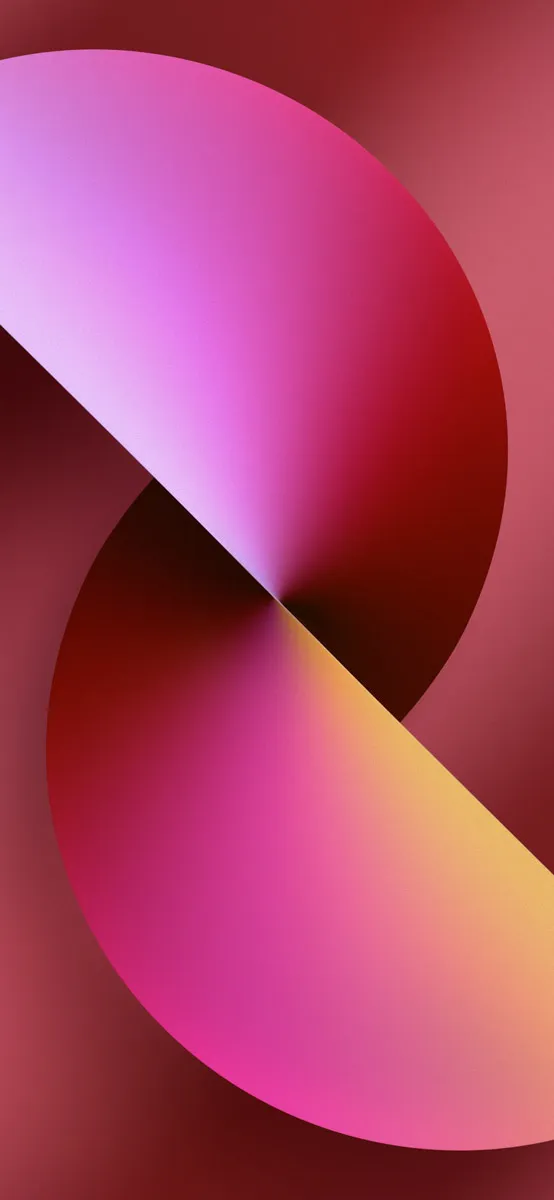
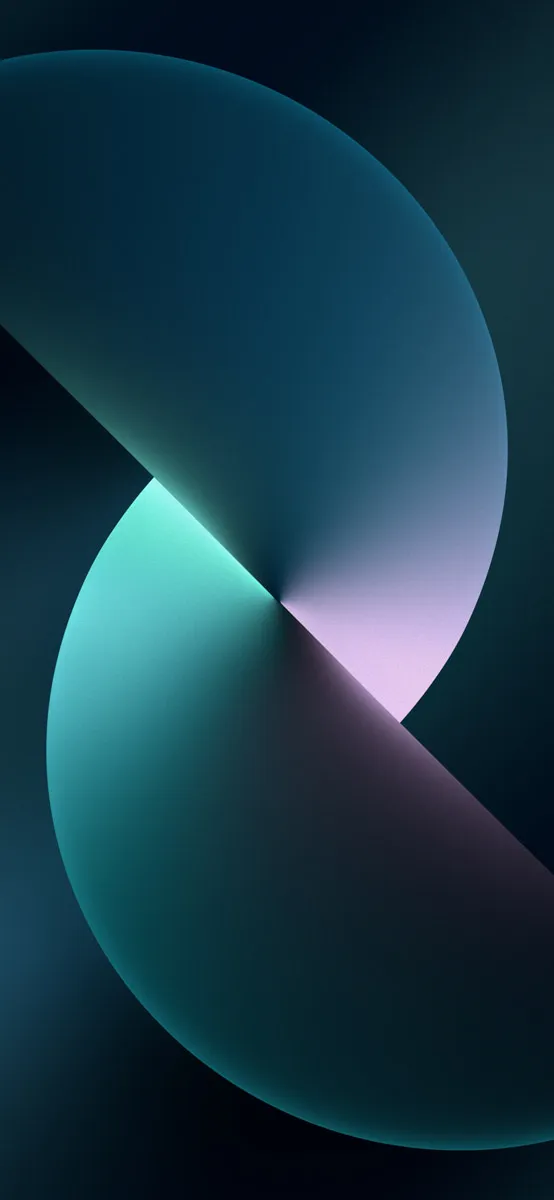
Download iPhone 13 Wallpapers – iPhone 13 Stock Wallpapers
iPhone 13 Pro Wallpapers
The iPhone 13 Pro set keeps the calm, premium mood of the previous Pro generation with another eight color-matched pieces.
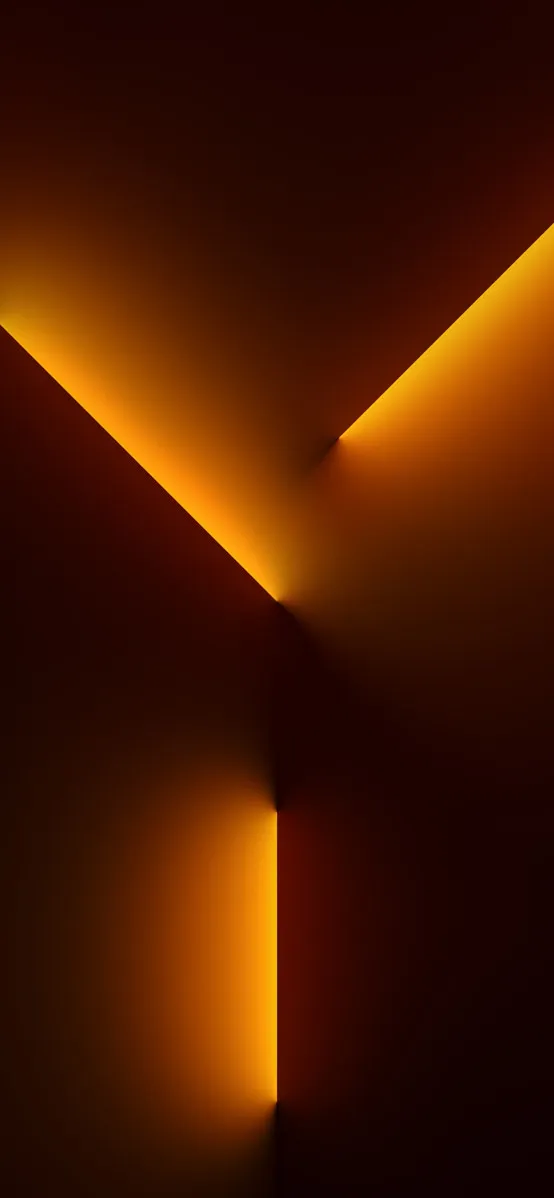
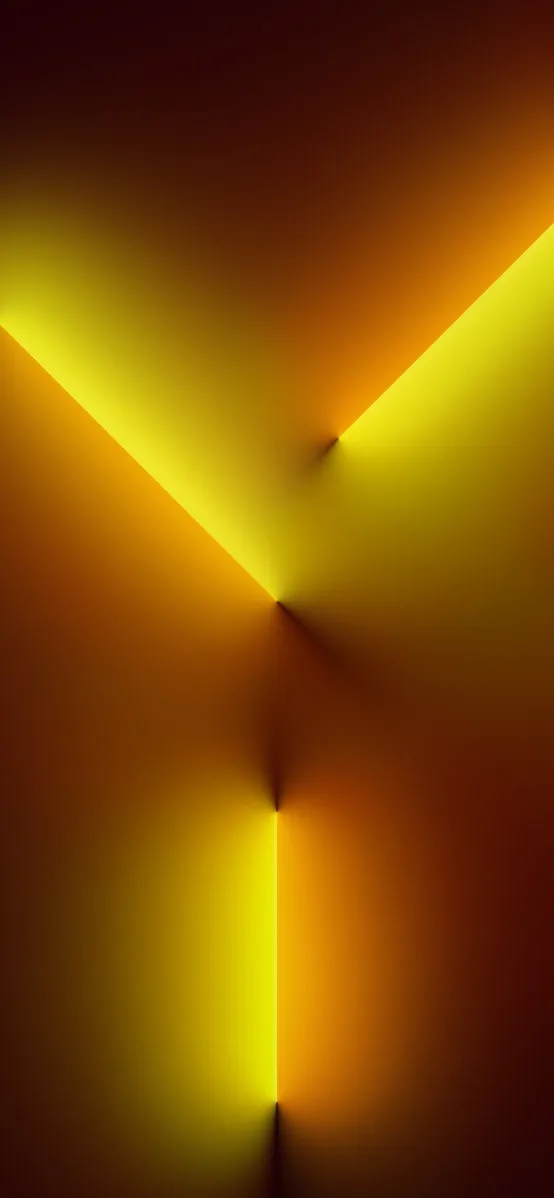
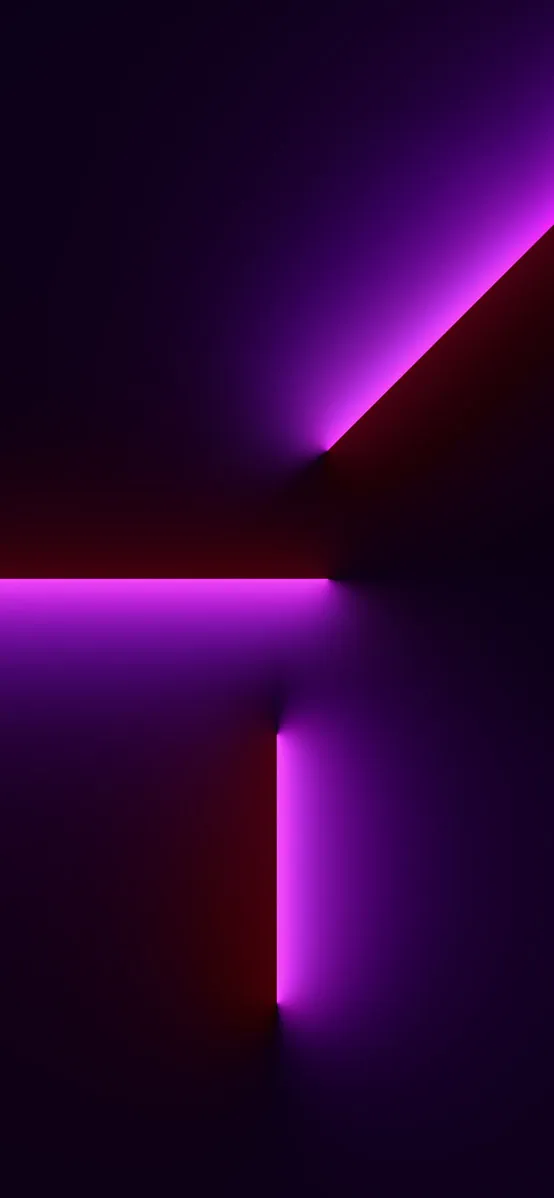
Download iPhone 13 Pro Wallpapers + Live Wallpapers – devdrive.cloud
iPhone SE 2022 Wallpapers
The new iPhone SE reused some proven design elements but it still includes some features that are worth grabbing for older iPhone users.
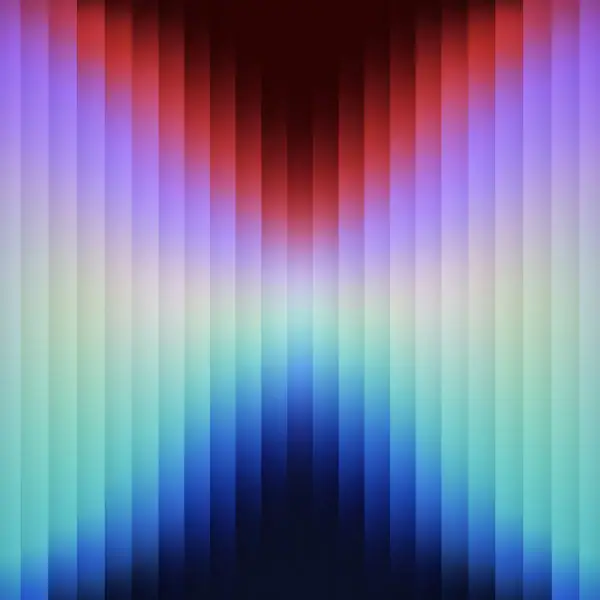
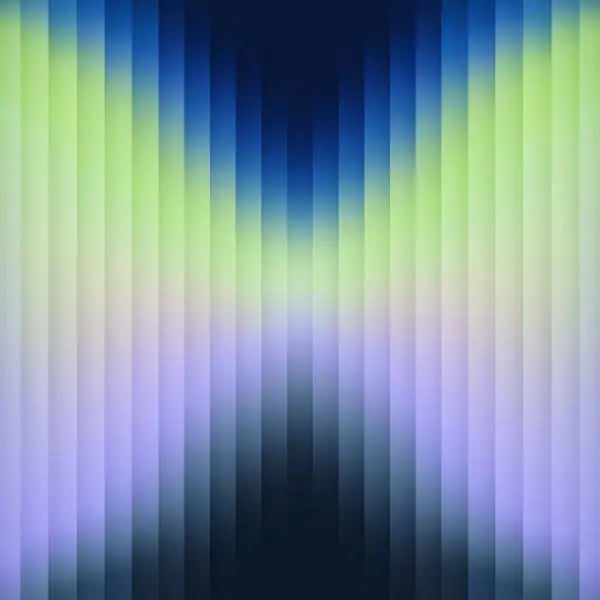
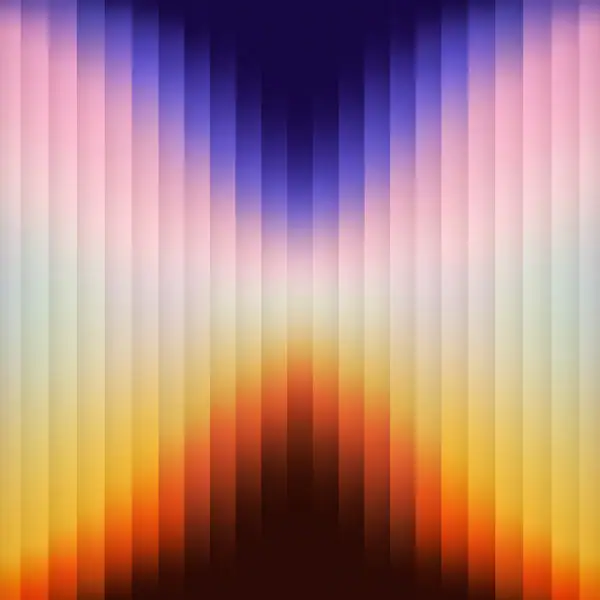
Download iPhone SE 2022 Wallpapers – iPhone SE 2022 Wallpapers
iPhone 14 Wallpapers
The iPhone 14 series wallpapers are bright and bold, with five cheerful color washes that match the device’s finish.
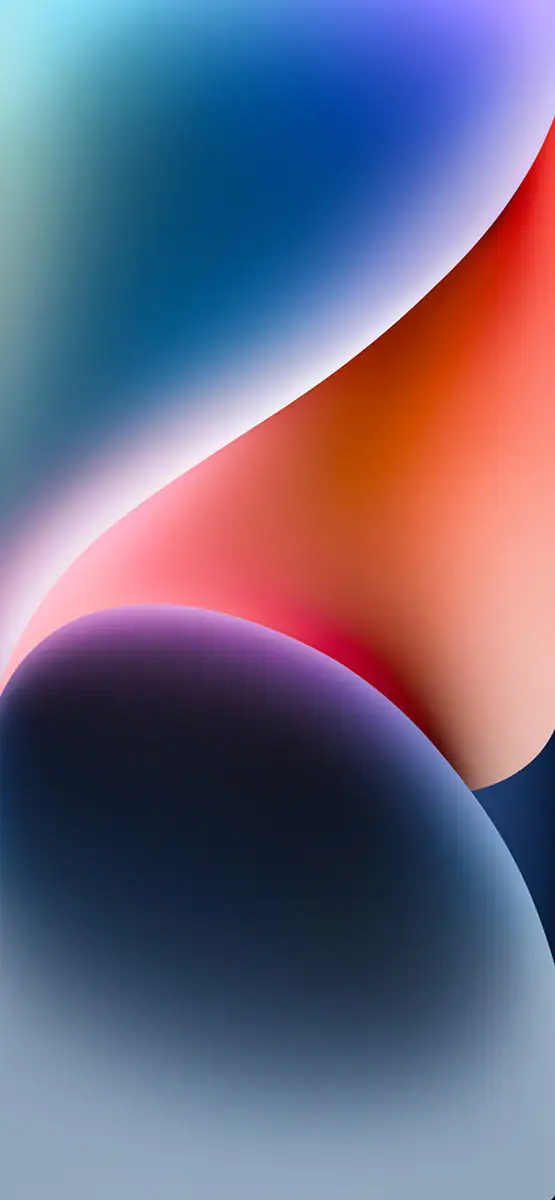
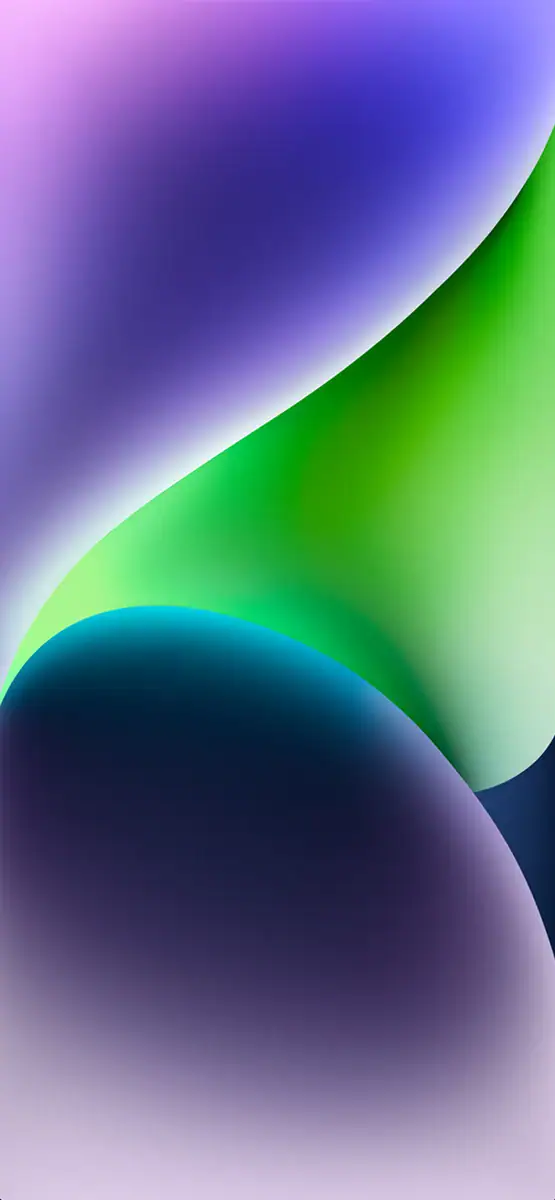
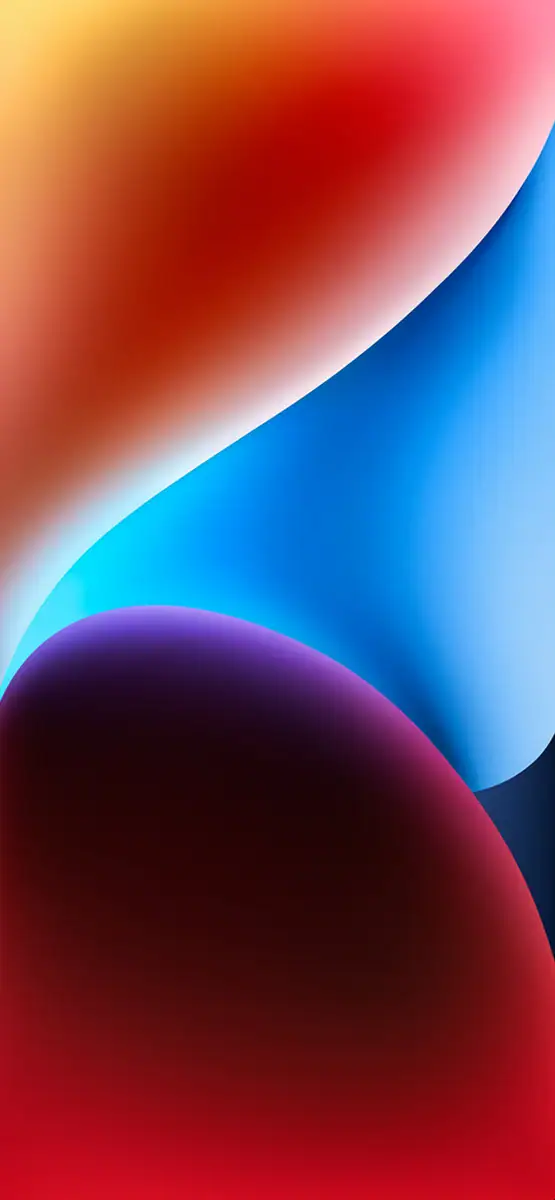
Download iPhone 14 Wallpapers – iPhone 14 Series Stock Wallpapers
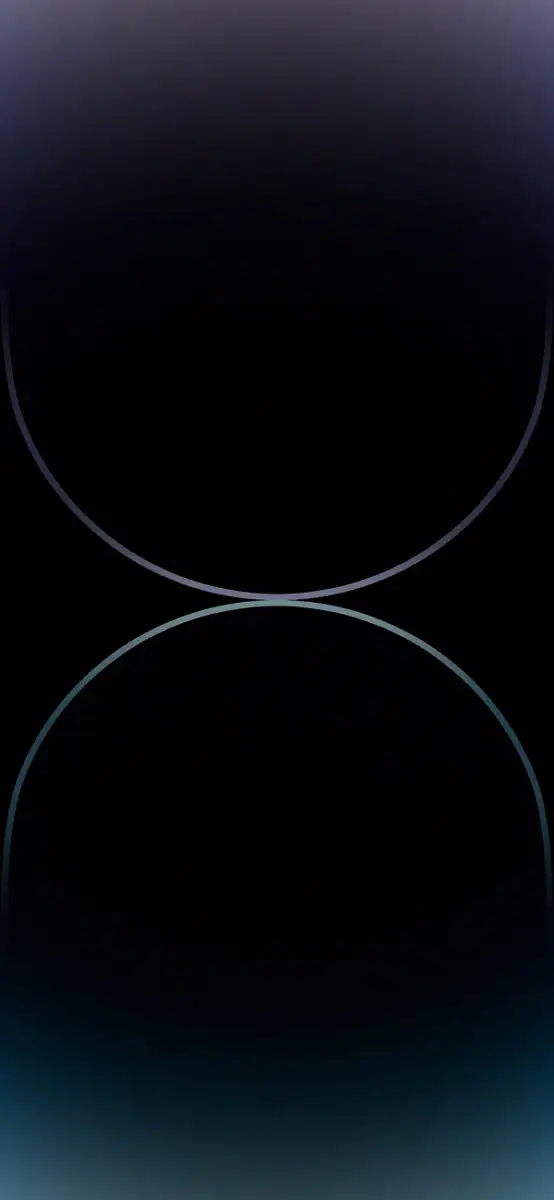
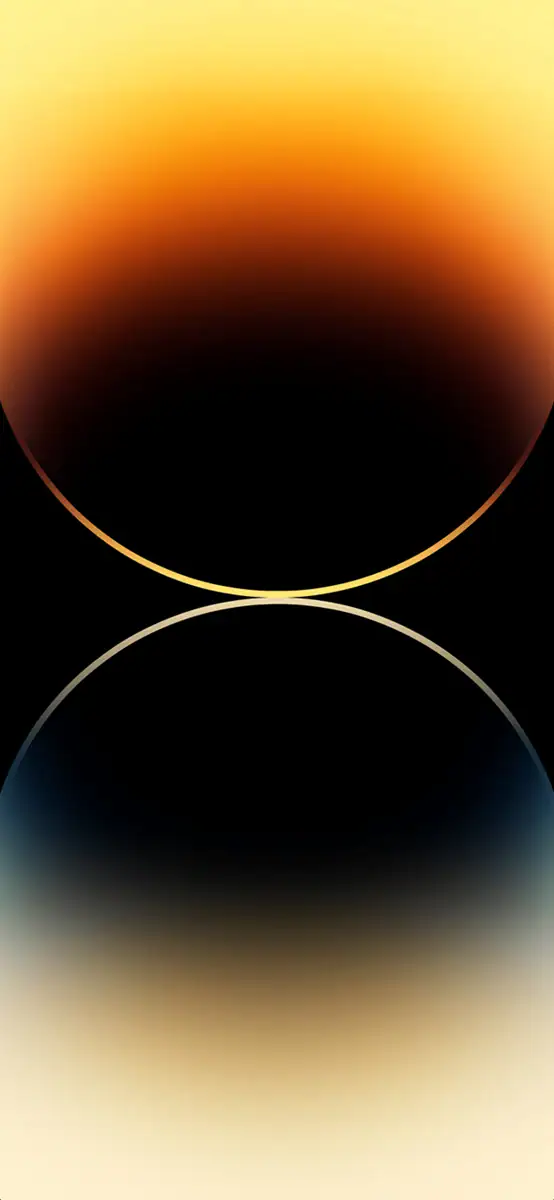
iPhone 14 Pro Wallpapers
The Pro set turned up with ten new pieces, including the famous deep purple and gold. There is also a special set designed for the always-on display.
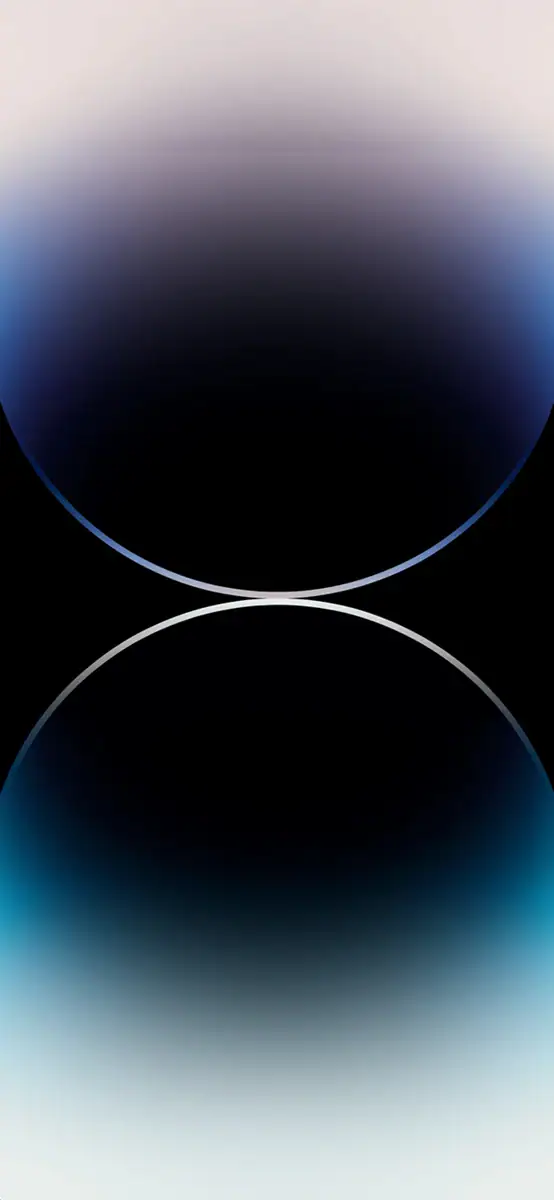
Download iPhone 14 Pro Wallpapers – iPhone 14 Series Stock Wallpapers
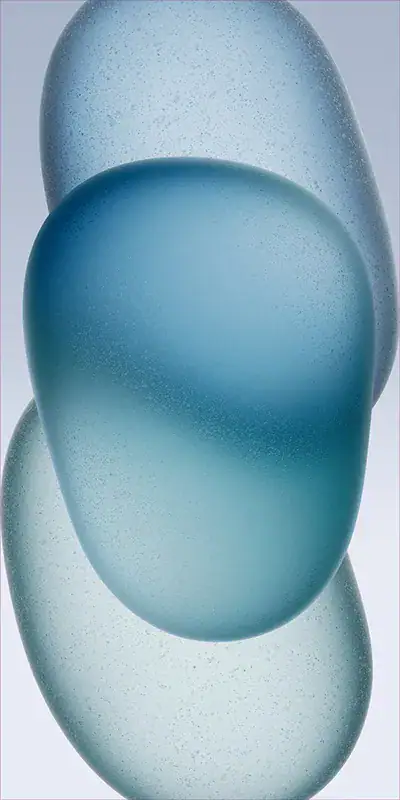
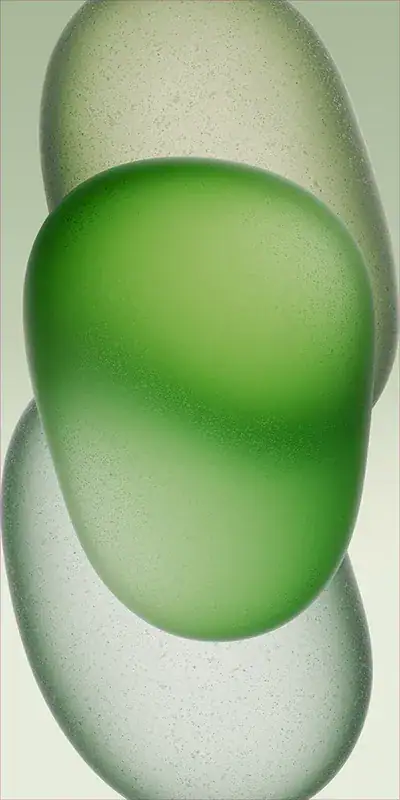
iPhone 15 Wallpapers
The iPhone 15 walls stick with vivid hues: pink, blue, green, yellow and black. Simple, clean, and very easy on the eyes.

Download iPhone 15 Wallpapers – iPhone 15 Series Stock Wallpapers
iPhone 15 Pro Wallpapers
Four titanium-toned wallpapers, Natural, Blue, White and Black Titanium, give the 15 Pro a premium, understated lock screen.
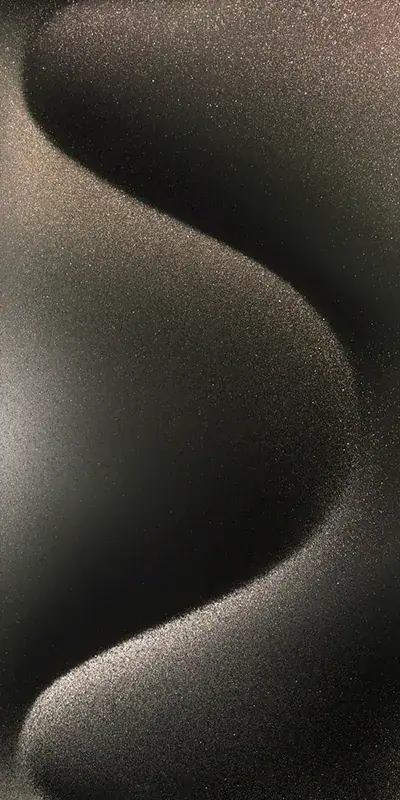
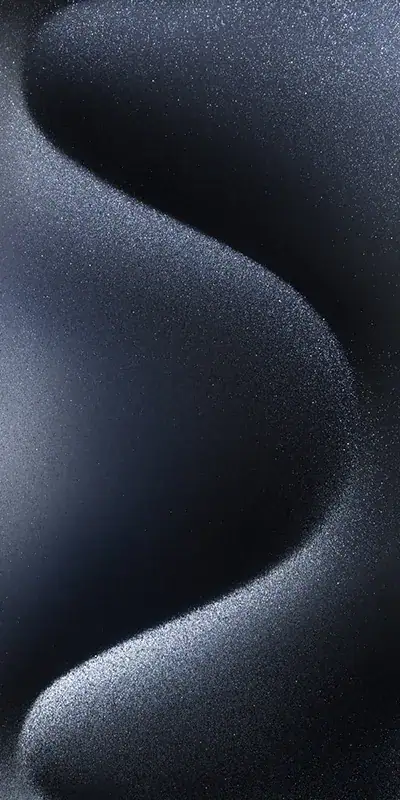
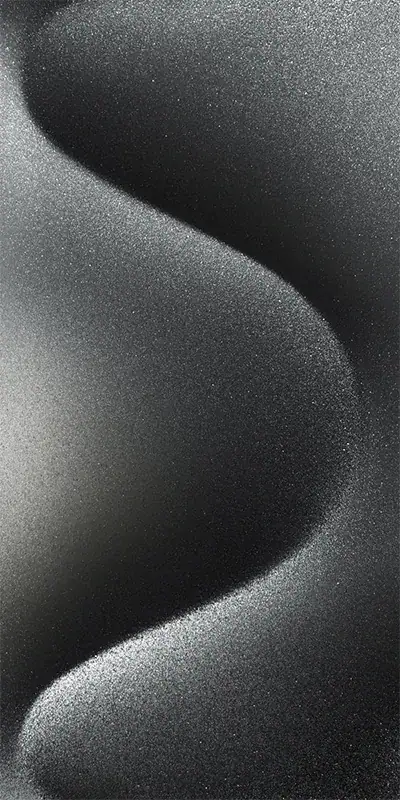
Download iPhone 15 Pro Wallpapers – iPhone 15 Series Stock Wallpapers
iPhone 16 Wallpapers
Five wallpapers in ultramarine, teal, pink, white and black came with the iPhone 16, keeping the colorful house style of the series.
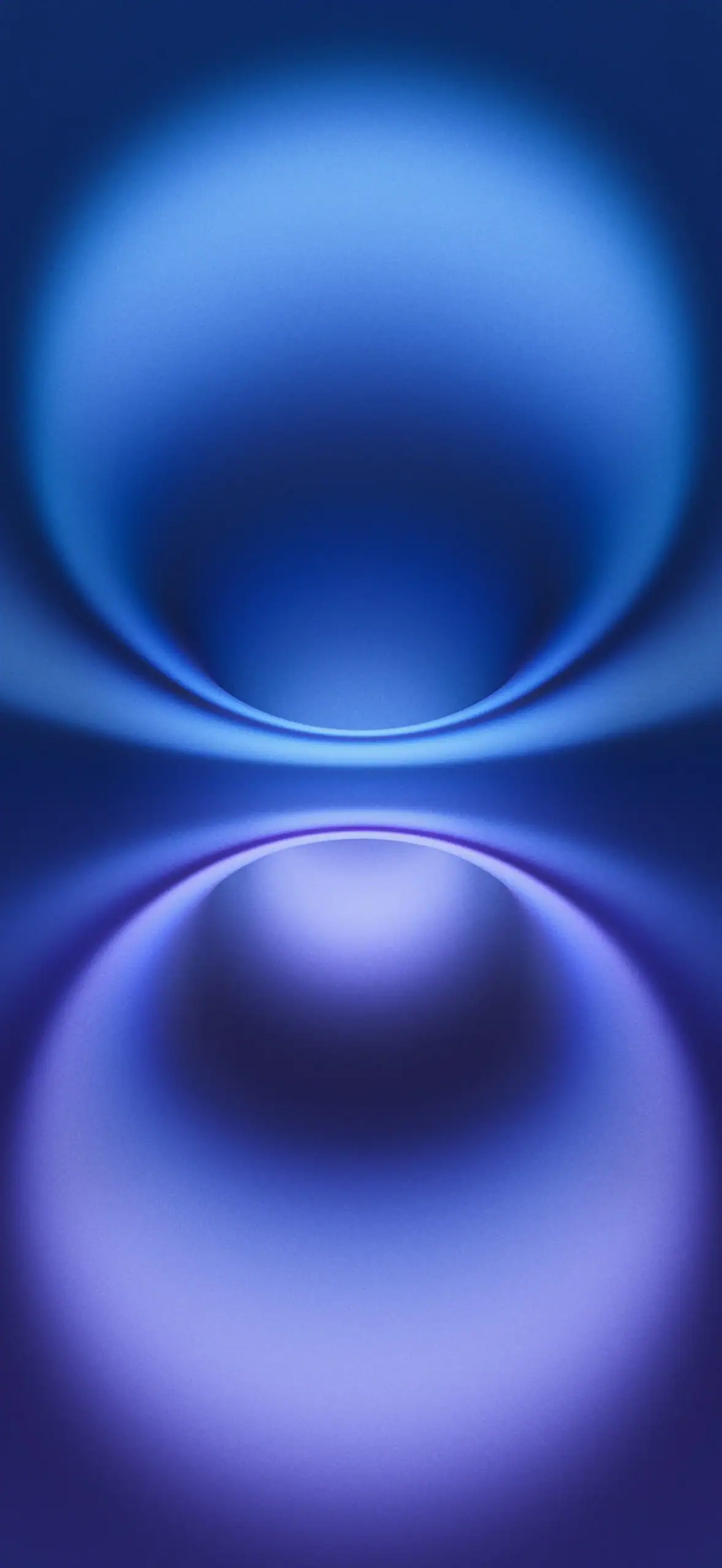
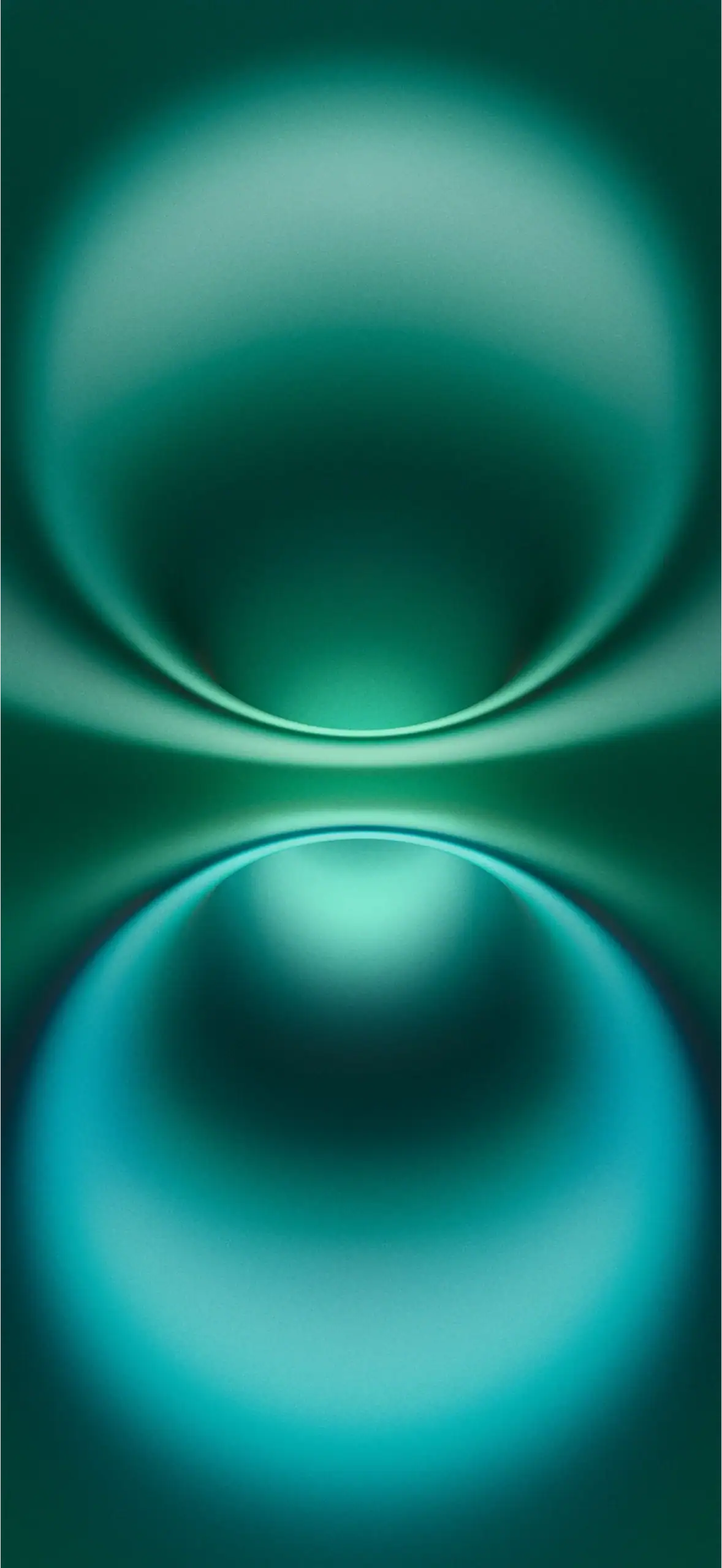
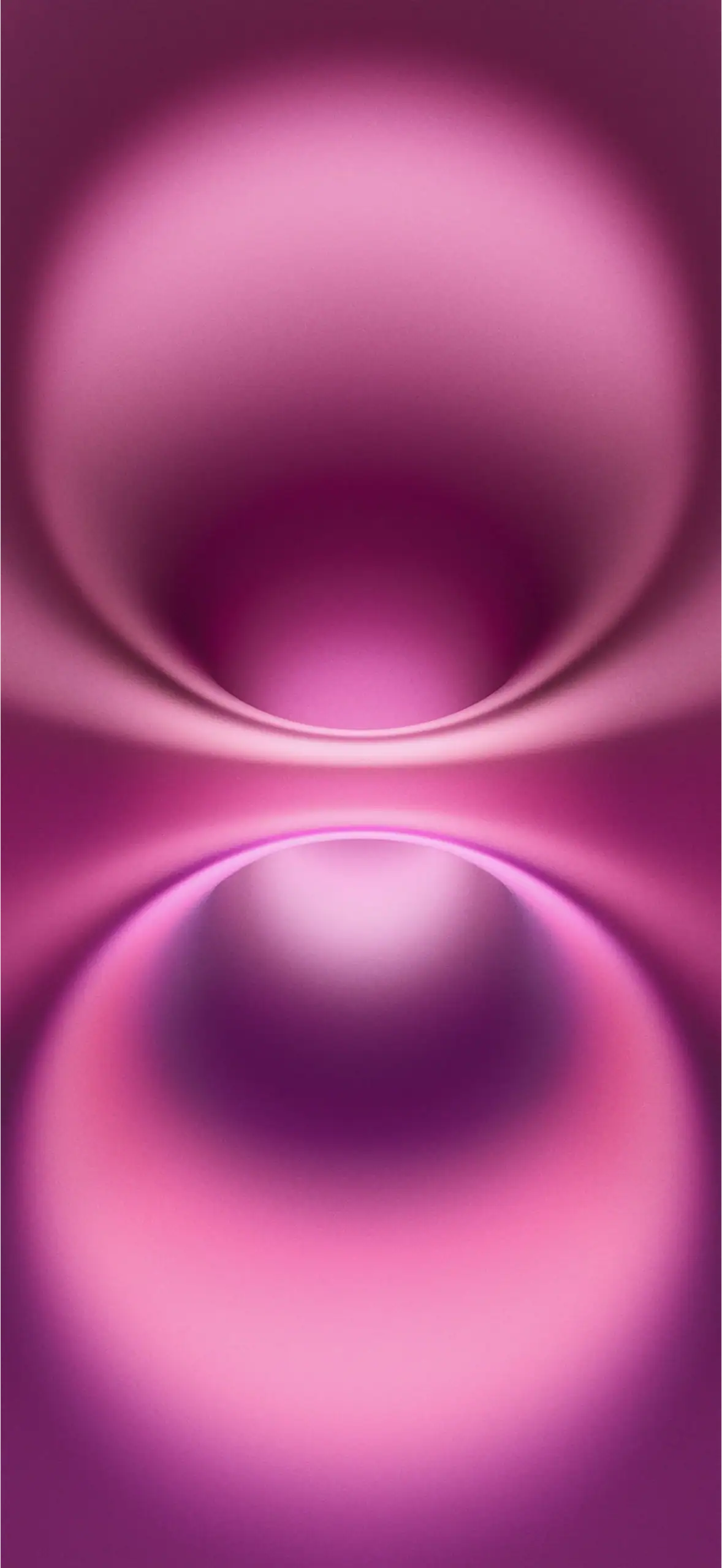
Download iPhone 16 Wallpapers – iPhone 16 & 16 Pro Stock Wallpapers
iPhone 16 Pro Wallpapers
Apple made four minimalist wallpapers for the 16 Pro, each with a dark accent that matches the titanium finish of the device.
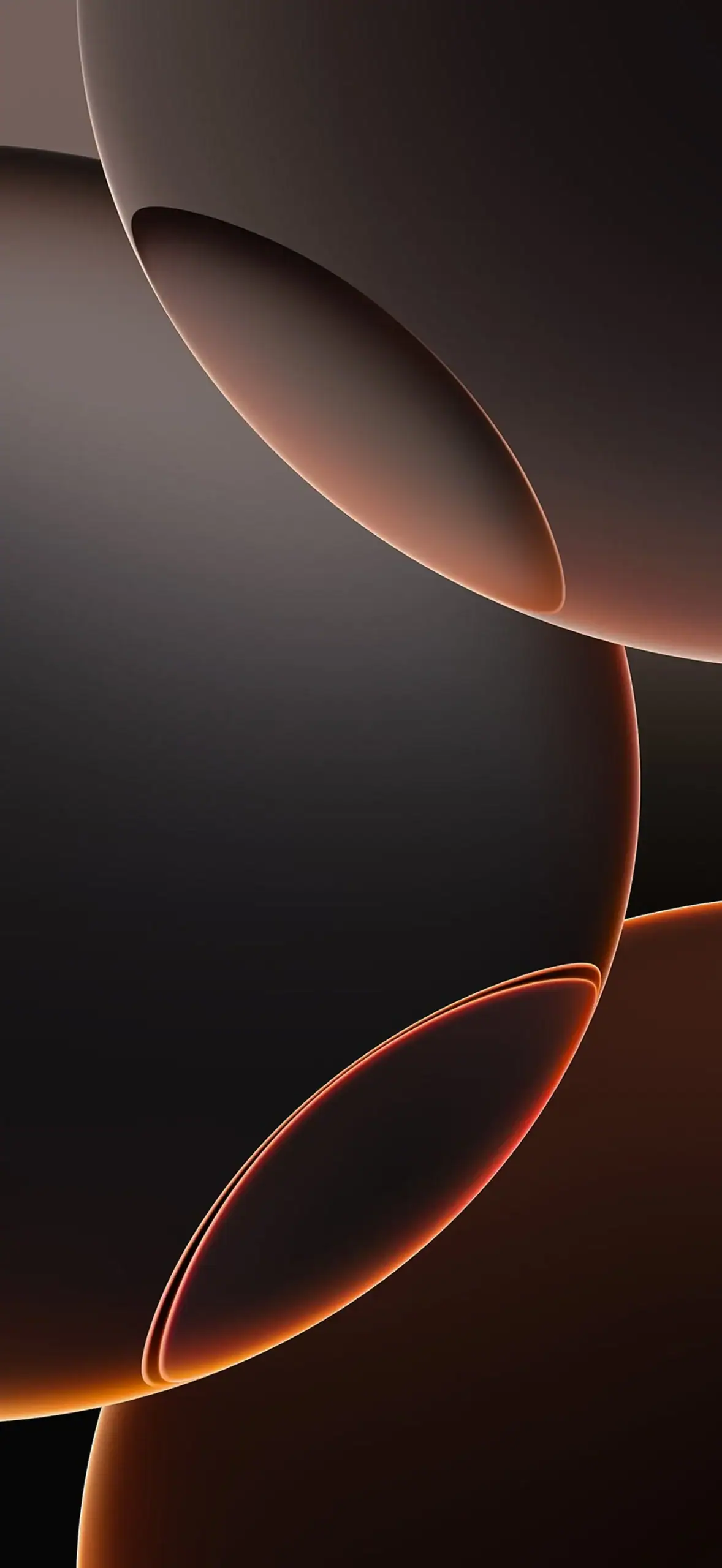
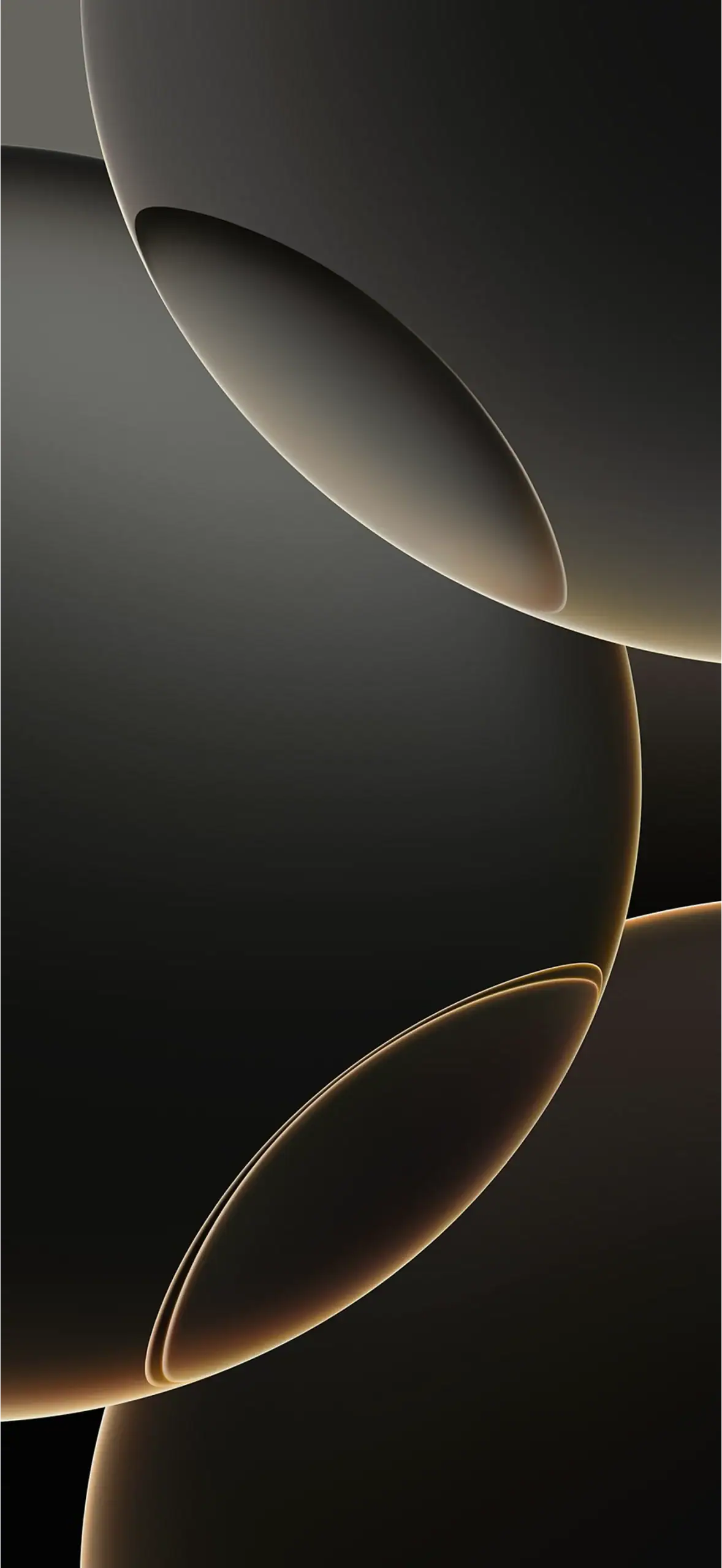
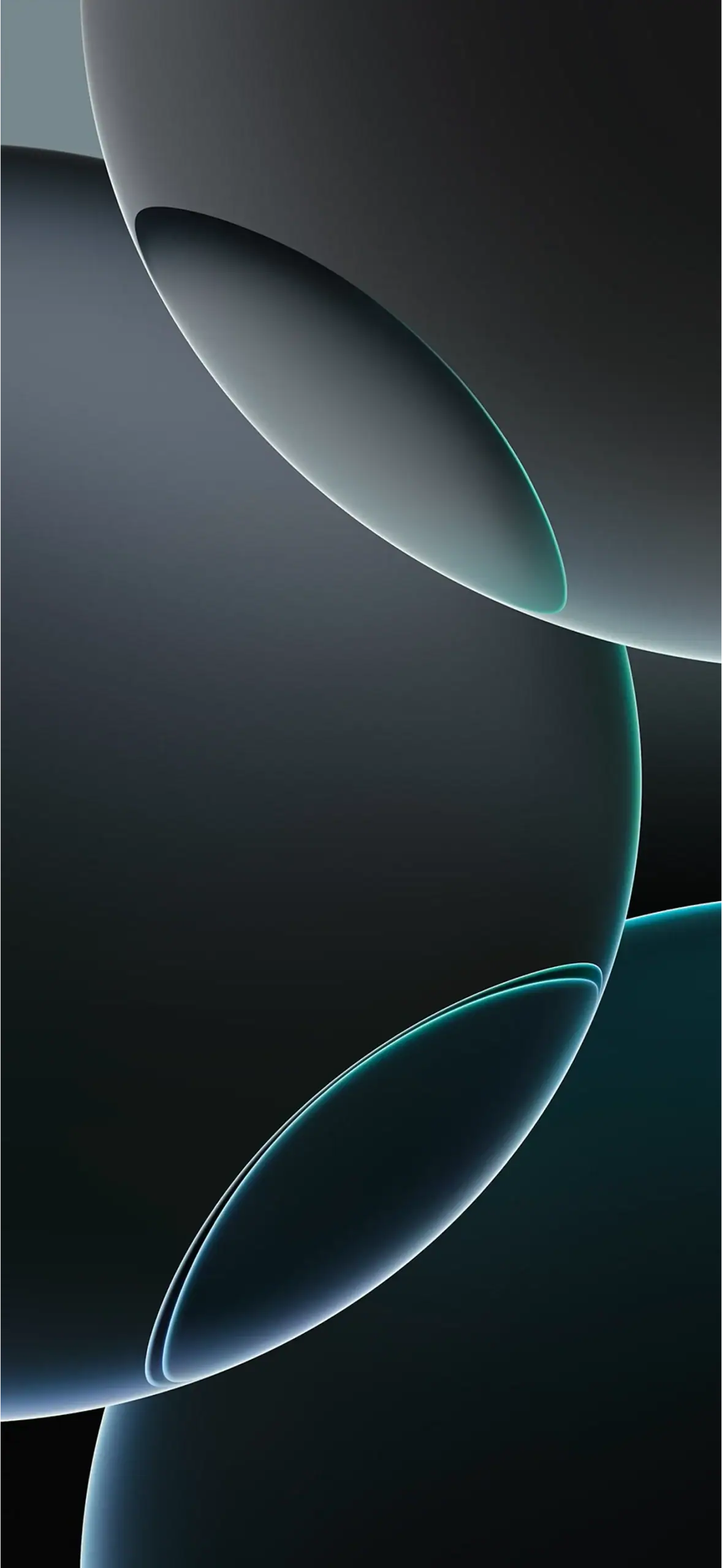
Download iPhone 16 Pro Wallpapers – iPhone 16 & 16 Pro Stock Wallpapers
iPhone 16E Wallpapers
The 2025 budget iPhone shipped with a single new minimalist background and its dual tone works for both light and dark mode.
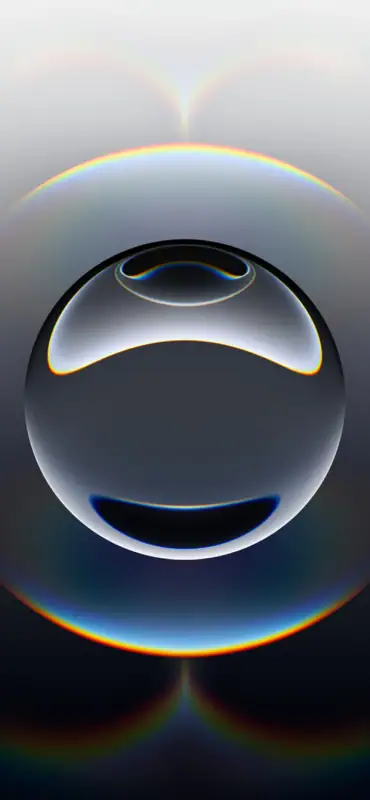
Download iPhone 16E Wallpapers – iPhone-16E-wallpapers-1.jpg
iPhone 17 Wallpapers
The iPhone 17 family arrived with five liquid glass wallpapers in Lavender, Sage, Mist Blue, White and Black, made for iOS 26.
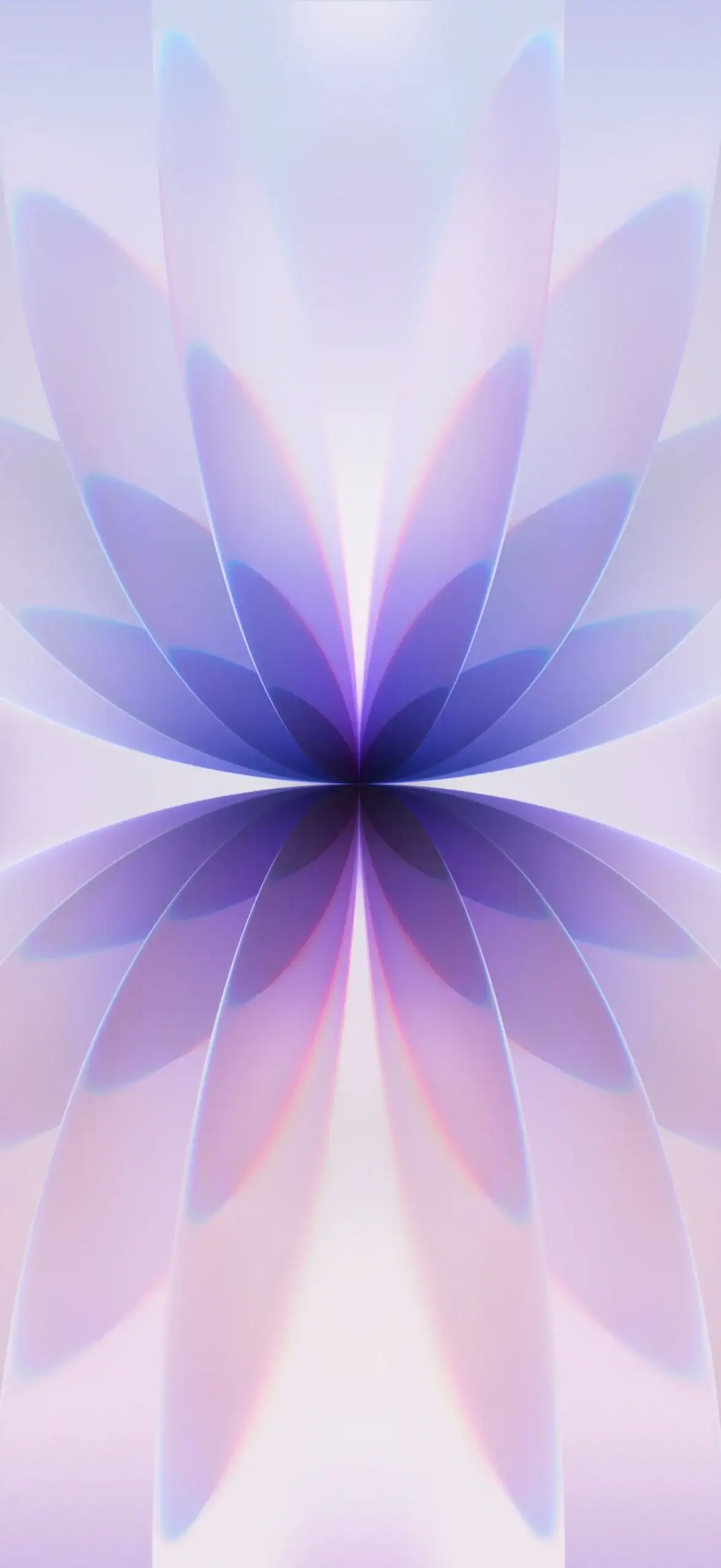
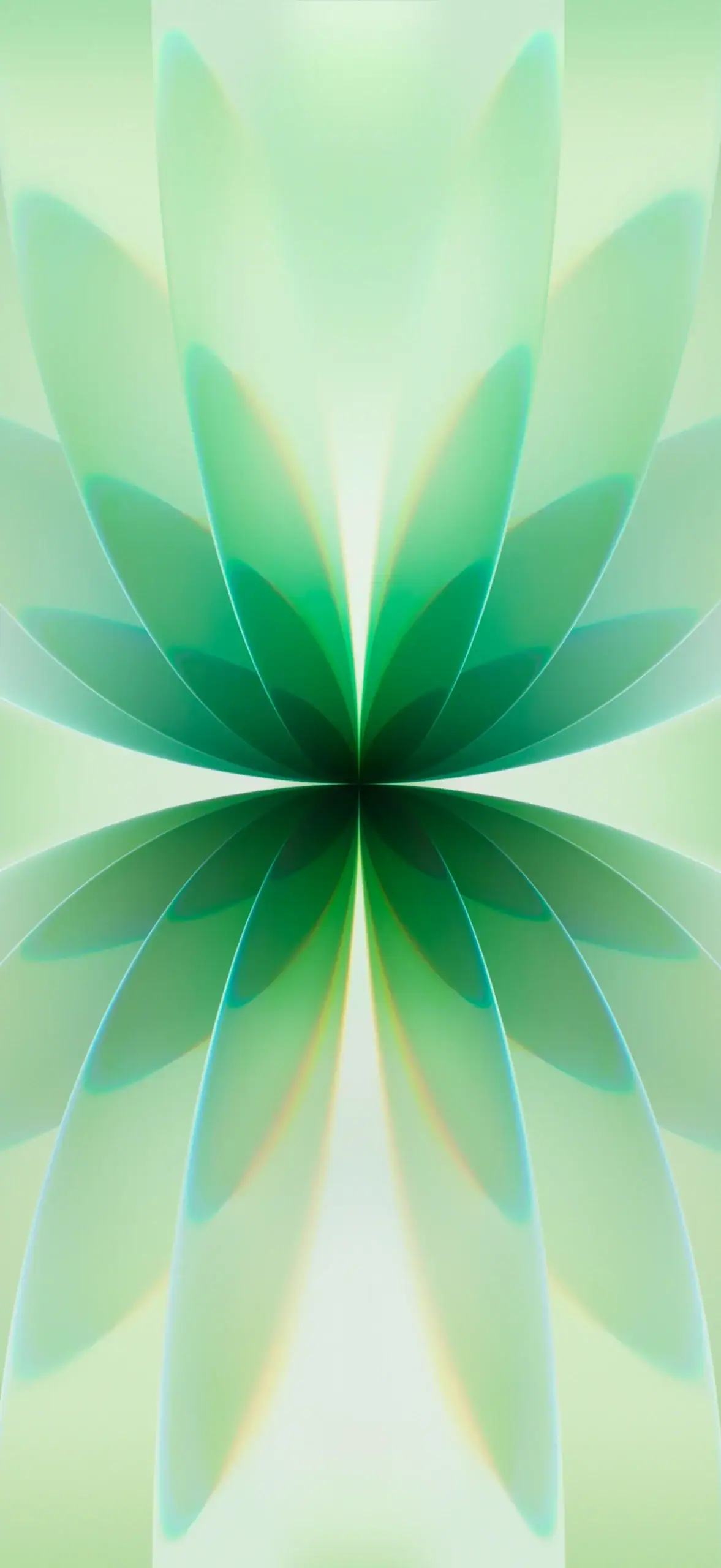
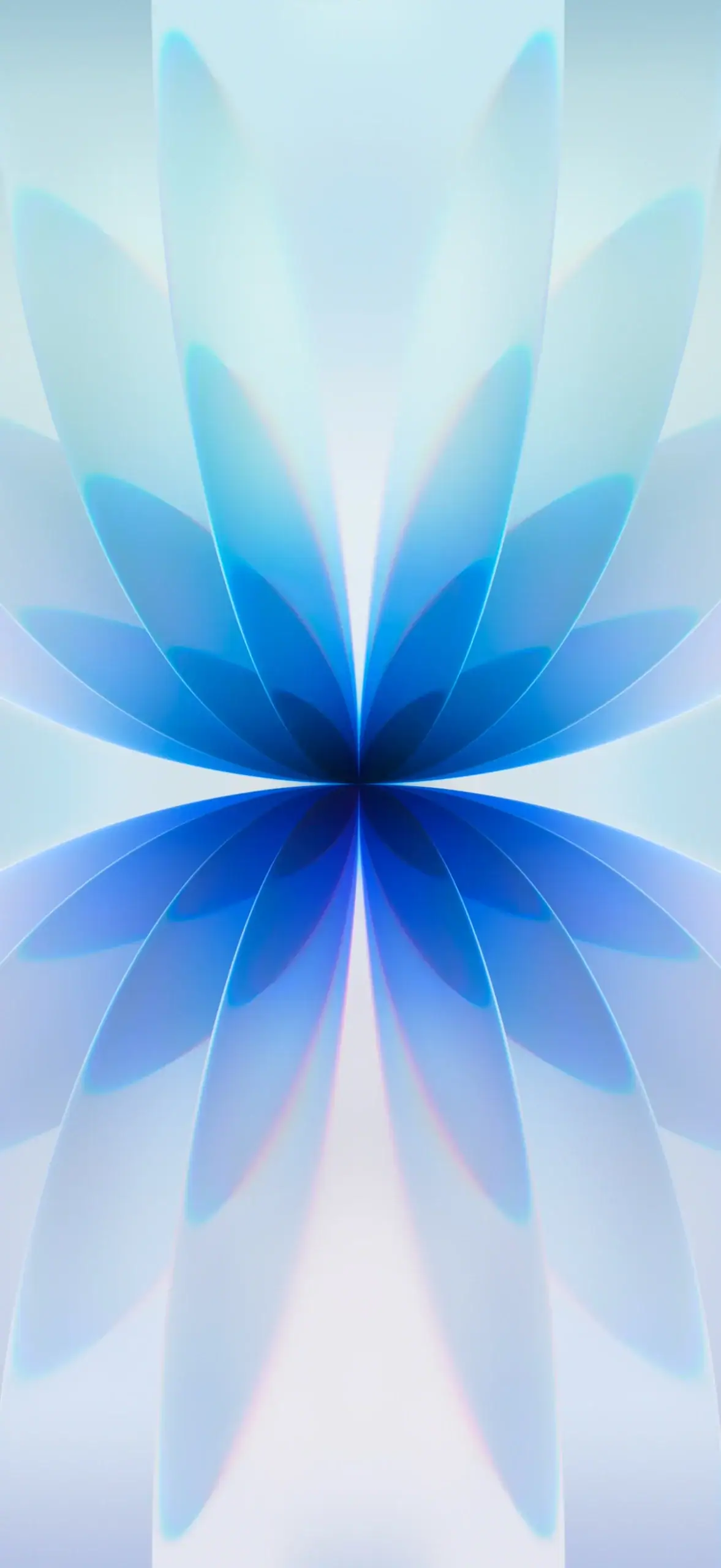
Download iPhone 17 Wallpapers – iPhone 17 & 17 Pro Stock Wallpapers
iPhone 17 Pro Wallpapers
Six abstract walls with PRO branding came on the 17 Pro, offered in Silver, Cosmic Orange and Deep Blue shades.
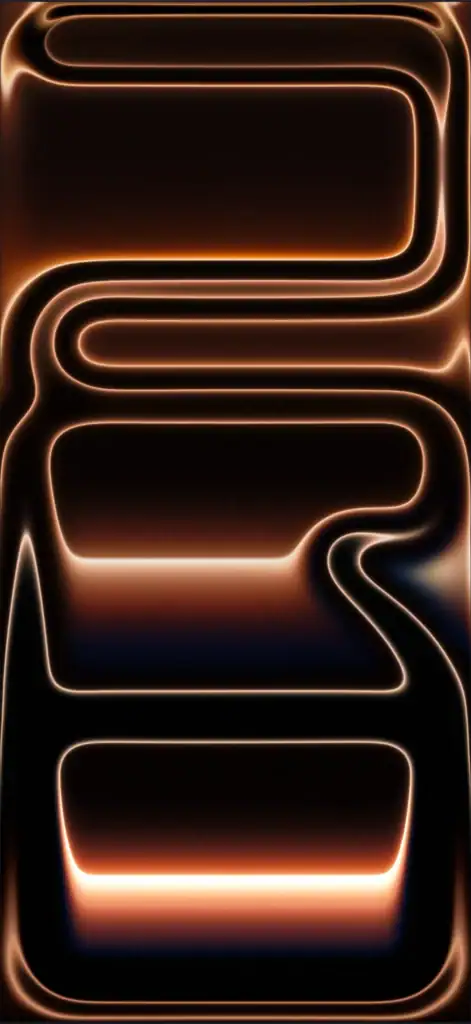
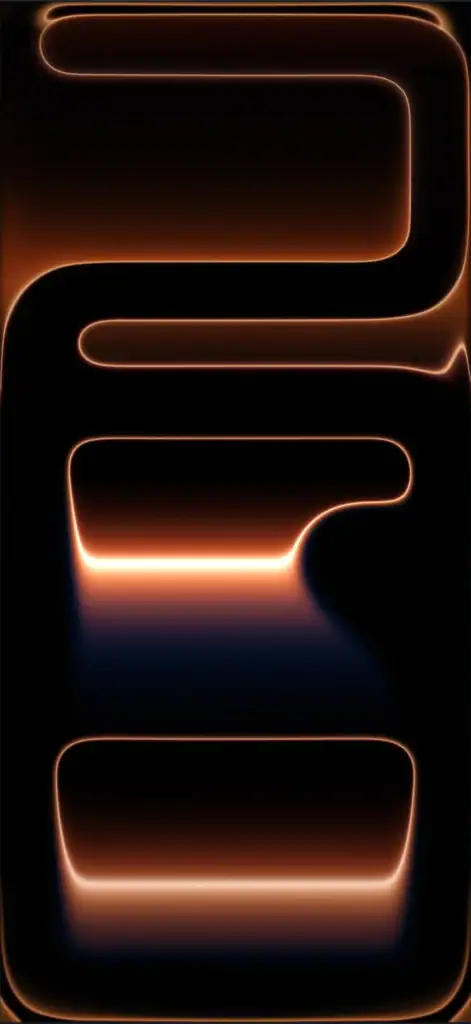
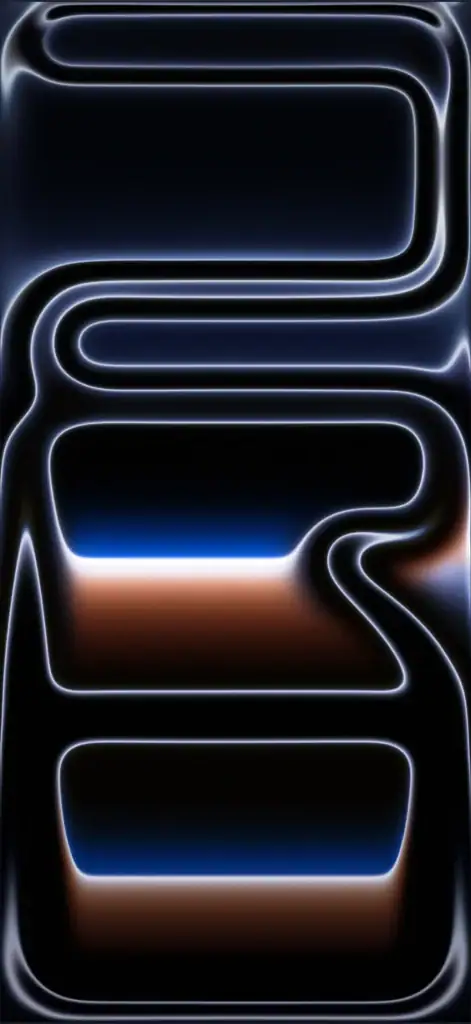
Download iPhone 17 Pro Wallpapers – iPhone 17 & 17 Pro Stock Wallpapers
iPhone Air Wallpapers
The slimmest iPhone ever shipped with six elegant wallpapers showing the AIR branding in Light Gold, Sky Blue and Space Black.
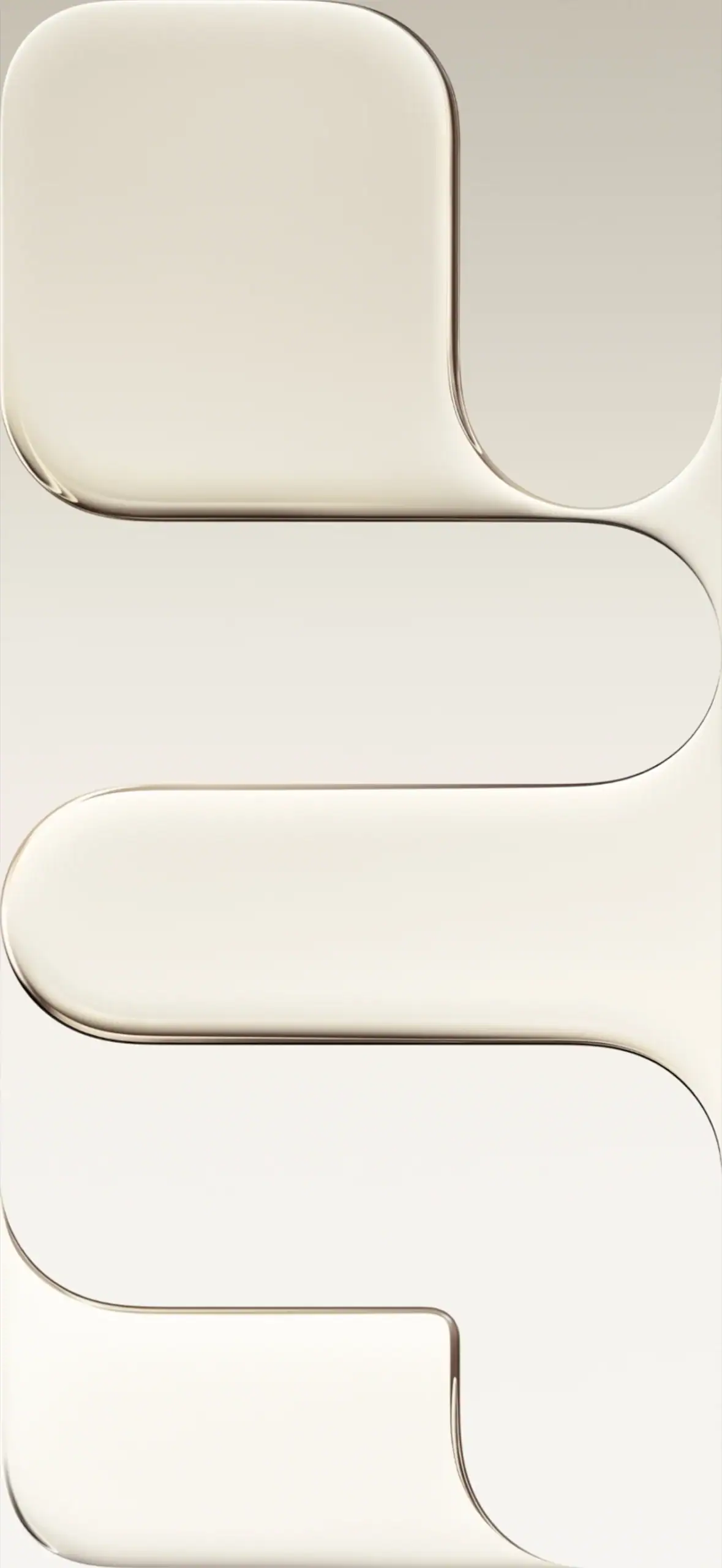
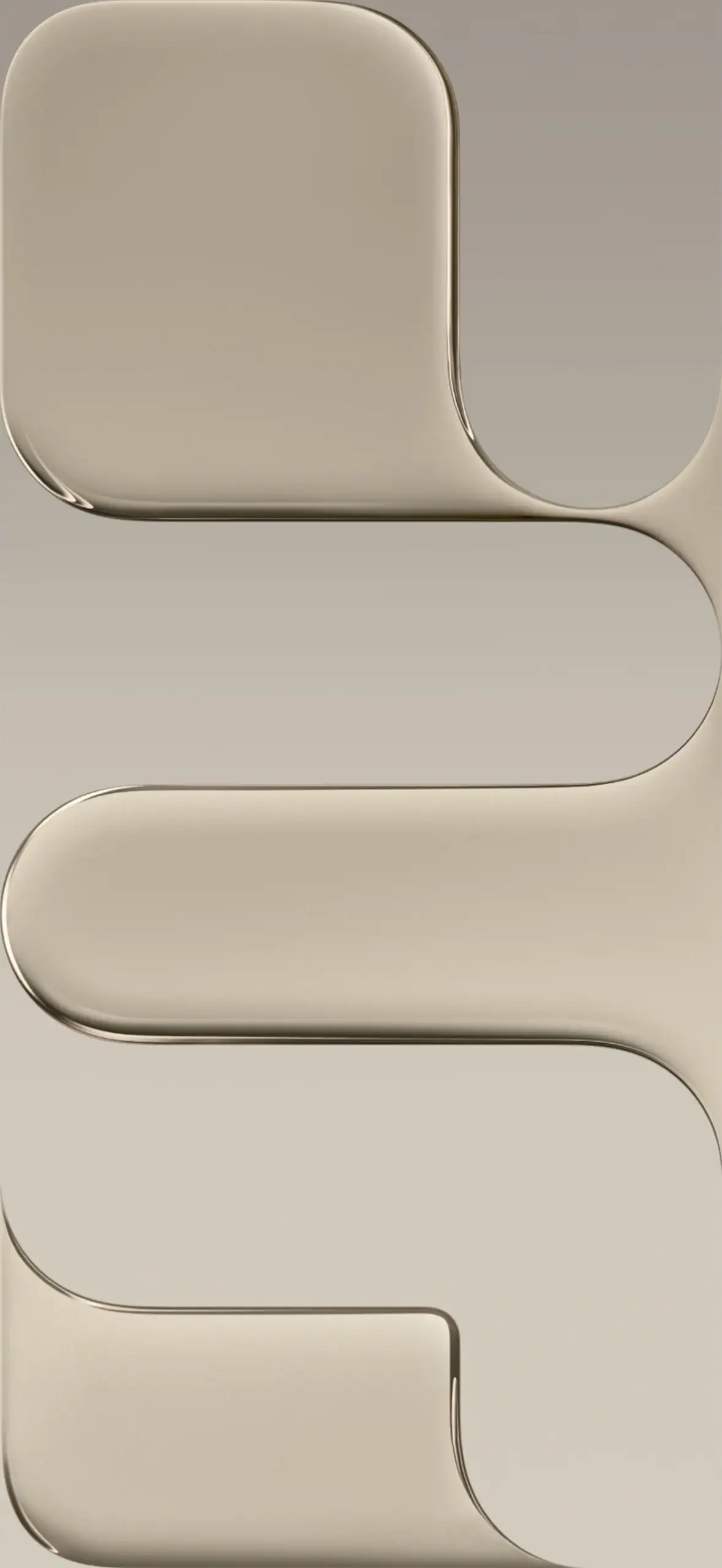
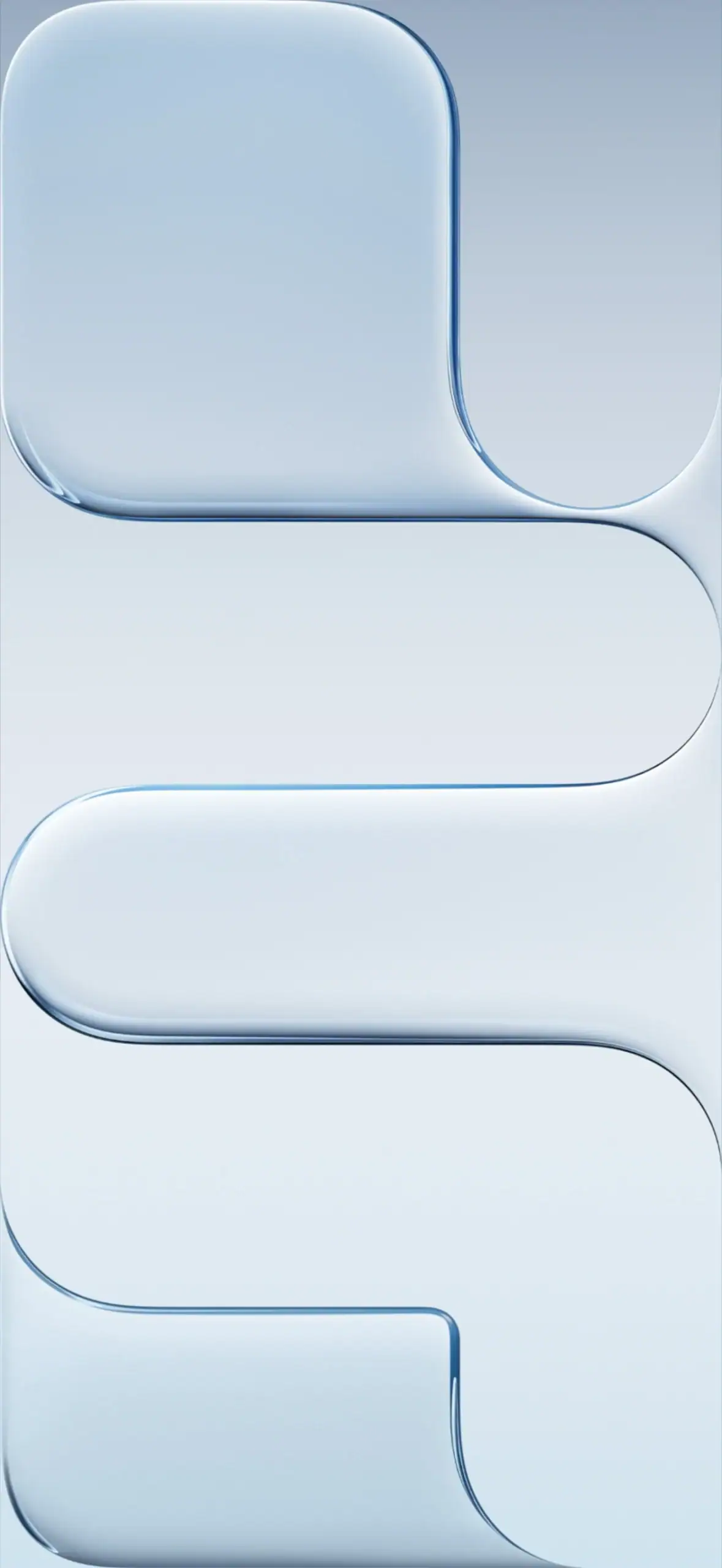
Download iPhone Air Wallpapers – iPhone Air Stock Wallpapers
iPhone 18 Pro & 18 Pro Max Wallpapers
The 2026 Pro lineup skipped a base model this year, four Vitra glowing curve wallpapers in Burgundy, Black, Glacier and Silver, rendered at 1206 x 2622 pixels.
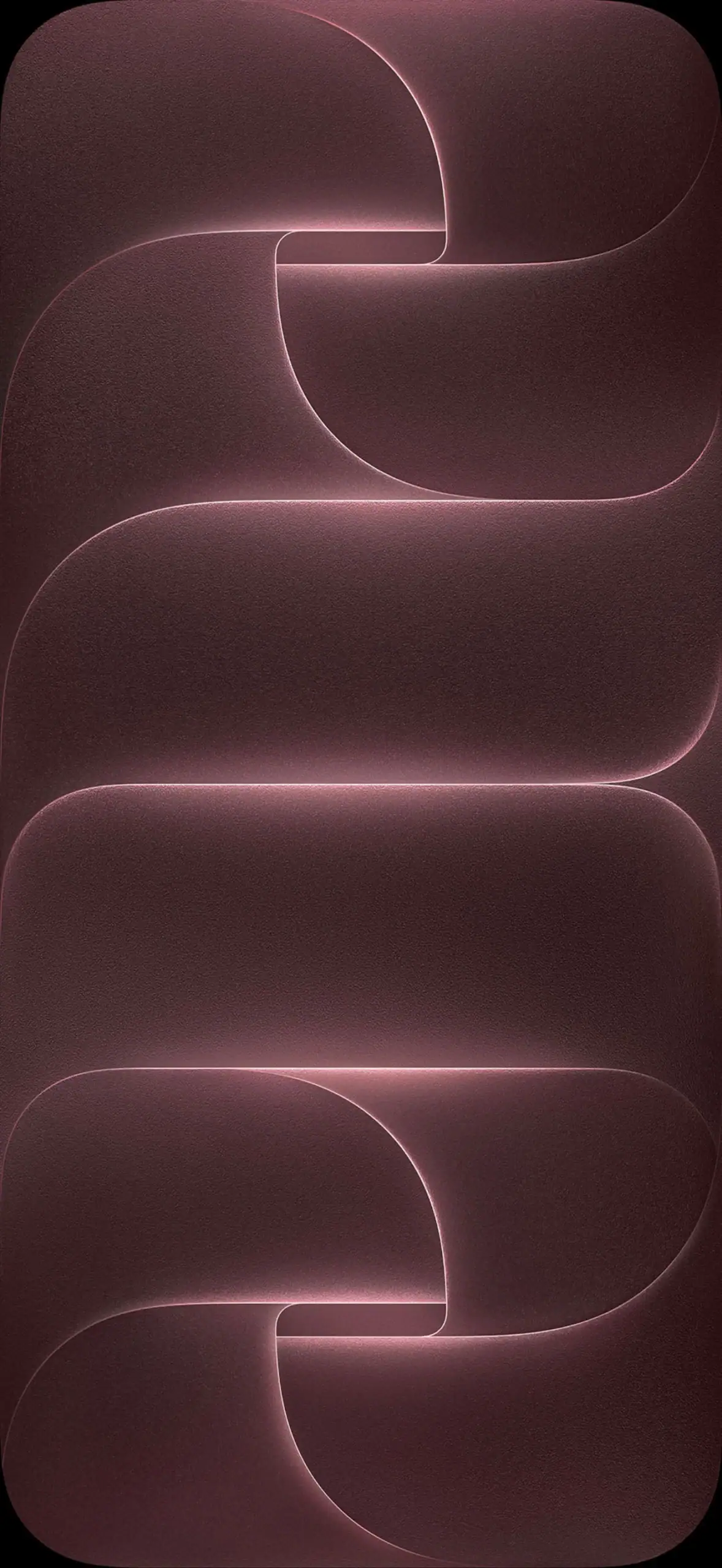
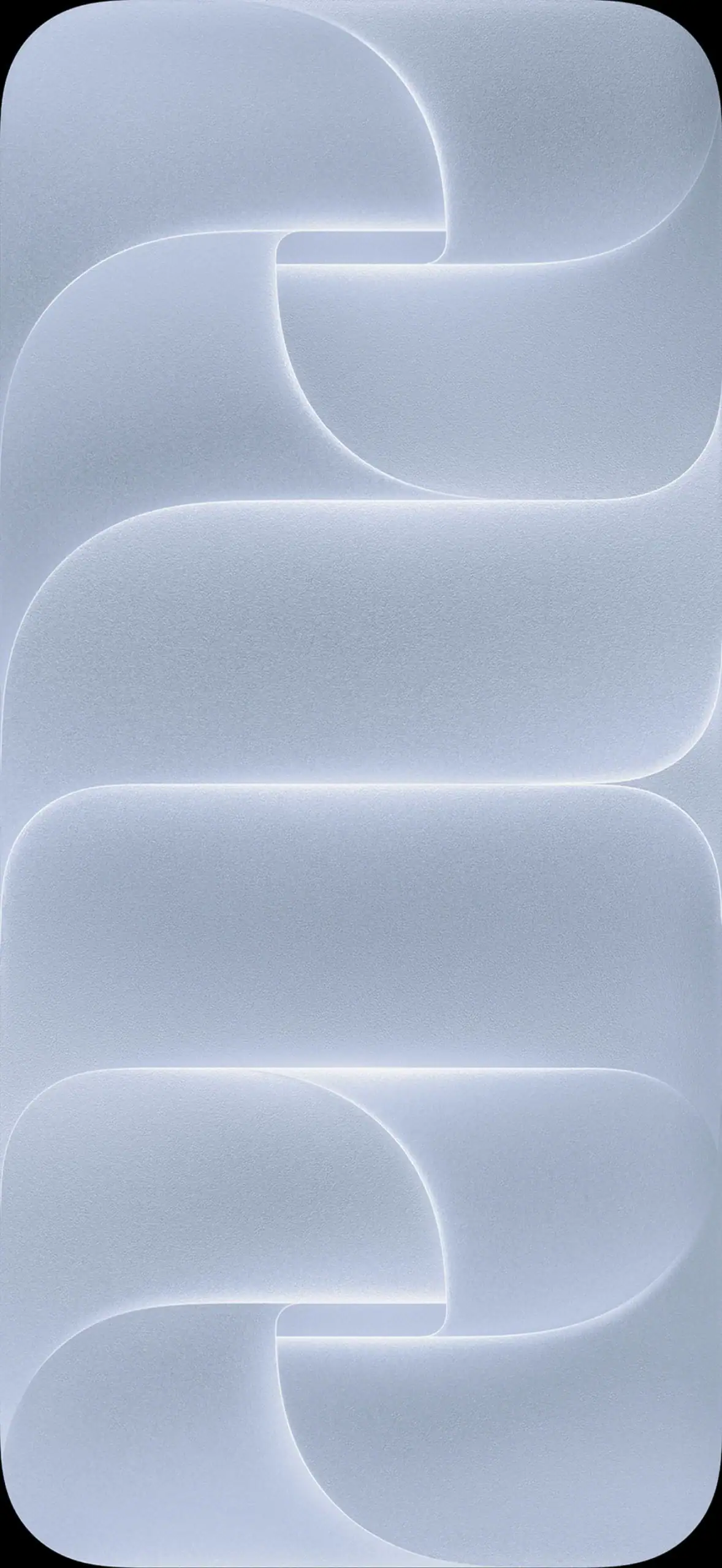
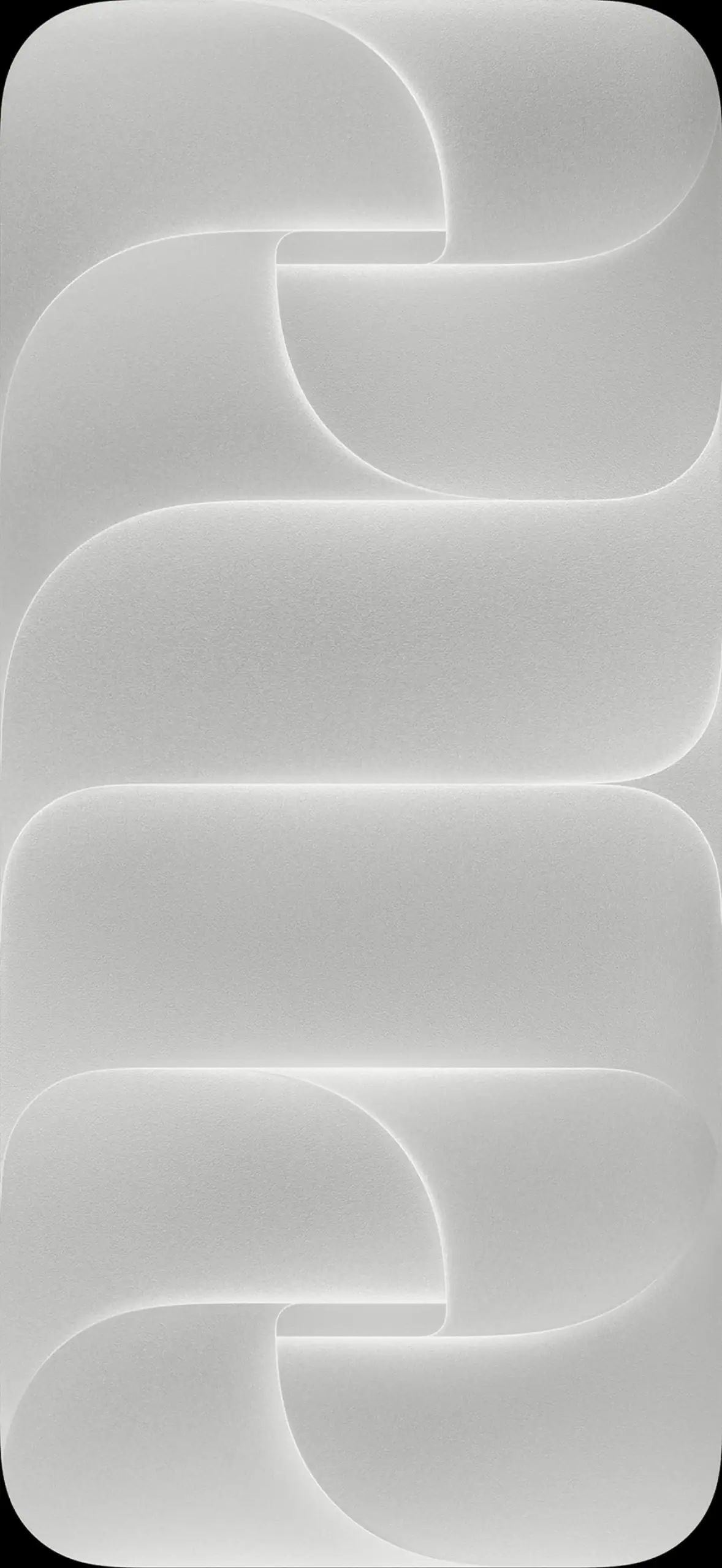
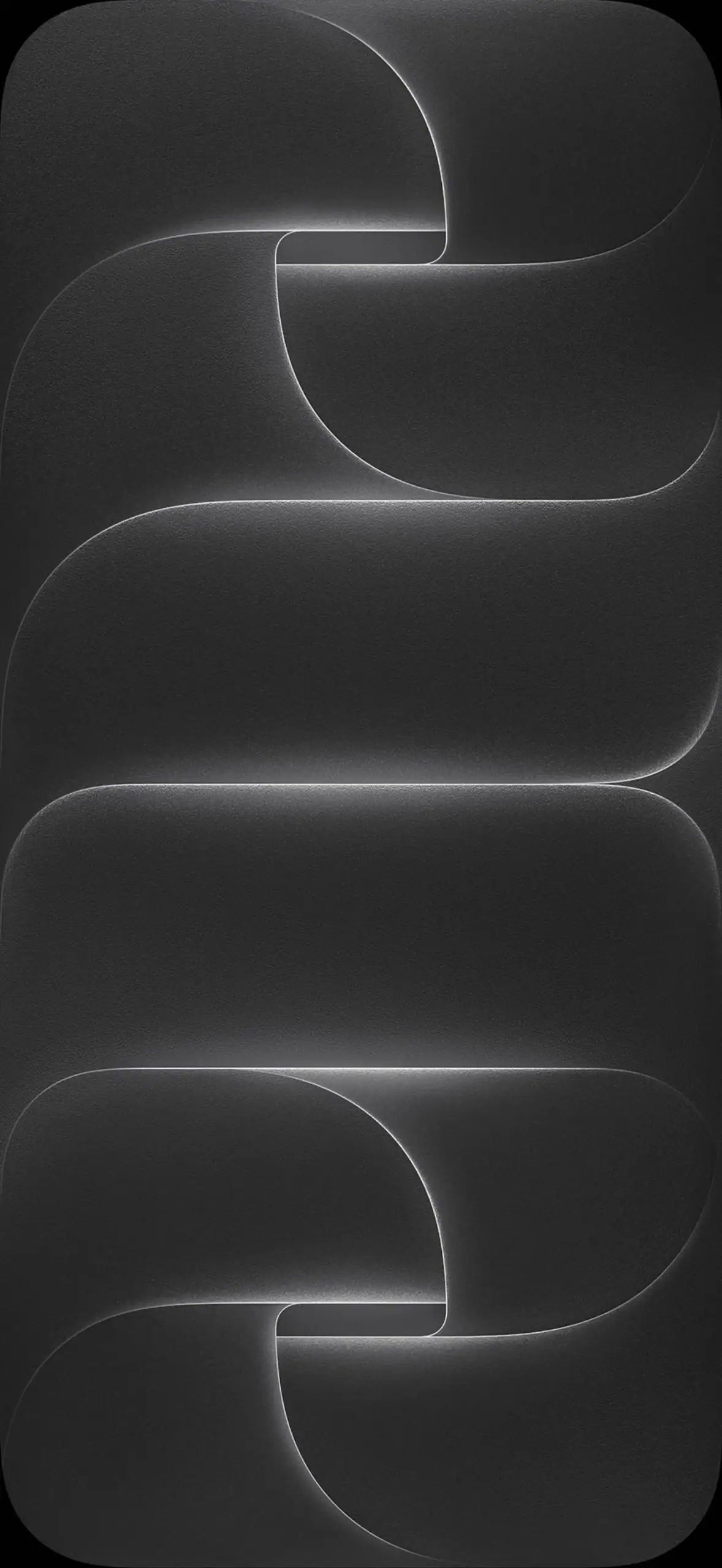
Download iPhone 18 Pro & 18 Pro Max Wallpapers – iPhone 18 Pro Stock Wallpapers
iPhone Duo Wallpapers
Apple introduced its first foldable device and included its own set of colors, Night Sky and Star White, which come with built-in foldable wallpaper, and both support foldable display versions at 1320 by 2034 pixels.
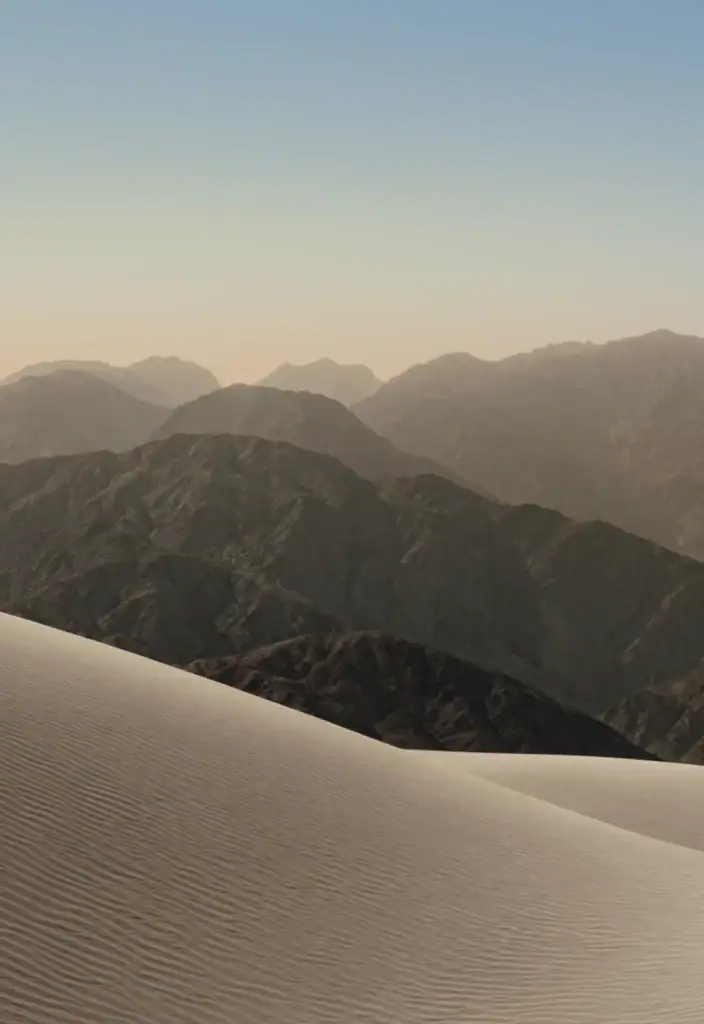
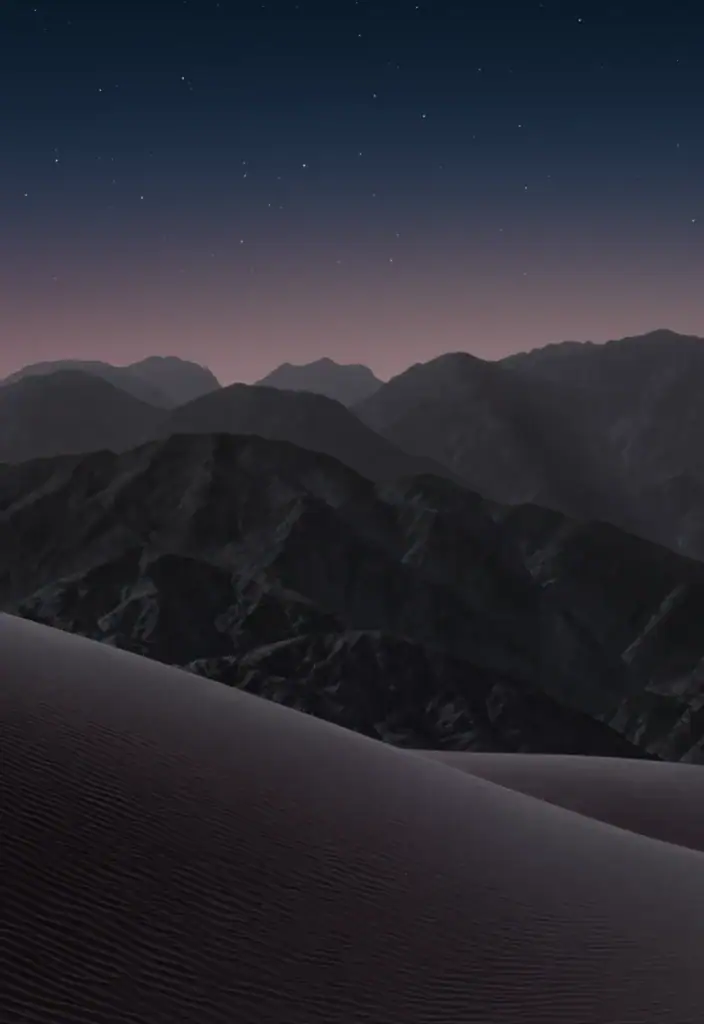
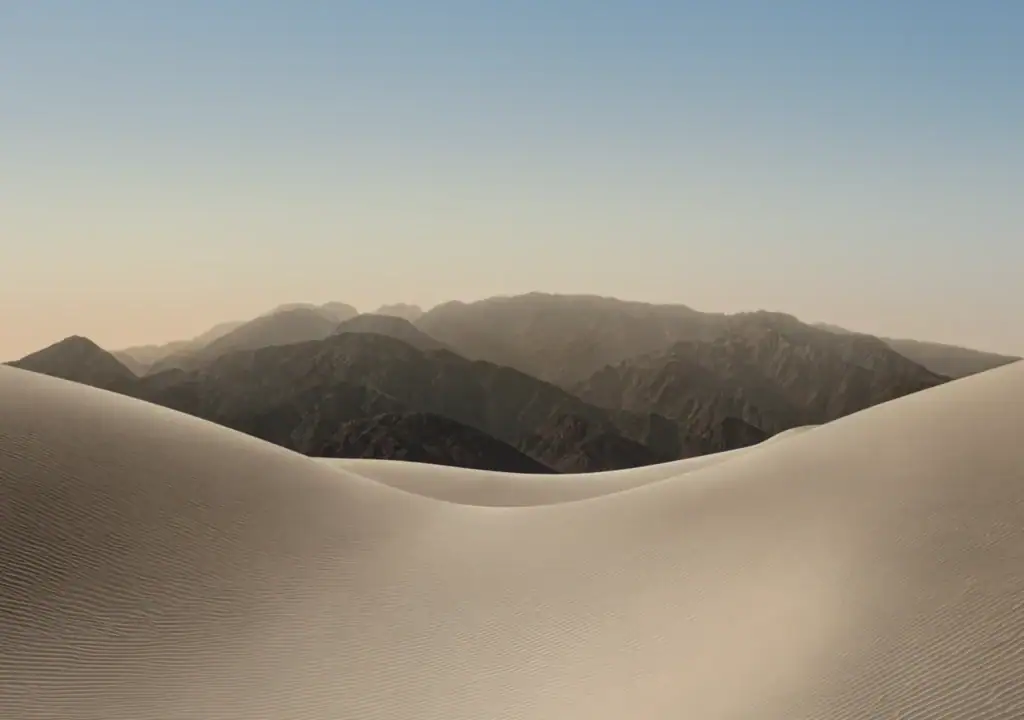

Download iPhone Duo Wallpapers – iPhone Duo Stock Wallpapers
How to Set These Wallpapers Manually on iPhone and Android
All the wallpapers above are shared in 4K or original resolution, so they work perfectly on modern phones with tall displays, from the classic 16:9 era up to 20:9 panels and foldables with an inner screen. To save a wallpaper on your phone first, download the ZIP file of the set you like, extract it with any file manager, and keep the images in a folder you can find easily. Now follow the steps for your device.
On iPhone
- Open Settings and tap Wallpaper.
- Tap Add New Wallpaper, then choose Photos from the top.
- Pick the wallpaper you extracted and move it to fit the screen. You can switch it between Still and Perspective here.
- Tap Add, and choose whether to set it on the Lock Screen, the Home Screen, or both as a Wallpaper Pair.
On Android
- Long-press an empty area of the home screen and tap Wallpapers and style (the name varies slightly by phone brand, on Samsung, Xiaomi, Oppo and Huawei phones it is the same route).
- Tap My wallpapers or Gallery, depending on your device.
- Select the downloaded wallpaper and pinch to adjust the zoom and position.
- Tap Set wallpaper and choose Home screen, Lock screen, or Home and lock screen.
On iPhones that support live wallpapers, hold the lock screen and press firmly, the motion version of the live sets will play. On Android, live wallpapers are applied from the same Wallpapers and style menu under the Live wallpapers tab.
Conclusion
This is every collection of iPhone wallpapers from 2007 right up to today and all gathered in one spot. Whether your favorite time was when the original iPhone had an underwater scene, or when the iPhone 7 had playful bubbles or the 15 Pro with titanium tones or the shiny new Vitra look of iPhone 18 Pro and Duo when they came out, you now have the whole story of Apple stock art at your disposal.
Try different sets each week if you get bored with your current screen and keep those you like and they never expire. We update this list every time Apple launches new iPhone family, so keep checking after each event. Let us know in the comments which generation is your favorite and share this collection with friends who still long for a previous iPhone wallpaper. Enjoy new looks.