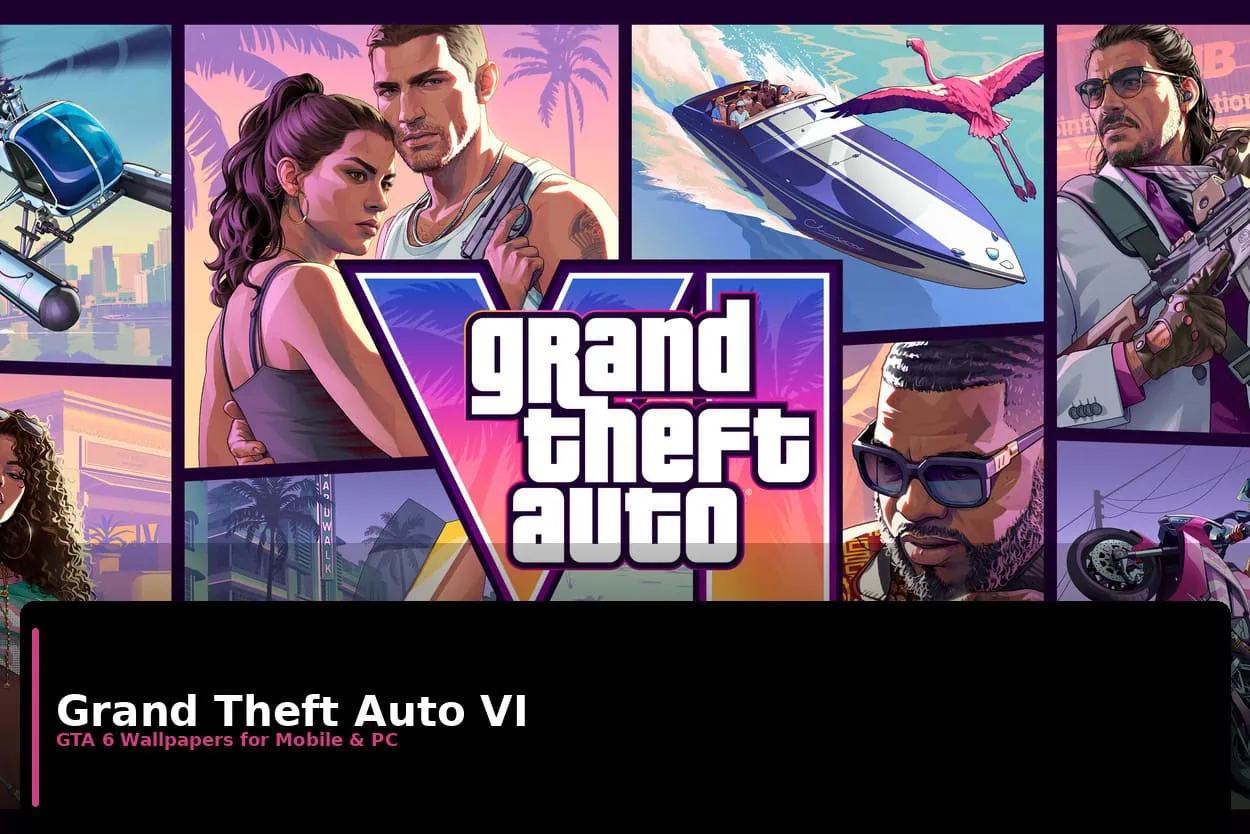
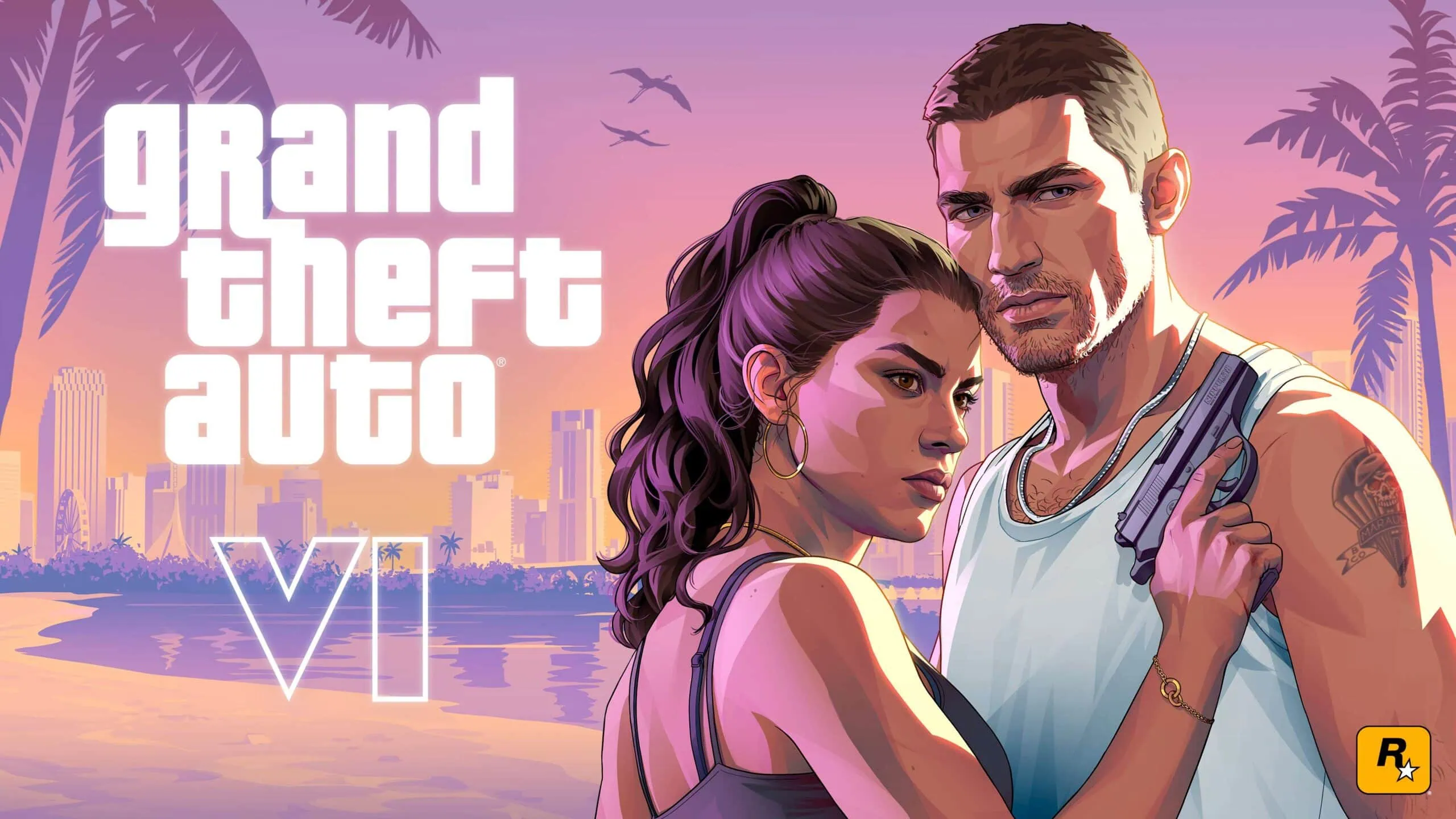
We’ve got confirmation that Rockstar Games is opening up pre-orders for Grand Theft Auto VI. Pre-Orders go live on June 25th, 2026. We covered GTA 6 news and updates earlier today via our Telegram channel. We also posted official screenshots of gameplay, which we provided to allow users to create their own wallpapers. Today, we’re providing you with the Official GTA 6 Wallpapers Collection (4K Resolution) compatible with both your mobile device and desktop computer.
The link below is a collection of 19 GTA 6 Wallpapers from Rockstar’s official site and other reputable websites. We also included official cover art, screenshots from the trailer, and postcard-style wallpapers. These wallpapers are available in both Full HD and 4K resolutions. Since many of us may be using mobile phones, we included 1170×2532 pixel versions as well.
GTA 6 Wallpapers
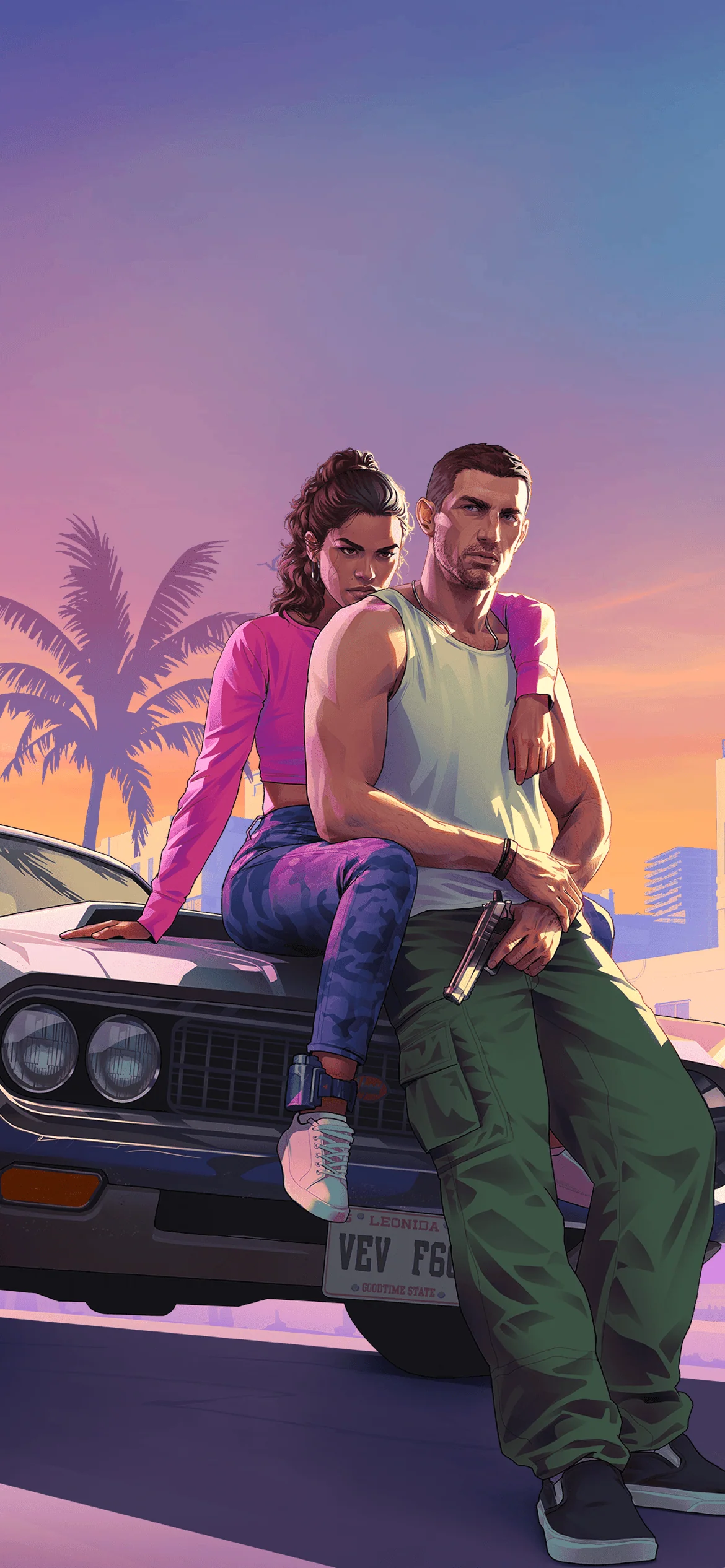
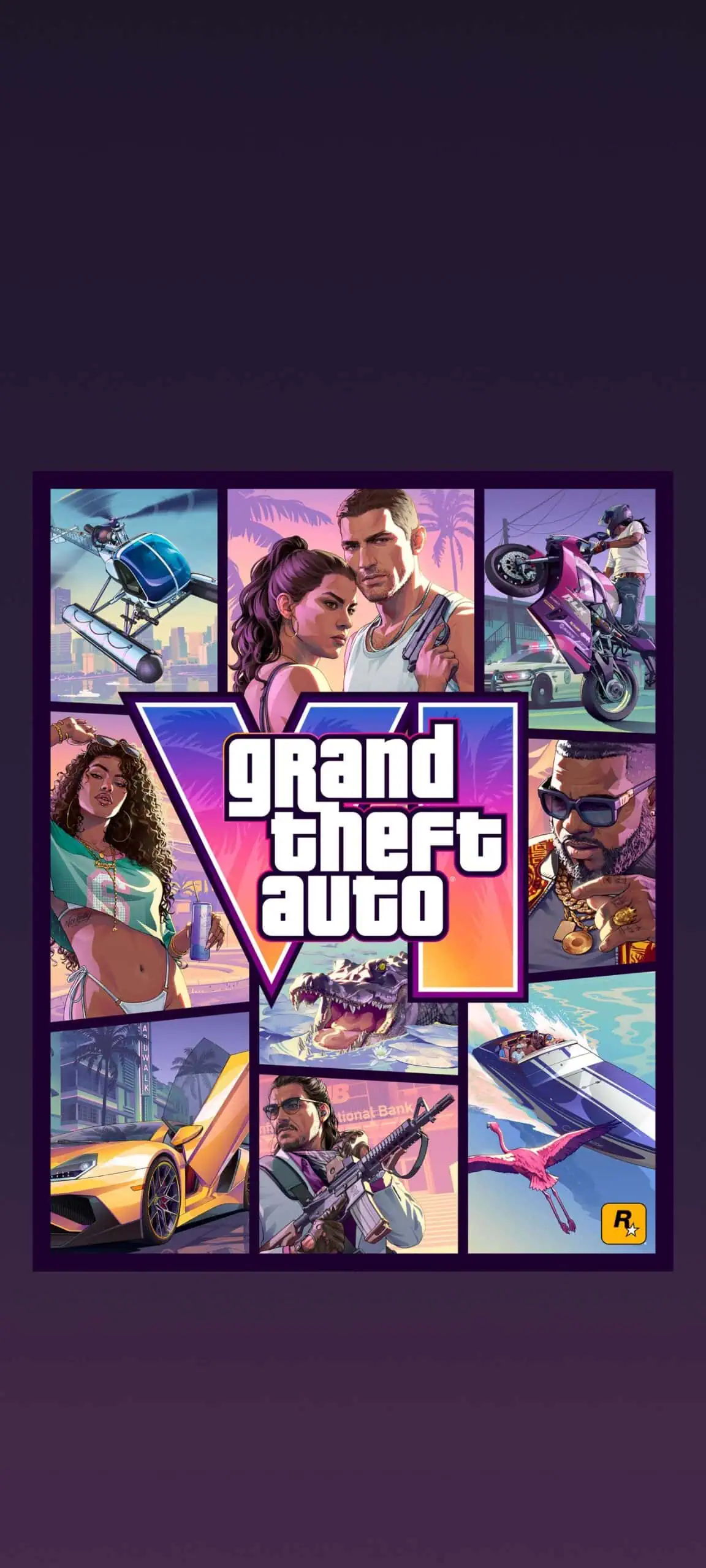
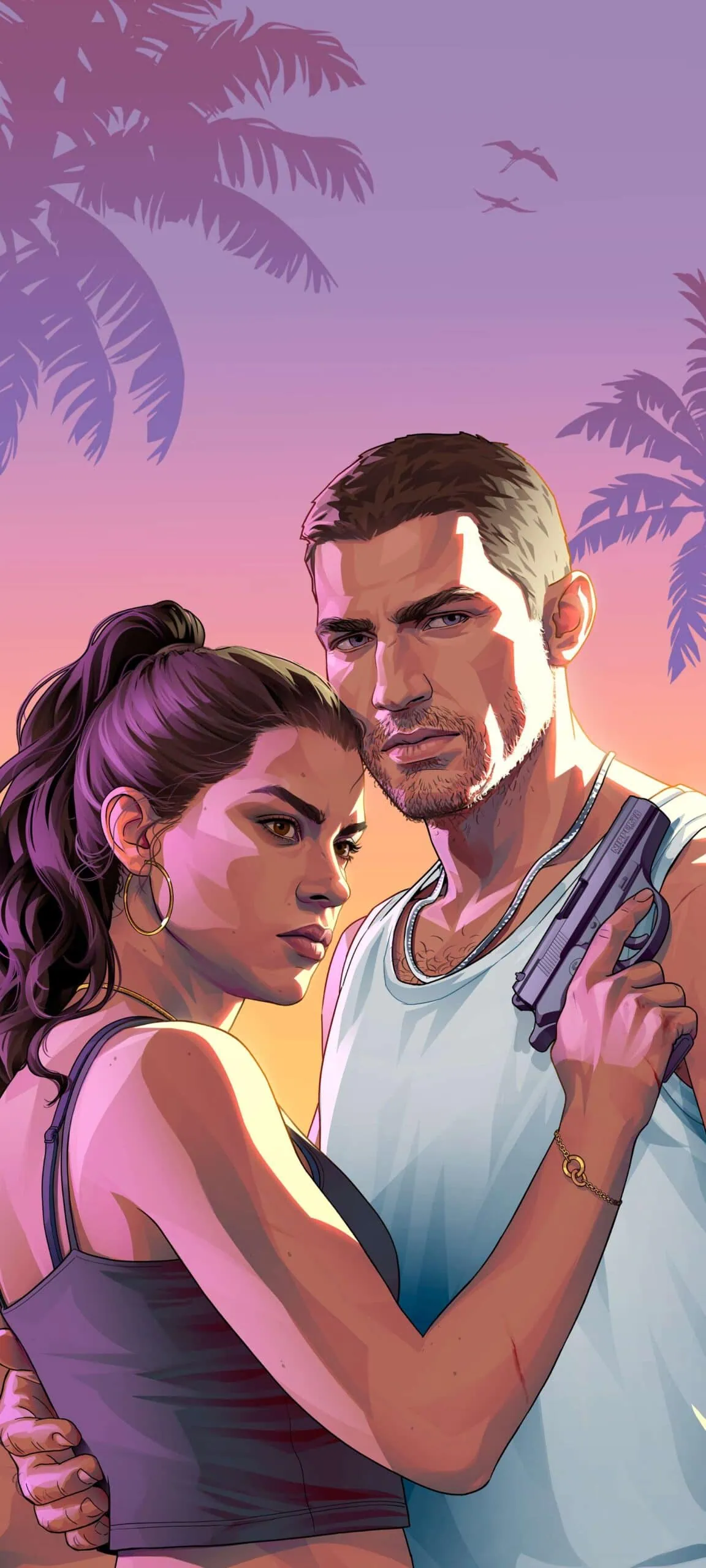
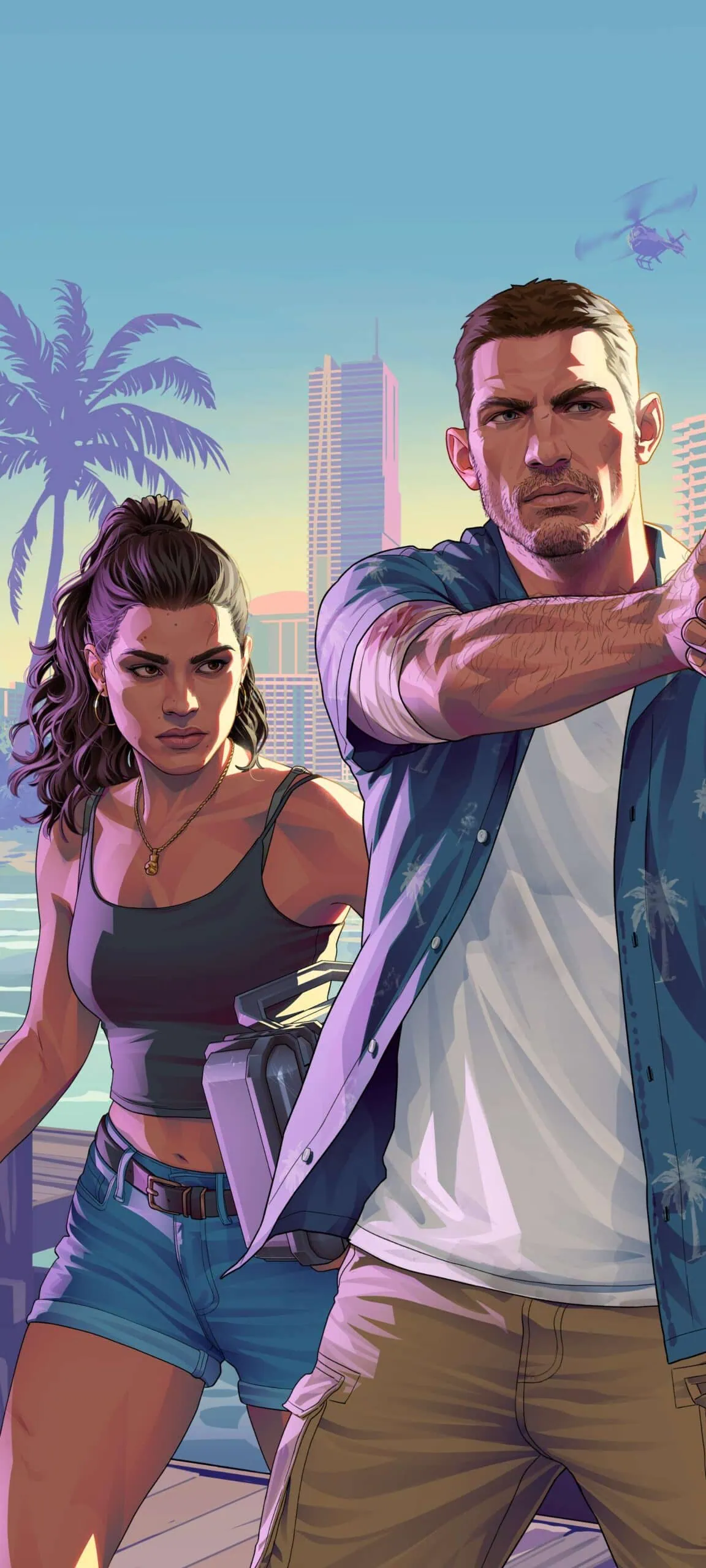
This collection of official GTA 6 wallpapers presents the nostalgia of Vice City which will be featured in the new game. Main wallpaper is compatible with iPhone’s Depth Effect for a multi-layered lock-screen display. The collection has 9 desktop wallpapers and 8 mobile-optimized wallpapers. Mobile wallpapers were created using AI upscaling tool as some had low-resolution and/or needed to look sharper at larger resolutions. Desktop wallpapers are based upon press photos that come directly from Rockstar Games’ public press releases and gameplay trailer.
Desktop wallpapers include beautiful landscape shots of Vice City. These images were all taken in 4K. Scenes shot of beaches have vibrant reflections off of the ocean. Tropical greenery is very densely represented. Images depicting nighttime in Vice City represent illuminated streets lined with neon lights. A few of these desktop wallpapers were also magnified through an AI upscale program called “Magnific”, posted by Linus Ekenstam on X, to give them greater clarity and finer details when viewed on larger screens.
Wallpapers Preview
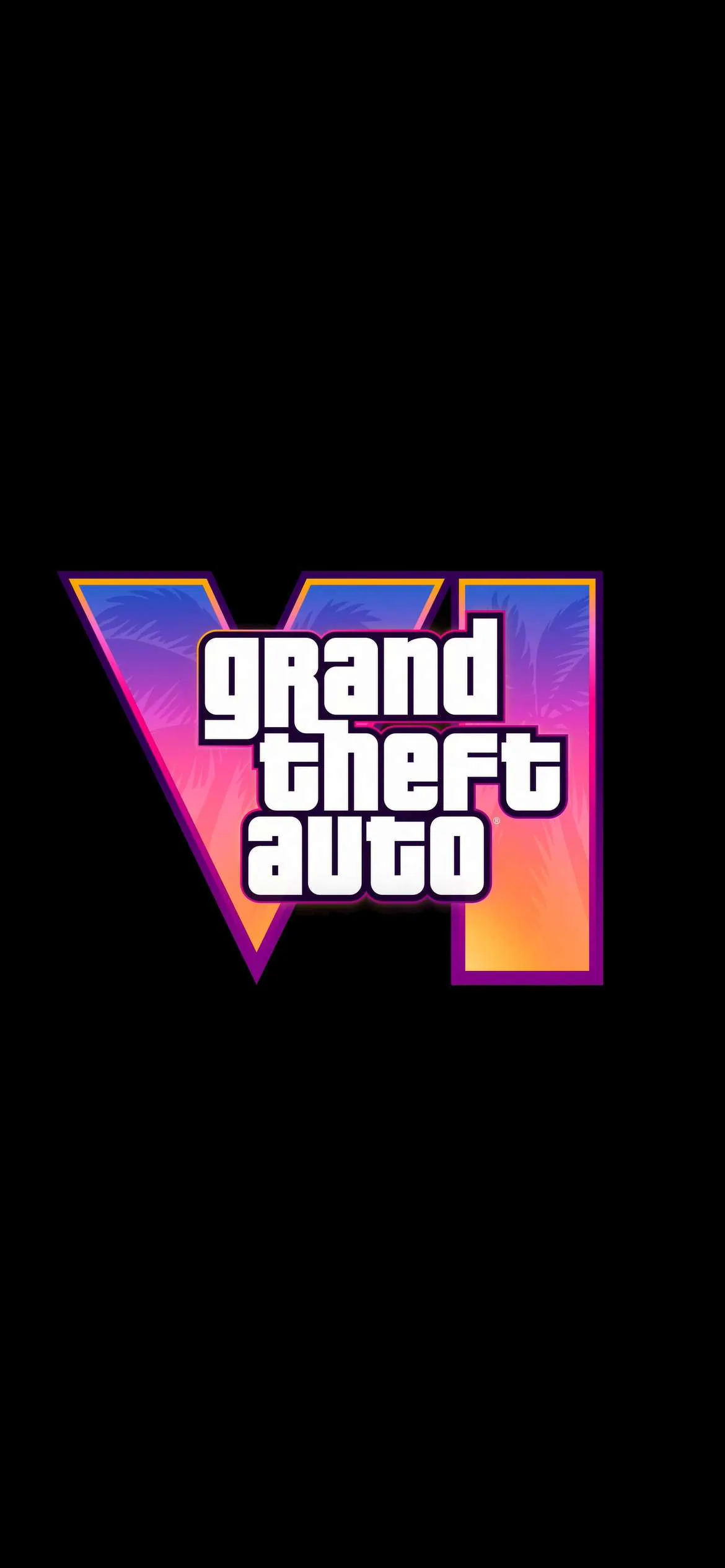
Grand Theft Auto VI Mobile Wallpapers
Grand Theft Auto VI PC Wallpapers
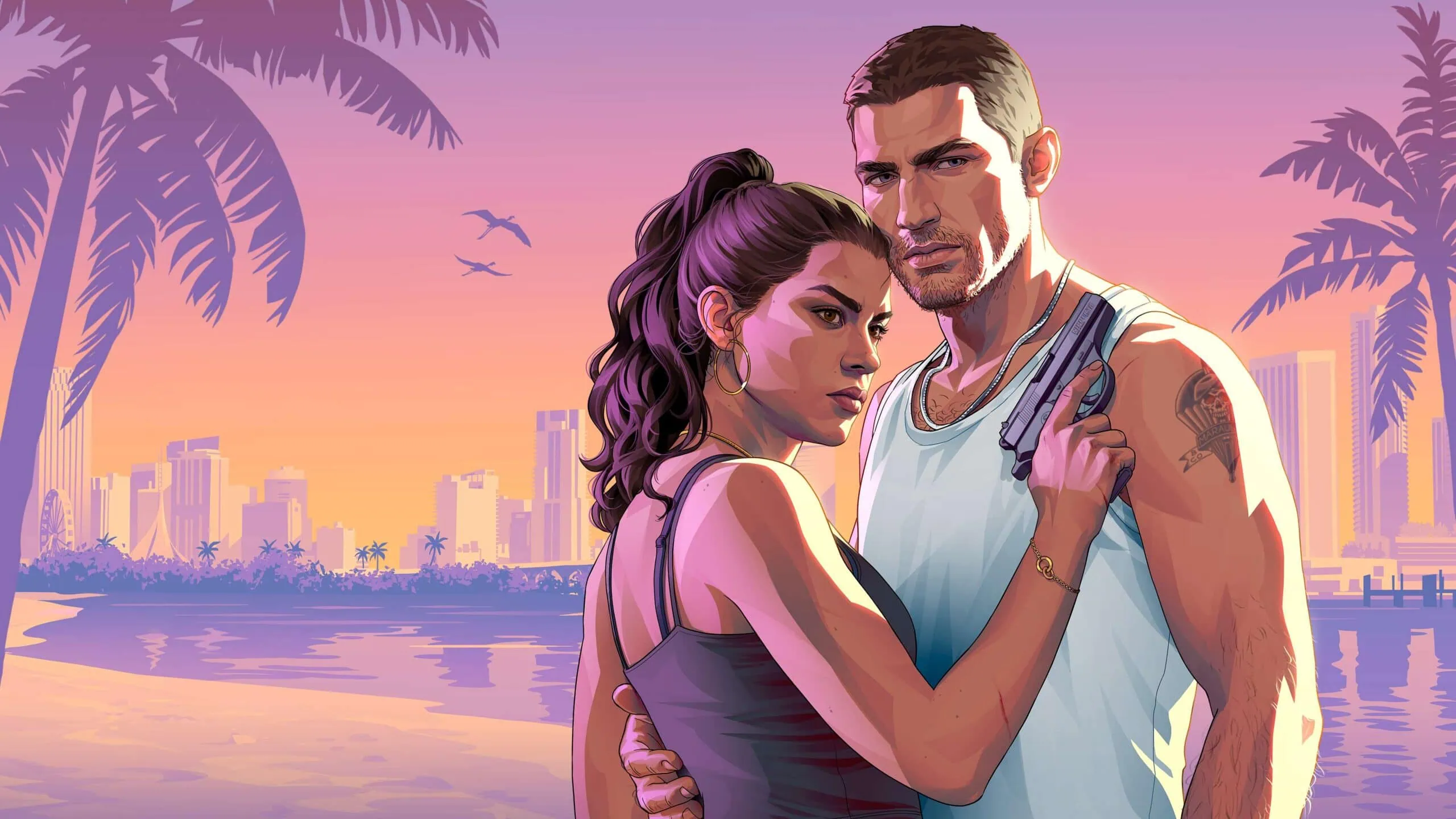
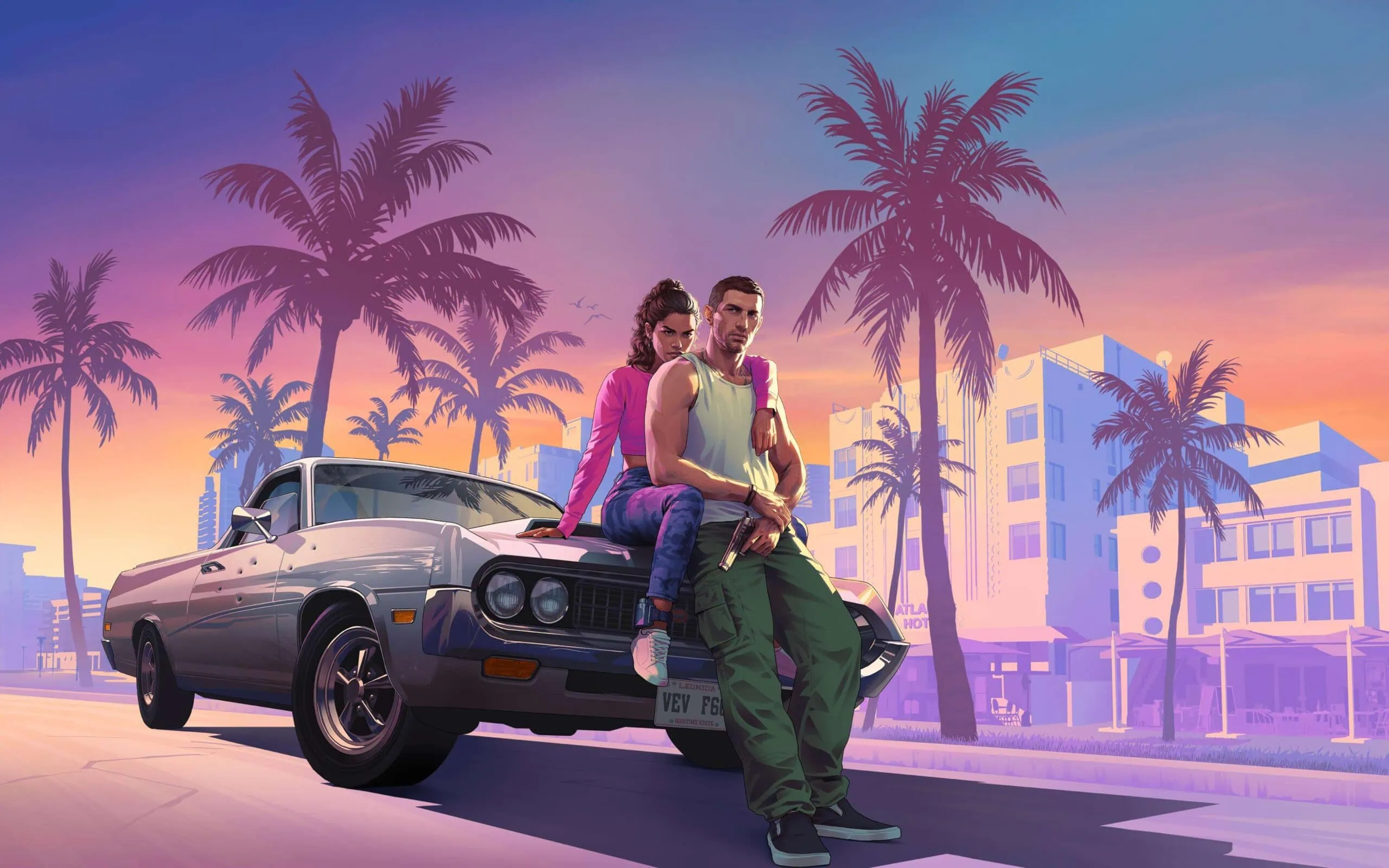

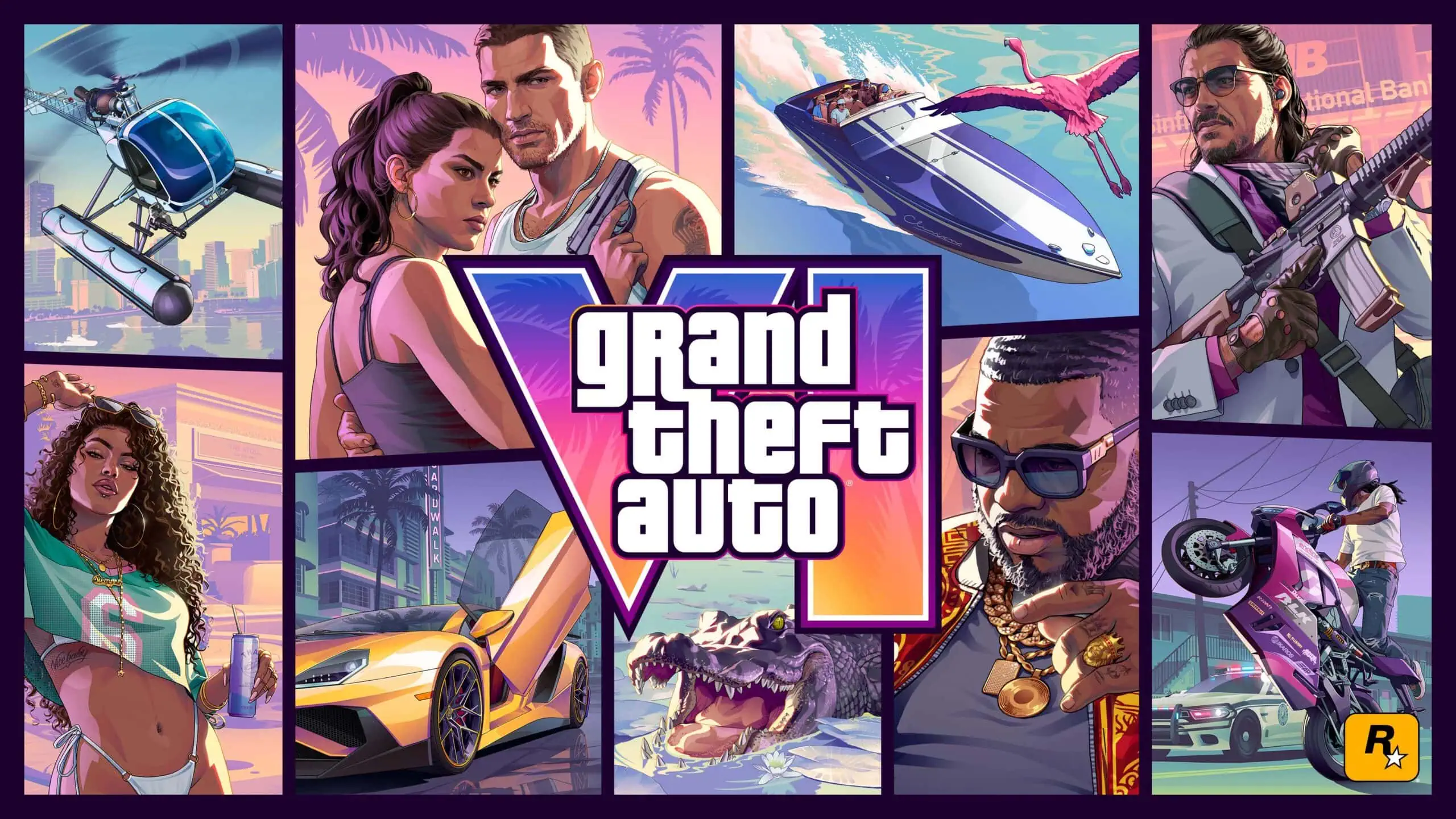

Note: the images listed above serve as a preview of the wallpapers and are only intended for representational purposes. It is important to note that the preview images are of lower quality, hence it is not recommended to download them directly. Instead, kindly utilize the designated download link provided in the section below for obtaining the wallpapers.Download GTA 6 Wallpapers In ZIP File –
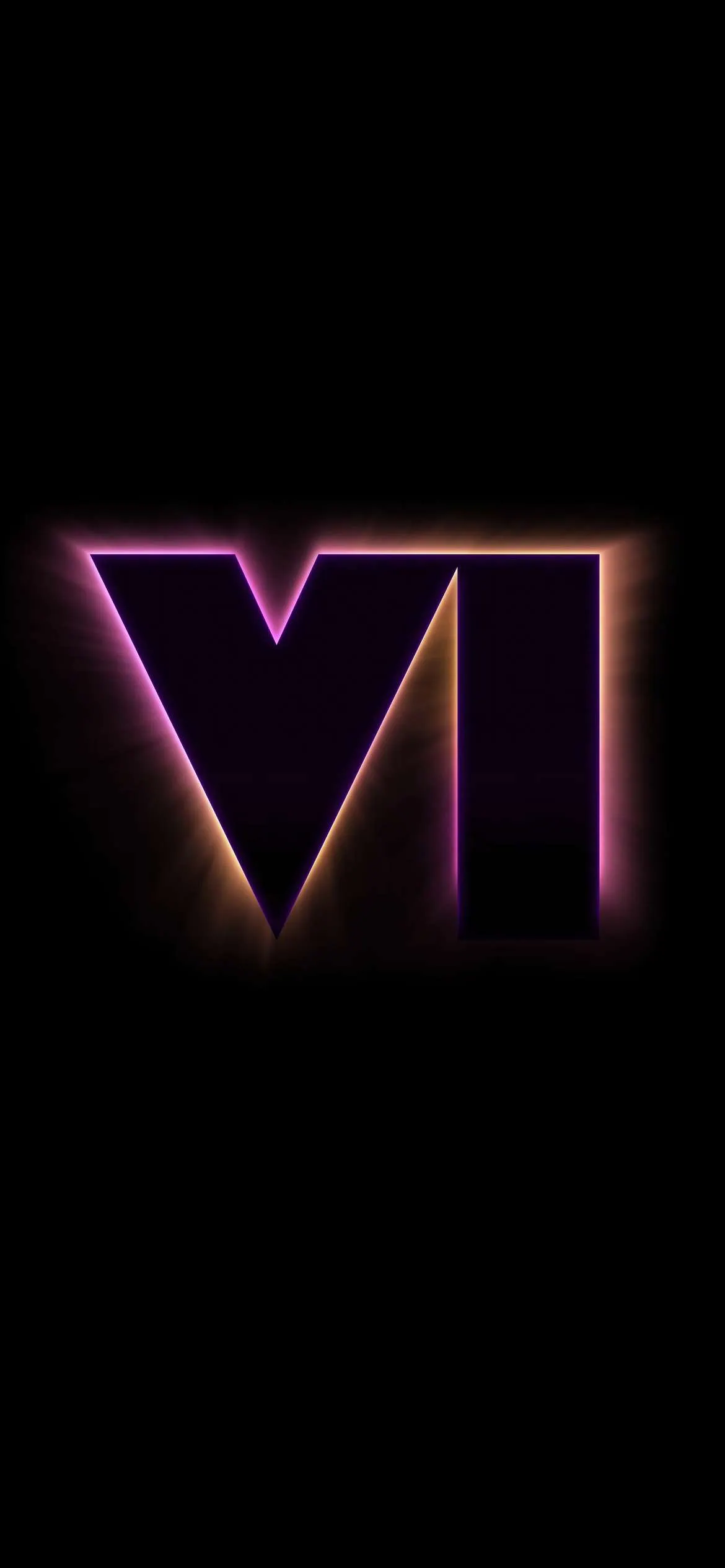
GTA 6 Mobile wallpapers allow you to experience the vibrant nightlife of Vice City wherever you go. With a bold retro-styled design, the Cover Art Wallpaper is sure to stand-out among other wallpaper options. Palm trees adorn the background, while the iconic GTA 6 Logo sits in the foreground. Trailer screenshots provide examples of the amazing graphics displayed in GTA 6, from character detail to environment richness. All wallpapers are built around the same unique visual identity found throughout the entire Grand Theft Auto franchise.
Mobile wallpapers have been formatted to be ideal for display on current smartphones with vertical screens. The GTA 6 PC wallpapers will also work well at resolutions such as Full-HD, 2K, and 4K. Simply download the provided ZIP file by clicking the link below and use any file manager or archiving software to unzip the files contained within.
Download GTA 6 Mobile Wallpapers – Devdrive.cloud
Download GTA 6 PC Wallpapers – Devdrive.cloud
How to Set these Wallpapers on Home Screen, Lock Screen, and Always-on Display
- First, download the
GTA_6_Wallpapers.zipfile and unzip it using File Manager or Explorer. - Open File Manager and browse the unzipped wallpapers folder.
- Select the Wallpaper you like, tap on the 3-dot menu, and then tap Set As Wallpaper, Home Screen, or Lock Screen.
- On iPhone, the main GTA 6 wallpaper supports the Depth Effect for a layered lock screen look.
- For PC, right-click the image and select Set as Desktop Background or use your system wallpaper settings.
How to Set These Wallpapers on Your Mac and Windows
On Mac (macOS):
- Download and extract the zip file called GTA_6_wallpapers.zip to the location of your preference
- Go into System Settings by using Apple Menu → System Settings
- Navigate to the Wallpaper section from the left sidebar
- Click on “Add Photo” or the “+” icon to locate your desired folder
- Locate either your preferred light version of a macOS 27 Golden Gate wallpaper or your preferred dark version of a macOS 27 Golden Gate wallpaper
- Choose your screen fit method — choose Fill Screen, Fit to Screen, or Stretch to fill Screen
- If you have multiple monitors/dual monitors, perform these same steps separately on each individual monitor
On Windows (11/10):
- Download and unzip the GTA 6 wallpapers.zip file to a local folder
- Right-click on an empty area of your Desktop
- Select Personalize from the context menu
- Click Background in the Personalization settings
- Set Personalize your background dropdown to Picture
- Click Browse photos and navigate to the extracted wallpaper folder
- Select your preferred wallpaper — light or dark variant — and it will apply instantly
- For best results, set the Choose a fit option to Fill or Fit to match your screen resolution
Please share these wallpapers with other communities and forums if you like them. Don’t forget to join our Telegram group for more wallpapers, themes, and ringtones updates.