

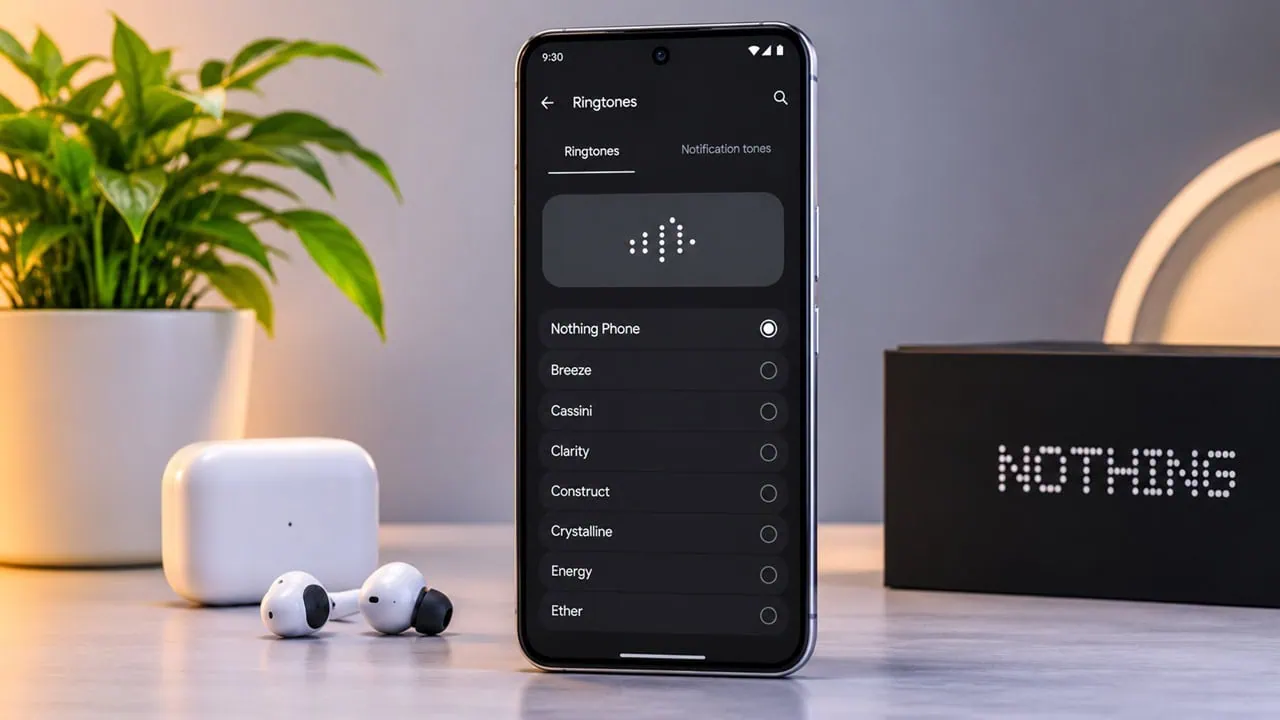
Nothing has started rolling out Nothing OS 5.0, and the new software brings fresh system sounds alongside all the new UI changes. The update is based on Android 17, and it includes new ringtones, new tones for notifications, alarm tones and sounds for UI. So here we have shared the Nothing OS 5.0 ringtones and notification tones in a zip file for all Android devices.
We have already posted the stock wallpapers for Nothing OS 5.0 on our blog, and many of you asked for the sound pack as well. Nothing’s new sound set includes fresh sounds like Crossing, Ripple, Pulse and Wings, along with a new pair of tones for chemical and diode. We have bundled all the ringtones, notifications, alarms and UI tones into a single ZIP file so you can download everything conveniently from the download section below.
About Nothing OS 5.0
Nothing OS 5.0 is Nothing’s largest software update yet. Built on Android 17, it introduces a new interface called Lucent UI. This new interface replaces the dot matrix design with smooth glass layers and moving parts. The update also adds an app builder for built-in on-device AI and a new Glyph Interface which retains all Glyph features, including sounds and schedules. Controls for notifications have also been revamped.
The audio side of the update focuses on subtle sounds rather than loud alerts. The ringtones are short, clean and synth based, the notifications are crisp and soft, and the alarms build up gradually rather than abruptly. The tones are available in .ogg format and work on both Android and iOS.
Nothing OS 5.0 Ringtones, Notification, UI, and Alarm Tones For All Android Devices
Nothing OS 5.0 comes with amazing new wallpapers and ringtones, and we have already shared the Nothing OS 5.0 wallpapers on our blog. This time we are going to share the new ringtones, notification sounds, alarm sounds and system audio files. All the system audio files are now available for download.
Here’s the list of all Ringtones, notifications, UI, and Alarms:
Download Nothing OS 5.0 Ringtones, Notification, UI, and Alarm Tones in a Zip File
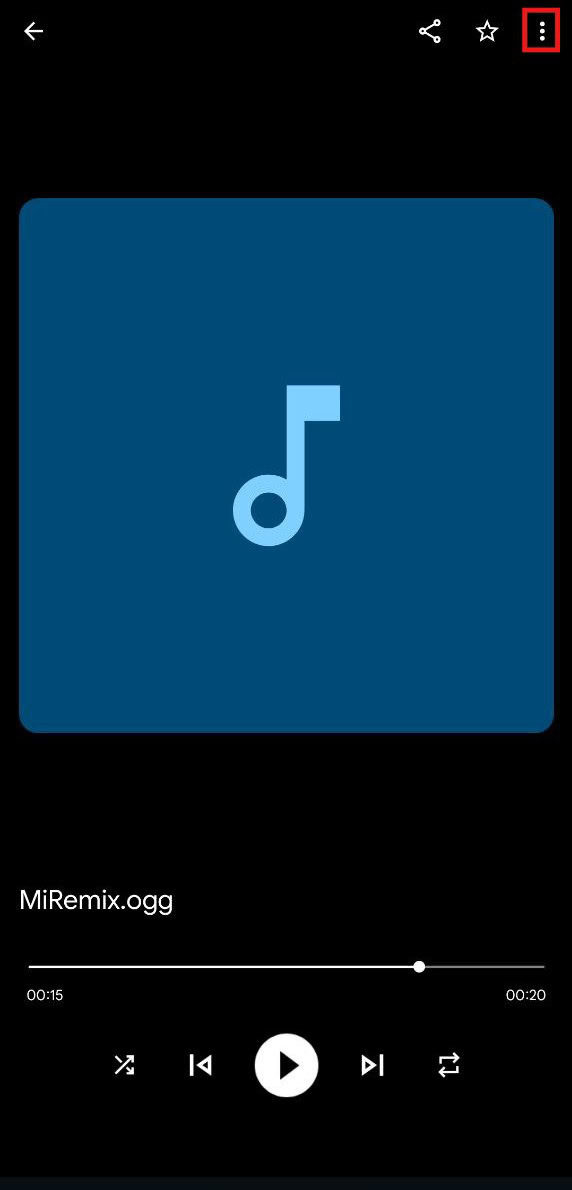
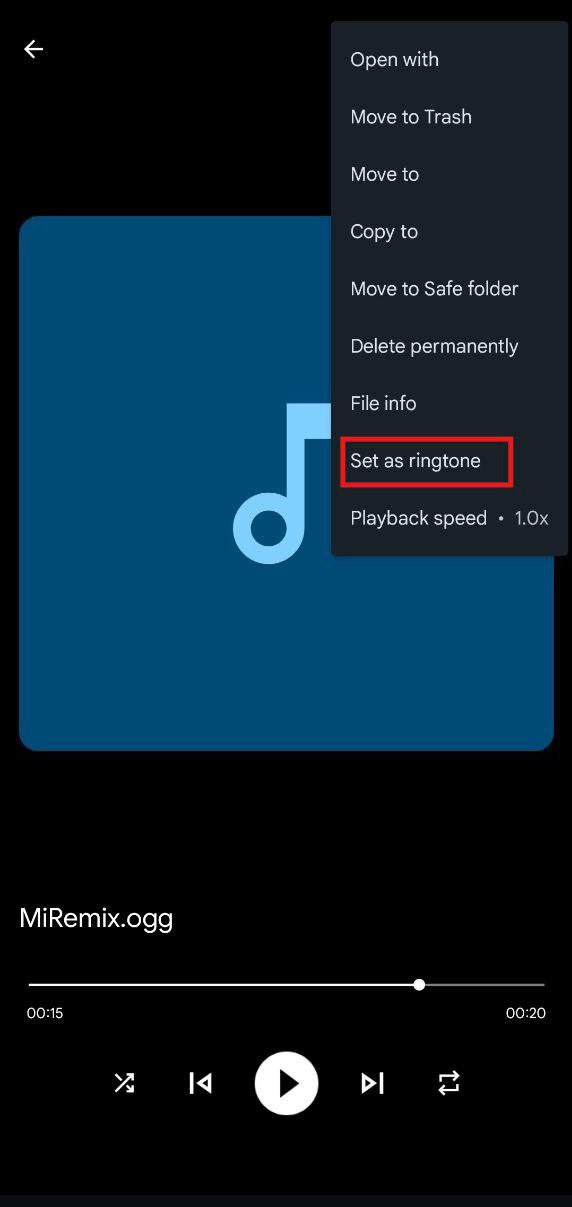
We have extracted all the ringtones, notifications, alarms and UI system audio files from the Nothing OS 5.0 firmware, and you can download them all in a single zip file for your phone. To set a tone as a ringtone, open the ringtone folder and hit the 3-dot menu, then tap on set as ringtone or notification.
Nothing OS 5.0 Ringtones –
Nothing OS 5.0 Notification – Devdrive.cloud
Alarm UI Tones – Devdrive.cloud
UI Tones – Devdrive.cloud
How to Set Ringtones on Your Android Devices
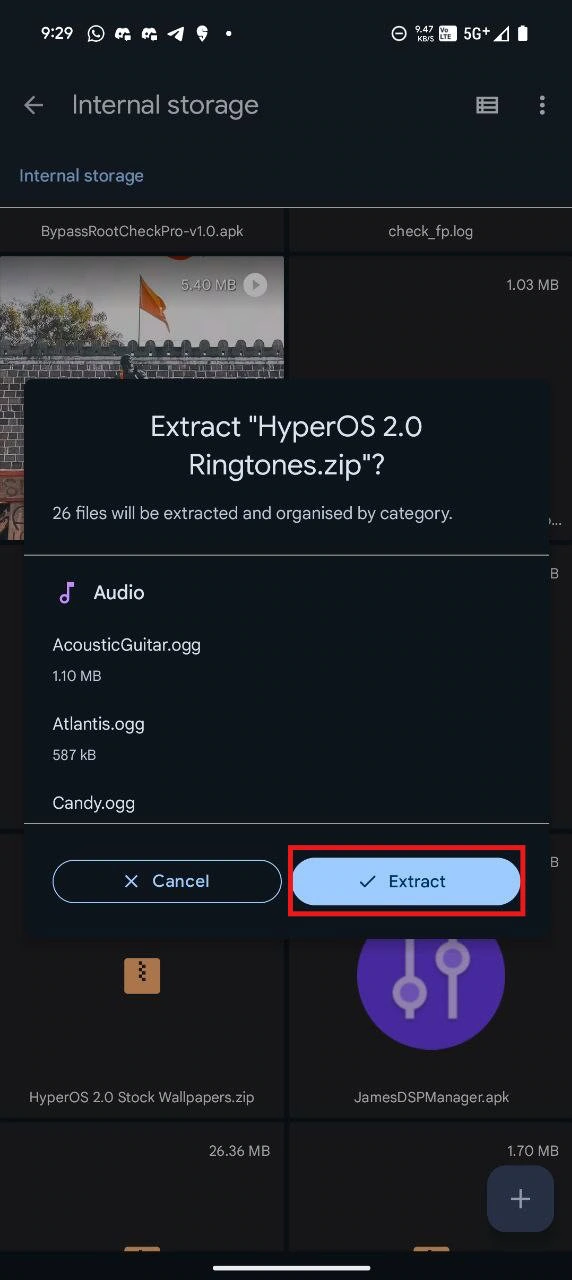
- First, download the Nothing_OS_5.0_ringtones.zip file and unzip it from File Manager or Explorer.
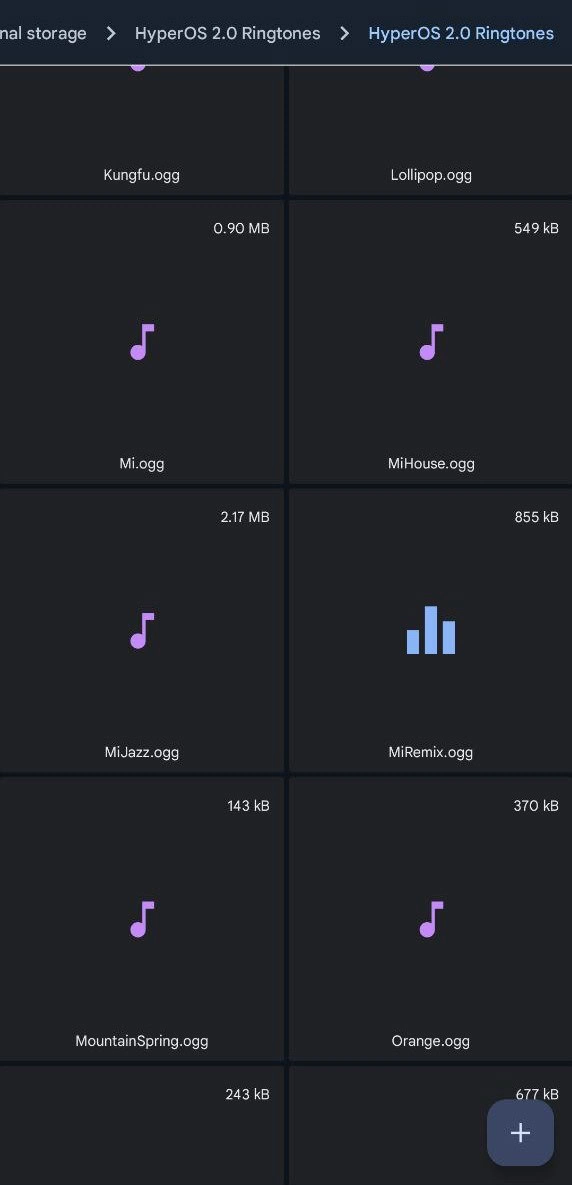
- Go to the extracted folder, open the .ogg ringtone file, then tap on the 3-dot menu and tap Set As Ringtone.
- Or open Sound & vibration Options from Settings, then tap on Ringtones, Notification, or Alarm.
- Then, tap on Choose Local Ringtone or Music on your device and select whatever tone you want to use.
Please share these Nothing OS 5.0 Ringtones with your friends if you like them. Don’t forget to share your favourite tone in the comments below.
Final Thoughts:
Nothing OS 5.0 offers a new collection of high-quality ringtones, notification sounds, alarm sounds and UI sound effects. This new package of sounds is now available in a zip file that will work on any Android phone, and users can download it via file manager and update the overall sound of their Android phone with the new Nothing OS 5.0 ringtone pack.