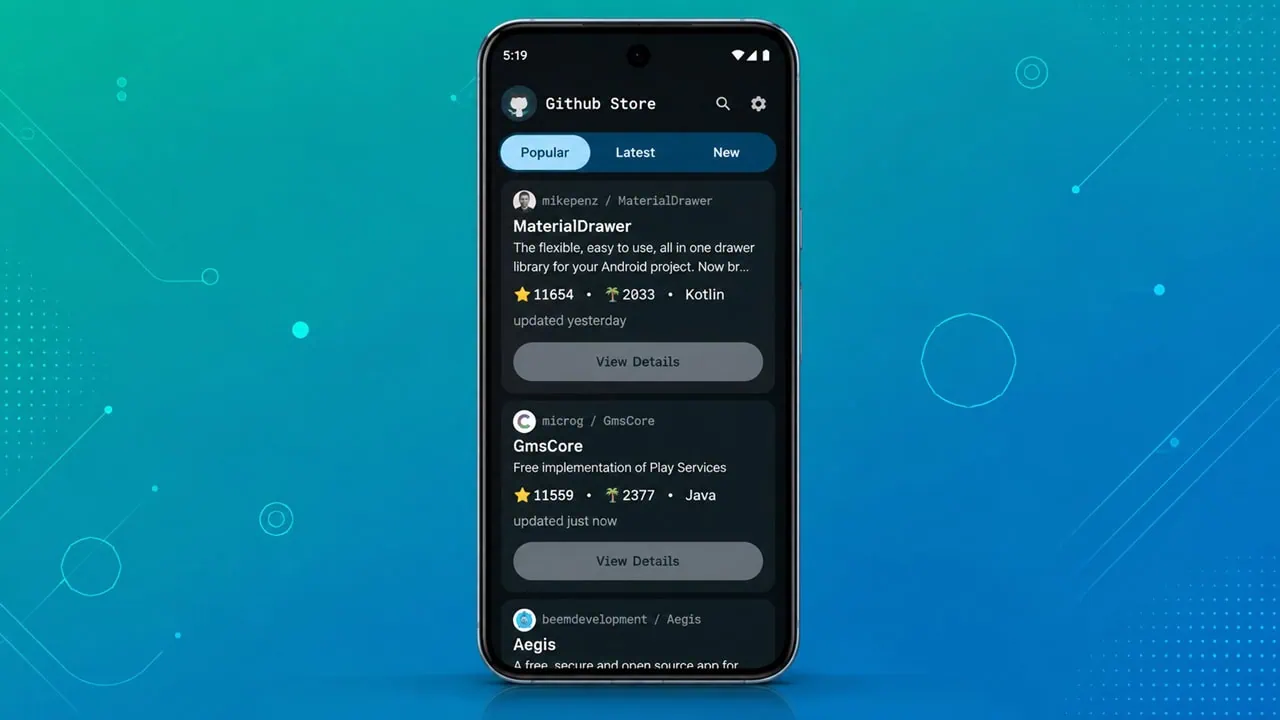
GitHub Store is a free app that removes this hassle and solves the problem for apps downloaded separately. You open it and browse the same way as you do in the Play Store, tap to install or update. It is open source and works offline once you link an app. It also supports different sign-in options, so you can check starred projects and installed apps. Dive in and learn what it does, how it works, and how to get it running on your phone.
If you have sideloaded apps from open source projects, you know it is a hassle. Play Store keeps all apps in one spot and makes it easy to install updates. But for code hosting sites? That is a different matter. You have to find the right APK for your device and download it yourself. After doing that a few times, you will want something easier; that’s what the Komi Store GitHub Store APP will do for you.
What is GitHub Store
GitHub Store is an Android app that serves as a regular app catalog for open source releases. It gets the latest builds directly from project pages and shows assets, readmes, changelogs and older versions. APKs can be installed with standard Android installer or helper services like Shizuku or root. Upon linking an app to a project, you receive notifications for any new release. This makes remembering URLs unnecessary.
It’s much smoother compared to manually downloading APKs from a browser. You do not copy URLs around, wonder which build is right for your device and you never get permission prompts. The app remembers the correct fingerprint that you used to begin with, and every update maintains that build as 64 bit and universal. An independent developer maintains the project and code is open source and free on F-Droid.
Features
- Browse trending, hot releases, and most popular projects
- Filter by category – Privacy, Media, Productivity, Networking, Dev Tools
- One tap install for any release, with an older versions list if you need to roll back
- Link any sideloaded app to its project so updates show up automatically
- Choose install method – default Android installer, Shizuku, Dhizuku, or root via libsu
- Sign in through GitHub web OAuth, device flow, or a personal access token
- Material 3 design with light, dark, and AMOLED themes
- Search across GitHub, Codeberg, Forgejo, and Gitea projects from the same app
- Open source, with translated UI in 13 languages including English, Hindi, Bengali, and Arabic
| Feature | GitHub Store | Manual APK Download |
|---|---|---|
| One tap install and update | Yes | No |
| Update notifications | Yes, per linked app | No |
| Older versions | Listed per release | You browse the release page |
| Install method | Default, Shizuku, Dhizuku, root | Default only |
| Source host | GitHub, Codeberg, Forgejo, Gitea | Whatever site you open |
| Open source | Yes | Depends on the project |
Changelogs
v1.9.2 - 27 Jun 2026
- New Manga personality with paper-textured Day, Night, and Nord themes
- Explore tab with a daily feed of installable apps
- Compose-based contribution calendar on developer profiles
- Mirror + direct download race fix
v1.9 - 11 May 2026
- Full design refresh with Geist typography
- Tablet two-pane layout with draggable divider
- Window state persists across launches
- Native dark title bar on Windows 11 and macOS
- Root installs rewritten on libsu for Magisk 27+
Download GitHub Store
Download GitHub Store – Komi Store APK :
You can also grab GitHub Store for free from F-Droid. The app is open source, the APK is signed by the original developer, and the build corresponds to a verifiable source tarball. F-Droid will keep it updated on your phone the same way the Play Store does for any other app.
How to Install Open Source Android Apps from GitHub Store
First, install GitHub Store through F-Droid in a couple of taps or from our Link. The app does not depend on the Play Store and works on stock Android, GrapheneOS, LineageOS, and any other custom ROM that ships Android 8 or newer.
Step 1 – Install the Komi Store App
First, allow unknown sources for the installer when prompted, then open Komi Store once it is on your phone. Let it finish its first repository sync.
Step 2 – Open the app
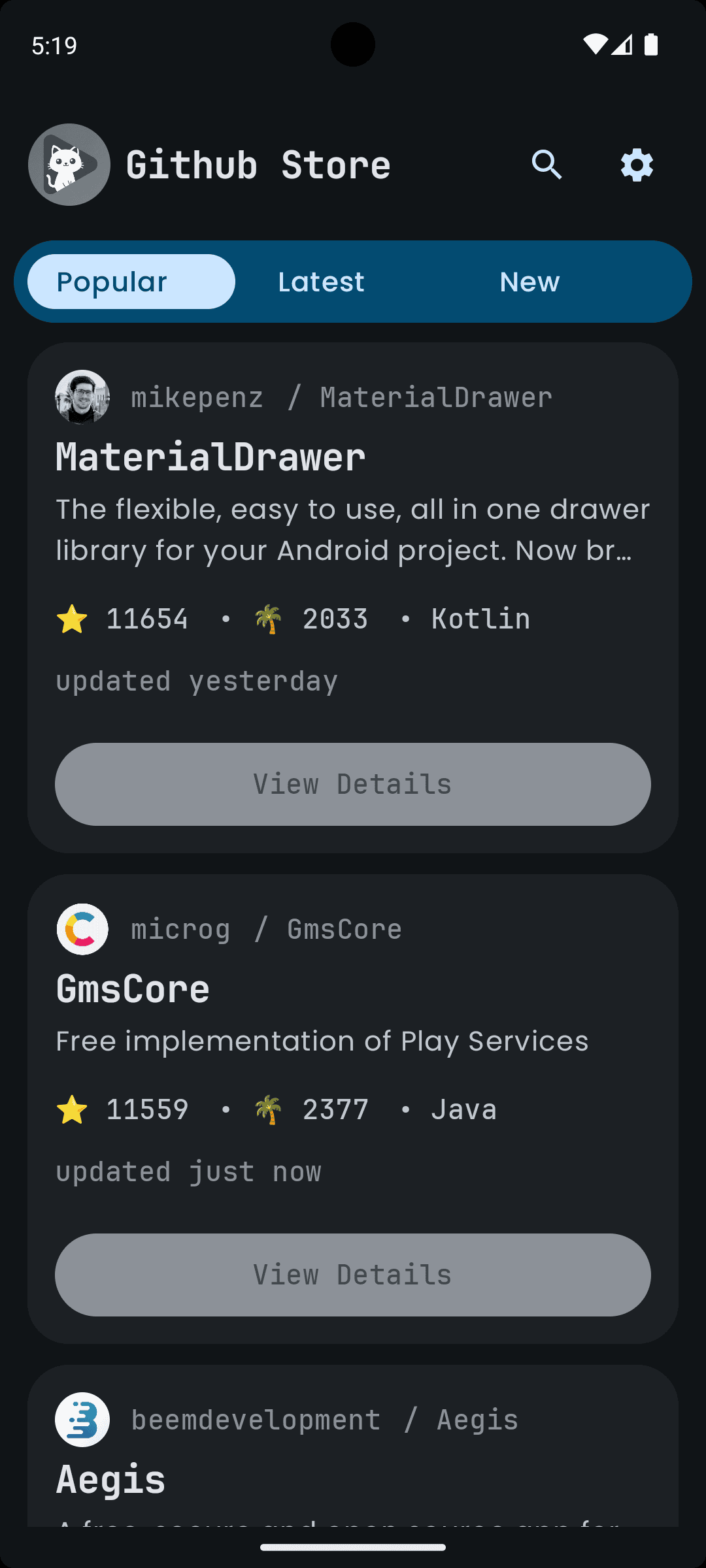
Once the install finishes, open Komi GitHub Store. The home screen shows Trending, Hot Releases, and Most Popular feeds right away, with topic filters for Privacy, Media, Productivity, Networking, and Dev Tools along the top.
Step 3 – Browse a project
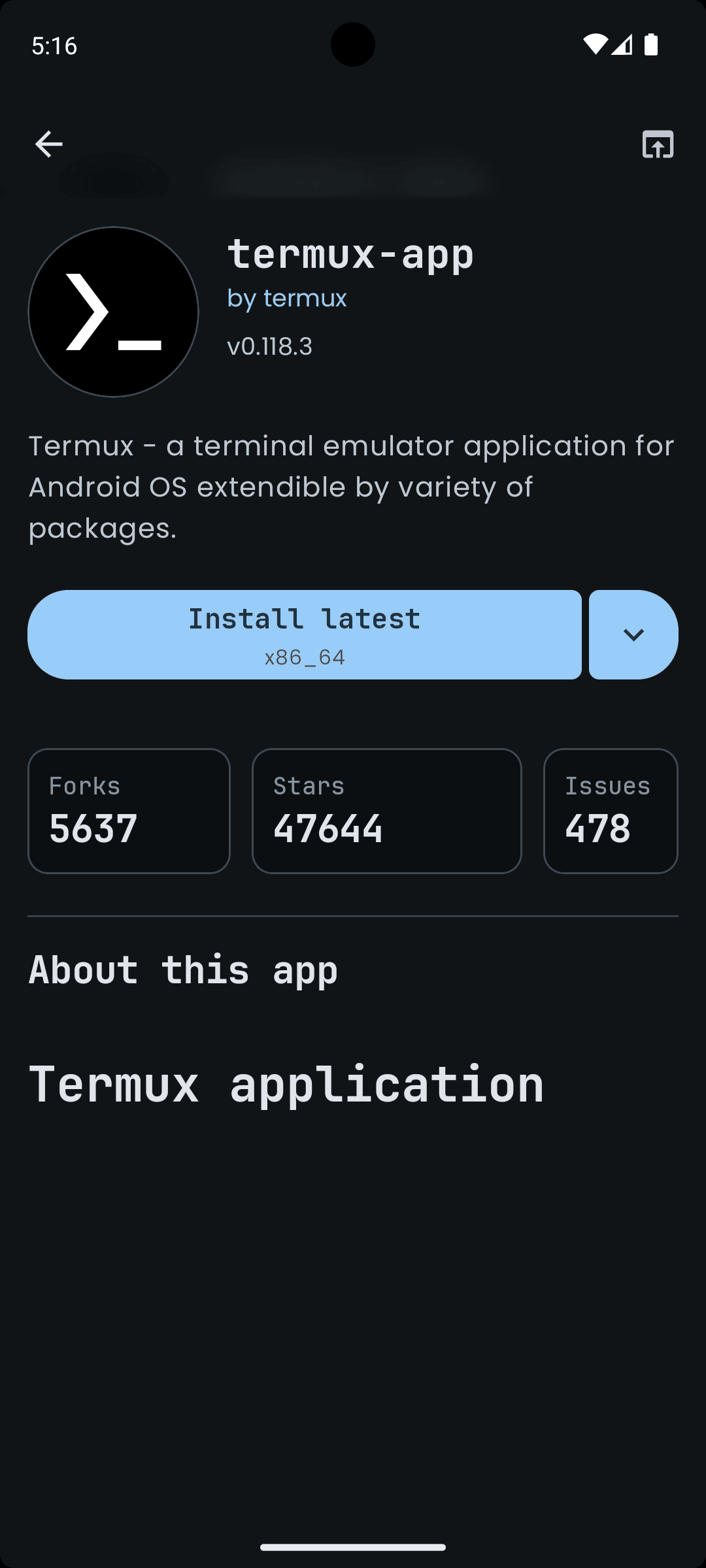
Tap any app to open its details page. You get the readme, assets, all released versions, forks, and issues. Scroll to the bottom to find the Download button. If you need an older build, tap Versions and pick the one you want.
Step 4 – Link your installed apps
Open the Apps tab to see every open source app already installed on your phone. Tap Link on each one. The app now knows which project the installed APK came from and will check for new builds. If a Link button is missing, hit the overflow menu and choose Scan for apps.
Step 5 – Tweak settings if you want
The Settings tab has theme, install backend, mirror, translation, and account options. Most users leave these at the defaults. If you run into slow downloads, switch to a different mirror under Network.
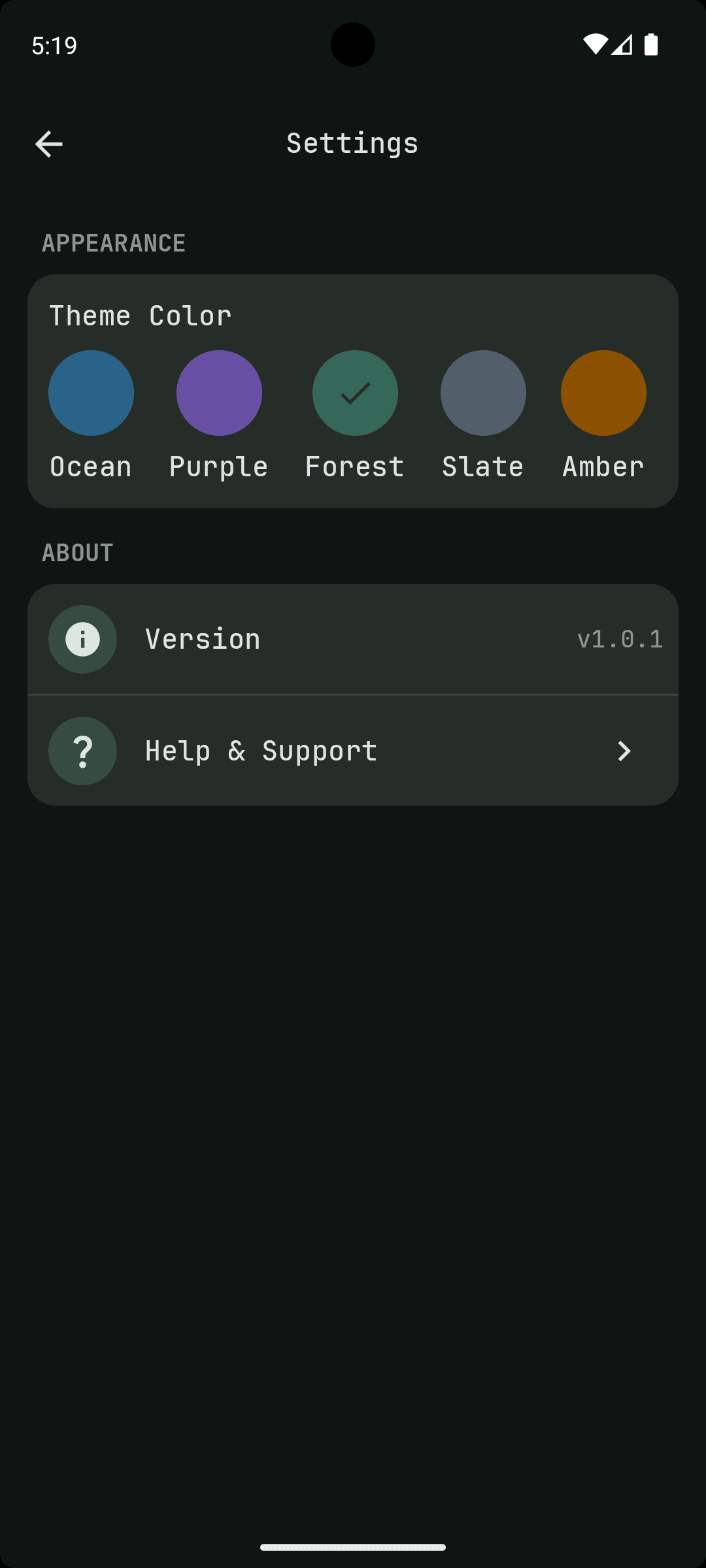
That is all there is to it. The whole flow is a single tap per app from here on. New builds land in the Updates section of the library, and you decide when to install them.
How to Update Your Apps
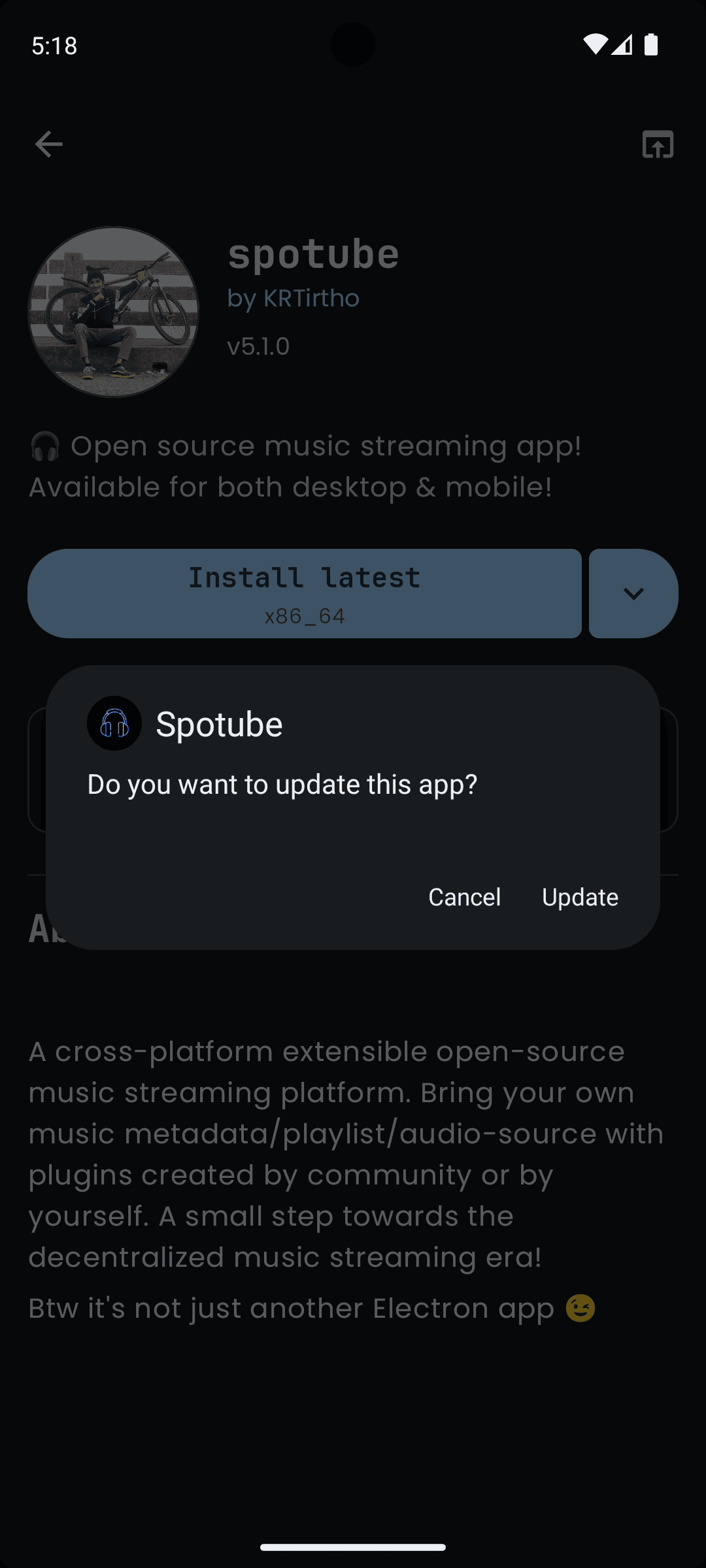
When you link your apps, updates are easy to get. Go to Library tab and look for the top banner labeled “Updates“. If there is a newer version, you see the version number and there is a button that says “Update”. Tap it and APK correct for Android downloads automatically. Want to get instant alerts when a new build is live? Turn on release notifications in Settings.