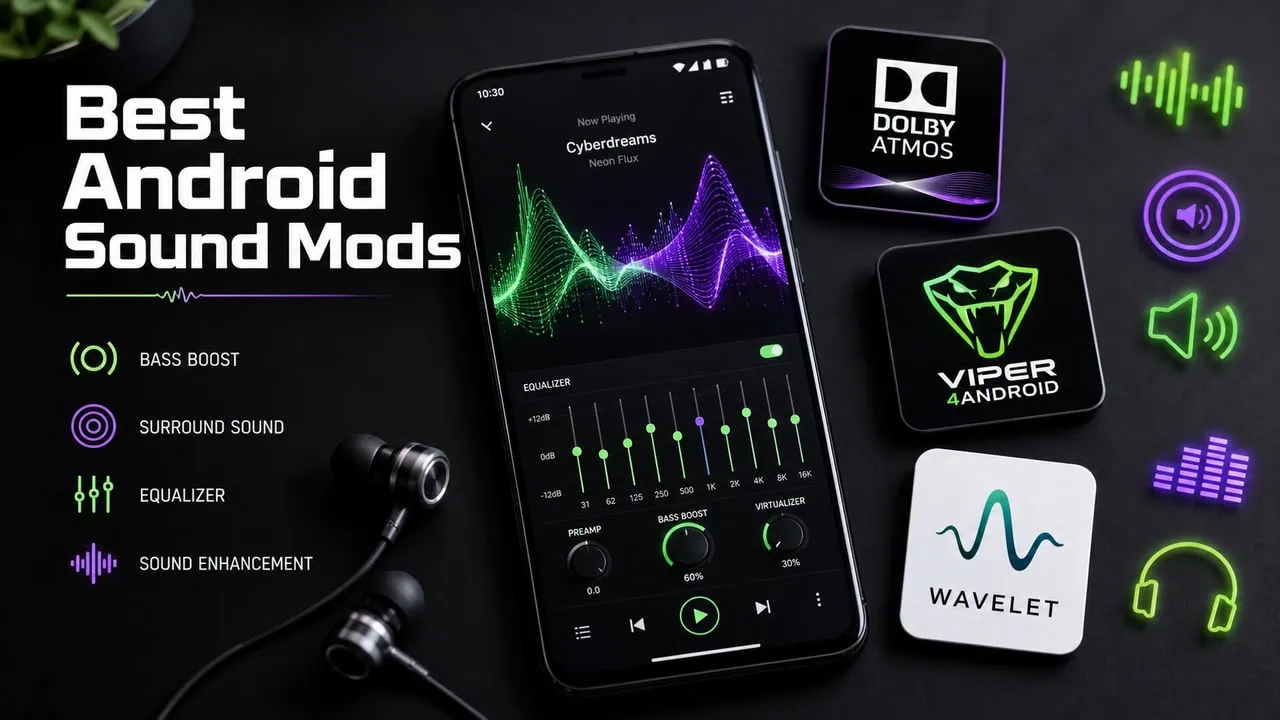
Android has always been a dream for people who like customizing. From ROM customization to Custom kernels you can modify almost anything. But most people ignore audio quality, though your speakers and headphones sound much better than stock with Audio Mod’s. With the right modifications and apps, your phone turns into a portable powerhouse for music. Rooting isn’t necessary for all these; there are options for both root and NON-Rooted users. We have collected the best sound mods for Android that will customise your Android audio function and work on both rooted and non-rooted devices.
We have picked the top audio mods used by the Android community for years, from Dolby Atmos to ViPER4Android, and many more. Some of these require root access for system-level work, but others work fine without root on stock devices. They have all been tested and work on the latest Android versions. Let’s take a look and see what they have to offer.
1. Dolby Atmos Module for Android

Dolby Atmos has been one of the most popular audio mods among Android enthusiasts for years. The module is ported from other Top flagship Android devices and brings the full Dolby Atmos experience to any rooted Android phone. It gives you 3D surround sound that makes movies, music, and games sound much more immersive. The module works with both wired and wireless headphones, and you can feel the difference instantly after installation.
Features
- Immersive 3D surround sound on mobile speakers and headphones.
- Clearer dialogue and vocals in movies and games.
- Pre-built Dynamic, Movies, and Music presets.
- Custom options like Intelligent Tone, Dialogue Enhancer, and Graphic Equalizer.
- Louder, richer audio with less distortion.
- Smarter volume levelling across different types of content.
- Works with both phone speakers and wired or wireless headphones.
Download and Install Guide
This module requires a rooted device with Magisk or KernelSU. First, install the Audio Modification Library AML module from the developer. Then download the Dolby Atmos Module zip file and flash it using Magisk Manager or KernelSU. We have a complete guide on our blog. Go to the link and learn more about how to install the Dolby Atmos Module on Android.
- Root Required: Yes
- Module Link – Dolby Atmos Module for Android
2. ViPER4Android FX Module
ViPER4Android is the most well-known audio mod in the Android community. It has been around for years and recently got a complete redesign with Material Design 3. The new version supports Android 14 to Android 16 and works with AIDL HAL for better compatibility. V4A gives you full control over your device audio with a powerful 10-band equalizer, convolver support, bass boost, and per-app audio profiles.
Features
- Material Design 3 user interface with dynamic colors and smooth animations.
- AIDL HAL support for Android 14 to Android 16 devices.
- Legacy Mode as fallback for older apps and streaming services.
- Per-app audio profiles for different equalizer presets per app.
- Convolver with IRS files for studio-grade sound simulation.
- VIPER-DDC for headphone-specific frequency correction.
- 10-band fully customisable equalizer with built-in presets.
- Master Limiter and Bass Boost for clean, distortion-free audio.
Download and Install Guide
You need a rooted device running Android 14 or newer. Download the ViPER4Android APK and the corresponding module zip file. Install the APK first, then open Magisk Manager or KernelSU. We have a complete guide on our blog. Go to the link and learn more about how to install the ViPER4Android on Android.
- Root Required: Yes
- Module Link – Install Viper4Android Module – Support Android 16
3. Wavelet App – Best Non-Root Sound Mod

If you do not want to root your phone, Wavelet is your best choice. Works on any Android device and root is not necessary. Audio quality is improved as well. The best feature is AutoEQ which automatically fine tunes perfect equalizer settings for your headphones from a database of over 2300 sounds profiles. You also get a graphic equalizer with 9 bands, bass tuner and effects such as reverb and virtualizer.
Features
- AutoEQ feature with over 2,300 headphone sound profiles.
- 9-band graphic equalizer for fine-tuning the audio output.
- Bass tuner to increase or decrease bass precisely.
- Reverberation and Virtualizer effects for spatial audio.
- Channel balance and limiter for volume control.
- Legacy Mode for maximum compatibility with older Android versions.
- Works with all apps including YouTube, Spotify, and Tidal.
Download and Install Guide
Get Wavelet from Google Play Store. Download and install it like any other app. After it’s installed open it and give it necessary permissions. Basic effects are free but for more complex like Reverb and Bass Tuner you have to buy them in app.
- Root Required: No
- App Link – Install Wavelet App to improve sound quality
4. JamesDSP Manager – V4A Alternative
JamesDSP is an excellent alternative to ViPER4Android especially if you use Huawei or Honor phones. It works on Android 12 to 15. You get many features such as 15 band FIR equalizer, support for convolver, bass boost, compression and stereo widening. It is a Magisk module so it integrates directly into system audio. It is also very lightweight; older phones can run it without any difficulty.
Features
- FIR 15-band equalizer for precise frequency adjustment.
- Convolver support with impulse response files.
- Bass boost and compression for louder, punchier audio.
- Analog modelling and vacuum tube simulation.
- Stereo widening and BS2B crossfeed effect.
- Viper DDC support for headphone-specific tuning.
- Reverberation effect for spatial audio experience.
Download and Install Guide
You can get JamesDSP whether your device is rooted or not. If it is rooted you need either Magisk or KernelSu. Just download the latest JamesDSP zip and put it on your phone. Then open Manager for Magisk or Su Kernel and go to Modules section and hit the add button. Select the JamesDSP zip file and confirm the installation and you’re good. We have a full guide on our blog if you want to learn more about how to install JamesDSP on Android.
Root Required: Root / Non-Root Version both available
Module / App Link – Install JamesDSP Manager
5. NLSound Module
NLSound is a system-level audio enhancer designed specifically for Qualcomm Snapdragon devices. Unlike other audio mods that simply add an equalizer, NLSound works directly at the system level by modifying sample rates, disabling harsh audio limiters, and improving microphone performance. It also reduces Bluetooth latency for gaming.
Features
- System-level audio enhancement that works across all apps.
- Customizable sample rate from 48 kHz up to 384 kHz.
- Separate volume control for audio output and microphone input.
- Disable audio limiters and companders for cleaner sound.
- Reduced Bluetooth latency for better gaming experience.
- Customizable volume step count for finer volume control.
- Direct PCM mode to bypass third-party audio processing.
- Dolby Atmos parameter tuning support.
Download and Install Guide
NLSound requires a Snapdragon device with root access. Download the NLSound module zip file. Open Magisk Manager or KernelSU and go to the Modules section. Tap Install from Storage and select the NLSound zip. During installation, you will see configuration options. Choose 32-bit audio depth, 384000 Hz sampling rate, and microphone sensitivity of 102. Skip the volume steps and music volume options for default values. Reboot the device after installation.
- Root Required: Yes (Snapdragon devices only)
- Module Link – Install NLSound Module
6. DTS:X Ultra & DTS Headphone:X
DTS:X Ultra and DTS Headphone:X are ported from LG smartphones and bring a cinema-like surround sound experience to any Android device. The App is designed specifically for gaming with three presets for movies, music, and games. DTS Headphone:X takes ordinary headphones and makes them sound like a full surround sound system. This mod is compatible with the Audio Modification Library, so you can use it alongside other audio mods.
Features
- Immersive surround sound for movies, music, and games.
- Three built-in presets for different content types.
- Headphone:X creates virtual surround sound from stereo headphones.
- Stereo virtualization for wider soundstage.
- AML compatible so it works well with other mods.
- Works on Android 9 and above devices.
Download and Install Guide
Download the DTSX Ultra zip file. You can install it using Magisk Manager or TWRP recovery. For Magisk, open the app, go to the Modules section, tap the plus icon, and select the zip file. For TWRP, copy the zip to your phone, boot into recovery mode and then install the zip from the Install menu.
- Root Required: Yes
- App Link – Install DTS:X Ultra & DTS Headphone
Final Thoughts
There you have it, the best sound mods and apps for Android whether you have root access or not. If you are willing to root your device, you can unlock the full potential of your phone audio with modules like Dolby Atmos, ViPER4Android, and JamesDSP. For those who prefer to stay unrooted, the Wavelet app does an amazing job without any system modifications. Try out the ones that suit your needs and let us know which one works best for you.