
Many apps or Mods improve the sound quality of your Android device, such as Viper4Android and JamesDSP. However, all those apps require root access to function on your device. Here, we share an Android App that doesn’t require root access to enhance sound quality, customise the equaliser, adjust audio bass, and more. The app’s name is Wavelet, which helps you to tune headphones or speakers to the best possible sound quality.
This app supports all Android devices, allowing you to boost the phone’s speakers, headphones, and stereo over Bluetooth. The highlighted feature of this app is automatic EQ, which stands for automatic equaliser. So this feature adapts your music/work and automatically sets an equaliser for your headphones or speakers.
Wavelet Sound Mod App
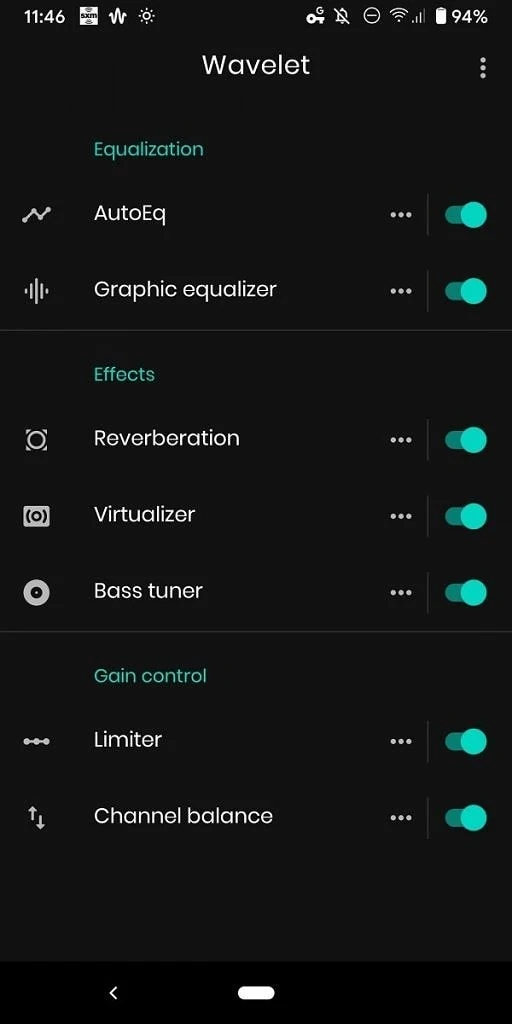
Thanks to XDA senior member ‘pittvandewitt’ for developing this Android app. This app improves the sound quality of the headphones. Legacy mode, AutoEq, graphic equaliser, and channel balance are standard configurations. Unlocking the Reverberation, Virtualiser, and Bass Tuner effects requires an in-app purchase of $5.49 (approximately Rs 420 in India). Let’s talk about some of the features of the Wavelet app.
Features
This app comes with numerous features that enhance your device’s sound quality. Below, we share some highlighted features:
- It comes with AutoEq to equalise your headphones to the Harman standard.
- There is a 9-band graphic equaliser that you can use to fine-tune the results.
- There are many effects such as bass boost, reverberation, and virtualisation.
- Also, you can control the volume level using channel balance and limiter allowing you to reduce dynamic range.
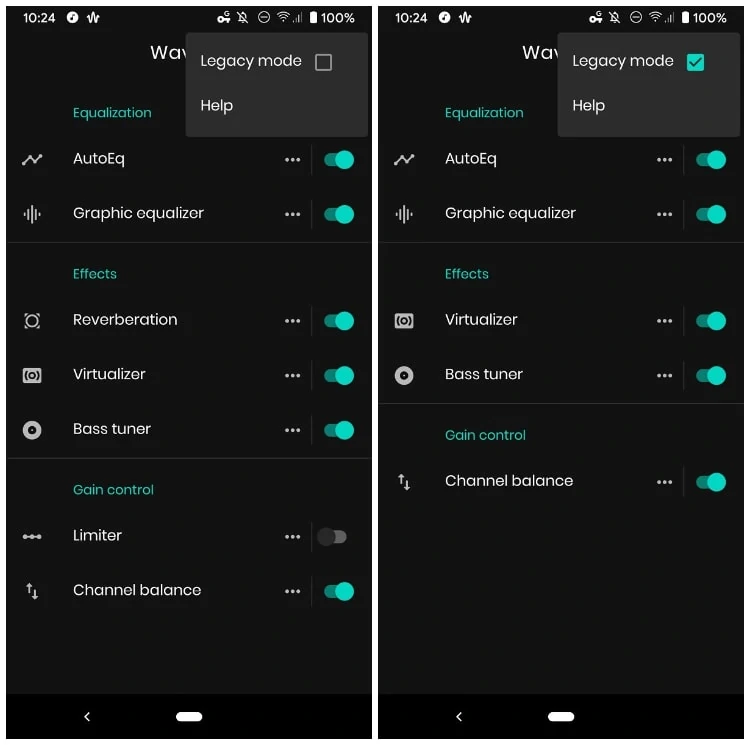
Legacy mode
Legacy mode is a limited-functionality mode that provides maximum compatibility. The Wavelet app works with almost all Android devices, but if your device doesn’t recognise the app, then Legacy Mode helps you fix it. Also, it supports 3party music applications like YouTube, Spotify, Tidal, etc.
AutoEq:
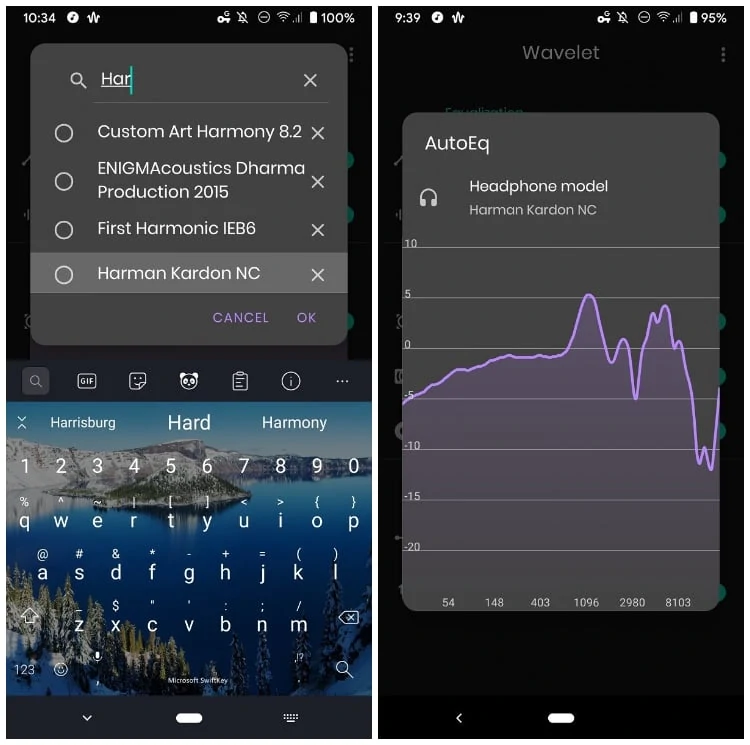
The highlighted feature of the Wavelet app is AutoEQ, which optimises equalisation for your particular headphones. Also in this app, you can get over 2,300 sound profiles tailored to specific brands published on GitHub by a developer named jaakkopasanen. You can set the best profile for your headphones. If your headphones are cheap or you can’t get a proper profile for them, you can use the Harman Kardon NC profile.
Graphic equalizer
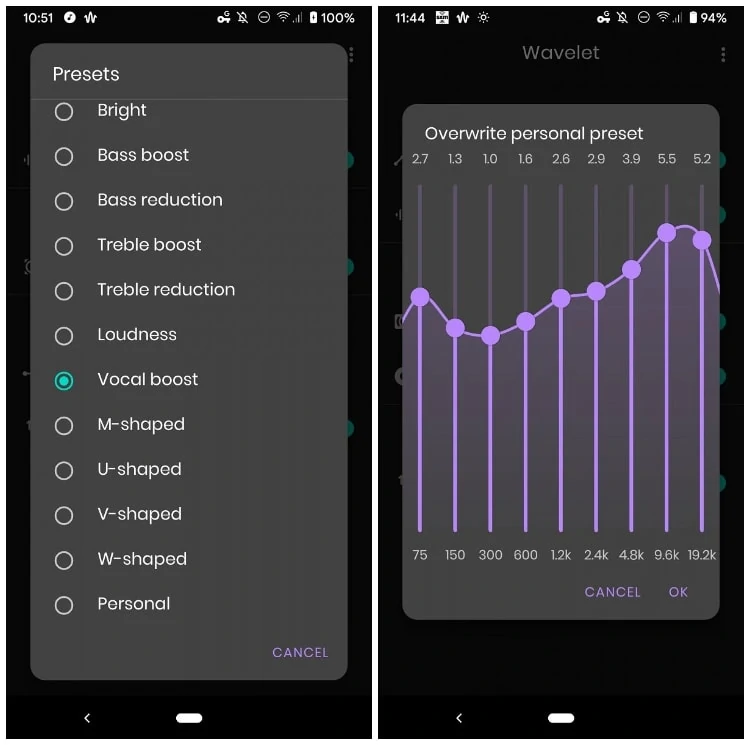
There are 9 band equalisers in the database. You can use it with AutoEQ to achieve better sound quality. It includes a number of presets such as Flat, Bass Boost, Treble Boost, Loudness, Vocal Boost, and more. Additionally, you can create your own equaliser using a graph and save it for future use.
Bass tuner
The bass tuner lets you increase or decrease bass more precisely, limiting the effect to the frequency band below the selected threshold.
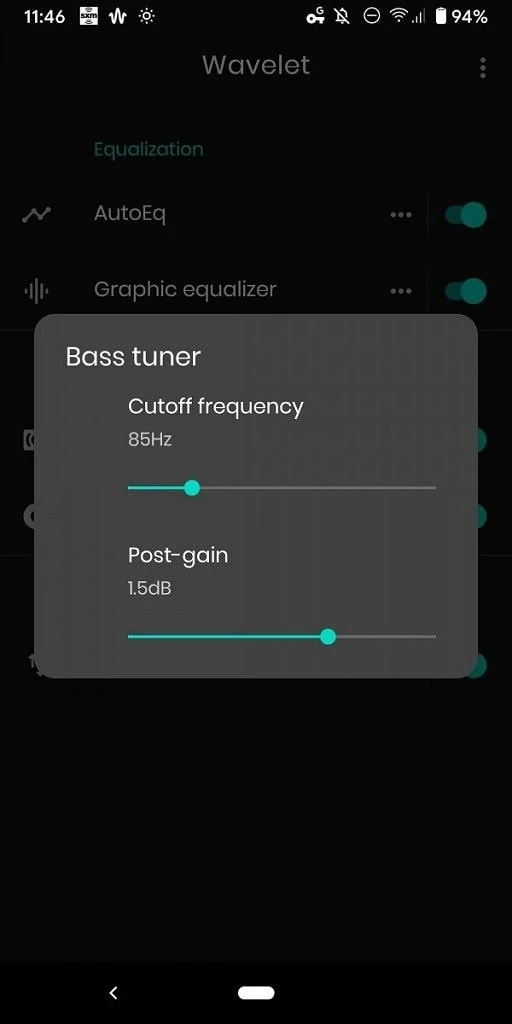
Also, you can get lots of features like Reverberation, Virtualiser, Limiter, and Channel balance. So let’s go to the main guide and install the Wavelet app.
Download Wavelet App
It’s available on the Play Store. Basic functionality is free, but Reverberation, Virtualiser, and Bass tuner effects will require an in-app purchase of $5.49 (RS/420 in India).


Wavelet Latest APK
Download APK Wavelet_26.05 – Wavelet_26.05(260508).apk
Optimize sound quality with the Wavelet App
Most audio mods require root access, which is dangerous and can also void your device’s warranty. However, the Wavelet app works with all Android-based OS on an unrooted setup. Wavelet App gives the best audio modification without root; it easily competes with many audio mods like Viper4Android, JamesDSP, Dolby, etc.
You may also like:
If you like the guide, please share it with other communities and forums. Don’t forget to join our Telegram group for more Android stuff, wallpapers, Themes, and Ringtones.