
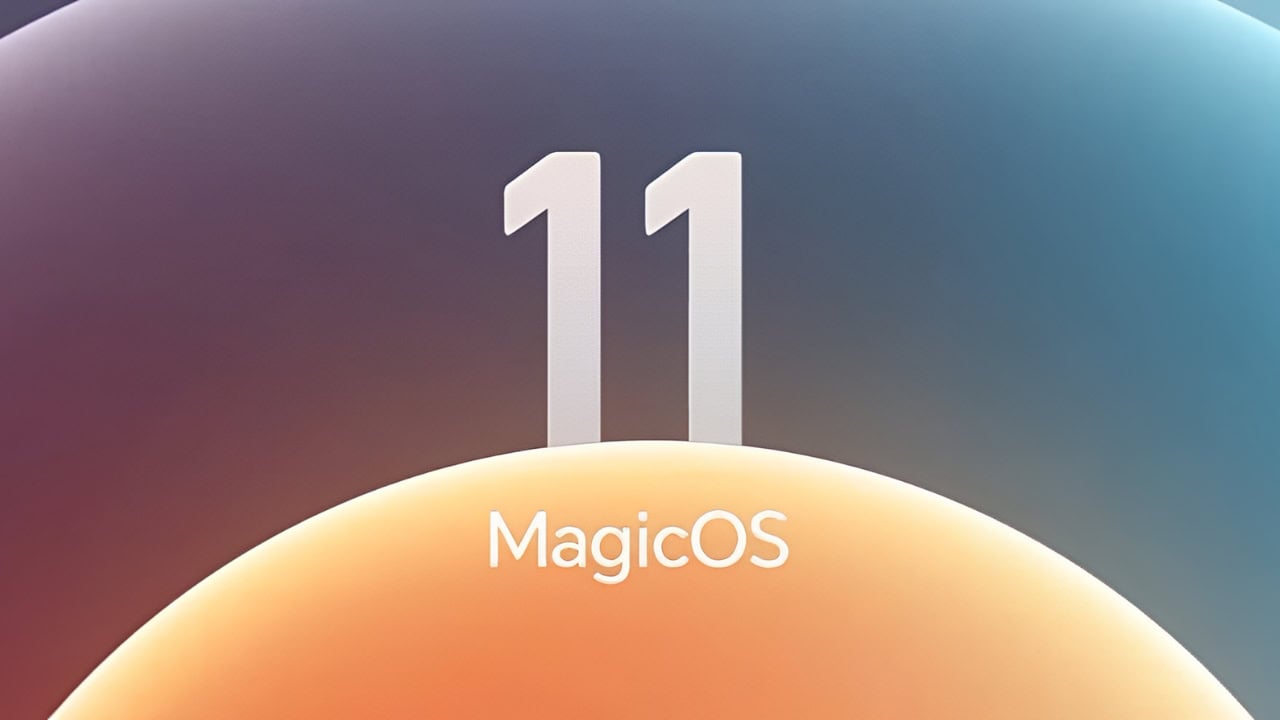
Honor is now rolling out MagicOS 11 to its Honor smartphones, and the new update starts with something visual: a new set of built-in stock wallpapers. This time the design language focuses on flowing translucent light – what Honor calls its liquid glass look, and the first real fluid-glass theme on Android. Home and lock screens now feel like proper parts of the system, not an afterthought. In this post, we have shared Honor MagicOS 11 Stock Wallpapers from the Honor Magic 9 Pro.
New MagicOS 11 wallpapers are now gradients wrapped in soft, frosted sheets with gentle highlights that make the phone respond to changing light as you rotate the device. Layers move at different speeds and this creates subtle depth across the entire screen. This update also introduces the next-generation YOYO AI assistant and smoother cross-brand connectivity. But everyone notices the wallpaper set first. In this post, we have uploaded the full MagicOS 11 wallpaper set from the new builds.
Honor MagicOS 11 Wallpapers
The MagicOS 11 highlights the liquid glass theme wallpaper. The lock screen becomes a translucent light panel: gradients, frosted borders and floating highlights that shimmer as you move the phone. In addition to the new default theme, Honor added three downloadable themes for the system: Soaring Skies, Stellar Moment and Forged Light. Each one includes its own lock screen art, and they are all in a flowing glass style.
Wallpapers Preview


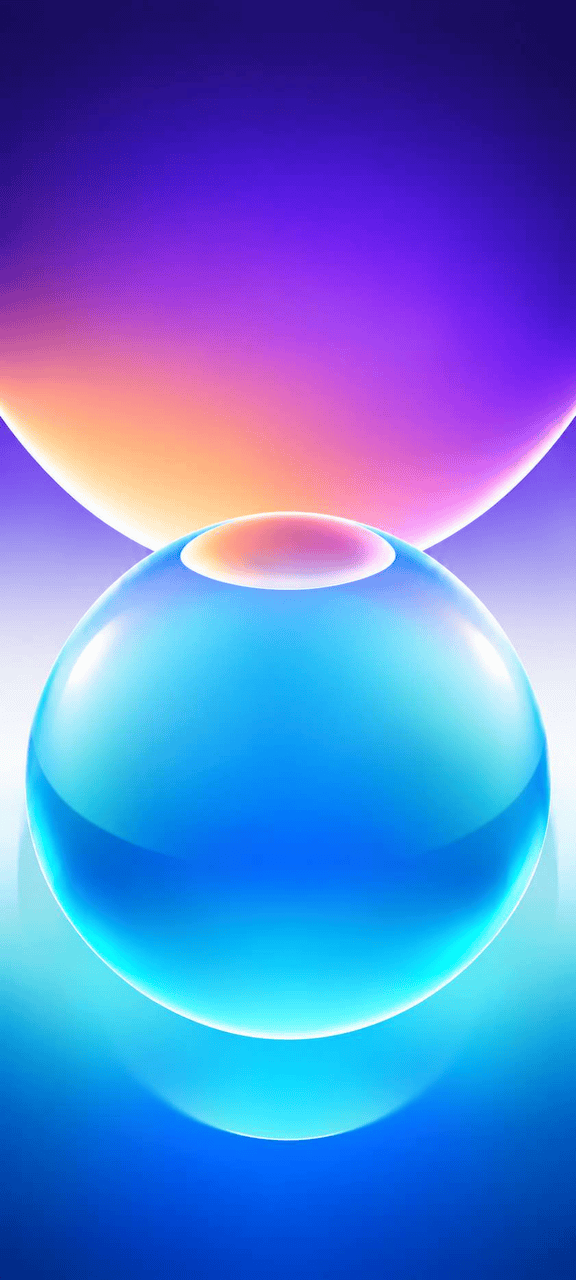

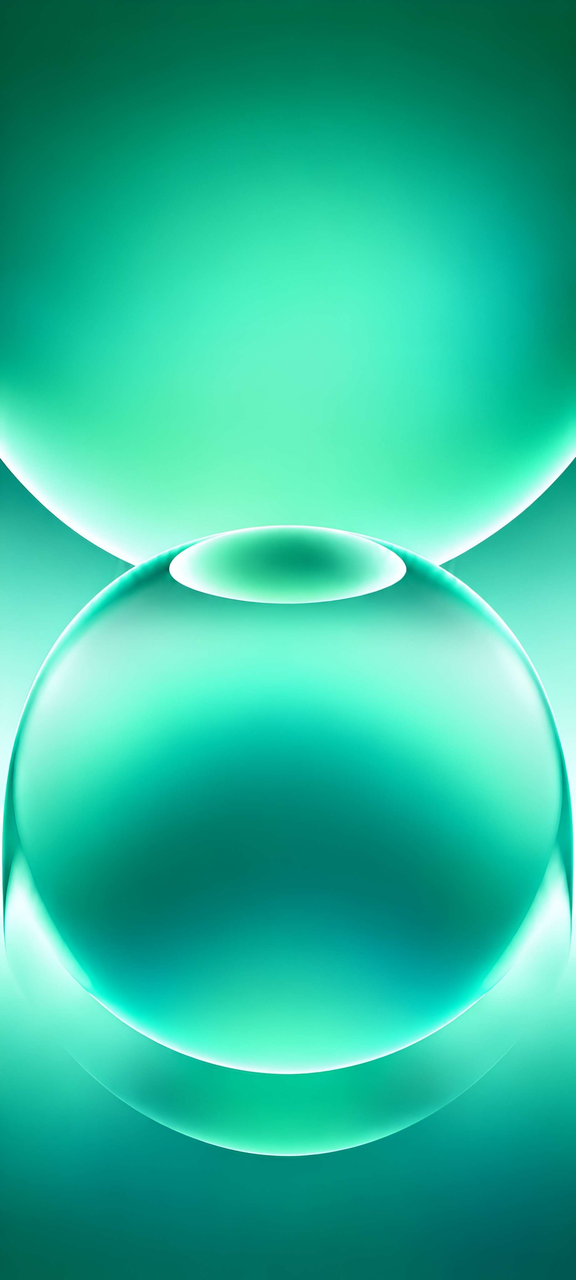
Note: the images listed above serve as a preview of the wallpapers and are only intended for representational purposes. The preview images are of lower quality, therefore please use the download links above for the full resolution files.Download Honor MagicOS 11 Wallpapers
You can get the full set of Honor MagicOS 11 wallpapers in high resolution and they work on any Honor phones using the new system and also on any other Android device. We have uploaded all the built-in liquid glass wallpapers plus the three theme visuals. Grab the whole bundle at the link below, unzip and preview each wallpaper before picking your favorite. Since these are standard image files you can use them on any Android phone or iPhone too.
- File Name – Honor_MagicOS_11_Wallpapers.zip
- Download Link in ZIP – Devdrive.cloud
Also Download – Huawei HarmonyOS 7 Wallpapers
How to Set these Wallpapers on Home Screen, Lock Screen, and Always-on Display
- First, download the Honor_MagicOS_11_Wallpapers.zip file and unzip it from File Manager or Explorer.
- Open the Gallery app and browse to the unzipped wallpapers folder.
- Select the wallpaper you like, tap the 3-dot menu, choose Set as wallpaper, and apply it to the Home Screen or Lock Screen. The Always-on Display on supported Honor devices follows the lock screen wallpaper.
Please share those wallpapers with other communities and forums if you like them.