
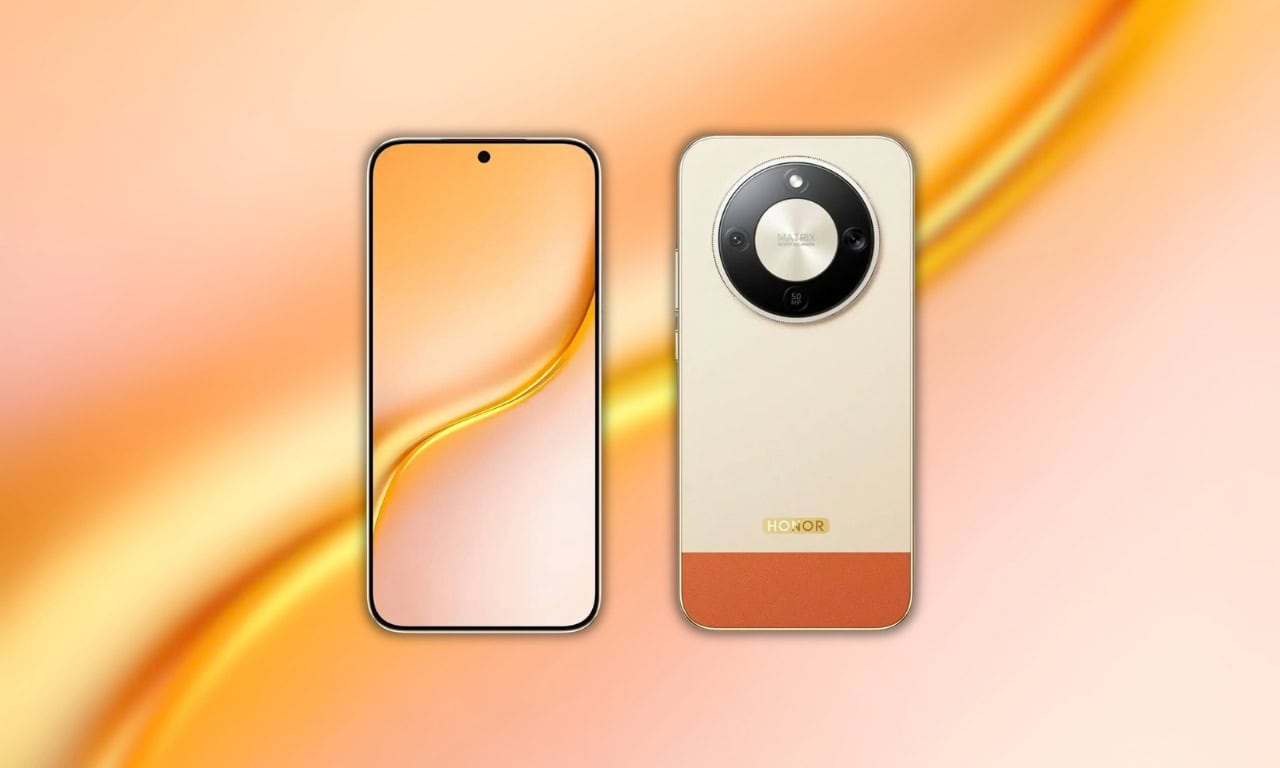
Honor has introduced the new Honor Turbo 5G phone. This device features the Snapdragon 6 Gen 4 processor, a 50MP rear camera setup, and 80W fast charging support. Every Honor phone comes with unique wallpapers. The Honor Turbo 5G looks very beautiful because of its colourful wallpapers. Here, you can download Honor Turbo 5G stock wallpapers for your phone.
In August 2026, the Honor Turbo 5G went on sale in global markets. The Honor Turbo 5G has a distinctive appearance, a fresh style, and an AMOLED display. When it comes to appearance, the phone also comes with some awesome wallpapers. The Honor Turbo 5G wallpapers can be downloaded here in high resolution.
Honor Turbo 5G Specification:
| Processor | Snapdragon 6 Gen 4 (2.3GHz) |
| Display | 6.79-inch AMOLED, 2640 x 1200, 120Hz |
| RAM | 8GB |
| Storage | 256GB |
| OS | MagicOS 10 (Android 16) |
| Battery | 8560mAh, 80W wired charging |
| Rear Camera | 50MP + 5MP ultrawide |
| Front Camera | 16MP |
| Colors | Beige, Green, Black |
Honor Turbo 5G packs a 50-megapixel rear camera sensor with autofocus, LED flash, HDR, and panorama plus a 5-megapixel ultrawide lens. It sports a 16-megapixel front-facing camera for selfies and video calls. The phone supports 5G connectivity, dual nano-SIM slots, NFC, and an IP69K rating for water and dust resistance.
Honor Turbo 5G Wallpapers Sharing
The Honor Turbo 5G Stock wallpapers come with aesthetic designs, and we are impressed with their unique images. You’re aware that we constantly offer new wallpapers and themes on our websites as soon as possible. The device comes with four new preloaded stock wallpapers featuring dark gradient and abstract artwork tuned for AMOLED screens. All the wallpapers are now available for download, and they are in high resolution. All the wallpapers are now available to download, which are listed below. If your device has a screen resolution of 1080p or lower, these will look good on it.
Wallpapers preview




Note: the images listed above serve as a preview of the wallpapers and are only intended for representational purposes. It is important to note that the preview images are of lower quality, hence it is not recommended to download them directly. Instead, kindly utilize the designated download link provided in the section below for obtaining the wallpapers.Download Honor Turbo 5G Stock Wallpapers
We have extracted four Honor Turbo 5G wallpapers, straight from the device firmware. We will publish more when they are available for other markets. So you can download the wallpapers for your phone in a zip file. To set a wallpaper or lock screen, simply browse the wallpaper folder and open the image you want to use as your wallpaper. Press the 3-dot menu and tap “Set as wallpaper” or “Lock screen”.
Download Link in ZIP –
How to Set these Wallpapers on Home Screen, Lock Screen, and Always-on Display
- Download and extract the Honor Turbo 5G Stock Wallpapers zip file on your Android phone using the Files app or any file manager.
- Open the extracted wallpaper in Gallery / Photos / Files app.
- Tap the three-dot menu or More option and select Set as wallpaper.
- Choose Home screen, Lock screen, or Home and lock screen → adjust the crop if needed → tap Apply / Set.