

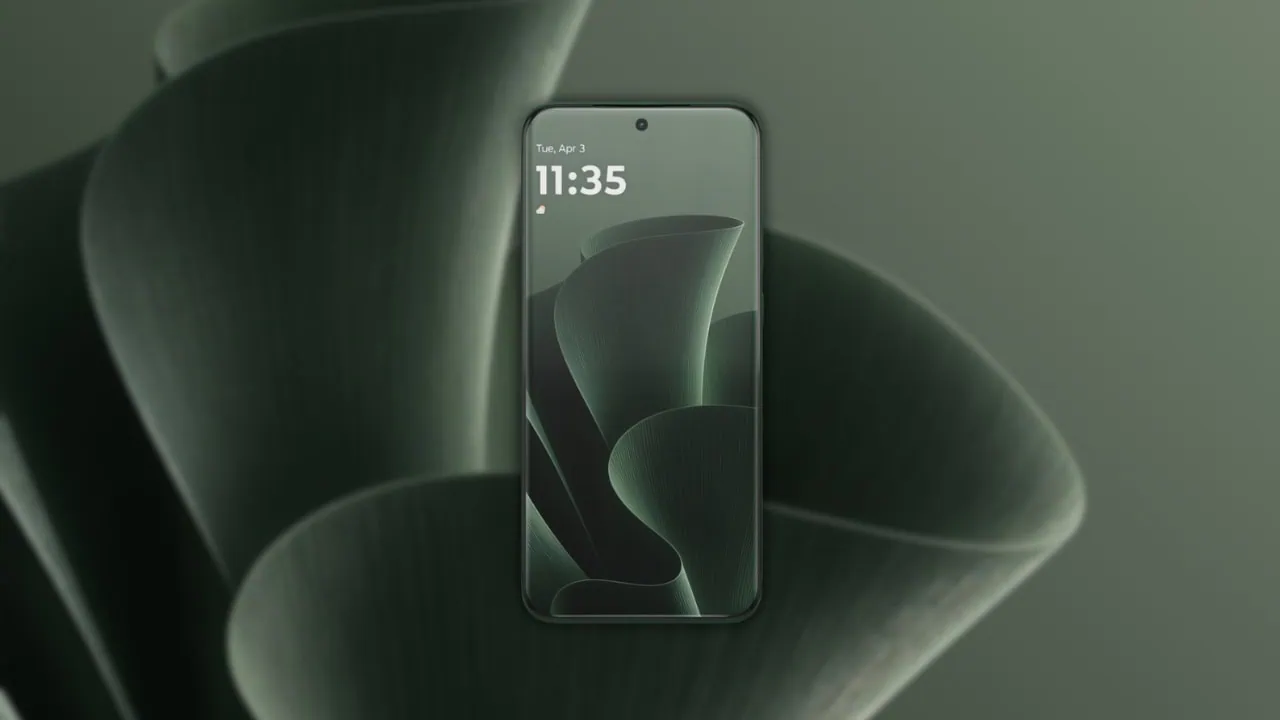
Motorola has recently launched the new Edge 70 Plus, its first Plus model in the Edge series which is now available for sale in Europe and the UK. This device sports a fresh look with a distinct square camera island at the rear. The phone also comes preinstalled with new stock wallpapers that closely resemble those on Motorola Edge 70 and you can download Motorola Edge 70 Plus Stock Wallpapers for your phone.
In September 2026 Motorola launched the Edge 70 Plus at IFA 2026 in Europe. The device has a 6.78-inch display with a high 144Hz refresh rate and comes with large 6500mAh battery and supports 45W TurboPower fast charging. Protection level is IP64. Regarding appearance, a fresh set of stock wallpapers also comes with the handset. You can download all Motorola Edge 70 Plus Stock Wallpapers here in QHD resolution.
Motorola Edge 70 Plus Specifications:
| Processor | Snapdragon 7s Gen 3 |
| Display | 6.78-inch Extreme AMOLED, 2772 x 1272 pixels, 144Hz, 10-bit colors |
| RAM | 8GB LPDDR5X (up to 24GB with RAM Boost) |
| Storage | 256GB UFS 4.1 |
| OS | Android 16 |
| Battery | 6500mAh, 45W TurboPower fast charging |
| Rear Camera | 200MP primary with OIS + 50MP ultrawide + 3-in-1 light sensor |
| Front Camera | 32MP |
| Protection | IP64, MIL-STD-810H, Gorilla Glass 7i |
| Colors | Gray Lilac, Mountain View, Milky Blue |
The Motorola Edge 70 Plus has a main camera of 200 megapixels with OIS and an ultrawide lens of 50 megapixels. There is also a 32 megapixels selfie camera on the front. The phone has a very large battery of 6500mAh with fast charging at 45W so that it lasts a long time. The design is clean and minimalist and Motorola includes exclusive stock wallpapers as a special feature for easy display customization.
Motorola Edge 70 Plus Stock Wallpapers Sharing
The Motorola Edge 70 Plus Stock Wallpapers come with soft 3D abstract designs and we are quite impressed by their clean and modern look. The phone ships with four new preloaded stock wallpapers, each color matched to the device in shades of olive green, sky blue, blush pink and deep green. These wallpapers are now available for download and resolution is 2772 × 1272 pixels. These wallpapers display very well on screens with resolution 1080p or less.
Wallpapers preview


Note: the images listed above serve as a preview of the wallpapers and are only intended for representational purposes. It is important to note that the preview images are of lower quality, hence it is not recommended to download them directly. Instead, kindly utilize the designated download link provided in the section below for obtaining the wallpapers.Download Motorola Edge 70 Plus Stock Wallpapers
We have extracted all Wallpapers from the device in their original quality and saved them into a zip file for you. You can download all at once. To set a wallpaper or lock screen, just browse the folder of wallpapers and open the image you wish to use. Press the 3-dot menu and select “Set as wallpaper” or “Set as lock screen”.
- File Name – Motorola_Edge_70_Plus_Stock_Wallpapers.zip
- File Size – 6.6 MB
- Download Link in ZIP – Devdrive.cloud
How to Set These Wallpapers on Home Screen, Lock Screen, and Always-on Display
- Download and extract the Motorola Edge 70 Plus Stock Wallpapers zip file on your Android phone using the Files app or any file manager.
- Open the extracted wallpaper in Gallery / Photos / Files app.
- Tap the three-dot menu or More option and select Set as wallpaper.
- Choose Home screen, Lock screen, or Home and lock screen → adjust the crop if needed → tap Apply / Set.