

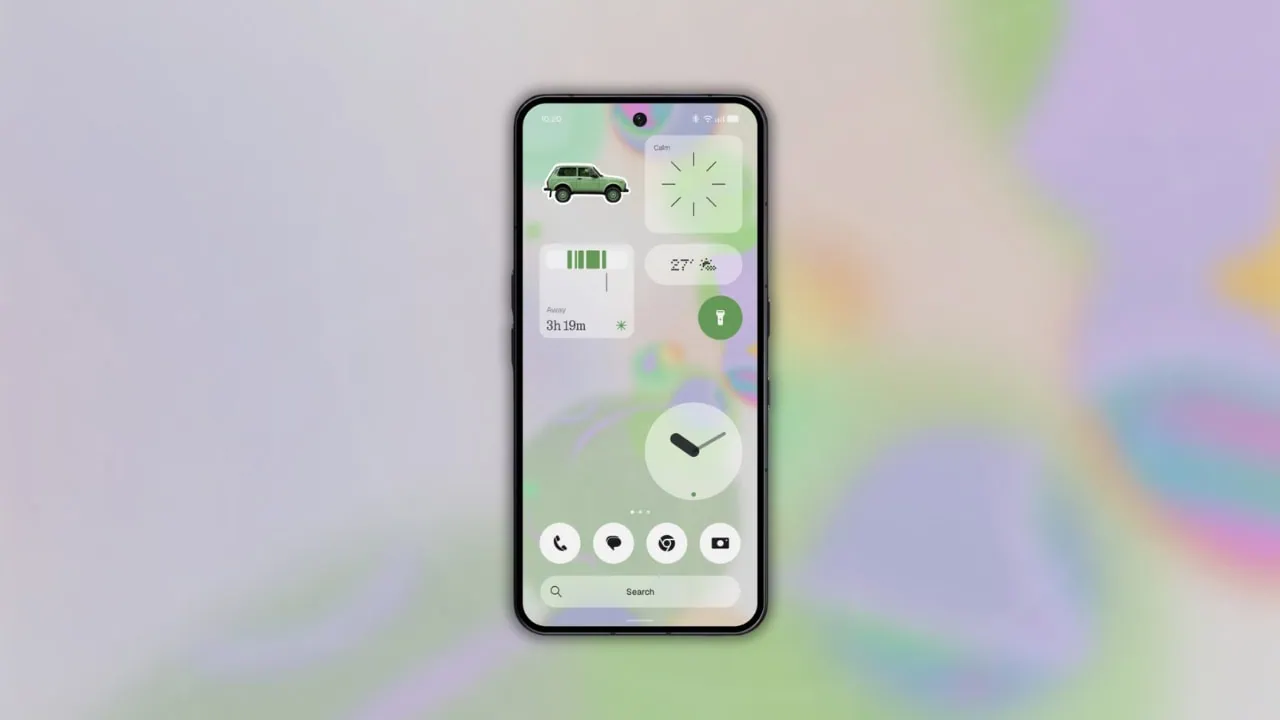
Nothing has started rolling out the Nothing OS 5.0 update, and the new version brings a fresh exclusive wallpaper along with everything else. The update is based on Android 17 and it is already available as an open beta for the recent Nothing phones. Here we have shared the official Nothing OS 5.0 Wallpapers for your device.
The open beta of Nothing OS 5.0 is live for the Phone (3), Phone (4a), Phone (4a) Pro, Phone (3a) and Phone (3a) Pro, while the stable release starts from October and the Phone (4a) follows in early November. Along with the new features, the update carries a brand-new exclusive wallpaper that first appeared inside the beta builds. We have extracted it in full quality so you can use it on any device.
Nothing OS 5.0 Wallpapers
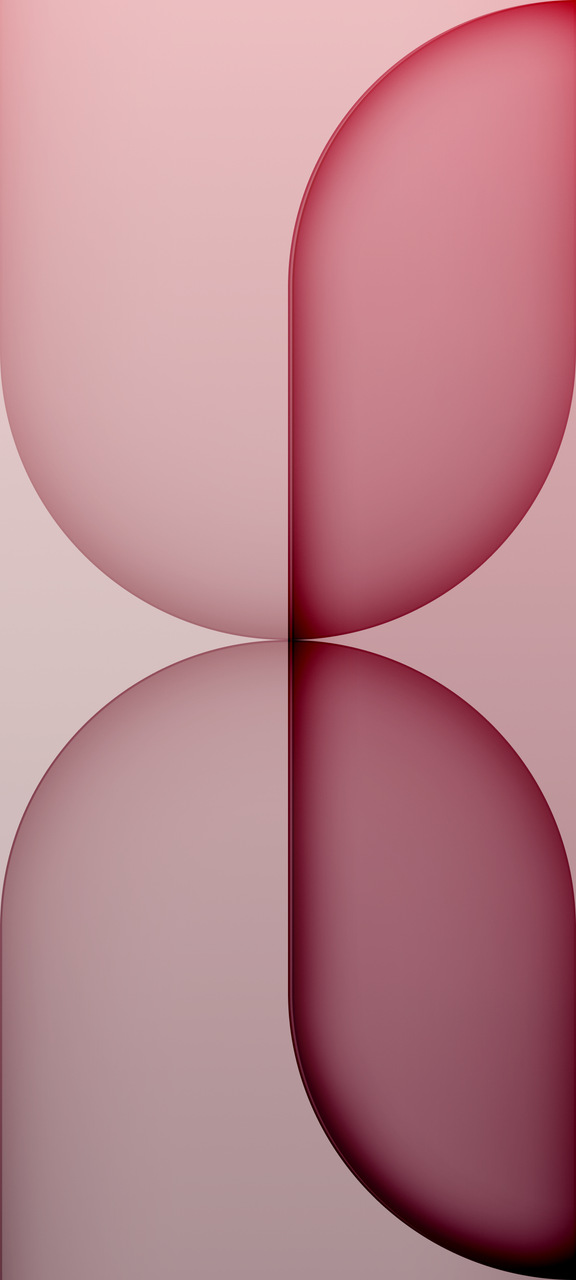
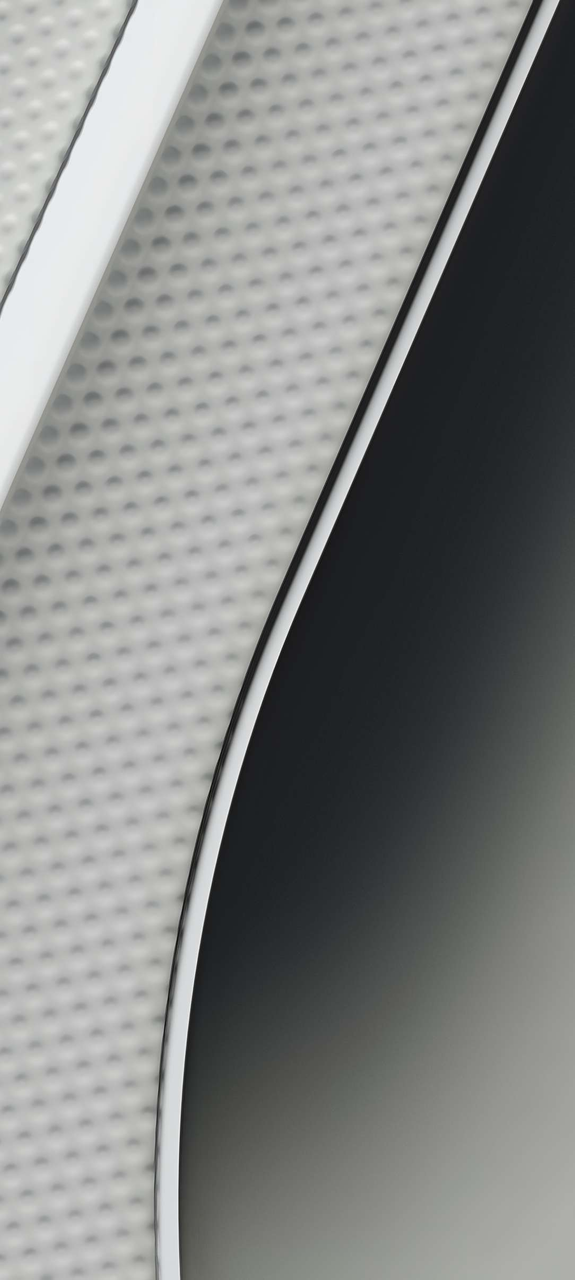
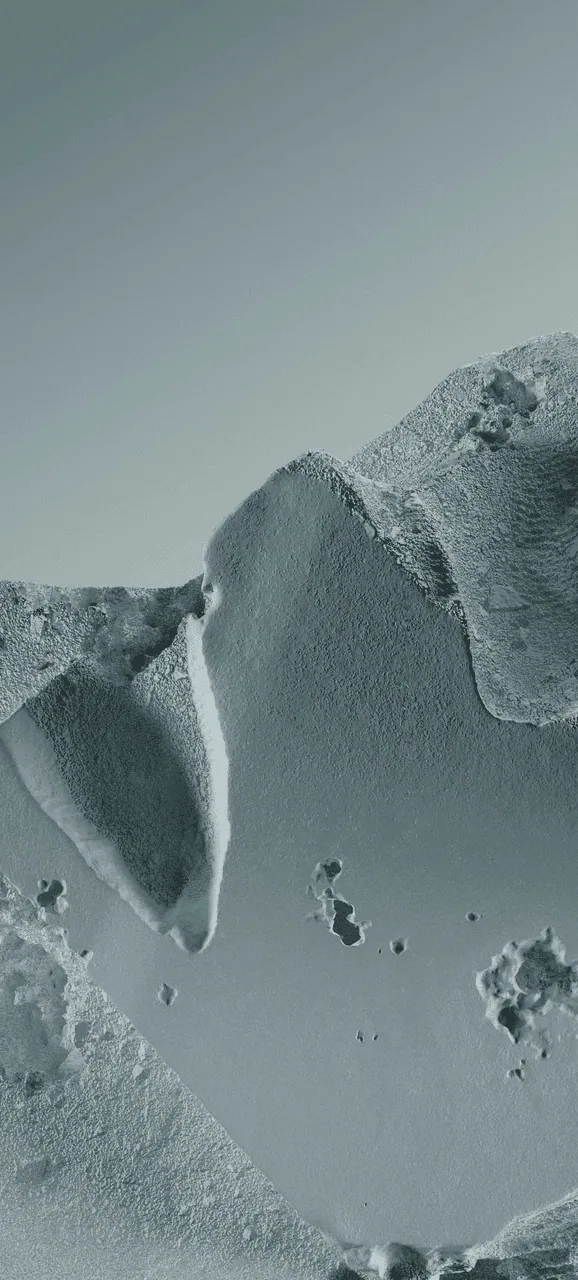
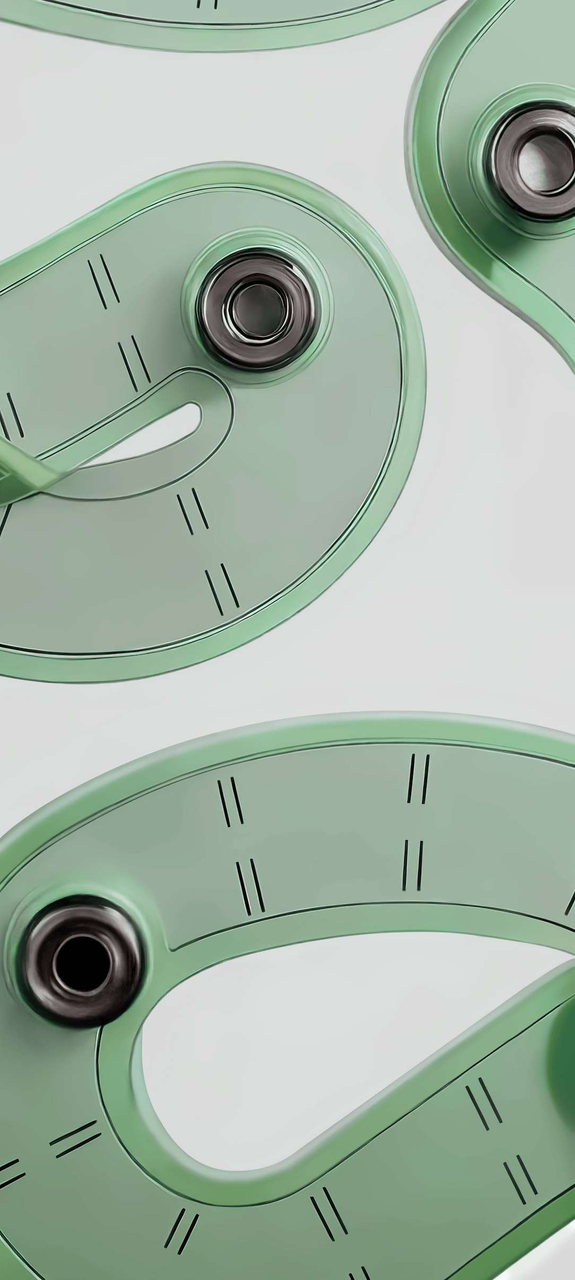
Nothing OS 5.0 Wallpapers come with soft and dreamlike wallpapers that match the minimalist look for which the company is famous. The update currently features one new exclusive wallpaper with soft creamy background full of blurry patches of mint green, lavender and pink. It comes at 1700 x 3684 pixels resolution. We have extracted all Nothing OS 5.0 Wallpapers from the Nothing OS 5.0 stable firmware so you can use them on your Android device.
Wallpapers Preview
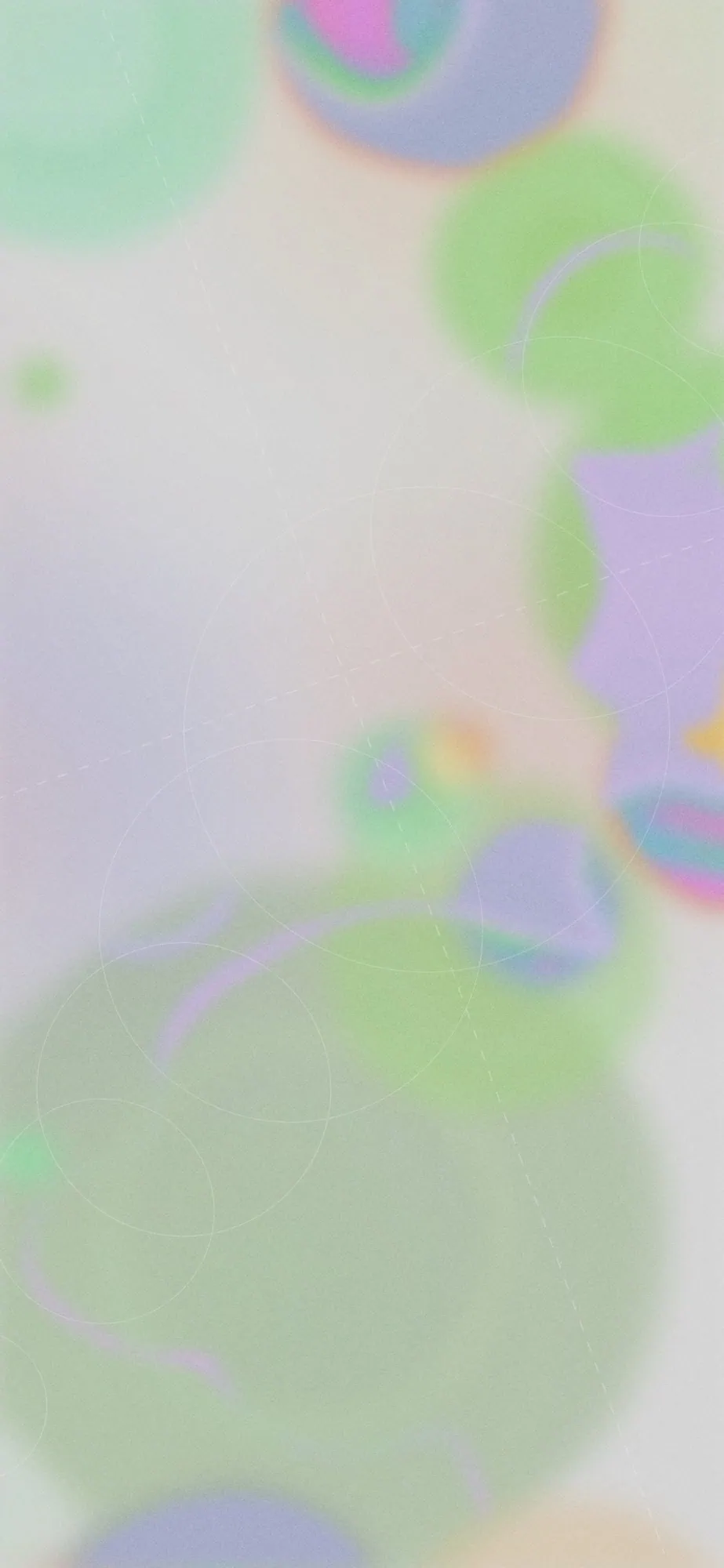

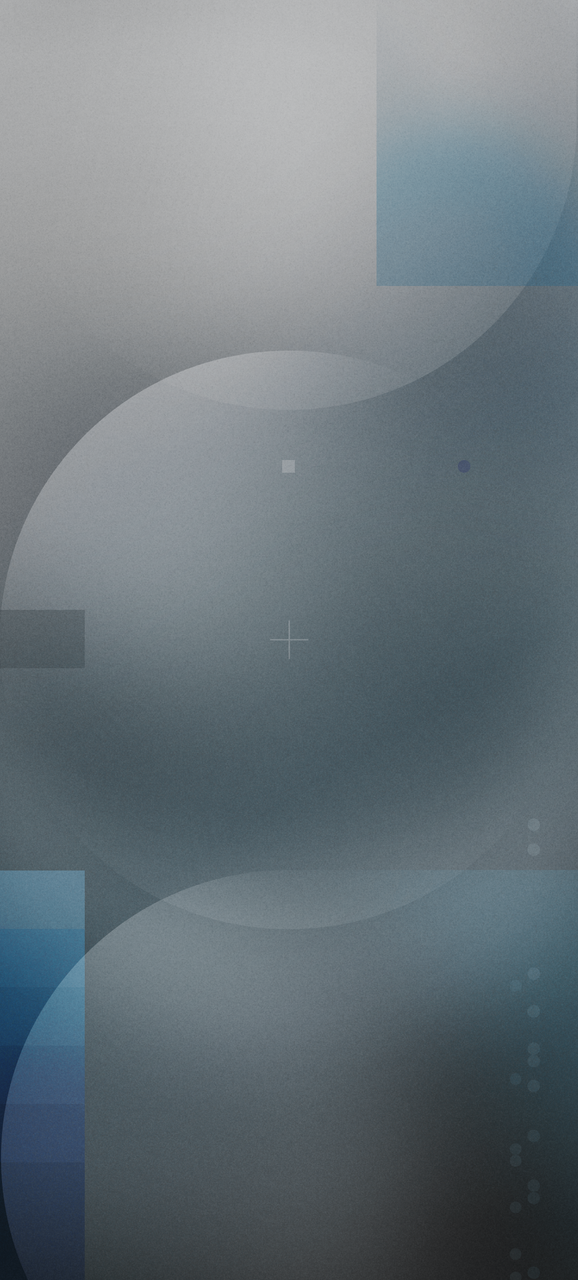
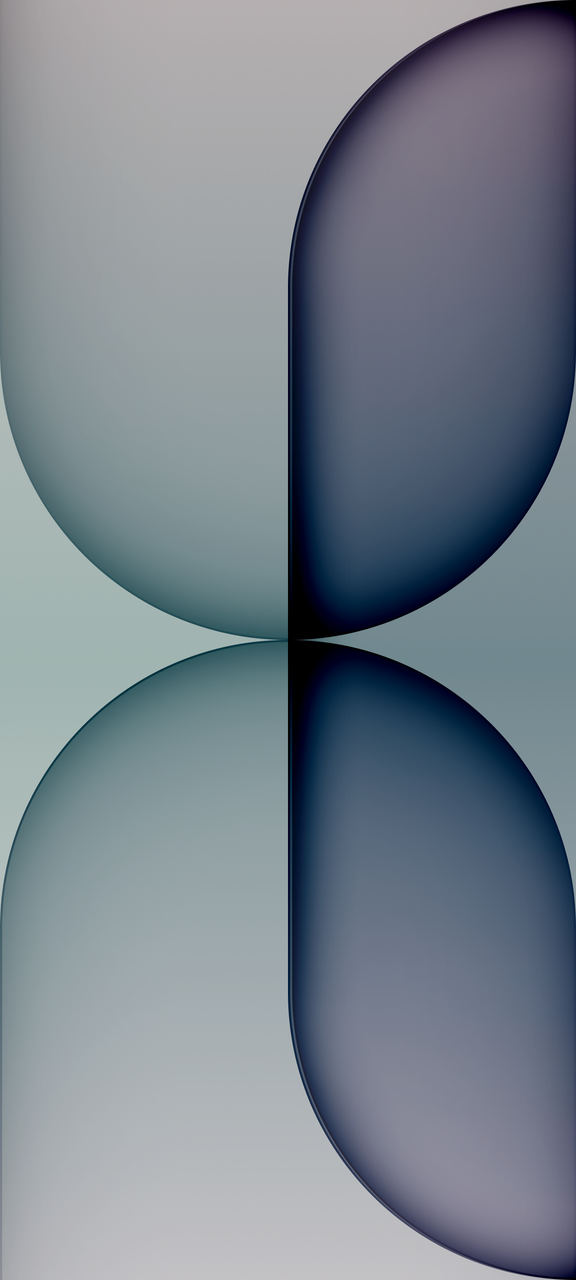






Download Nothing OS 5.0 Wallpapers
We have extracted the official all Nothing OS 5.0 Wallpapers in their original quality and packed everything into one zip file. So you can grab the whole package in one go. To set a wallpaper or lock screen, browse the wallpaper folder and open the image you want to set as wallpaper. Press the 3-dot menu and tap on Set as wallpaper or lock screen.
Download Wallpapers –
How to Set Wallpapers on Home Screen, Lock Screen, and Always-on Display
- First, download the Nothing OS 5.0 wallpapers.zip file and unzip it from File Manager or Explorer.
- Open File Manager and browse the unzipped wallpapers folder.
- Select the Wallpaper you like, tap on the 3-dot menu, and then tap Use, Open Gallery App, and Set As Home Screen, Lock Screen, or Always-on Display.
Please share those wallpapers with other communities and forums if you like them. Don’t forget to join our community.