
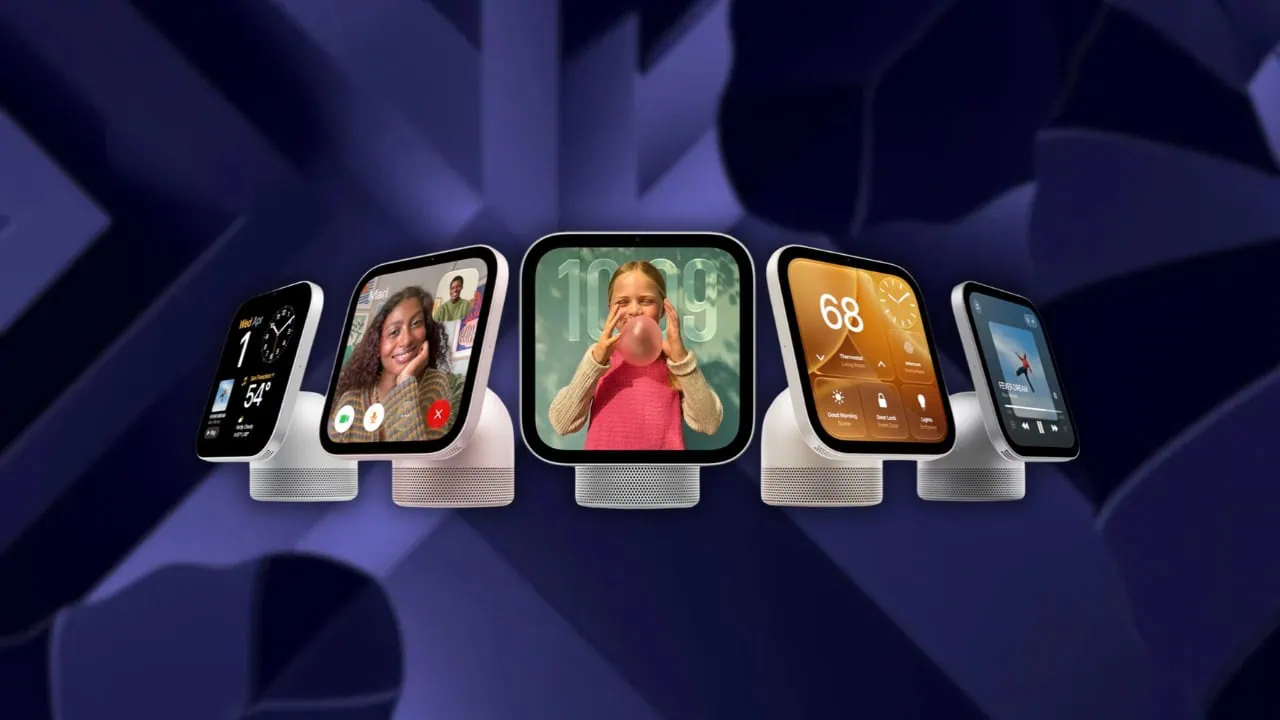
Apple is getting ready to launch the HomeView smart display, and the device’s software just picked up a fresh coat of paint. The HomeView 27.2 update brings several new features along with a brand-new wallpaper collection, and the whole set works great on any device with a square canvas. Here you can download the official Apple HomeView 27.2 Wallpapers.
HomeView is Apple’s smart display for the home, complete with Siri, a Liquid Retina display, FaceTime and smart home controls. Ahead of the device hitting the market, Apple pushed out the HomeView Software 27.2 update on October 30, and it quietly added the device’s default wallpapers to the package. We have extracted all of them in their original quality.
Apple HomeView 27.2 Wallpapers
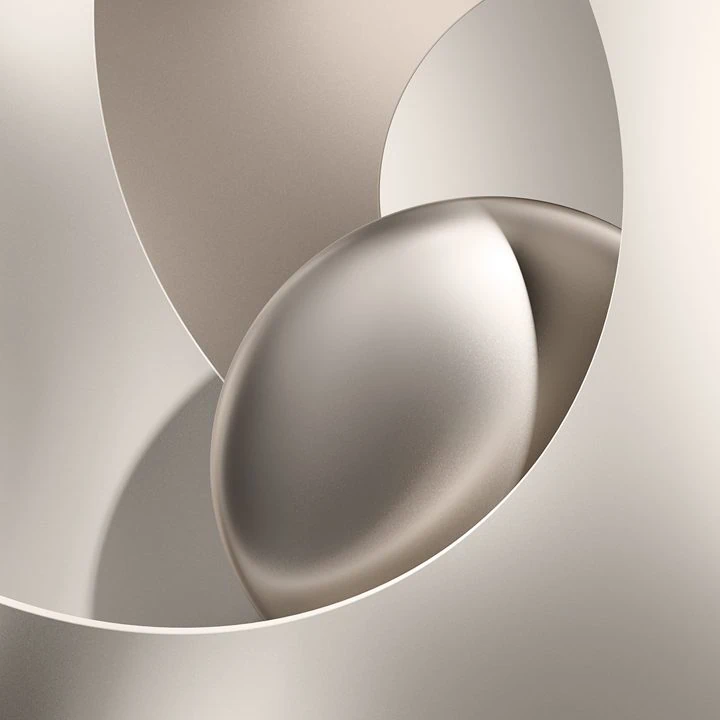
The Wallpapers of Apple HomeView 27.2 collection mixes calming 3D art with lively illustrations. It includes smooth shapes in soft beige and indigo along with things like porcelain fish. Every design comes in light and dark versions. There are thus twenty designs overall or forty wallpapers when you count both versions. All the wallpapers are square at 1088 x 1088 pixels resolution.
Light Collection
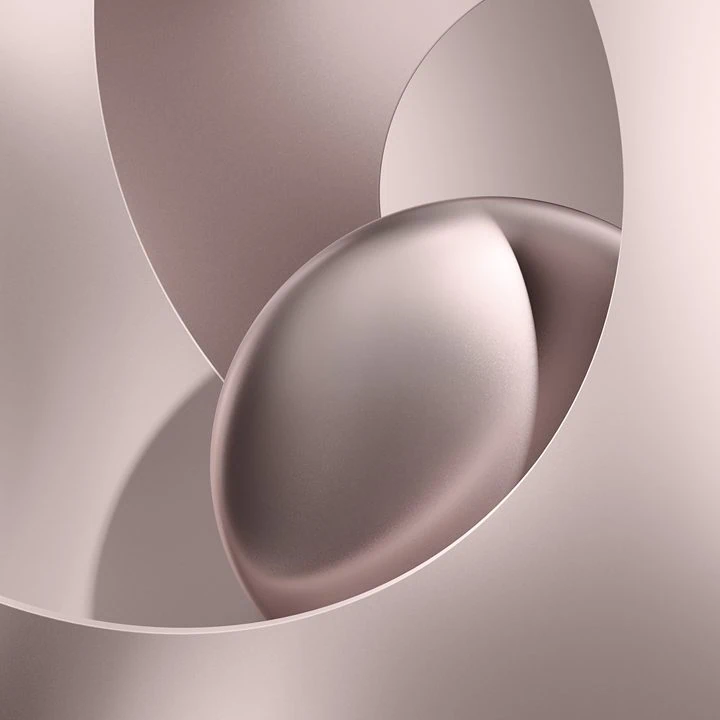
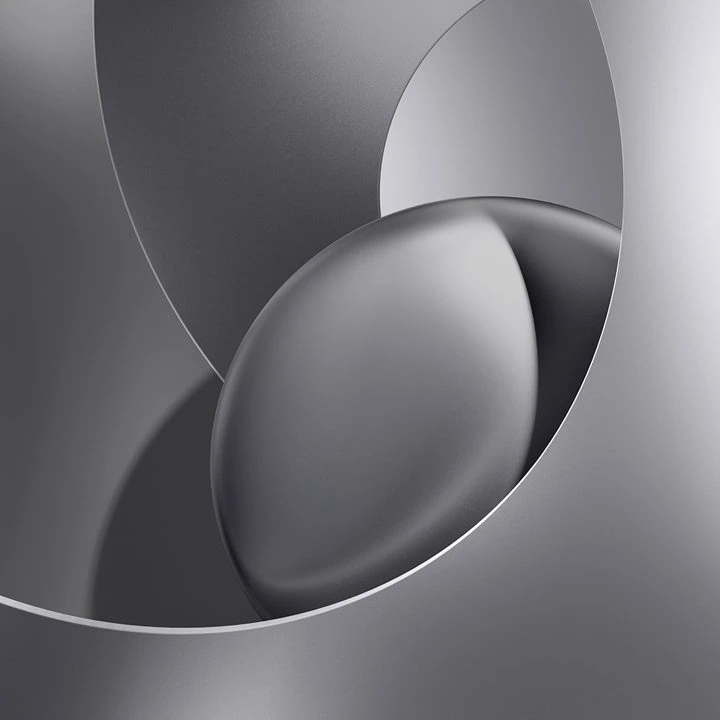

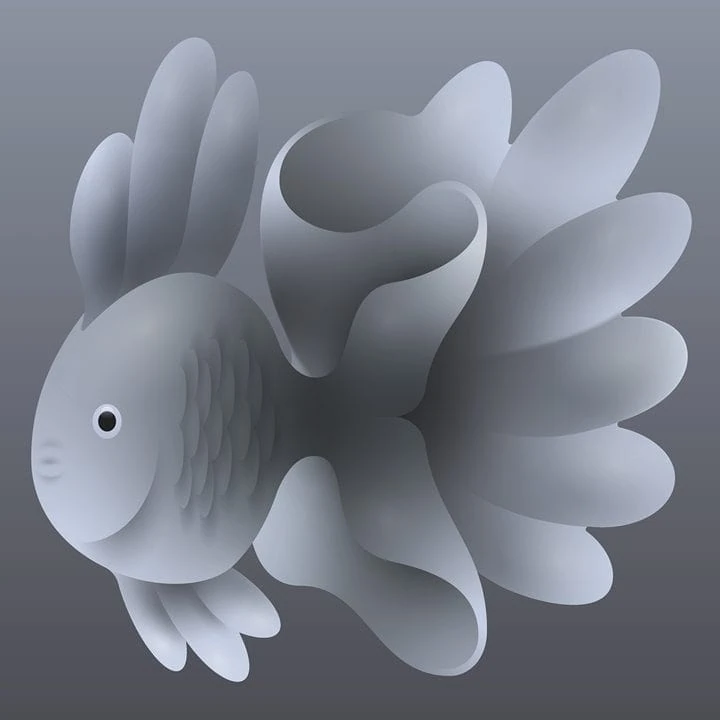

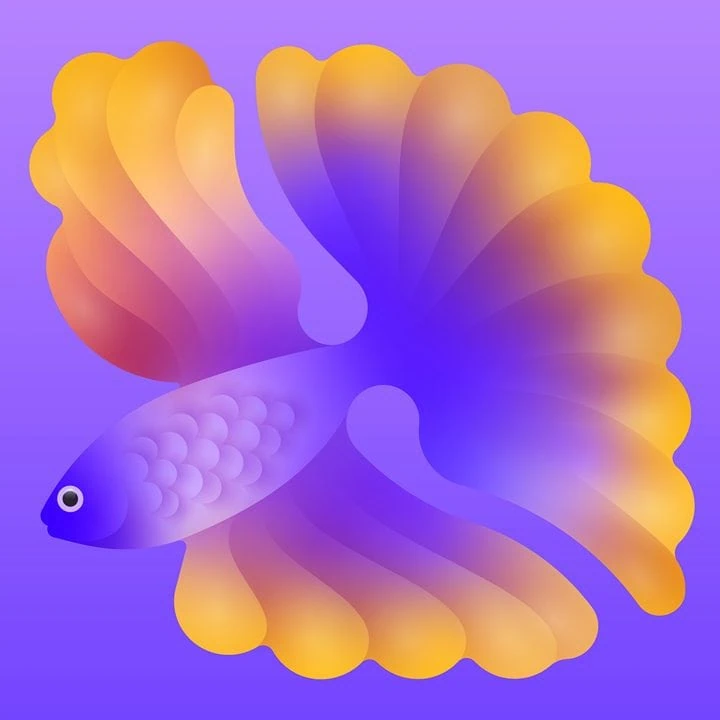
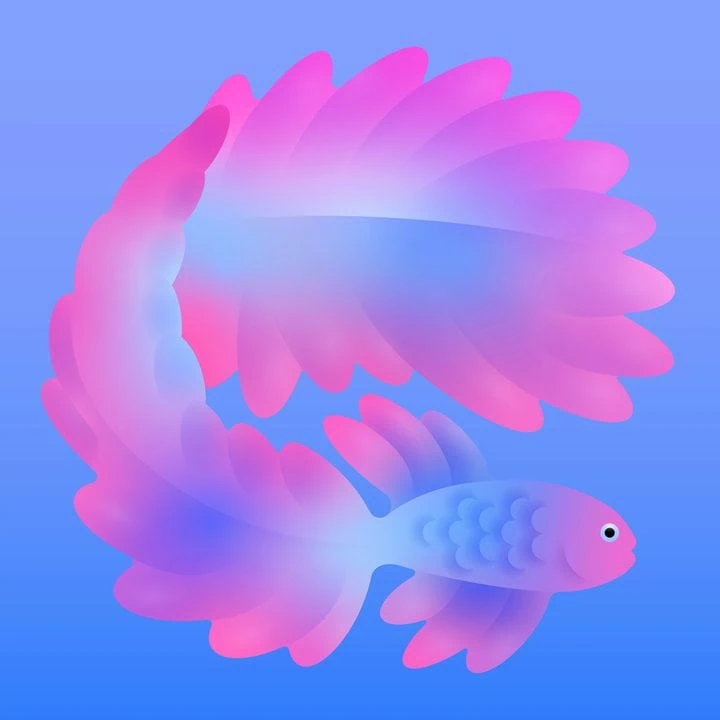
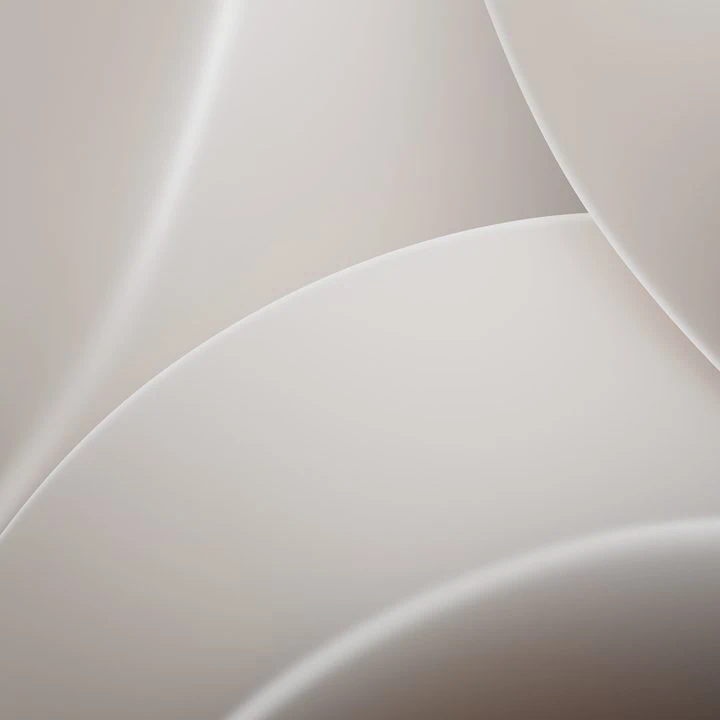





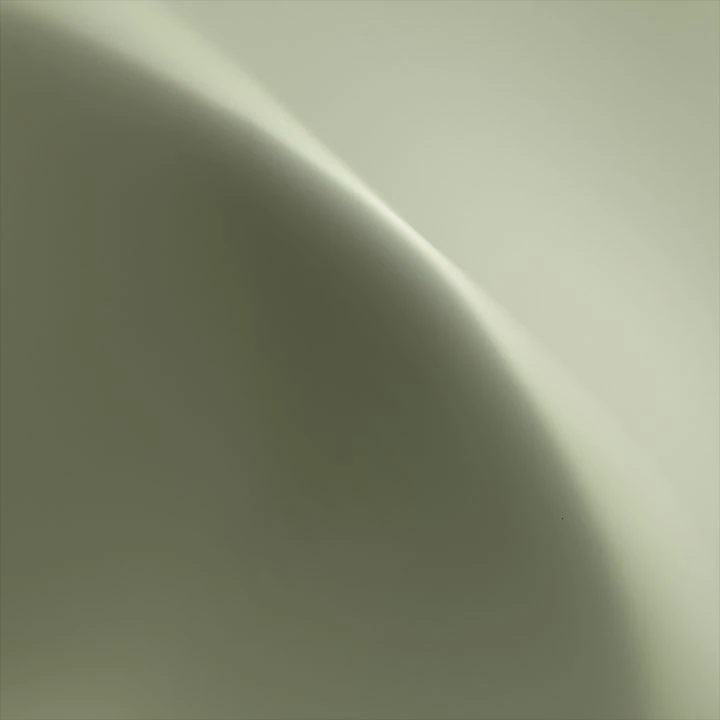
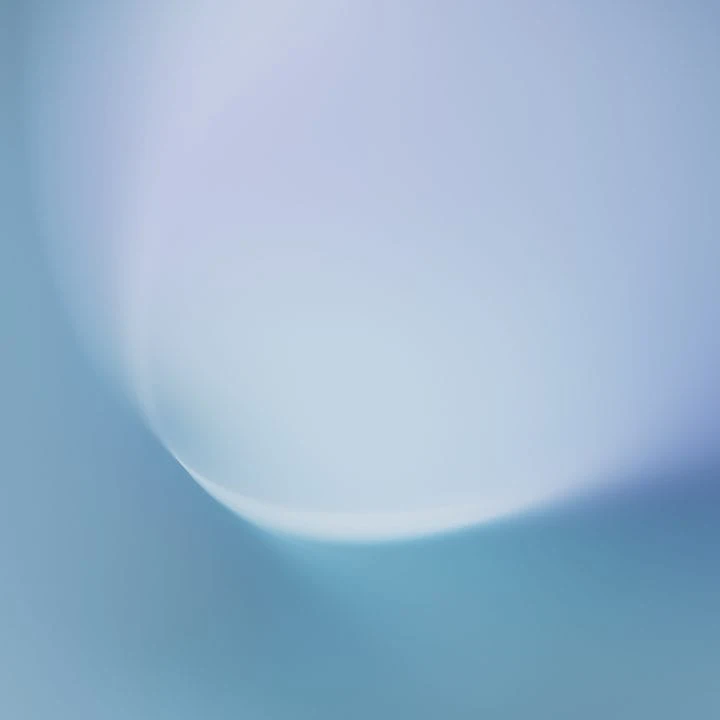
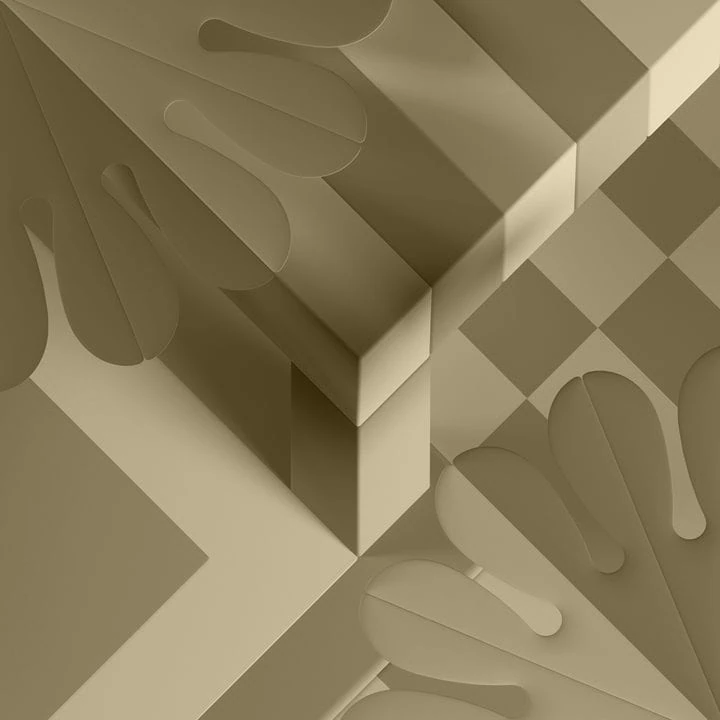

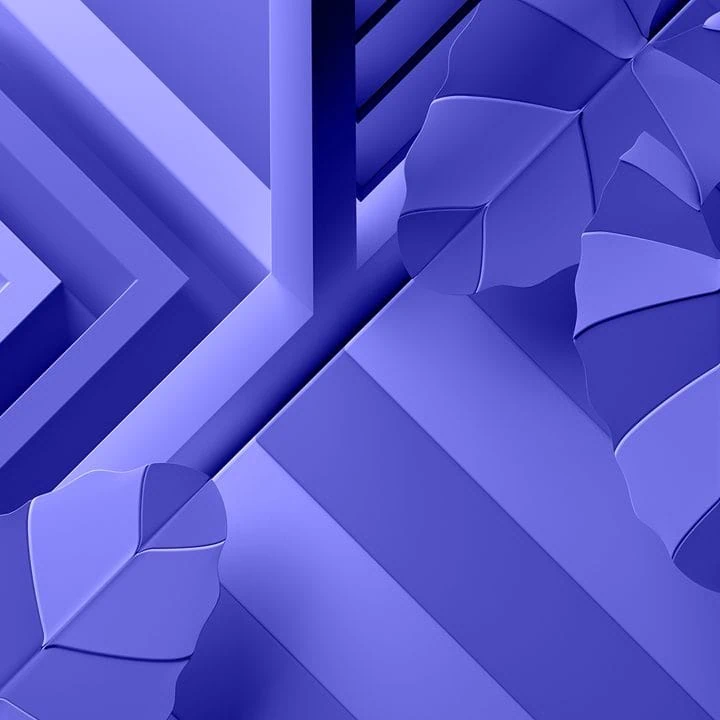
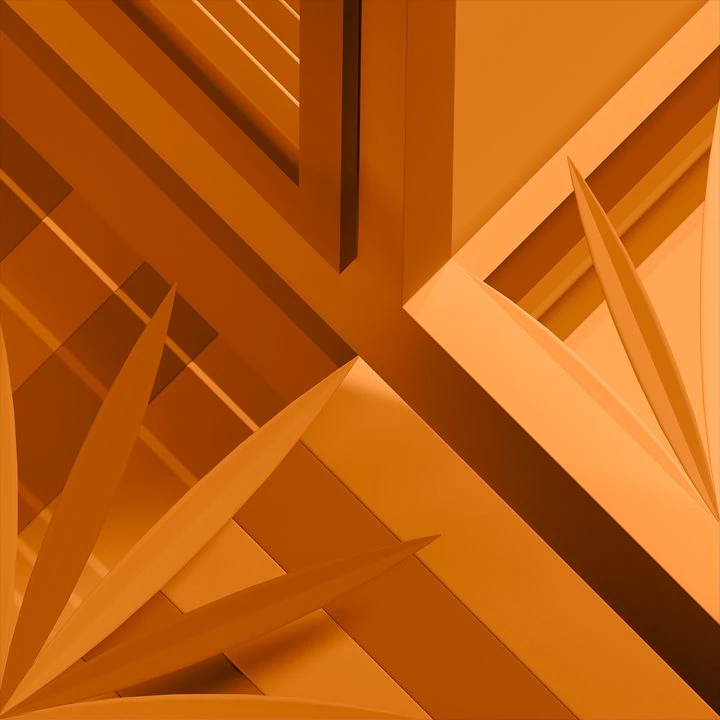
Dark Collection
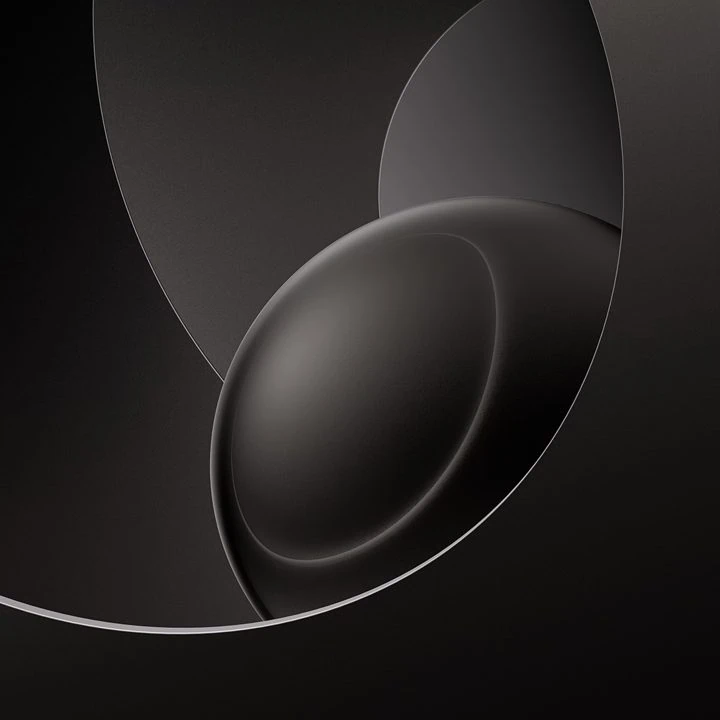
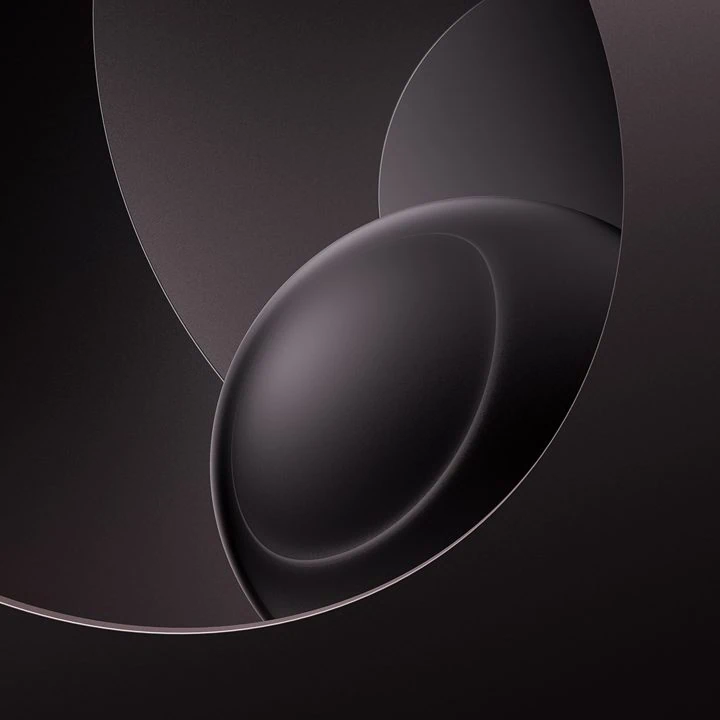
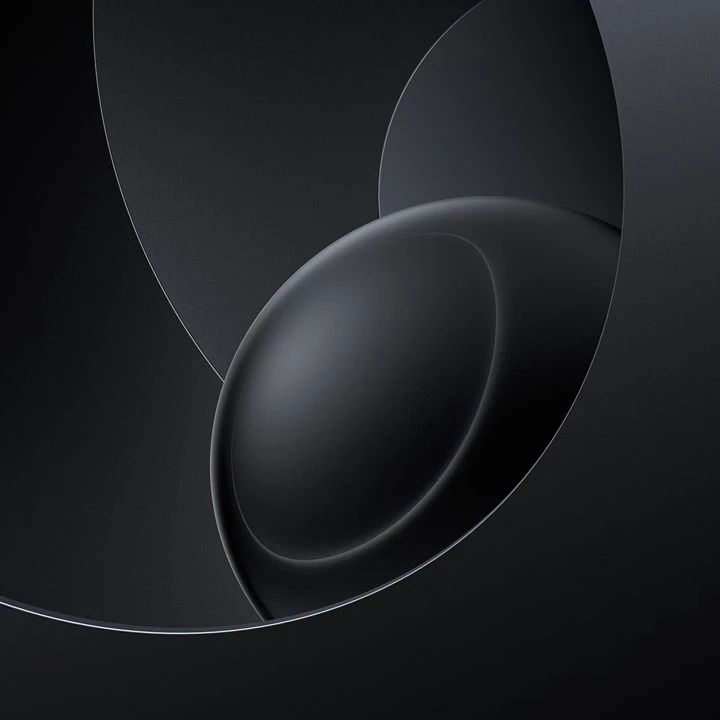
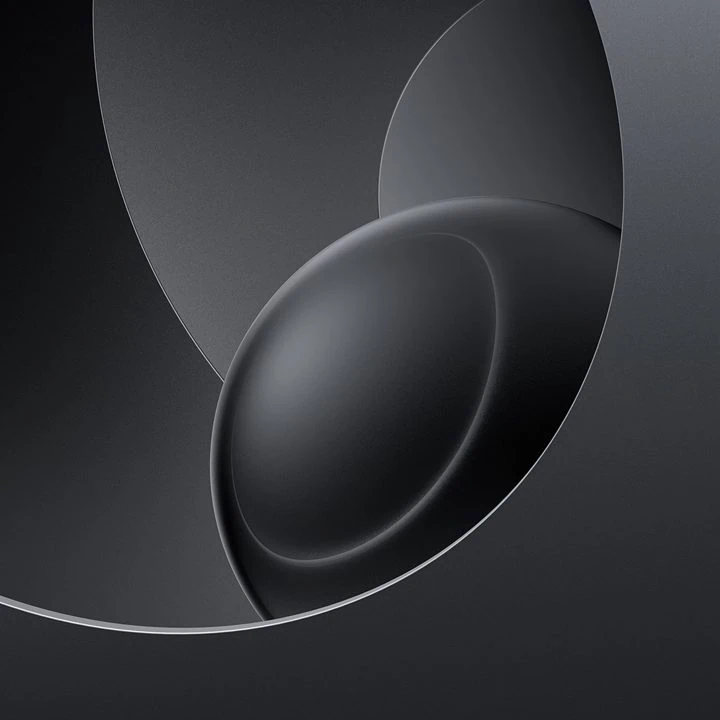
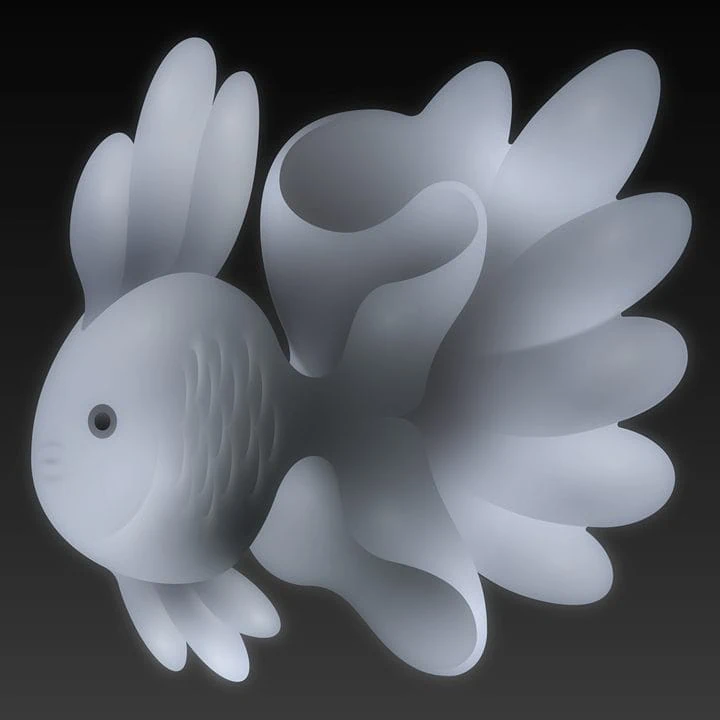
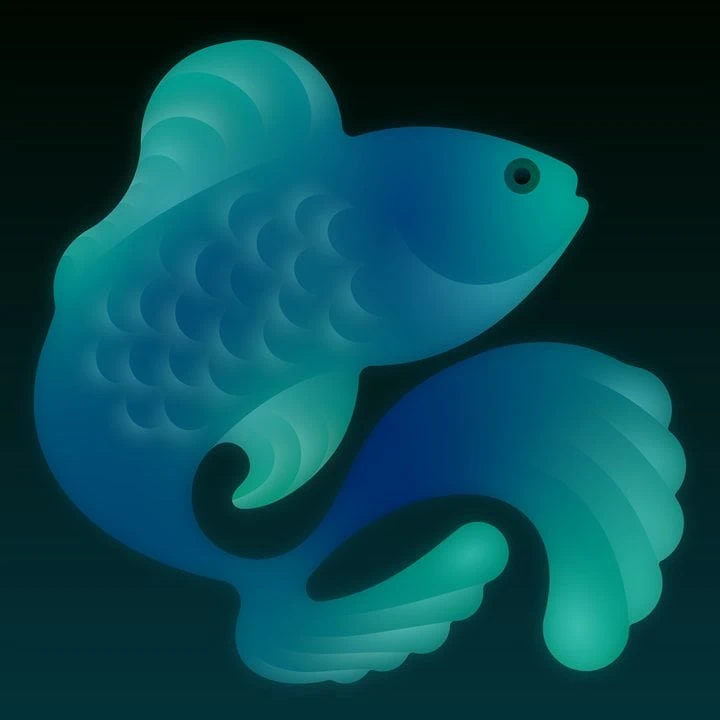
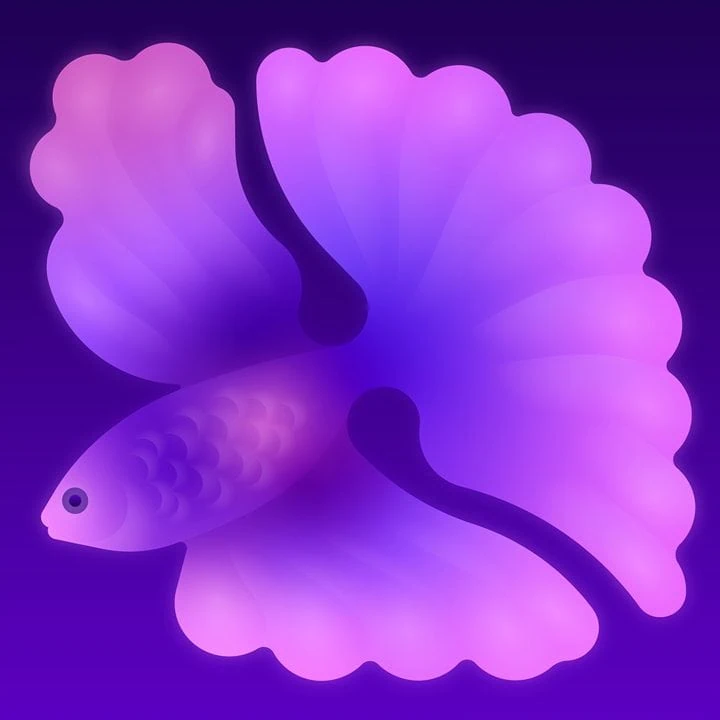
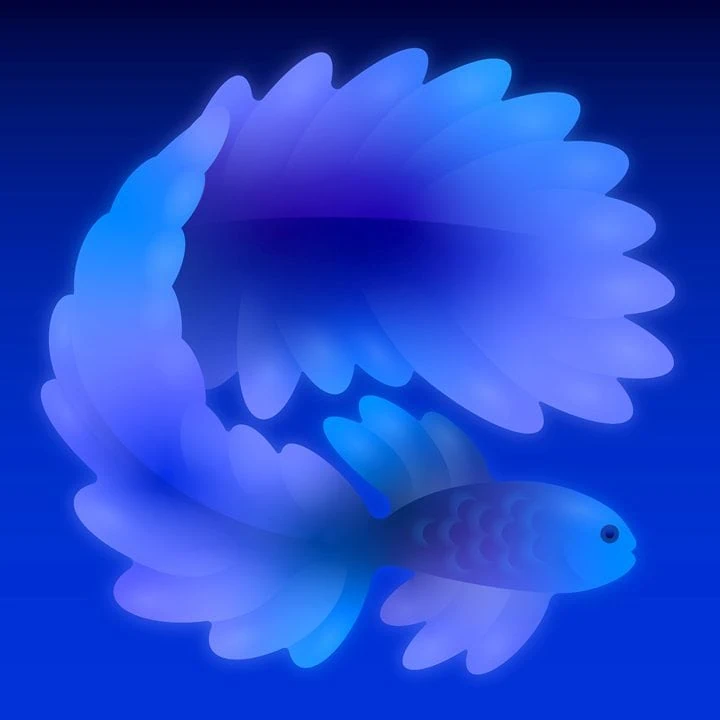
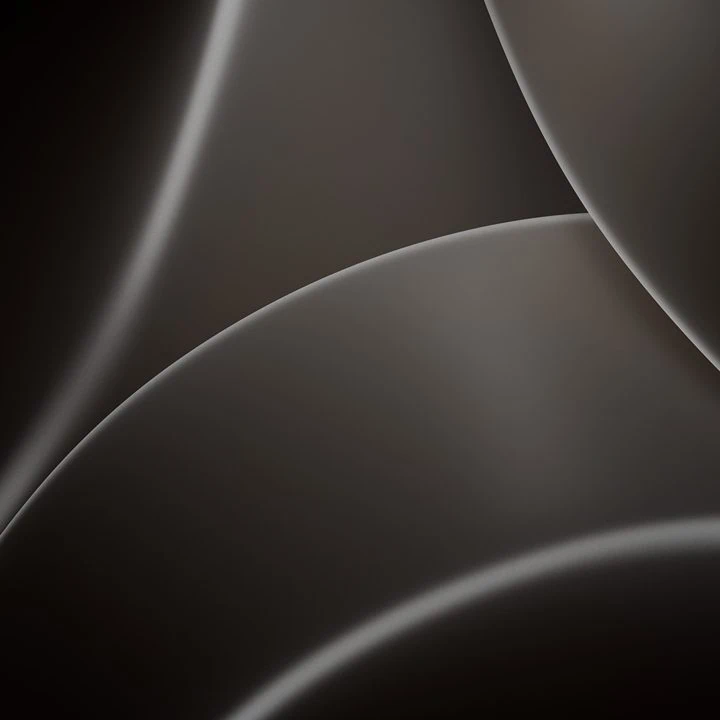

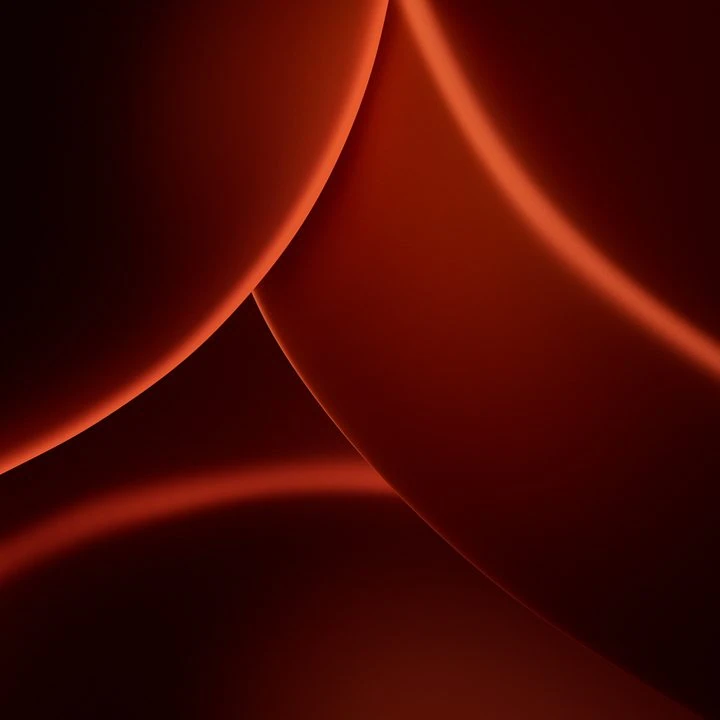


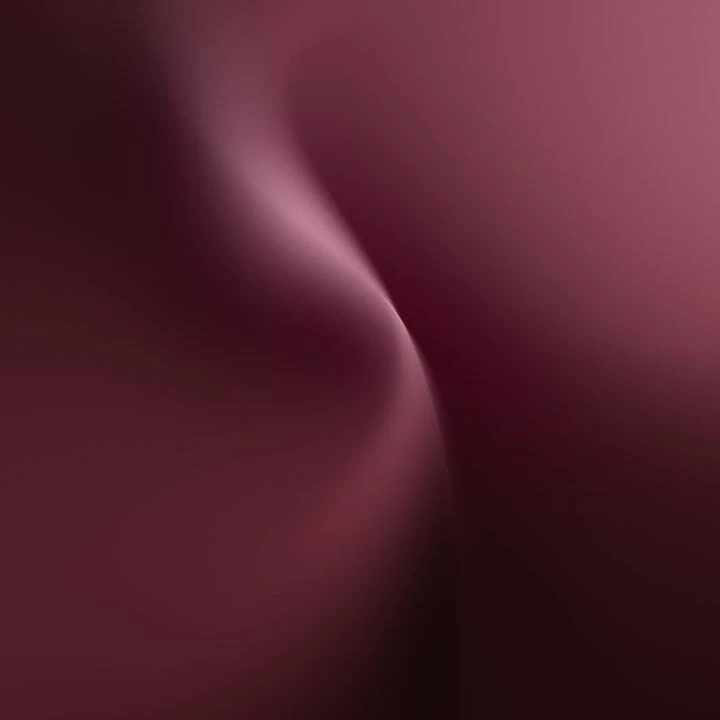
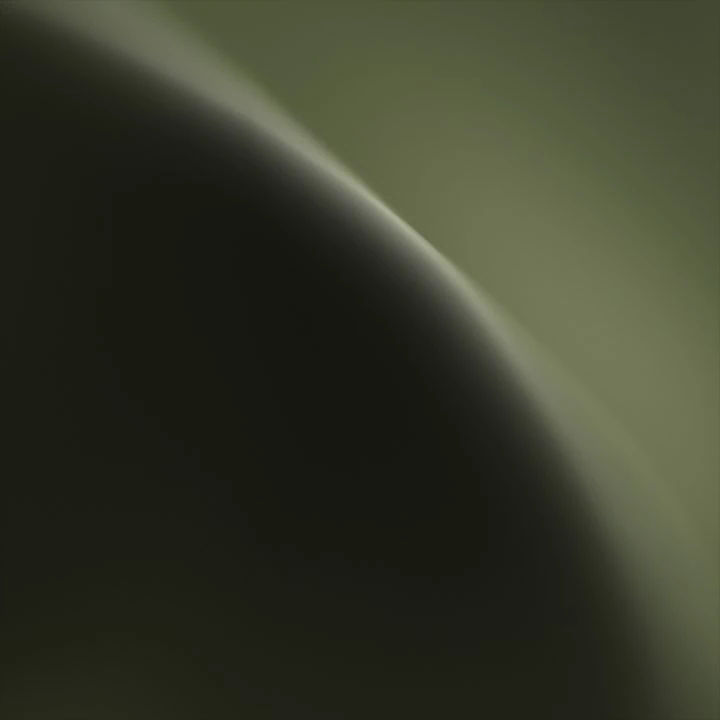
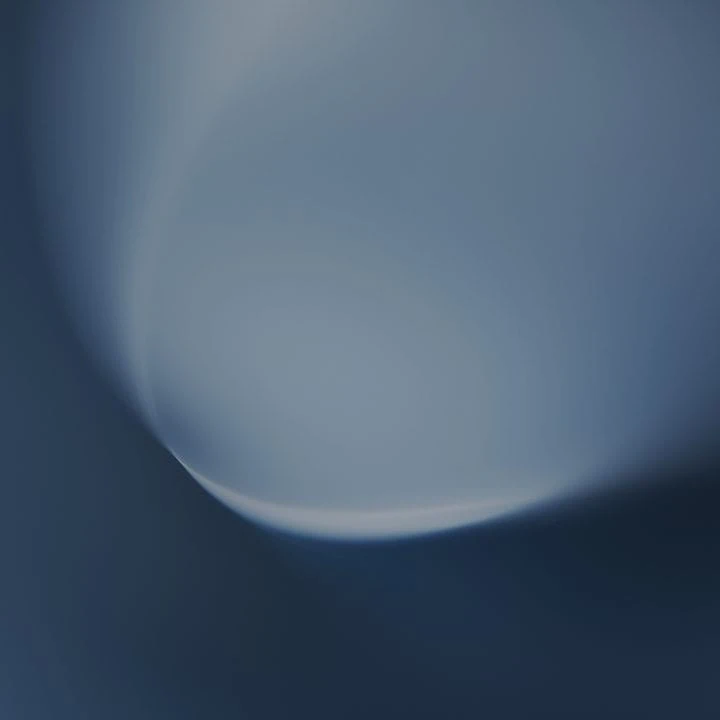
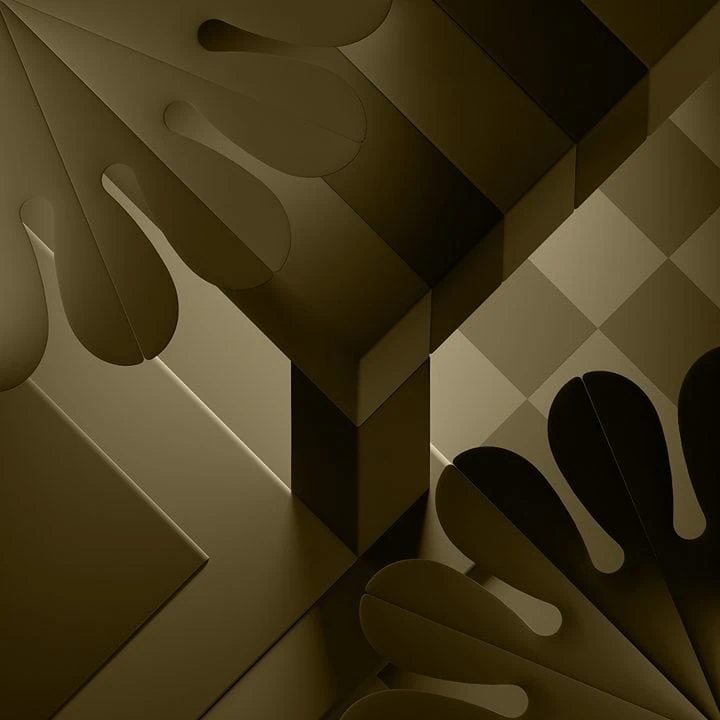
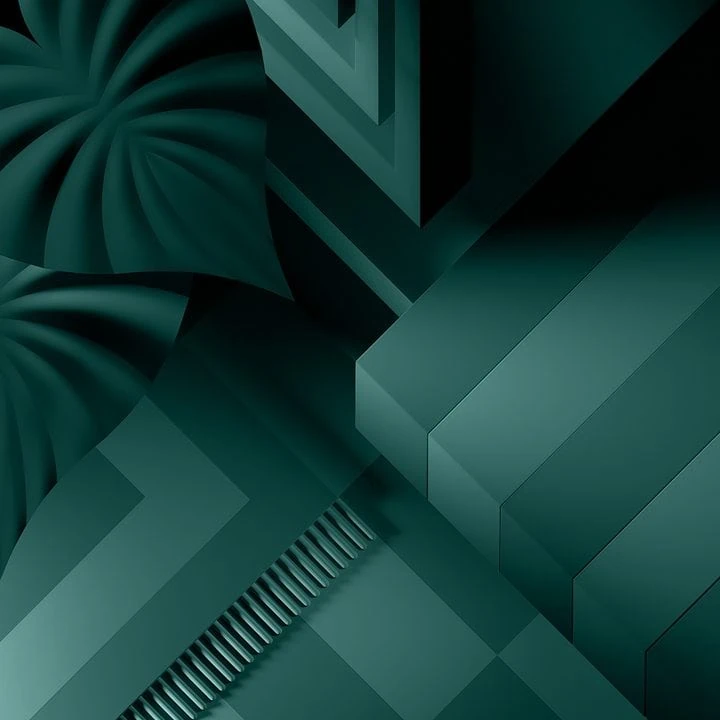
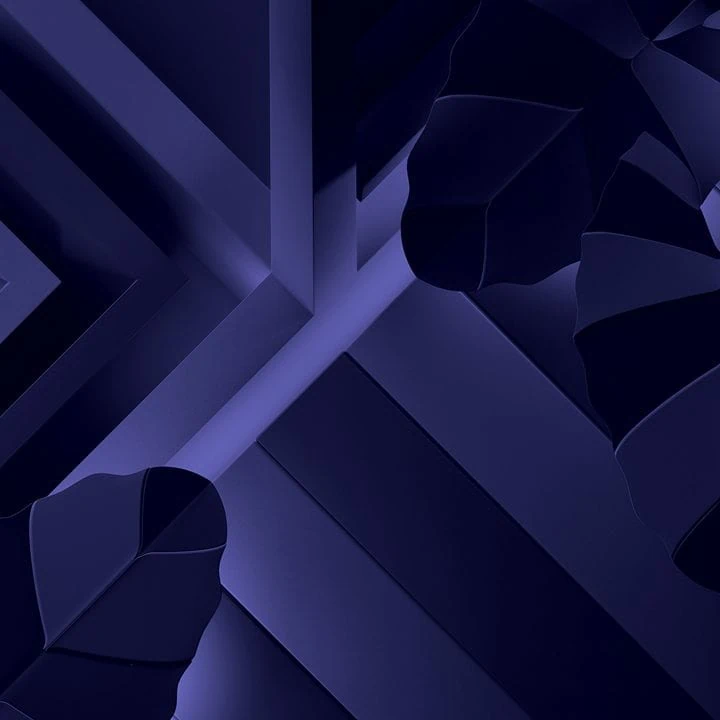
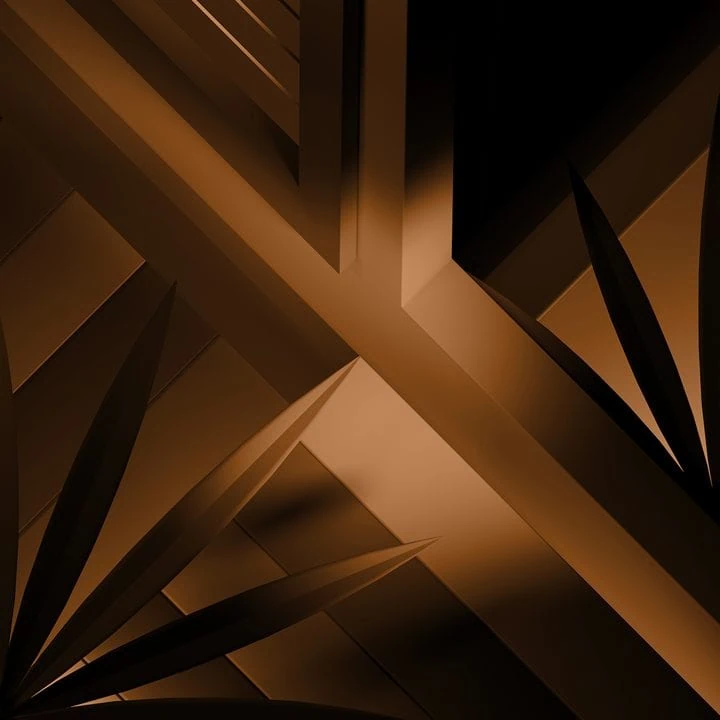
Download Apple HomeView 27.2 Wallpapers
We have extracted all forty Wallpapers in their original quality and packed them into one zip file. Light and dark collections are kept in separate folders so that you can download the whole package in one go. To set wallpaper or lock screen browse through the folder of wallpapers and open the image you wish to use as wallpaper. Press the 3-dot menu and tap on the set as wallpaper or lock screen.
Download –
How to Set Wallpapers on Home Screen, Lock Screen, and Always-on Display
- First, download the HomeView wallpapers.zip file and unzip it from File Manager or Explorer.
- Open File Manager and browse the unzipped wallpapers folder.
- Select the Wallpaper you like, tap on the 3-dot menu, and then tap Use, Open Gallery App, and Set As Home Screen, Lock Screen, or Always-on Display.
Please share those wallpapers with other communities and forums if you like them. Don’t forget to join our community.