Nothing Phone announced the new Nothing Phone Series Smartphones, Nothing Phone 2. The Nothing Phone 2 will be launched in July 2023. This device has the latest Snapdragon 8 Gen 1 5G processor with a dual camera module and 33W charging support. Whatever, we know that every smartphone comes with some unique wallpapers. The device looks very beautiful for its colorful wallpapers. Here You can download Nothing Phone 2 stock wallpapers and Live wallpapers for your smartphone.
Nothing Phone 2:
The Nothing Phone 2 features a 6.7-inch 120Hz HDR10+ OLED panel with 1080 x 2400 pixels resolution. This device is powered by a 3.0 GHz octa-core Snapdragon 8 Gen 1 5G (4nm) processor. This device is available in 12GB and 8GB RAM options alongside the 128GB and 256GB storage onboard. You can get Android 13. Nothing OS out of the box. Also, it comes with a 4700 mAh battery to power up the beast, and it supports 33W fast charging support. The smartphone goes official in White and Black color options.
The Nothing Phone 2 on the rear packs a 50-megapixel primary camera with an f/1.9 aperture; a second 50-megapixel ultrawide camera with an f/2.2 aperture. The rear camera setup has PDAF. It sports a 16-megapixel f/2.5 camera on the front for selfies.
Nothing Phone 2 Series Wallpapers
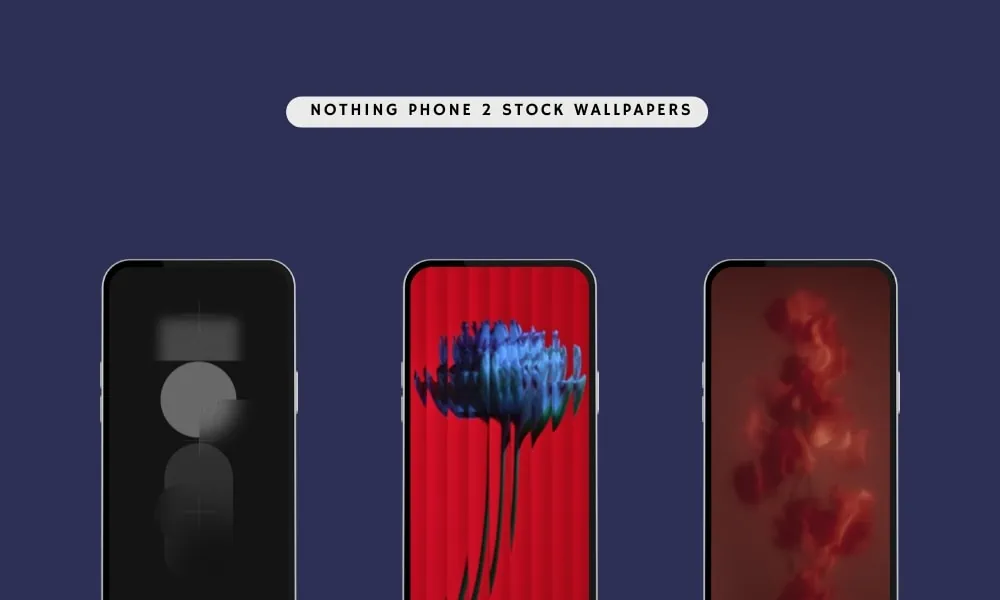
Nothing Phone 2 comes with impressive abstract and gorgeous-looking with their unique images. You know that we always share all new wallpapers and themes as soon as possible on our websites. The device packs many new wallpapers. But for now, we found all the Nothing Phone 2 Stock Wallpapers. This wallpaper is available in 1080 X 2400 pixels resolution and is now available to download which is listed below. If your device has the same screen resolution or lowers, then these will look good on your device.
Here’s the preview of the wallpapers:
Nothing Phone 2 Wallpapers
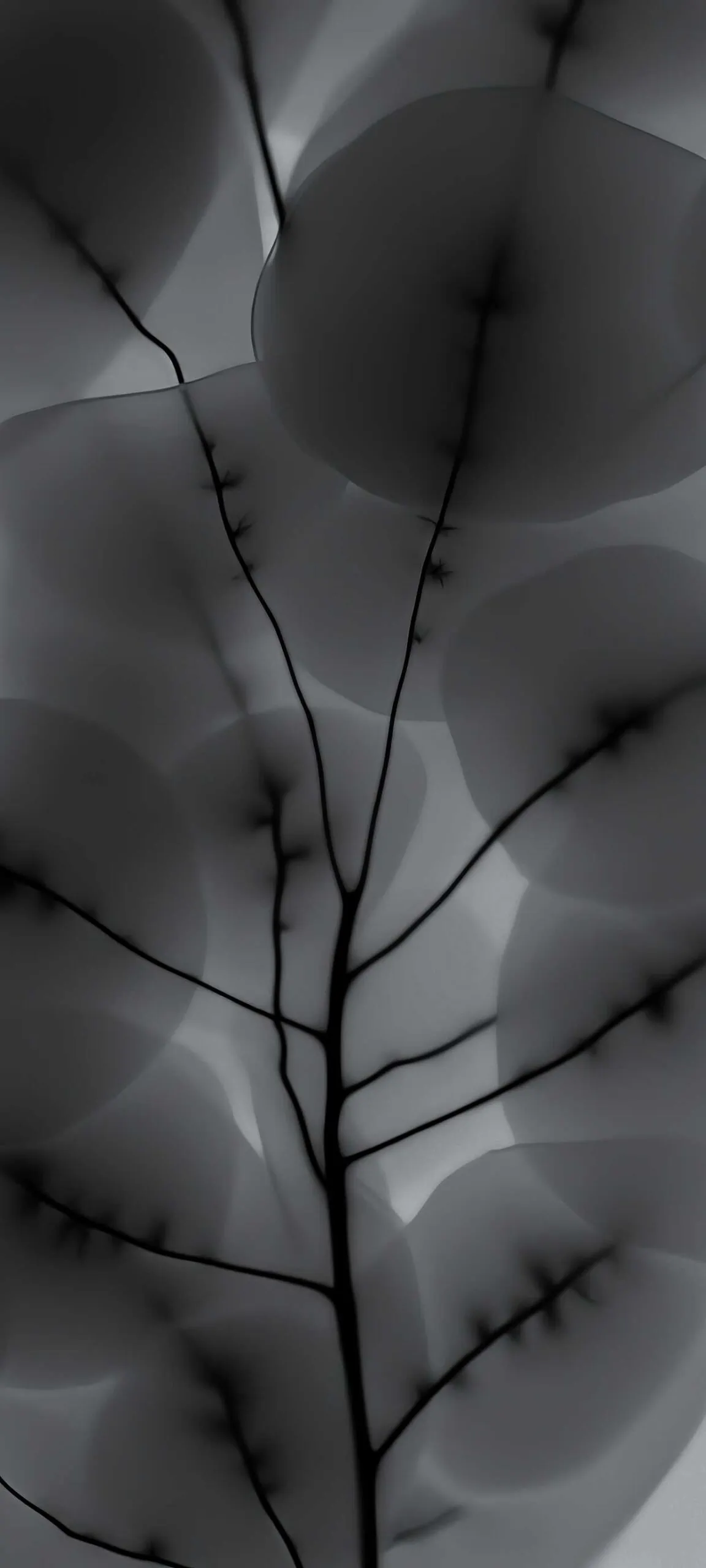



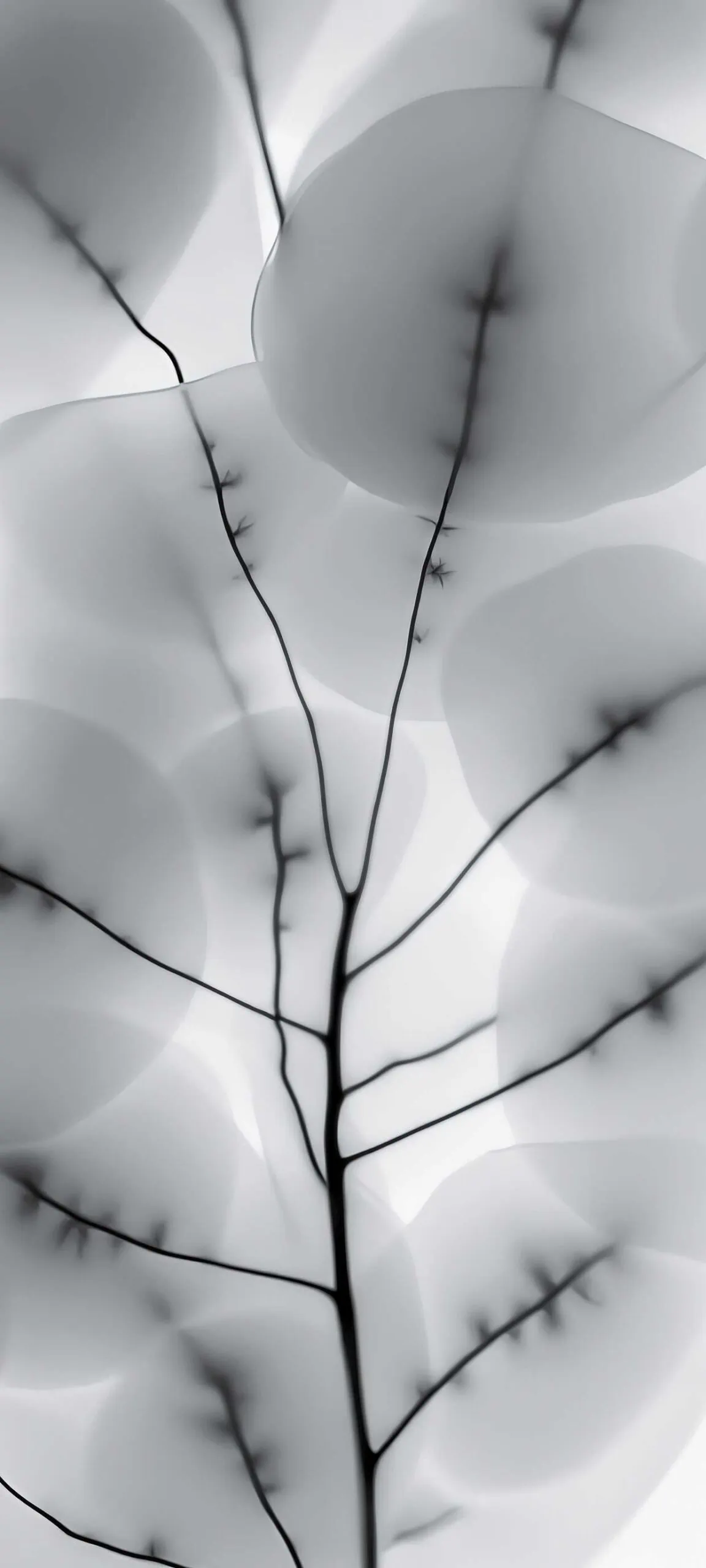
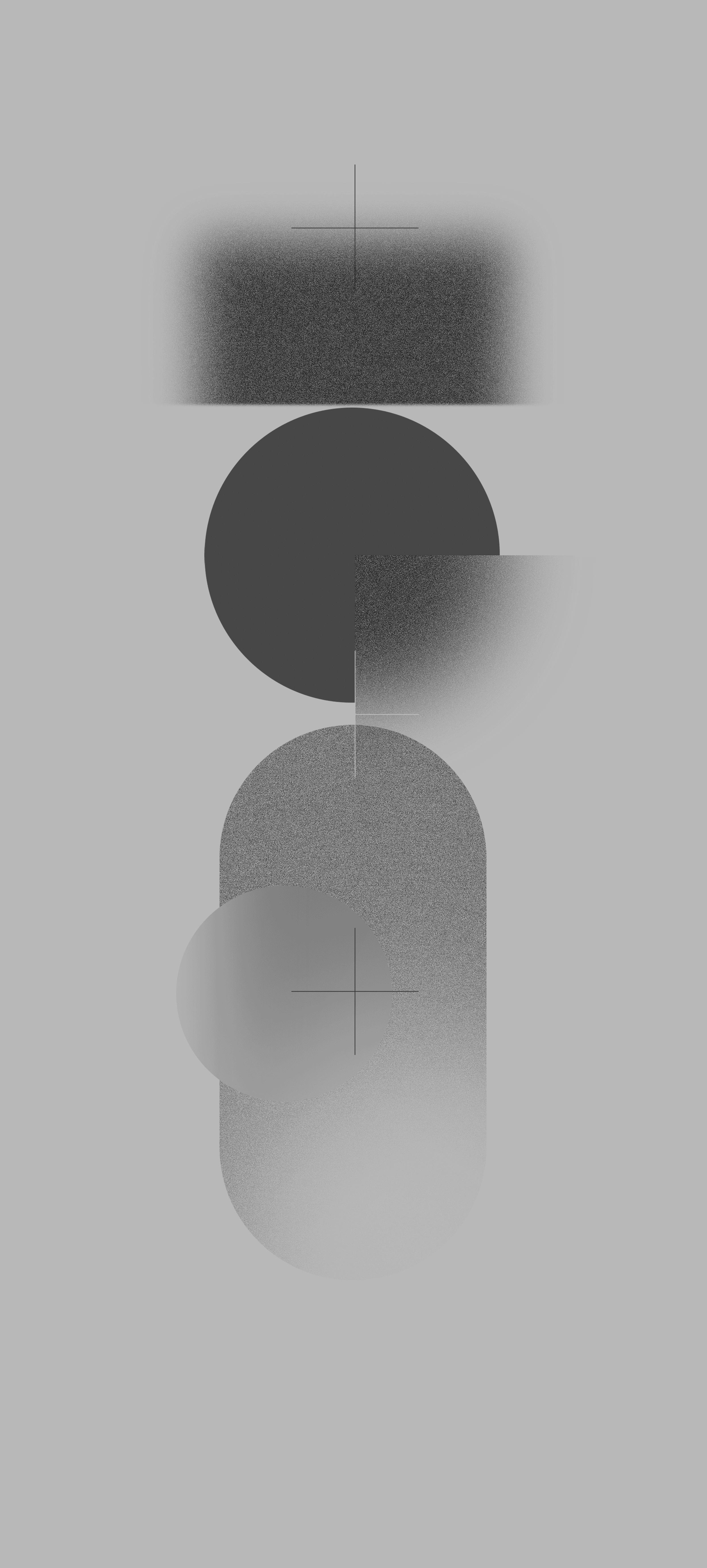

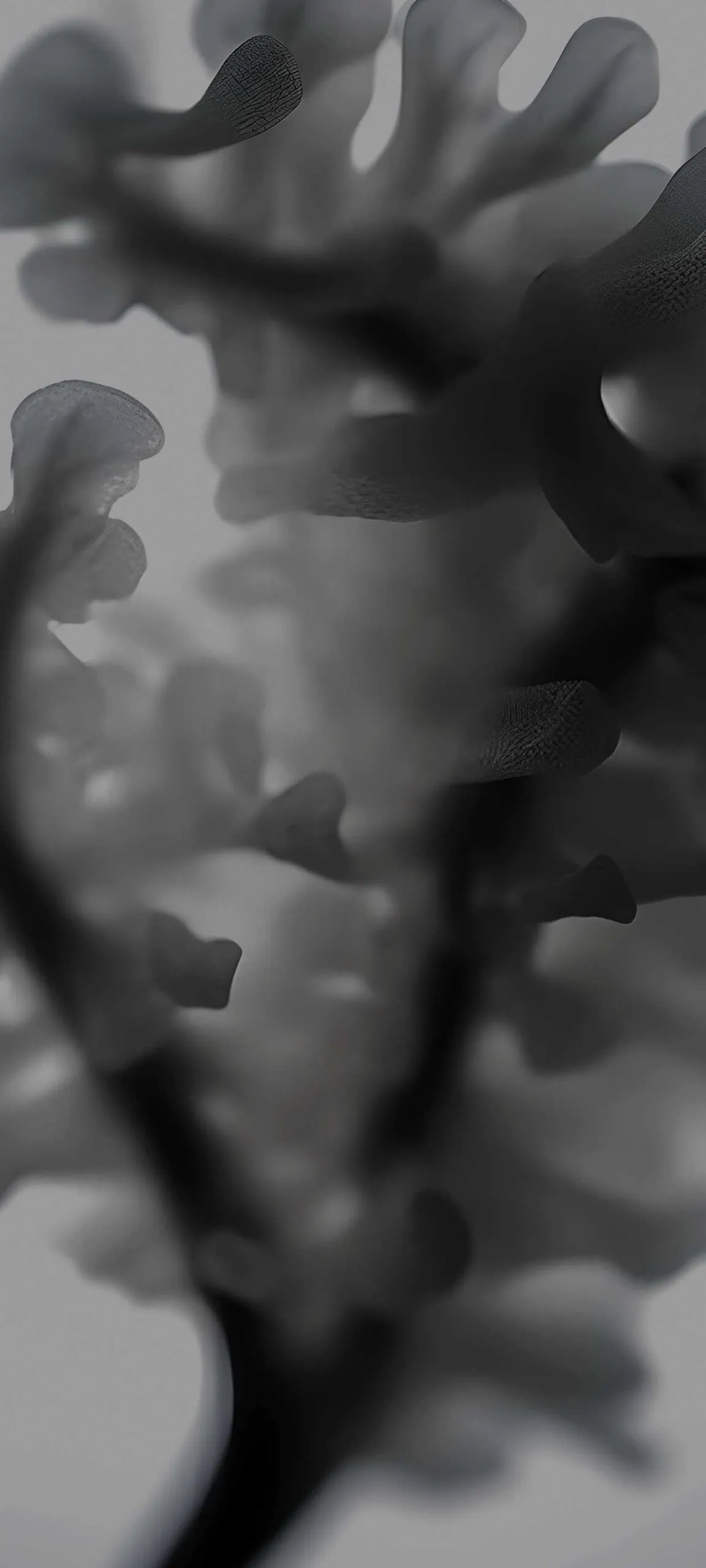
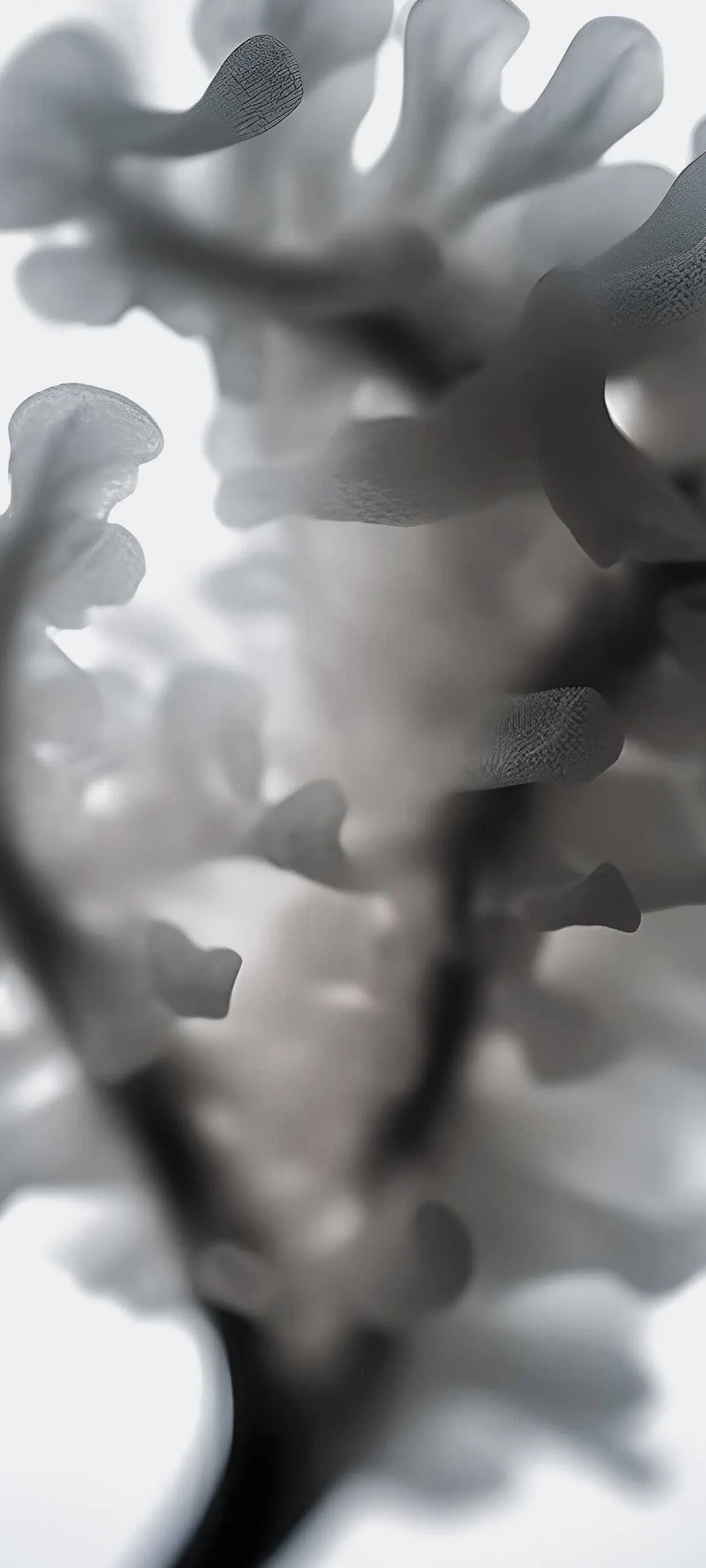
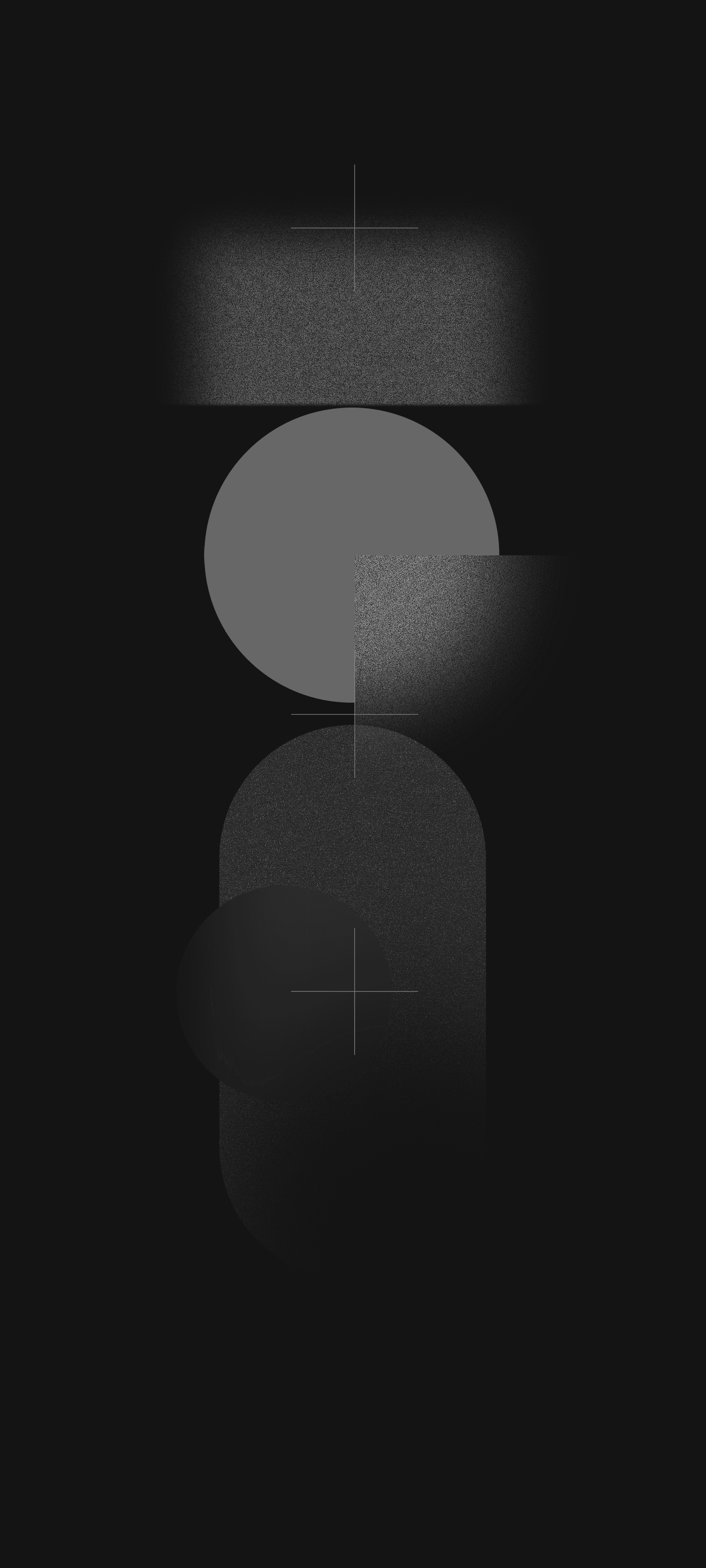
Nothing Phone 2 Wallpapers
We have extracted wallpapers from the Nothing Phone 2 smartphones. You can download the wallpapers for your phone in a zip file. To set wallpaper or lock screen, simply browse the wallpaper folder and open the image you want to set it wallpaper. Press the 3-dot menu and tap on the set as wallpaper or lock screen.
Nothing Phone 2 Stock Wallpapers –