

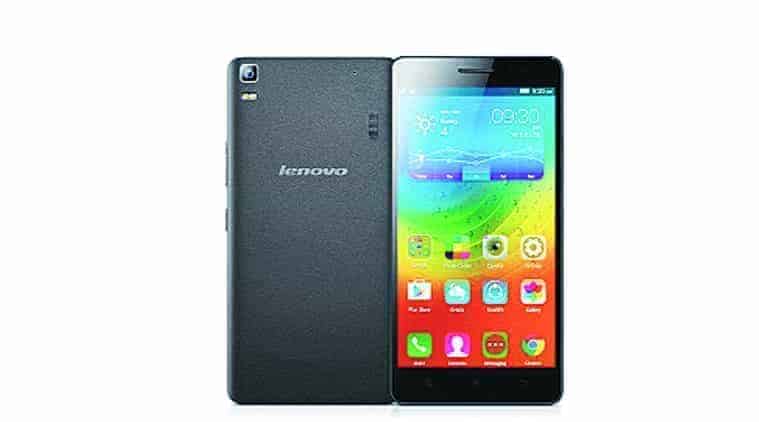
Content List
Instructions:-
- Download File Theme Pack
- Save File .zip (don’t Extract) In Storage0/here (out Folder)
- Go To Theme Center
- Click Button “•••” In Top Right Corner
- Import Theme
- Choose Theme
- Wait The Process
_Screenshoot_
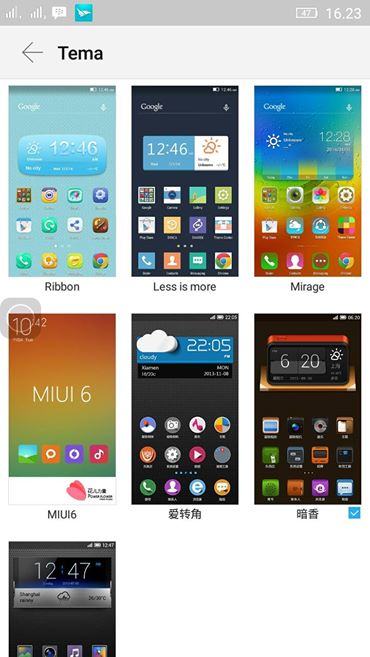
Download Theme:-
https://www.dropbox.com/s/cdymhebs1nj23ir/265.zip?dl=0
https://www.dropbox.com/s/29m5z9flu6iduif/280.zip?dl=0
https://www.dropbox.com/s/4e63izn09yjdk63/302.zip?dl=0
https://www.dropbox.com/s/rdc8ndzdk4yb1bn/306.zip?dl=0
https://www.dropbox.com/s/nfp9lx6elje8c18/360.zip?dl=0
https://www.dropbox.com/s/crzno93vpoefkzp/473.zip?dl=0
https://www.dropbox.com/s/5m6h4mtzbbjn6em/540.zip?dl=0
https://www.dropbox.com/s/wn8jtgvckfycxv7/566.zip?dl=0





Cant download d theme pack it say open in app while m already having dropbox n and cleared the default in settings my browser..need help to download
download in pc or use uc browser