

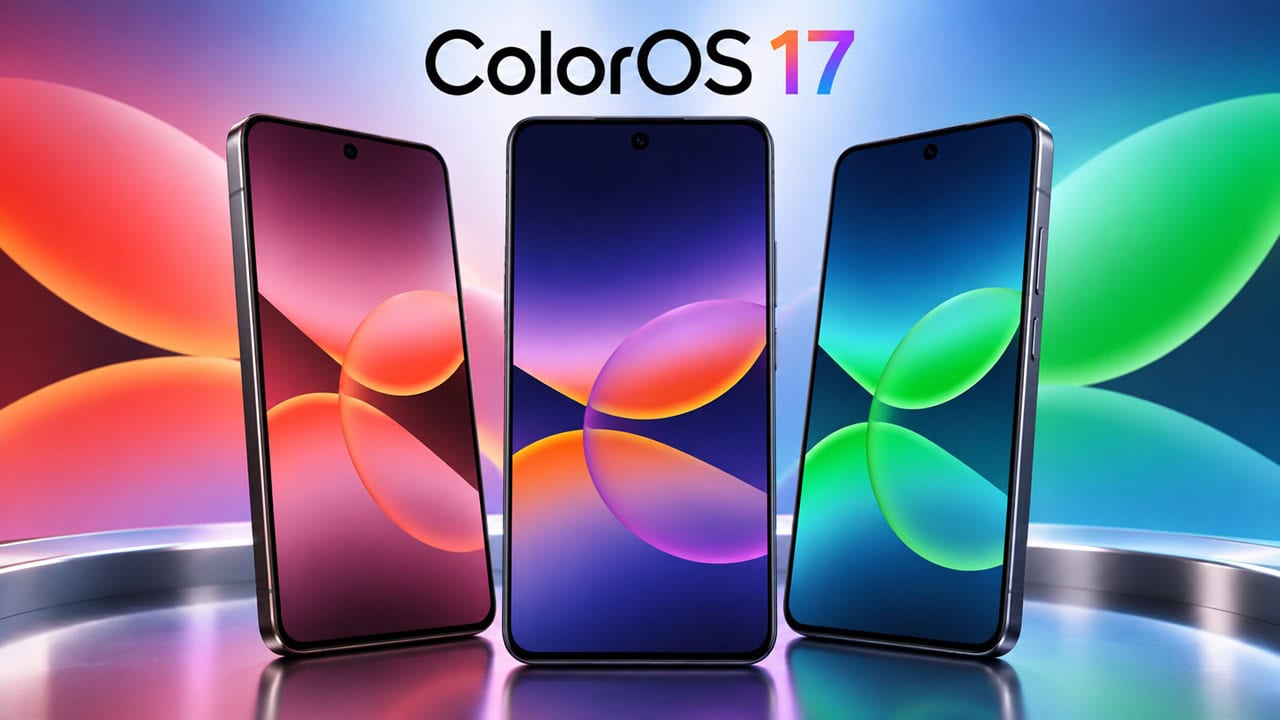
Oppo will release updates for ColorOS 17 late 2026; with each major skin update Oppo redesigns stock wallpapers. As with ColorOS 17, new wallpapers follow the current trend of tall dark gradient art that works well for OLED screens. During the day, this design is subtle but at night it is almost luminous because pixels turn off where there is black. Here in sthis post we have shared Oppo ColorOS 17 Wallpapers in High Quality, you can download all the wallpapers in zip file.
I got all the ColorOS 17 wallpapers directly from the firmware. There are three different colorways and each comes with a lock screen file and one for home screen. The first one is deep navy almost black. Second is cooler with tones of blue. Third is dark rose purple. Style of gradients is consistent among these for a unified look on your phone. Go to the download section and download High Quality Oppo ColorOS 17 Wallpapers for your Android or iOS Smartphone.
Oppo ColorOS 17 Wallpapers
This Wallpapers from ColorOS 17 are1844 pixels wide and 4096 pixels tall – taller than most screens today. That extra height avoids stretching on modern displays. It also saves battery on OLEDs when there are dark parts. These files are just images so they work perfectly on any Android phone and you can also use them directly on iPhones too.
Wallpapers Preview
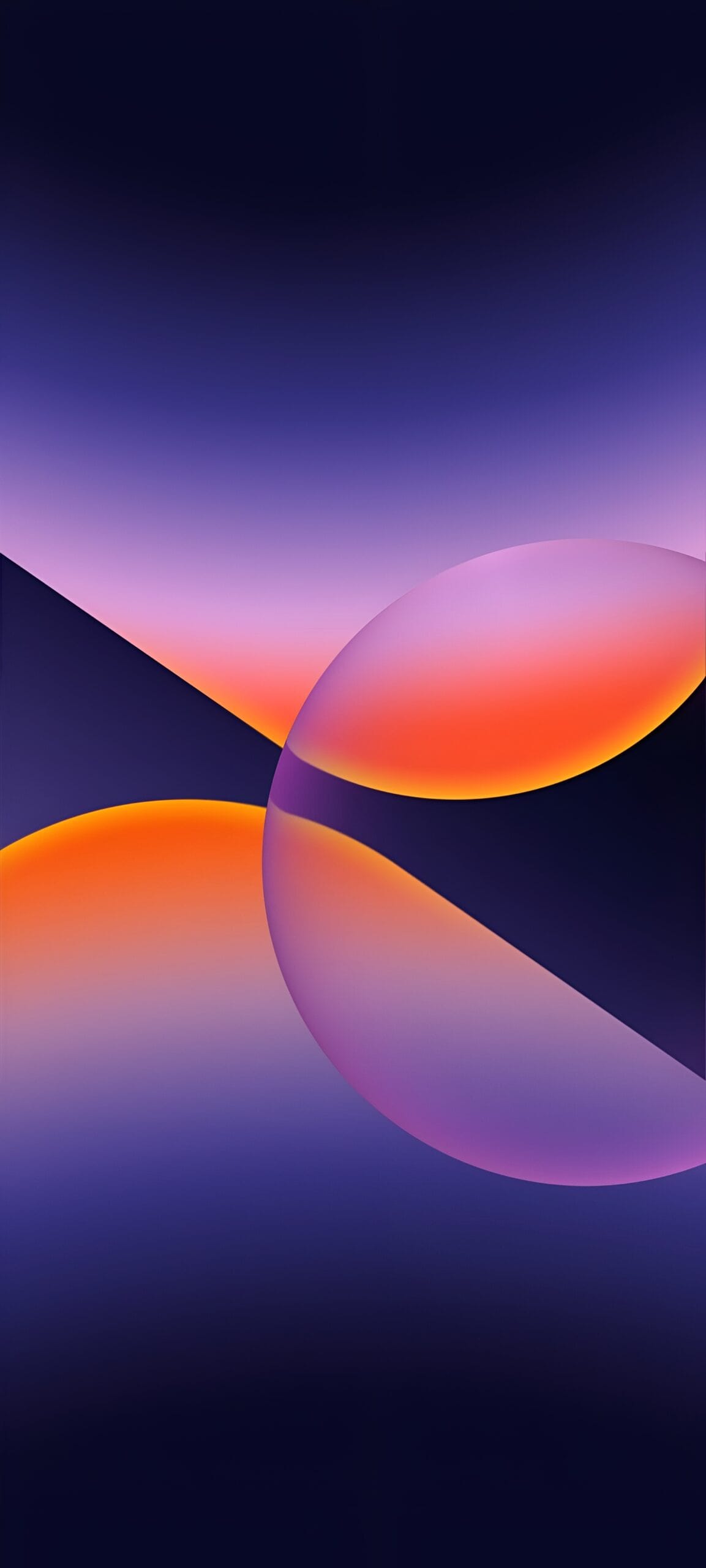
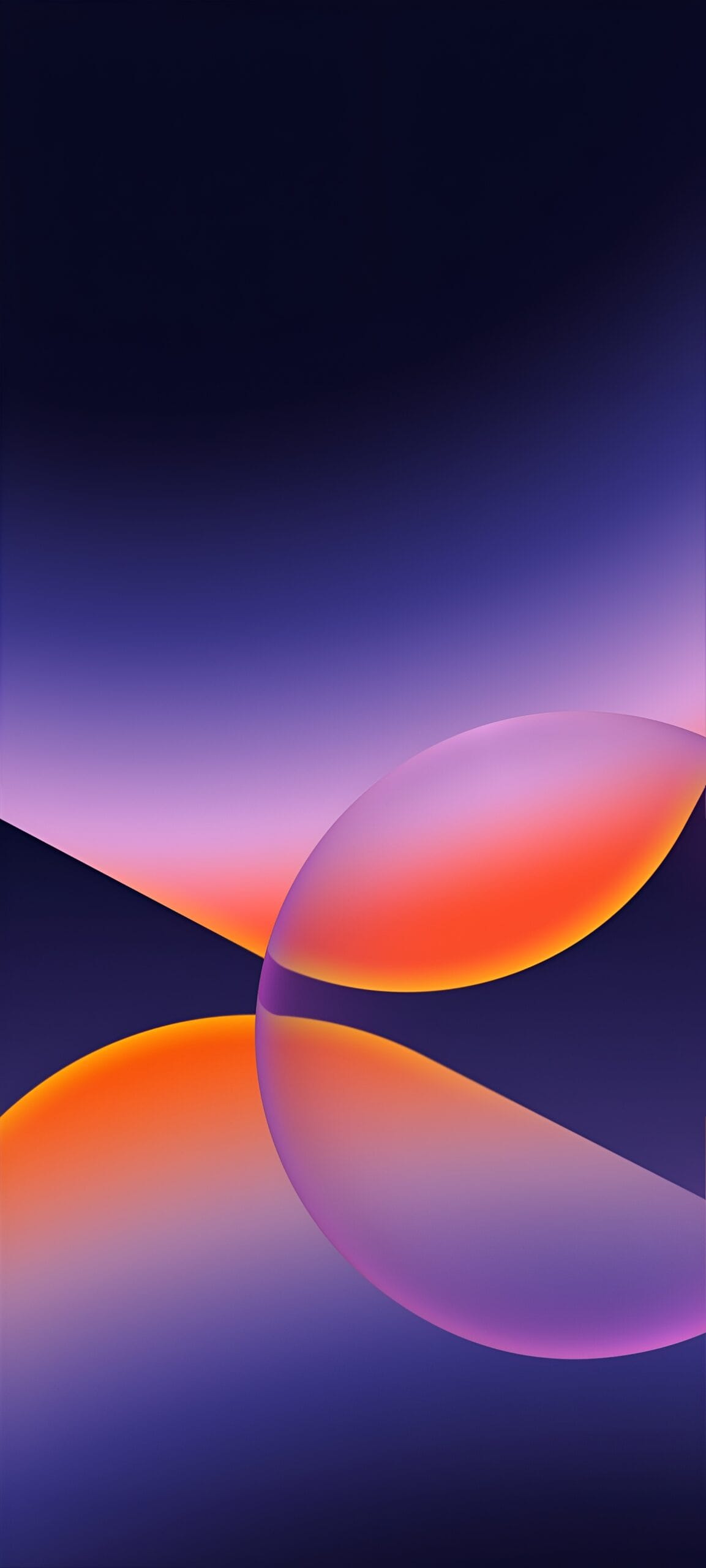

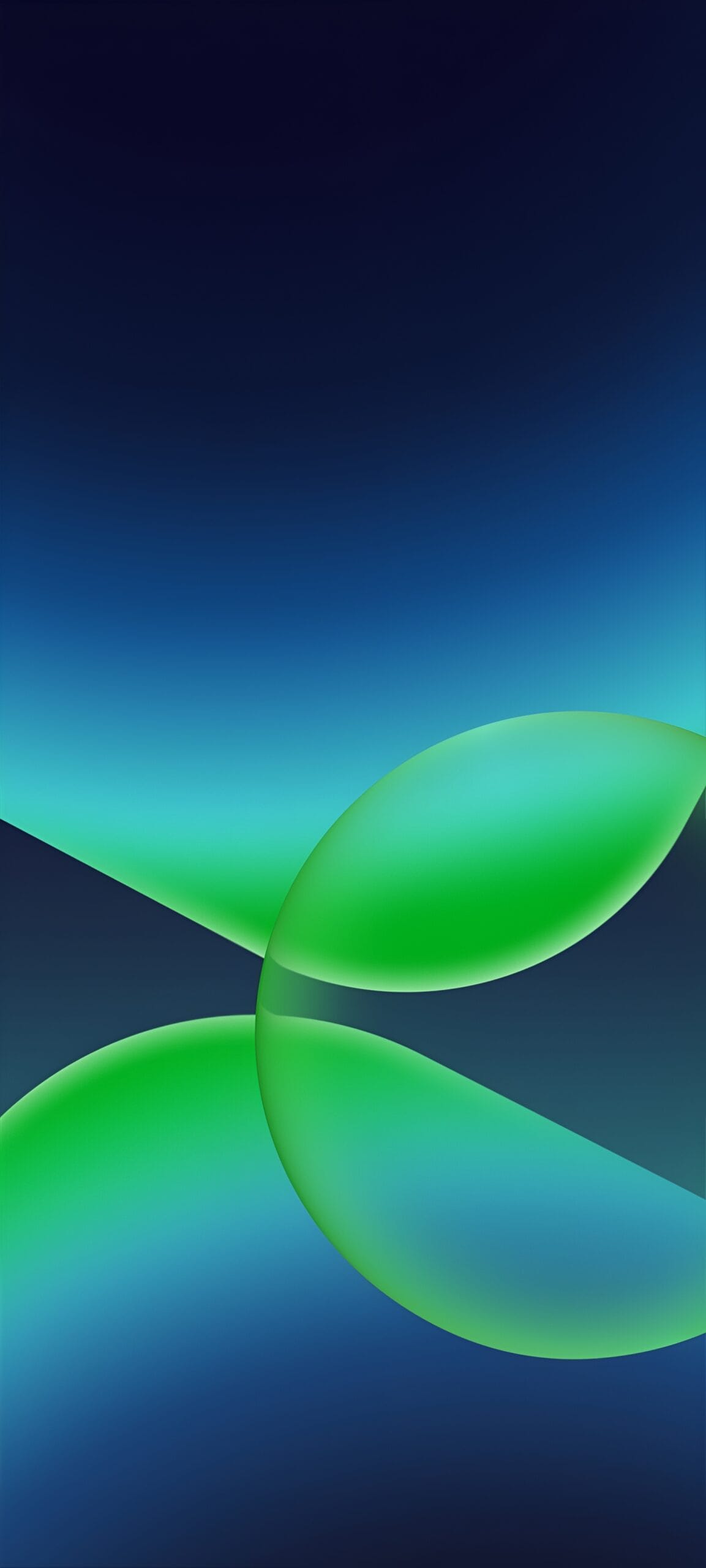
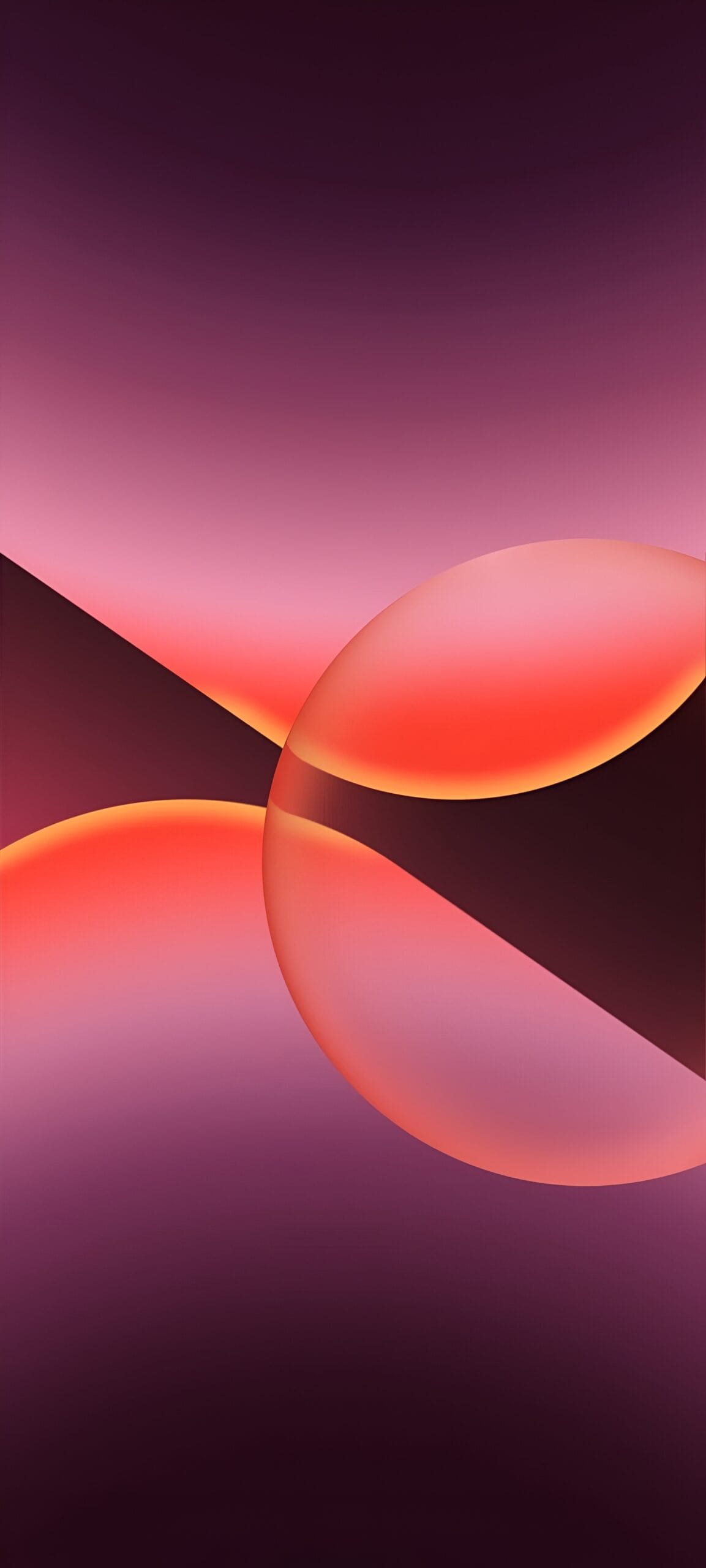
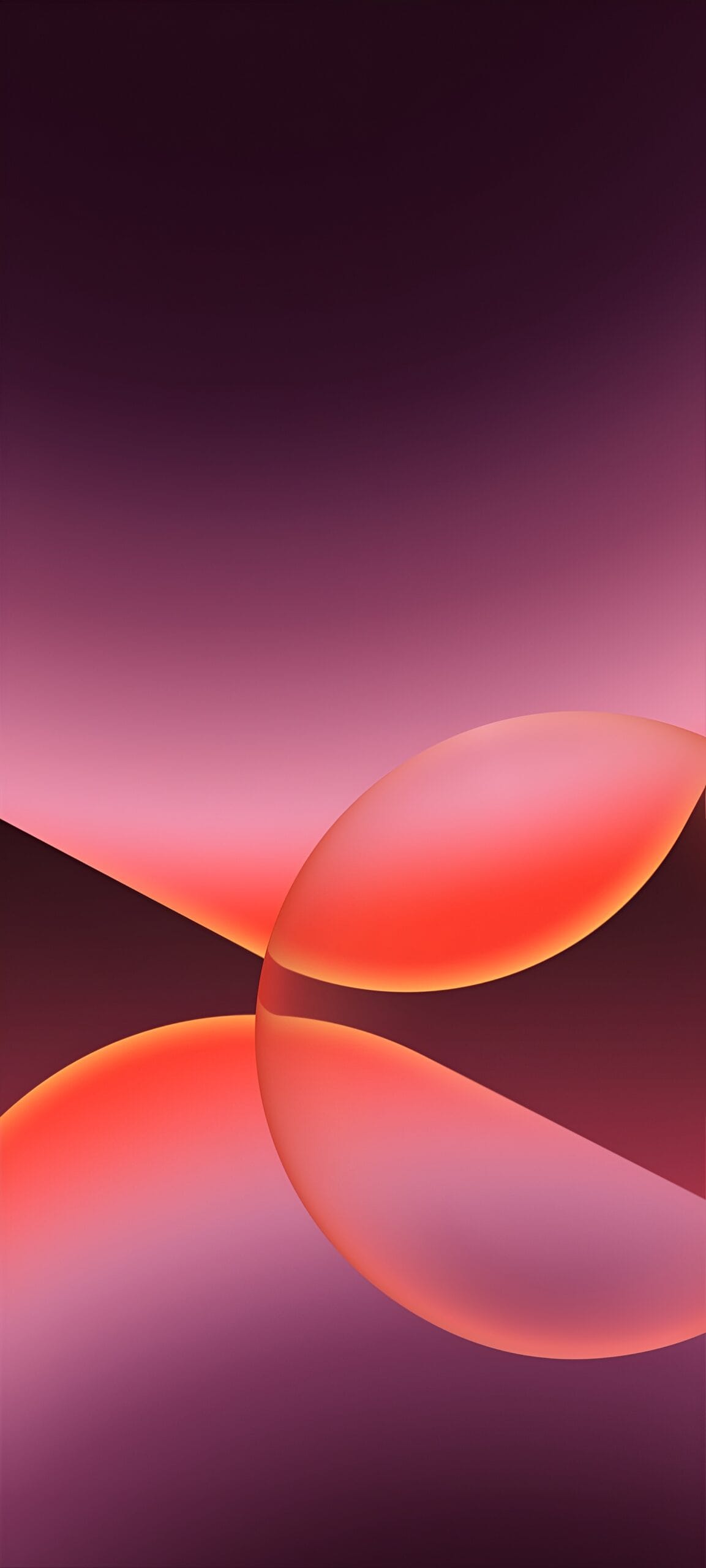
We have uploaded the complete ColorOS 17 wallpaper set below. Pick your favorite colorway from the previews, download the zip, and unzip it on your phone. Since these are rendered wallpapers and not device photos, they will look the same on every screen size. If you like a lighter look, the same gradient artwork also appears on the Oppo A6s Pro set, which you can grab further down the page.
Download Oppo ColorOS 17 Wallpapers
Now you can get the full set of ColorOS 17 wallpaper and it consists of six files total: lock screen and home screen wallpaper for each of the three color variants. The wallpapers are first one is deep navy almost black, Second is cooler with tones of blue, Third is dark rose purple. You should preview each one before you choose your favorite. Files are clean and have no watermarks and they look superb on both OLED and LCD screens.
- File Name – Oppo_ColorOS_17_Wallpapers.zip
- File Size – 9.32 MB
- Download Link in ZIP – Devdrive.cloud
Also Download – Huawei HarmonyOS 7 Wallpapers | OriginOS 7 Stock Wallpapers
How to Set these Wallpapers on Home Screen, Lock Screen, and Always-on Display
- First, download the Oppo_ColorOS_17_Wallpapers.zip file and unzip it from File Manager or Explorer.
- Open the Gallery app and browse to the unzipped wallpapers folder.
- Select the wallpaper you like, tap the 3-dot menu, choose Set as wallpaper, and apply it to the Home Screen or Lock Screen. ColorOS picks up the darker tones automatically for the Always-on Display, so the lock screen look carries over.
Please share those wallpapers with other communities and forums if you like them.