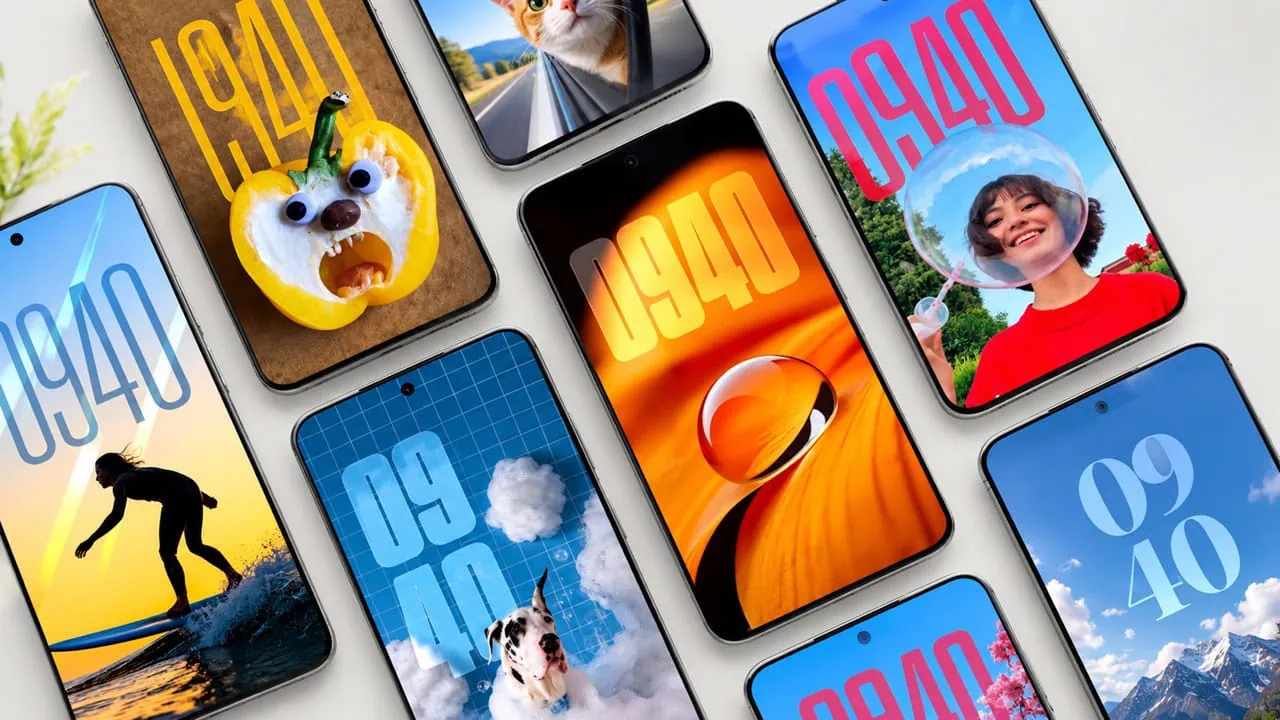
OriginOS wallpapers keep getting better and the upcoming OriginOS 7 set is no different. We collected all stock OriginOS 7 wallpapers from the latest beta builds ahead of the official release. Good news: this set of wallpapers works on all Android phones, and iPhone users can set them after a quick crop. OriginOS 7 will be officially unveiled on September 16, 2026 at vivo’s developer conference in China.
OriginOS 7 is based on Android 17 and brings a liquid glass design language. That means realistic refraction and lighting effects across the whole interface. The update also adds Liquid Themes for the lock screen, a system sticker library, and a new Atomic Workbench. Vivo tuned memory management with an upgraded scheduling algorithm, added Storage Compression 2.0 that frees up to 20GB on a 256GB phone, and claims 14 percent faster graphics rendering with lower power draw during animations.
VIVO OriginOS 7 Wallpapers
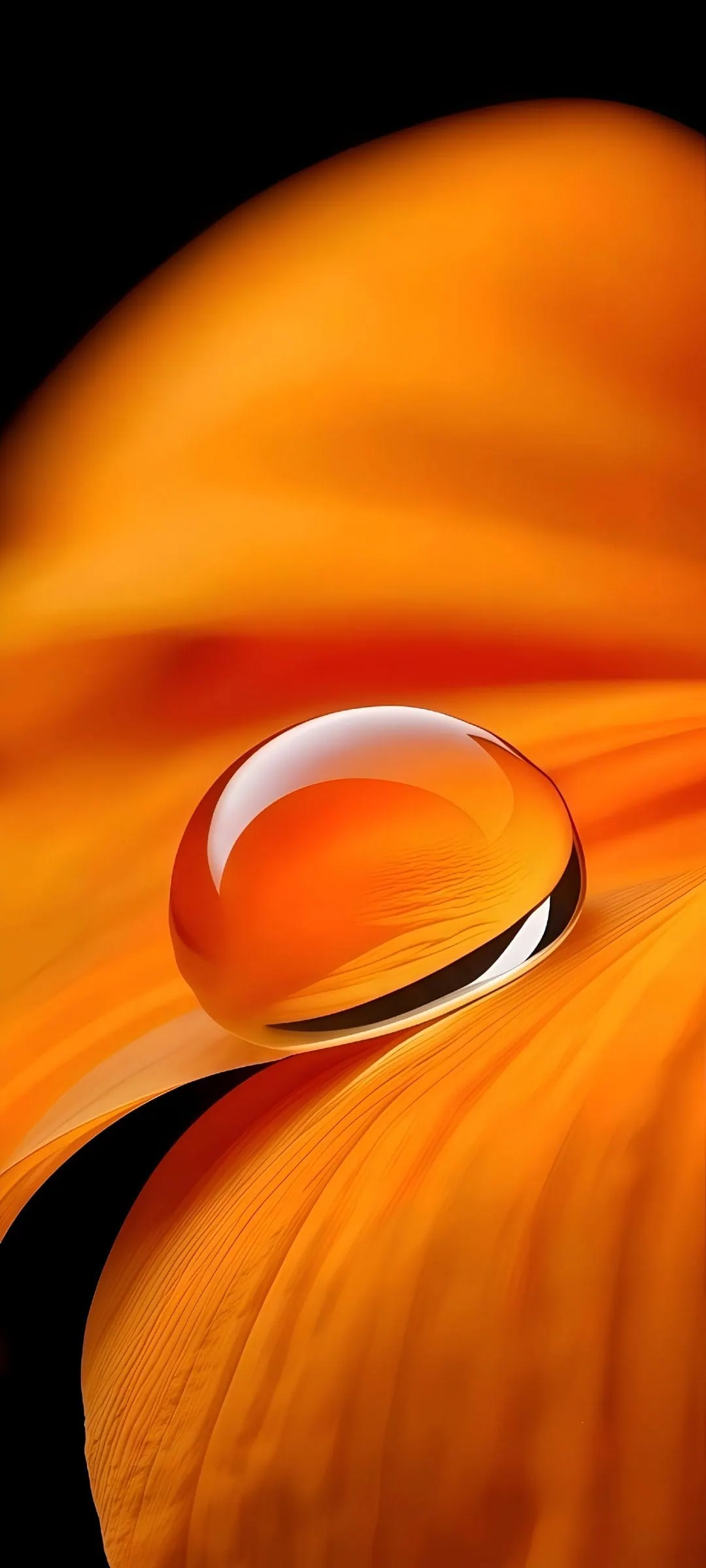
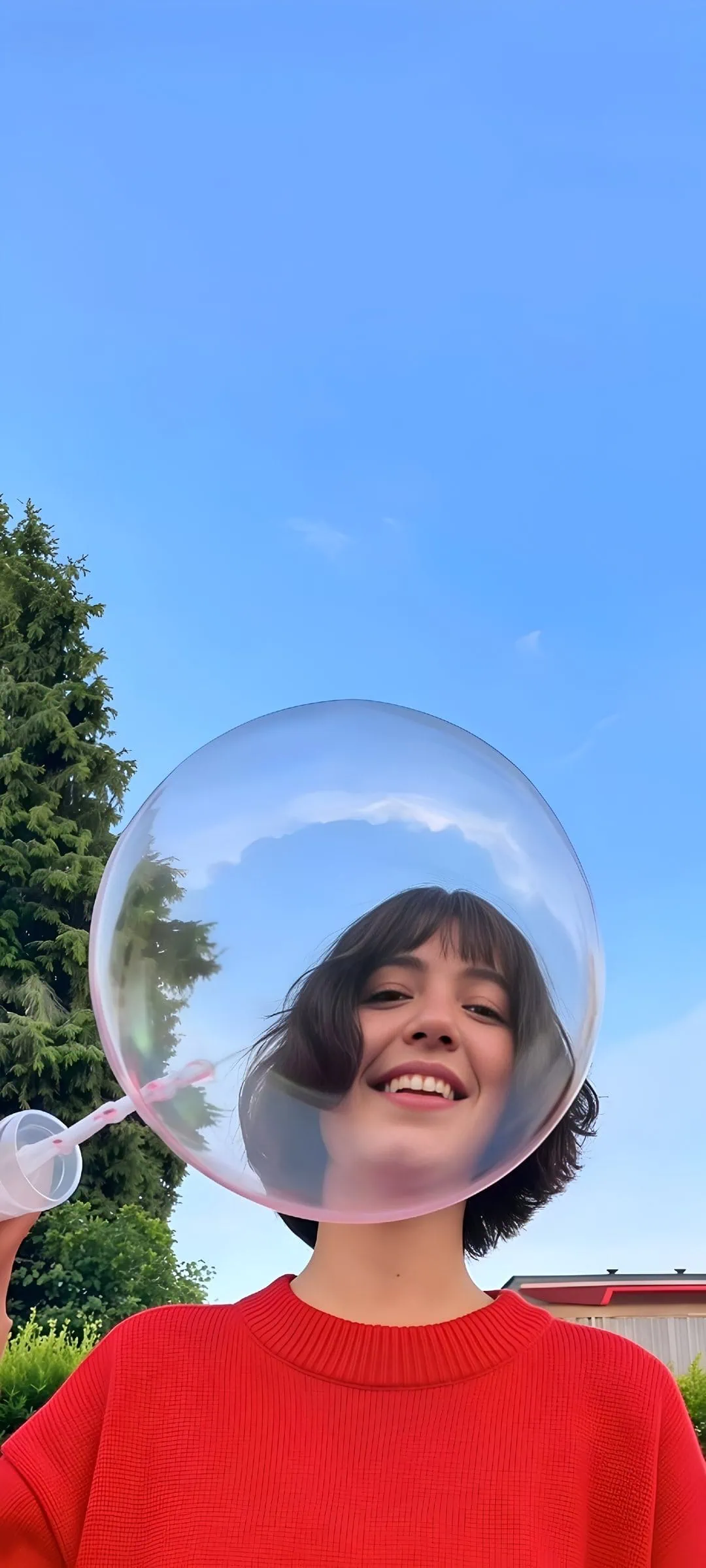
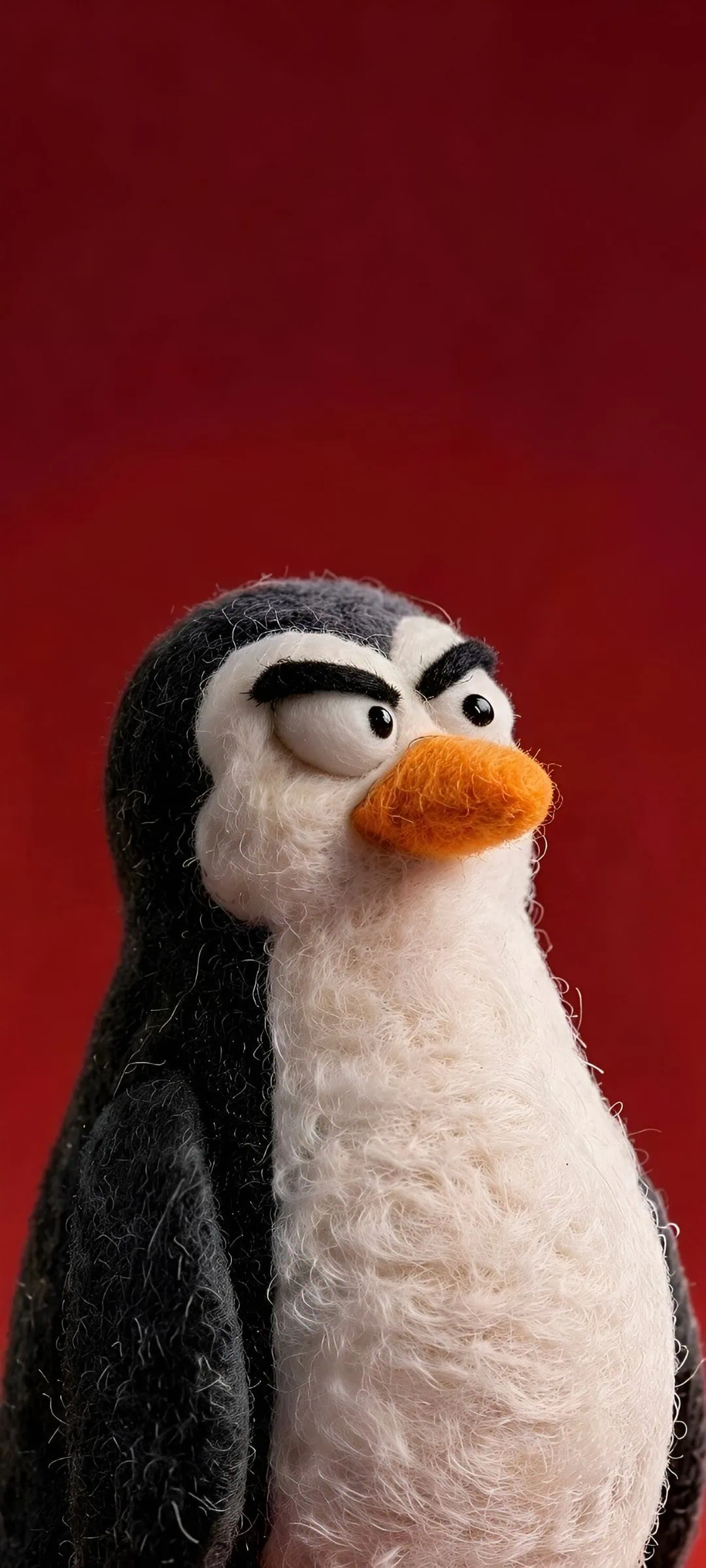
OriginOS 7 just leaked nine new wallpapers. They follow the liquid glass style with smooth flowing gradients in amber, lavender, sky blue, rose and berry tones, plus a few darker moody variants. Most of them are 1844 by 4096 pixels, plenty of resolution for tall AMOLED displays.
Colour is the star of this collection. Every wall is built as a single flowing gradient field, so the screen reads like one continuous piece of glass instead of a photo wallpaper. The bright cyan and lavender variants pop against daylight themes, while the deep berry and slate blue walls keep dark mode users happy. None of them carry heavy details or busy edges, which is exactly why they look good behind widgets and clock faces.
Wallpapers Preview




Download VIVO OriginOS 7 Stock Wallpapers
Here we’ve shared the complete OriginOS 7 Wallpapers pack from vivo. The full pack contains all nine wallpapers shown below, in their original high resolution. The collection are Desert Tan, Amber, Lavender, Golden, Cyan, Slate Blue, Berry, Rose, and Steel Blue can be used on any Android phone and iPhone users can set them too after a quick crop, so download the zip file and try them on your phone. We have uploaded nine wallpapers from OriginOS 7, and we will upload more when the stable update officially rolls out. Here is every OriginOS 7 wallpaper in the set, from the amber one that opens the pack to the sandy tan at the end:
- File Name – VIVO_OriginOS_7_Stock_Wallpapers.zip
- File Size – 18 MB
- Download Link in ZIP – Devdrive.cloud
How to Set these Wallpapers on Home Screen, Lock Screen, and Always-on Display
- First, download the OriginOS_7_Wallpapers.zip file and unzip it from File Manager or Explorer.
- Open File Manager and browse the unzipped wallpapers folder.
- Select the wallpaper you like, tap on the 3-dot menu, and then tap Use, open the Gallery app, and set as Home Screen, Lock Screen, or Always-on Display.
Please share those wallpapers with other communities and forums if you like them.