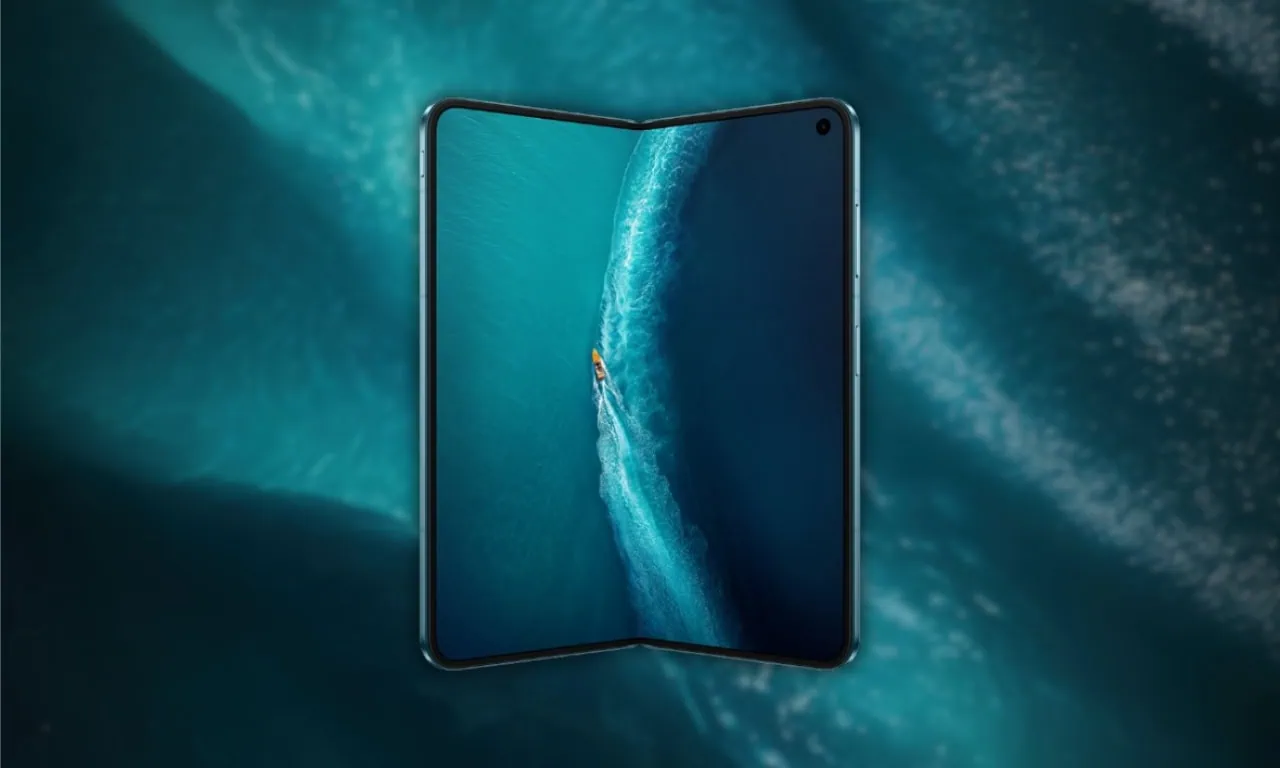
Are you looking for Vivo X Fold6 stock wallpapers and live wallpapers in full resolution? You are at the right place. The vivo X Fold6 comes with a beautiful collection of high-resolution stock wallpapers. The vivo X Fold6 brings a fresh set of fold-optimized stock wallpapers along with OriginOS 6 Fold Raster Wallpapers and live wallpapers that react to your phone’s gyroscope for a parallax effect. Here you can download all Vivo X Fold6 stock wallpapers and live wallpapers for your phone.
Vivo has announced the new Fold Series Smartphones, Vivo X Fold6. including the Vivo X Fold6 Limited edition. This device features the latest MediaTek Dimensity 9500 processor, a 200MP ZEISS-powered camera system, and 80W charging support. Every Vivo smartphone comes with unique wallpapers. The vivo X Fold6 comes with a beautiful collection of stock wallpapers in high resolution, along with OriginOS 6 Fold Wallpapers that add a live parallax effect to your home screen.
Vivo X Fold6 Device Specifications
Vivo launched the vivo X Fold6 Series in China. The device features a 200 MP ZEISS main camera with a 50 MP periscope telephoto lens. A 6900 mAh battery is available with fast charging. Each of these phones comes with exclusive wallpaper. The vivo X Fold6 offers a premium foldable design with a cold-carved glass rear and an ultra-thin hinge mechanism. The vivo X Fold6 is available in multiple color options.
The MediaTek Dimensity 9500 processor with up to 16 GB RAM will allow for seamless daily use and gaming. The 8.02-inch inner foldable OLED display with a 6.51-inch outer cover screen will run at 120 Hz with high resolution, so the wallpapers included on this model will be very clear and vibrant. With fast charging, you will have enough power to last through your day.
| Series | Vivo X Fold6 |
|---|---|
| Processor | MediaTek Dimensity 9500 |
| Display | 8.02-inch inner (Samsung M14 OLED) + 6.51-inch outer, 120Hz, 5000 nits peak |
| Battery | 6900mAh, fast charging |
| Rear Camera | 200MP + 50MP periscope telephoto (ZEISS) |
| Operating System | Android 16, OriginOS 6 Fold |
| RAM / Storage | Up to 16GB / Up to 1TB |
| Color Options | Folding Black, Ocean Green, Titanium Gray |
| Launch | June 2026 (China) |
Vivo X Fold6 Stock Wallpapers and Live Wallpapers Sharing
The Vivo X Fold6 Stock wallpapers come with aesthetic designs, and we are impressed with their unique images. You’re aware that we constantly offer new wallpapers, live wallpapers, and themes on our websites as soon as possible. The device comes with a set of new preloaded stock wallpapers optimized for the foldable display. All the wallpapers are now available for download, which are listed below.
These wallpapers really match the sleek, foldable design of the phone. The static ones have smooth gradient transitions that look fantastic on OLED screens that fold. But the live ones are cool too – using your phone’s gyroscope so they move with tilting and create awesome depth effects on your home screen. You can get all of them.
Wallpapers Preview




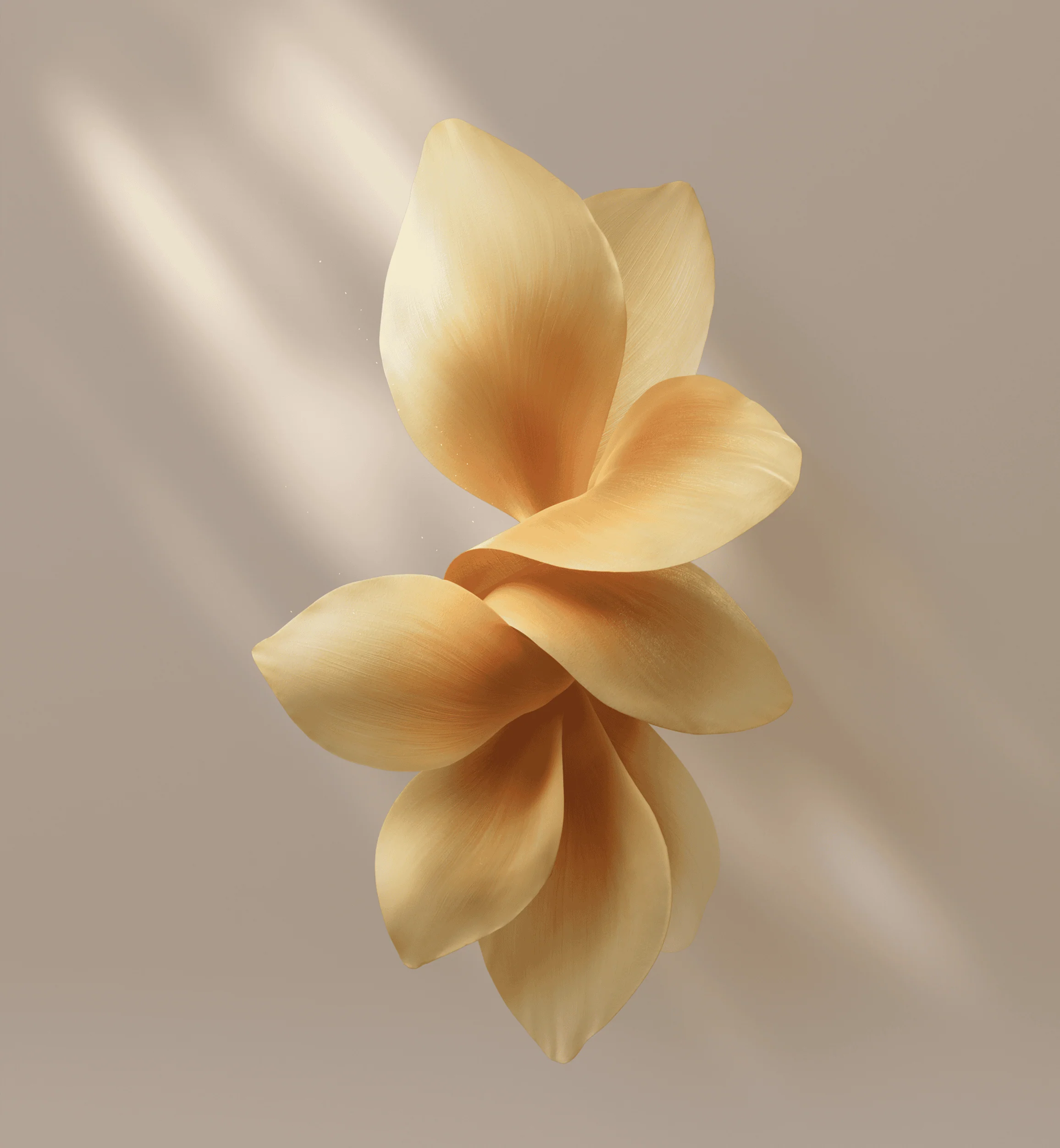



Note: the images listed above serve as a preview of the wallpapers and are only intended for representational purposes. The preview images are of lower quality, therefore please use the download links above for the full resolution files.Live Wallpapers Preview
Vivo Vivo X Fold6 Live Wallpapers
Vivo X Fold6 Stock Wallpapers & Live Wallpapers Download Links
We have extracted forty-eight wallpapers, Black Golden, Polar Night, Blue Hole, Arc Glow, Saline Lake, Nature, Earth and aesthetic and More. We have also extracted five Live Wallpapers: Arc Glow, Polar Night, Saline Lake and Sharp Shadow. So you can download the wallpapers for your phone in a zip file. To set a wallpaper or lock screen, simply browse the wallpaper folder and open the image you want to use as your wallpaper. Press the 3-dot menu and tap “Set as wallpaper” or “Lock screen”.
| File | Contents | Download Link |
| vivo_X_Fold6_Wallpapers.zip | Stock wallpapers (high resolution) | Download Stock Wallpapers |
| vivo_X_Fold6_Live_Wallpapers.zip | X Fold6 Series Live Wallpapers | Download Live Wallpapers |
How to Set these on your Android Device
Static Wallpapers (Home / Lock Screen)
- Download and extract the vivo X Fold6 Stock Wallpapers zip file on your Android phone using the Files app or any file manager.
- Open the extracted wallpaper in Gallery / Photos / Files app.
- Tap the three-dot menu or More option and select Set as wallpaper.
- Choose Home screen, Lock screen, or Home and lock screen → adjust the crop if needed → tap Apply / Set.
Always-on Display (AOD)
- Go to Settings → Display → Always-on display / Lock screen.
- Select Image / Photo / Custom style.
- Pick the vivo X Fold6 wallpaper from your gallery → tap Apply / Save.
Live Wallpapers
- Unzip the Live_Wallpapers on your Android phone.
- Long-press an empty area on your home screen.
- Tap Wallpapers or Wallpapers & style.
- Select the vivo X Fold6 Live Wallpapers from the list.
- Apply to Home screen, Lock screen, or both → confirm.