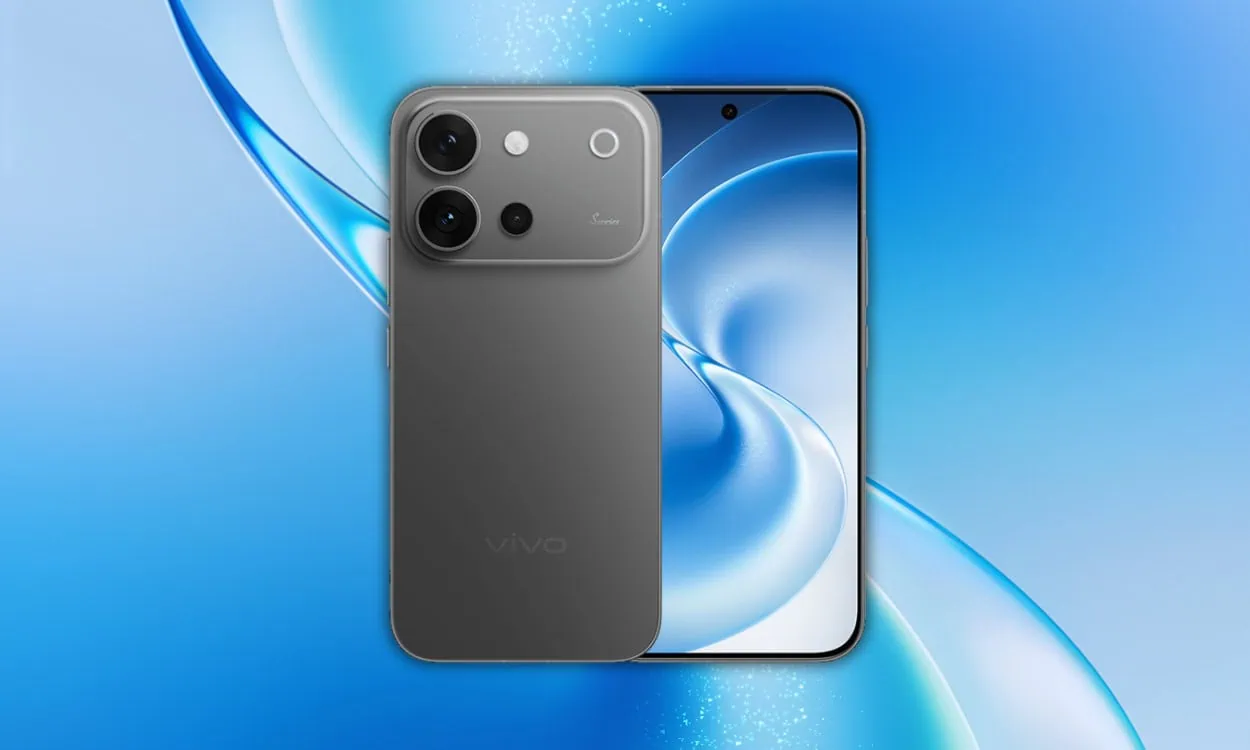
Looking for VIVO S60 stock wallpapers and live wallpapers in full resolution? You are at the right place. The VIVO S60 comes with 26 beautiful wallpapers in 1.5K resolution, along with OriginOS 6 Raster Wallpaper that adds a live parallax effect to your home screen.
The VIVO S60 brings a fresh set of ocean and summer-themed stock wallpapers along with OriginOS 6 Raster Wallpapers and live wallpapers that react to your phone’s gyroscope for a parallax effect. Here you can download all VIVO S60 stock wallpapers and live wallpapers for your phone.
VIVO S60 Device Specifications
Vivo launched the Vivo S60 Series in China. The device has a 50 MP periscope telephoto camera. A 7200 MAH battery is available with fast charging. Each of these phones comes with exclusive wallpaper. The Vivo S60 offers a cold-carved glass rear with a silver-white finish that can reflect light like the ocean. The Vivo S60 is available in four colors – Starry Sea, Early Summer Green, Midsummer Night, and Silver-White.
The Snapdragon 8S Gen 3 processor with up to 16 GB RAM will allow for seamless daily use and gaming. The 6.59-inch OLED display will run at 120 Hz with 1.5 K resolution, so the wallpapers included on this model will be very clear and vibrant. With fast charging, you will have enough power to last through your day.
| Series | VIVO S60 |
| Processor | Snapdragon 8s Gen 3 |
| Display | 6.59-inch OLED, 1260 x 2750 pixels, 120Hz |
| Battery | 7200mAh, 90W fast charging |
| Rear Camera | 50MP + 8MP + 50MP periscope telephoto |
| Operating System | Android 16, OriginOS 6 |
| RAM / Storage | Up to 16GB / 512GB |
| Color Options | Starry Sea, Early Summer Green, Midsummer Night, Silver-White |
| Launch | May 2026 (China) |
VIVO S60 Wallpapers and Live Wallpapers Sharing
The VIVO S60 Stock wallpapers come with aesthetic designs, and we are impressed with their unique images. You’re aware that we constantly offer new wallpapers, live wallpapers, and themes on our websites as soon as possible. The device comes with twenty-six new preloaded stock wallpapers. All the wallpapers are now available for download, and they are in 2K resolution. All the wallpapers are now available to download, which are listed below.
The wallpapers follow the device’s cold-carved glass design language. The static wallpapers use smooth gradient transitions that complement the AMOLED panel. The live wallpapers use your phone’s gyroscope sensor to shift the wallpaper as you tilt the device, creating a depth effect that makes the home screen feel more immersive. All the wallpapers are now available for download in full resolution.
VIVO S60 Stock Wallpapers Preview





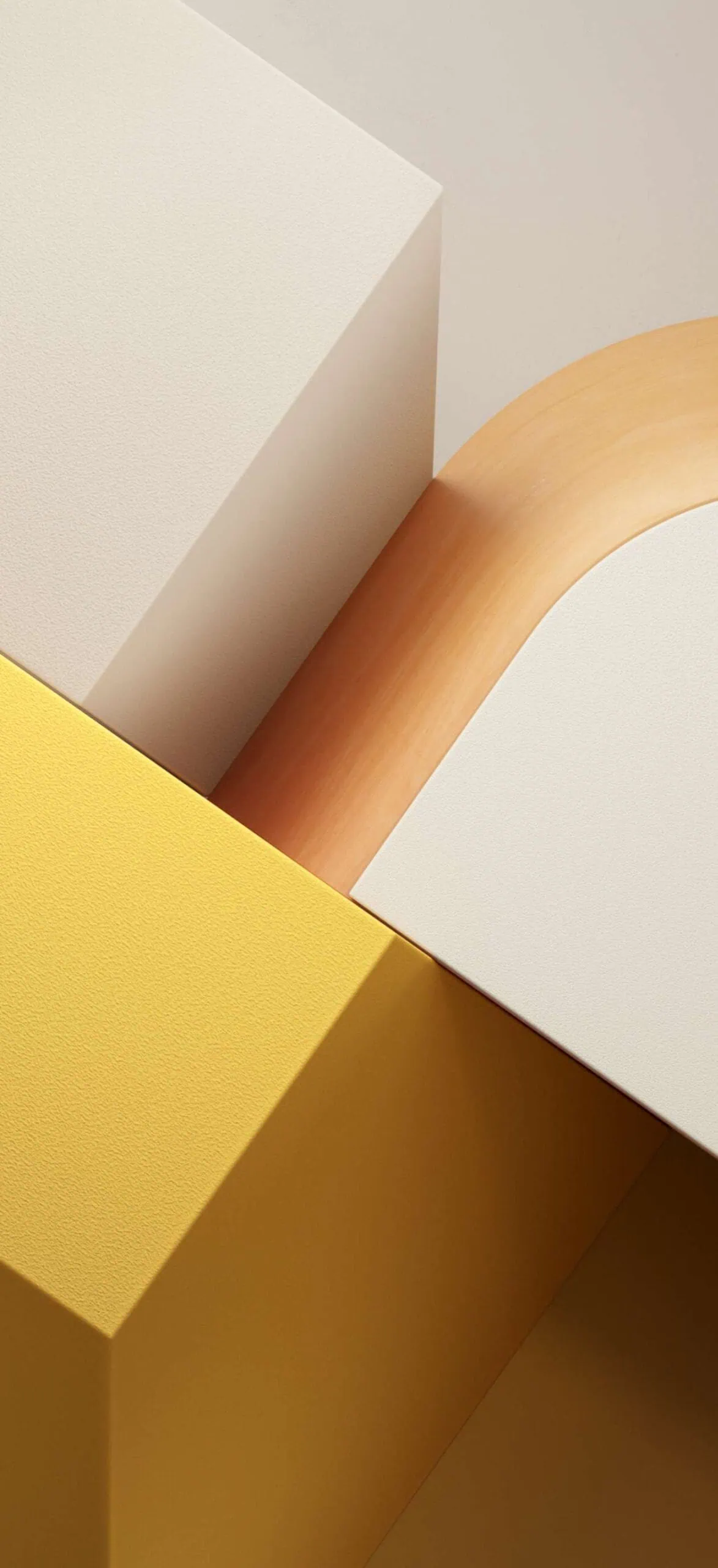


VIVO S60 Live Wallpapers Preview
- Static Wallpapers: 26 preloaded stock wallpapers (1.5K resolution)
- Live Wallpapers: OriginOS 6 – Seven Live Wallpapers
Note: the images listed above serve as a preview of the wallpapers and are only intended for representational purposes. The preview images are of lower quality, therefore please use the download links above for the full resolution files.Wallpapers and Live Wallpapers Download Links
| File | Contents | Download Link |
|---|---|---|
| VIVO_S60_Wallpapers.zip | 26 static wallpapers (1.5K) | Download Stock Wallpapers |
| VIVO_S60_Live_Wallpapers.zip | S60 Series Tian Xiwei Live Wallpapers | Download Live Wallpapers |
How to Set these on your Android Device
Static Wallpapers (Home / Lock Screen)
- Download and extract the VIVO S60 Stock Wallpapers zip file on your Android phone using the Files app or any file manager.
- Open the extracted wallpaper in Gallery / Photos / Files app.
- Tap the three-dot menu or More option and select Set as wallpaper.
- Choose Home screen, Lock screen, or Home and lock screen → adjust the crop if needed → tap Apply / Set.
Always-on Display (AOD)
- Go to Settings → Display → Always-on display / Lock screen.
- Select Image / Photo / Custom style.
- Pick the VIVO S60 wallpaper from your gallery → tap Apply / Save.
Live Wallpapers
- Unzip the Live_Wallpapers on your Android phone.
- Long-press an empty area on your home screen.
- Tap Wallpapers or Wallpapers & style.
- Select the VIVO S60 Live Wallpapers from the list.
- Apply to Home screen, Lock screen, or both → confirm.