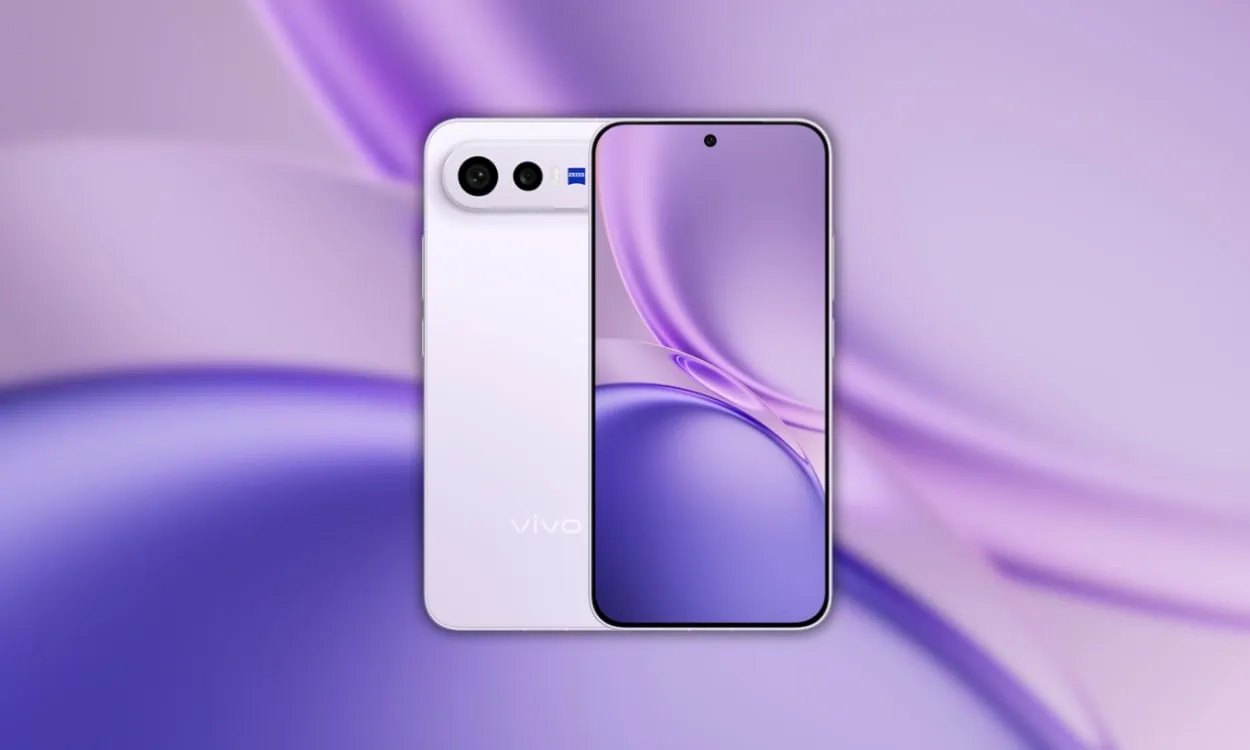
Vivo has launched the new X300 FE (Fan Edition), the most recent edition in the Vivo X300 lineup. It includes the Snapdragon 8 Gen 5 processor, a 50 MP Zeiss periscope telephoto lens, and 90 W fast charging. Just like every new smartphone release, there are exclusive wallpaper packs that accompany it. These Vivo X300 FE Stock Wallpapers make for nice backgrounds on your smartphone because they add vibrancy to the device.
The Vivo X300 FE was released late last month as part of the latest additions to Vivo’s X300 lineup. In terms of design, it is very clean-looking due to its flat design, which incorporates the horizontal camera bar, an LTPO AMOLED display at 120 Hz refresh rate, and a large 6,500 mAh battery. The phone’s backgrounds fit well with the device’s high-end feel. In this post, we will share Vivo X300 FE Stock Wallpapers FHD resolution in a ZIP file.
X300 FE Specification:
| Specification | Details |
|---|---|
| Processor | Snapdragon 8 Gen 5 (3 nm) |
| RAM | 12 GB |
| GPU | Adreno 829 |
| Display | 6.7-inch LTPO AMOLED, 1216 x 2640px, 120Hz |
| Operating System | Android 16, OriginOS 6 |
| Storage | 256 GB / 512 GB |
| Battery | 6500mAh, 90W fast charging |
| Wallpaper Resolution | 1440 x 3200 pixels |
The X300 FE has a 6.7 inch LTPO AMOLED display that runs at 1216 x 2640 pixel resolution and has a 120Hz refresh rate which makes for seamless scrolling. Internally, it is equipped with Qualcomm’s Snapdragon 8 Gen 5 processor combined with Adreno 829 (GPU), 12 GB of random access memory (RAM) and maximum storage capacity of 512 GB. Color options include Cool Black, Radiant White, Misty Purple, Green and Urban Olive.
The camera setup on the X300 FE has been developed by Vivo in partnership with Zeiss. There are two cameras located at the back of the phone including a 50 MP periscope type camera with 3X optical zoom capability and optical image stabilization (OIS). In addition to these two cameras there is also an 8 MP ultra-wide angle camera. There is also multi-focus LED flash along with high dynamic range (HDR) and panoramic capabilities.
Vivo X300 FE Wallpapers Sharing
The X300 FE comes with eight new wallpapers, each with exclusive colors. The wallpapers are abstract gradient art with flowing curves and smooth transitions, a wide spectrum of colors ranging from soft pinks and purples to vibrant blues, greens, golds, and oranges. There is also an additional set of standard wallpapers included from the OriginOS 6.0 set. This entire wallpaper collection includes wallpapers at 1440×3200. Check below to view this entire wallpaper collection.
Wallpapers Preview






Note: Below are the preview images of the wallpapers and just for the representation. Preview is not in the original quality so don’t download from images. Use the download link given in the download section below.
Download Vivo X300 FE Wallpapers
We rounded up all the X300 FE wallpapers right here. These abstract gradient textures with a clean, modern look are a perfect match for that LTPO AMOLED panel. Grab the whole set in one zip file. After extraction, open the folder, pick your favorite, tap the three dots, and hit Set as Wallpaper or Lock Screen.
File: Vivo_X300_FE_Wallpapers.zip
Download Link: Devdrive.cloud
How to Set these on your Android Device.
- Download and extract the VIVO X300 FE Stock Wallpapers zip file on your Android phone using the Files app or any file manager.
- Open the extracted wallpaper in Gallery / Photos / Files app.
- Tap the three-dot menu or More option and select Set as wallpaper.
- Choose Home screen, Lock screen, or Home and lock screen → adjust the crop if needed → tap Apply / Set.