
The Oppo ColorOS 16 comes with unique wallpapers that can be used on other Android and iOS devices. We have extracted all the ColorOS 16 Stock Wallpapers from the Oppo Find X9 Smartphone. You can download the ColorOS 16 Stock Wallpapers as a ZIP file for your Android devices. After Huawei launched its own smartphone OS, Oppo also developed its own OS, fearing sanctions/bans in countries outside China.
Oppo’s ColorOS 16 is Oppo’s next flagship OS offering. It promises an even smoother experience with faster responsiveness, greater security, and an easier-to-use interface. Oppo ColorOS 16 offers improved multitasking, battery life, and connectivity; it is user-friendly and gamer-friendly. ColorOS 16, cleaned up with clearer interfaces and AI-powered features, aims to create a smoother experience and continuous improvement, setting a new standard in Android-based ecosystems.
ColorOS 16 Wallpapers
ColorOS 16 comes with 38 stunning wallpapers.; however, the number may increase in forthcoming releases. The ColorOS 16 wallpapers feature various items, an enlarged clock, vibrant, minimalist flower backgrounds, nature backgrounds, portrait selfies and abstract design walls, including Liquid Glass wallpapers, all of which are in FHD PNG format.
Wallpapers Preview






































Download ColorOS 16 Stock Wallpapers
Here we have already shared the ColorOS 7 Wallpapers from Oppo. This time, we will share Oppo’s ColorOS wallpaper, which can be used on any Android Phone. So download and try it on your phone.
ColorOS 16 Stock Wallpaper –
How to Set these Wallpapers on Home Screen, Lock Screen, and Always-on Display
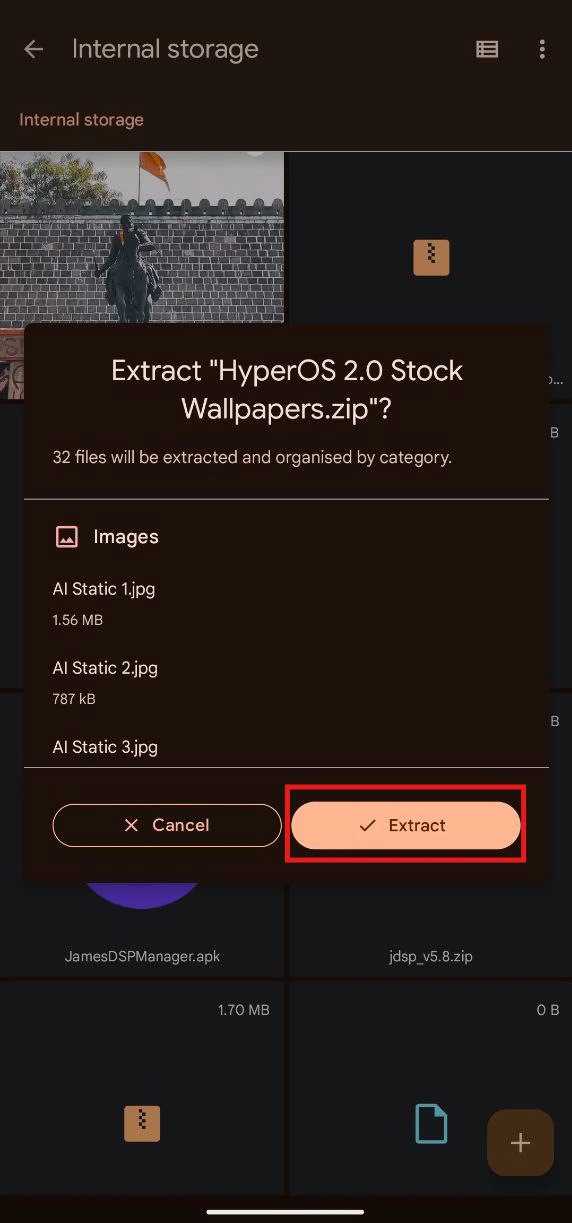
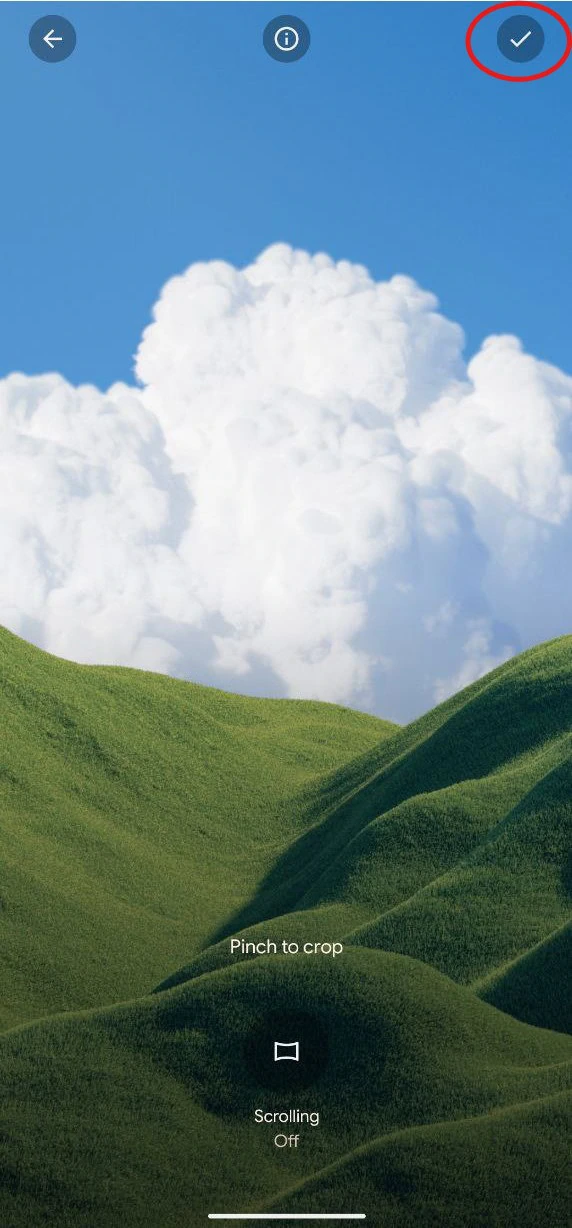
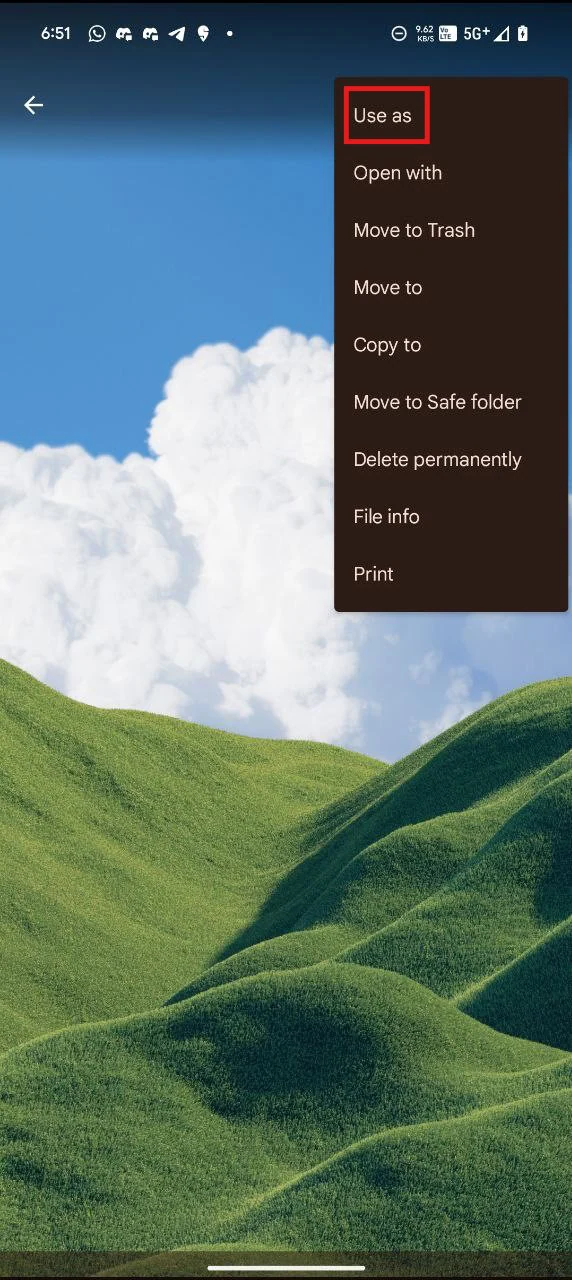
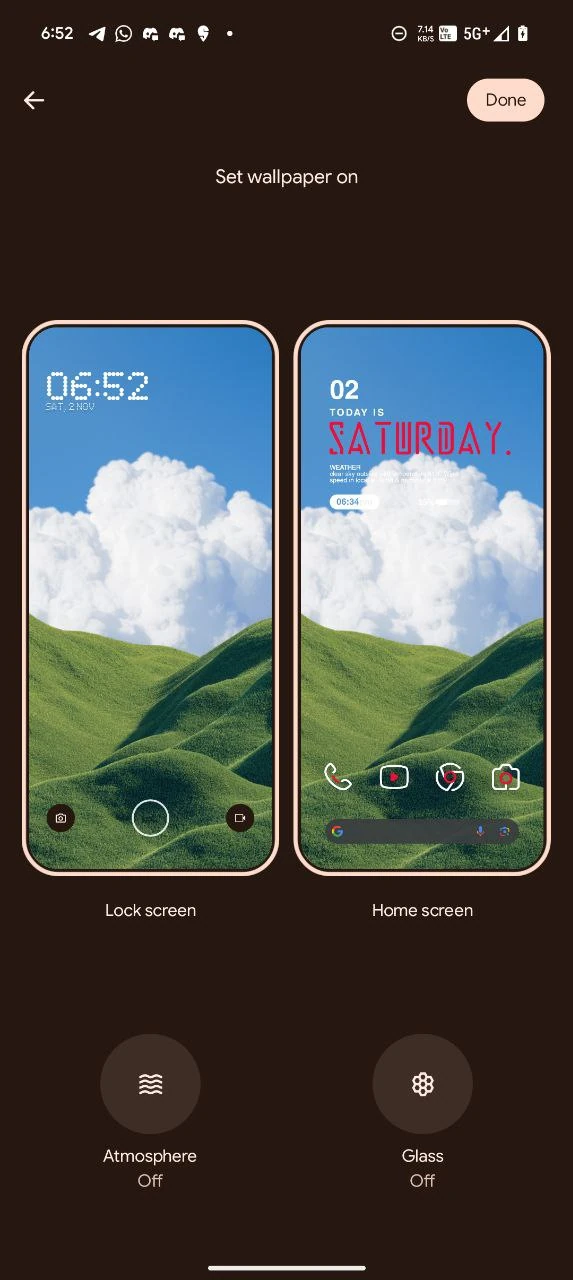
- First, download the wallpapers.zip file and unzip it from File Manager or Explorer.
- Open File Manager and Browse The unzipped wallpapers folder.
- Select the Wallpaper you like, tap on the 3-dot menu, and then tap Use, Open Galley App, and Set As Home Screen, Lock Screen, or Always-on Display.
Please share those wallpapers with other communities and forums if you like them. Don’t forget to join