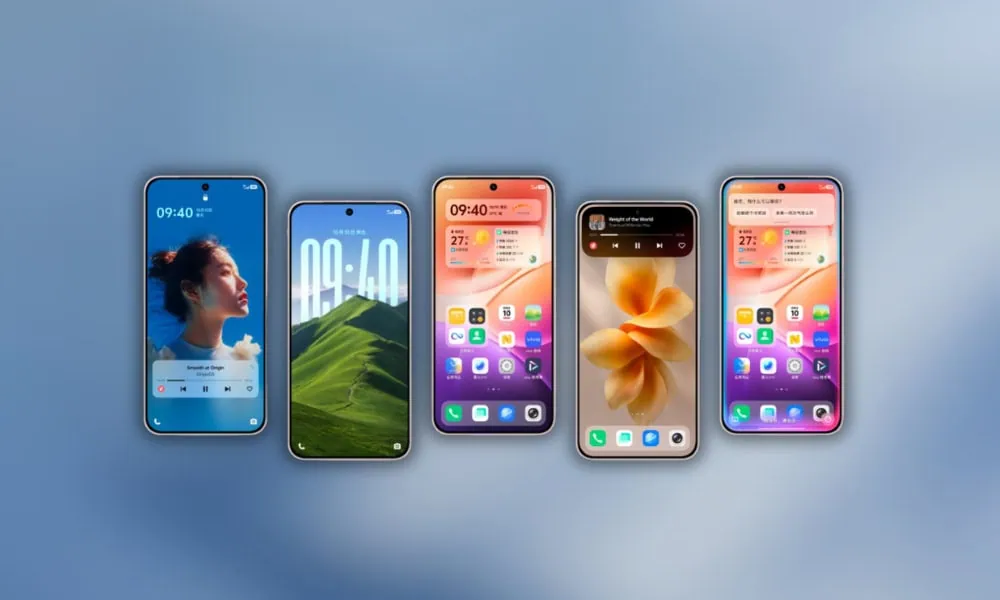
The Vivo OriginOS 6 comes with unique wallpapers that can be used on other Android and iOS devices. We have extracted all the OriginOS 6 Stock Wallpapers from the Vivo X200 Pro Smartphone. You can download OriginOS 6 Stock Wallpapers in a Zip file for your Android devices.
After Huawei launched its own smartphone OS, Vivo also developed its own smartphone OS, fearing sanctions/bans in countries other than China. Vivo’s OriginOS 6 was discussed in its forum months ago. OriginOS 6 is still being beta tested but is available to try on Vivo Users.
OriginOS 6 Wallpapers
There are currently over 16 wallpapers built into OriginOS 6; however, the number may increase in forthcoming releases. The OriginOS 6 wallpapers feature various items, a plethora of vibrant, minimalist flower backgrounds, nature backgrounds, and three abstract designs, including Liquid Glass wallpapers, all of which are in FHD PNG format.
Wallpapers Preview


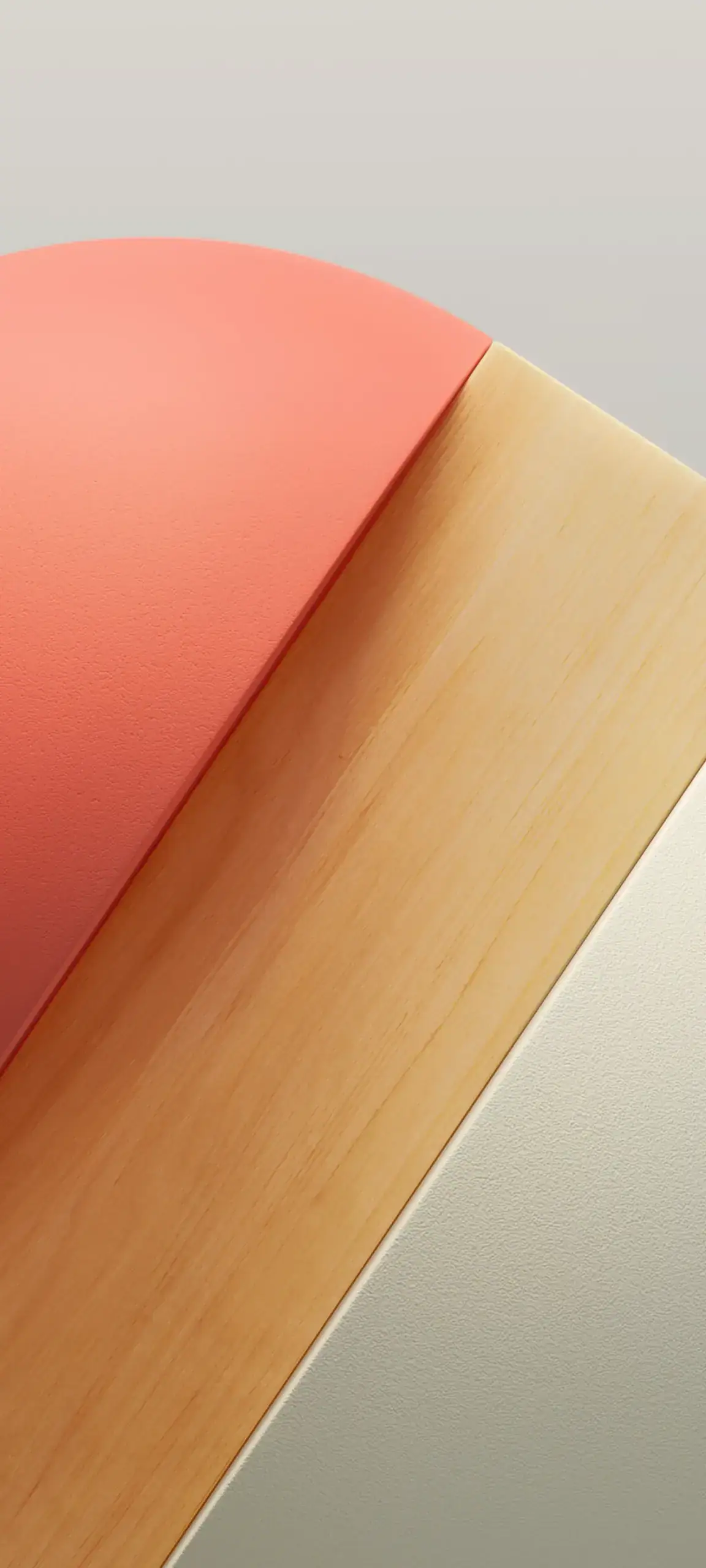
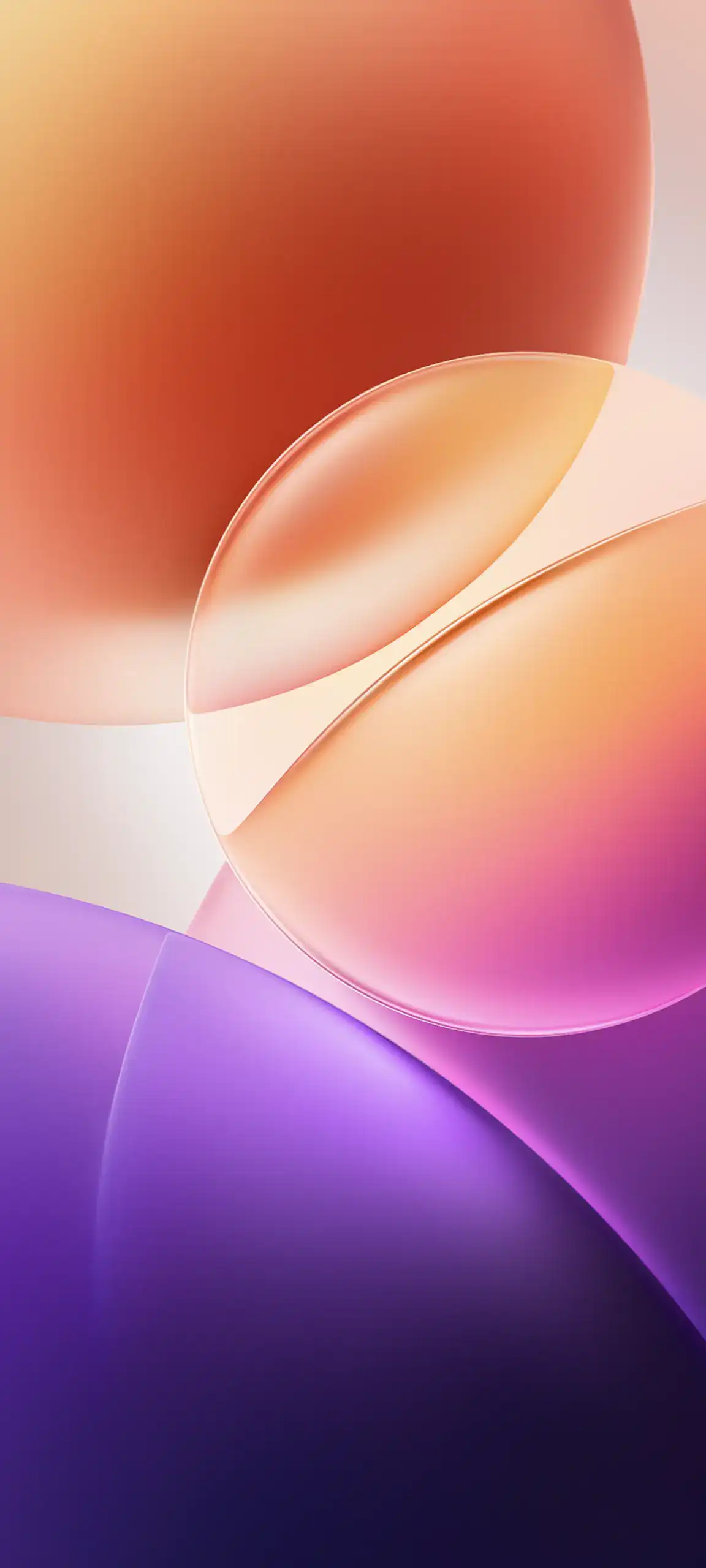
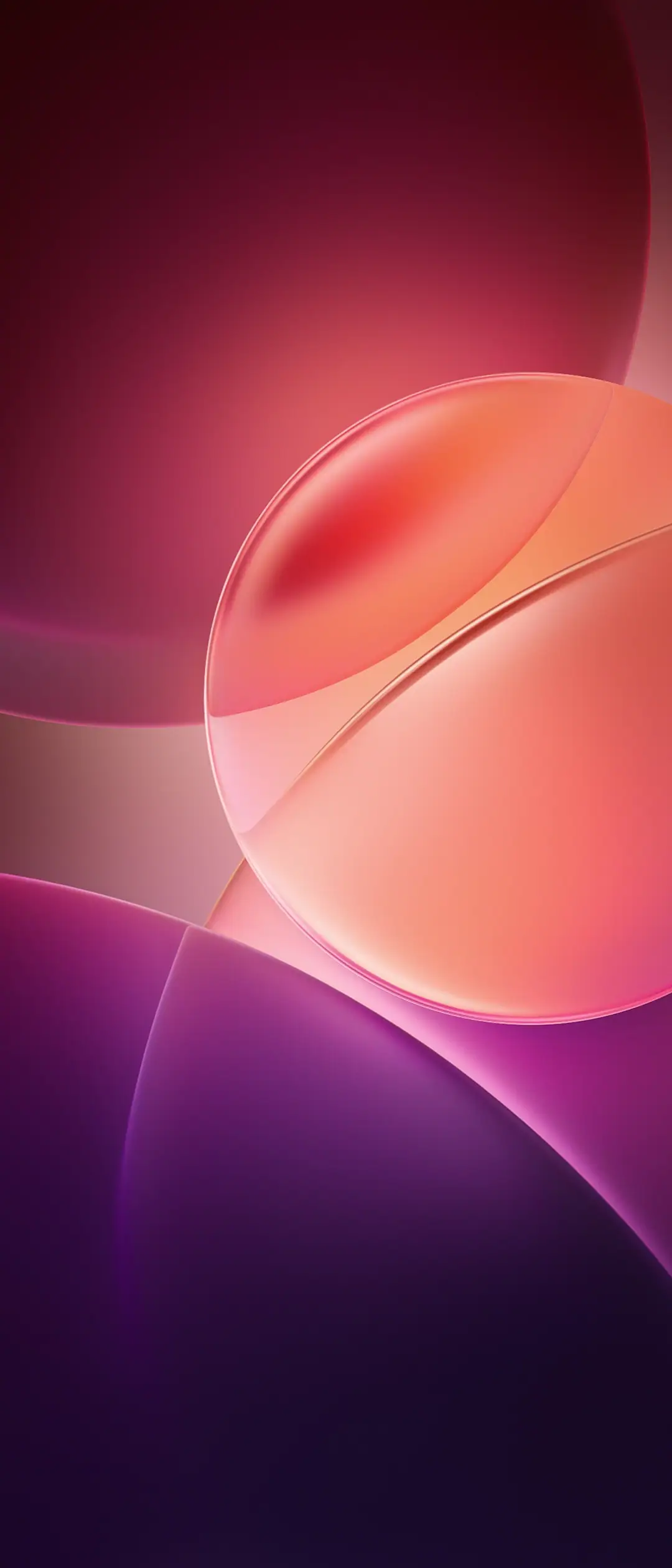
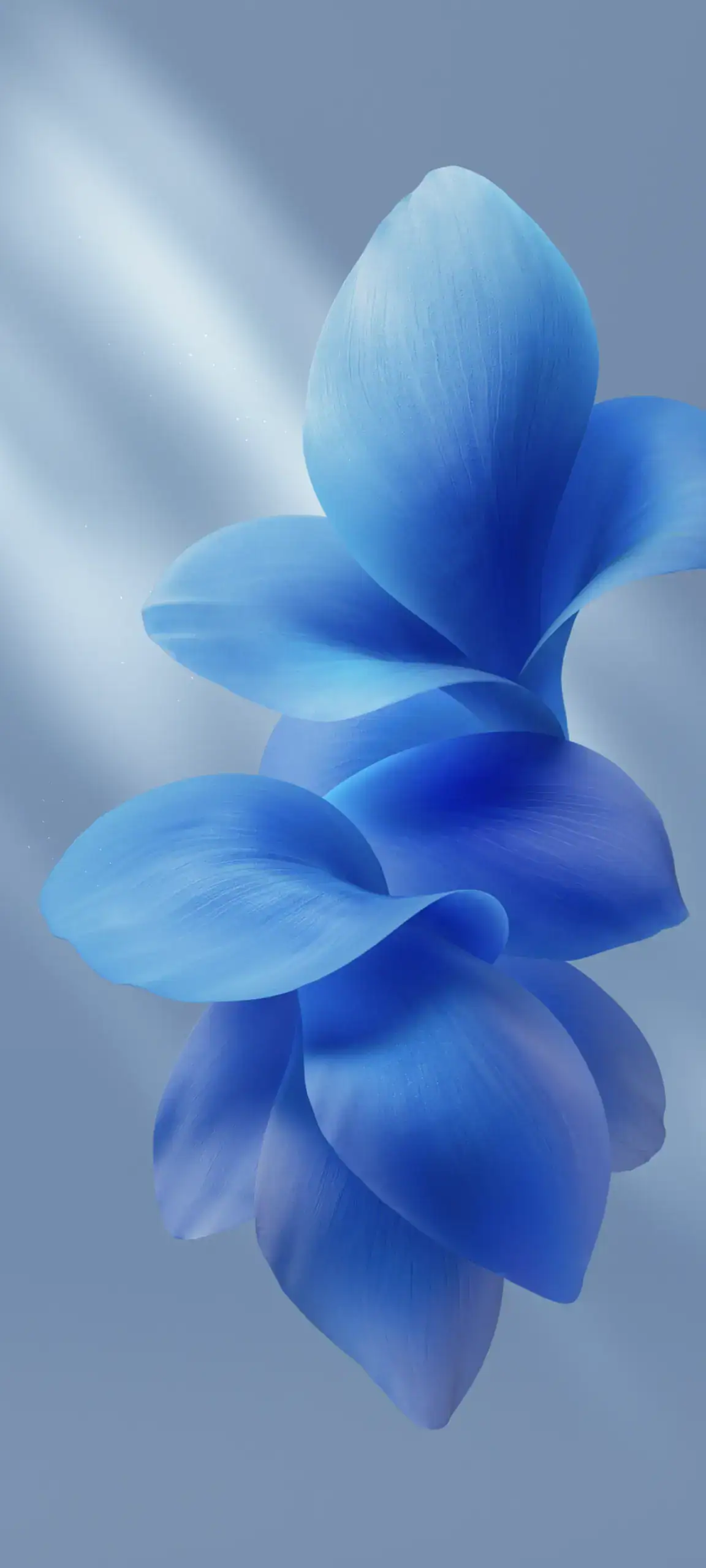
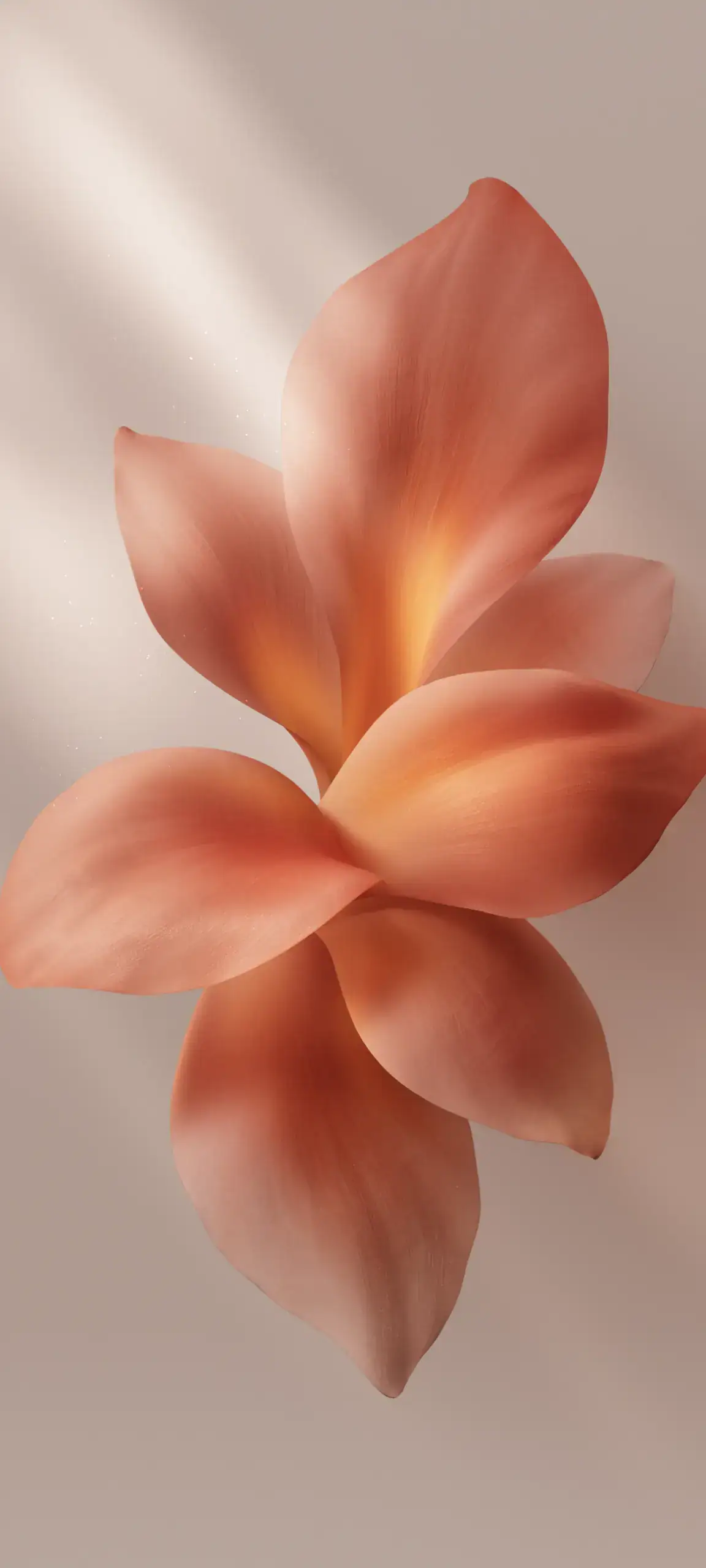

Download Stock Wallpapers
Here we have already shared the ColorOS 7 Wallpapers from Oppo. This time, we will share Vivo’s OriginOS wallpaper, which can be used on any Android Phone. So download and try it on your phone.
OriginOS 6 Stock Wallpaper –
How to Set these Wallpapers on Home Screen, Lock Screen, and Always-on Display
- First, download the OriginOS 6 wallpapers.zip file and unzip it from File Manager or Explorer.
- Open File Manager and Browse The unzipped wallpapers folder.
- Select the Wallpaper that you like, tap on the 3-dot menu, and then tap Set As Wallpaper, Home Screen, or Always-on Display.
How to Set these Wallpapers on Home Screen, Lock Screen, and Always-on Display
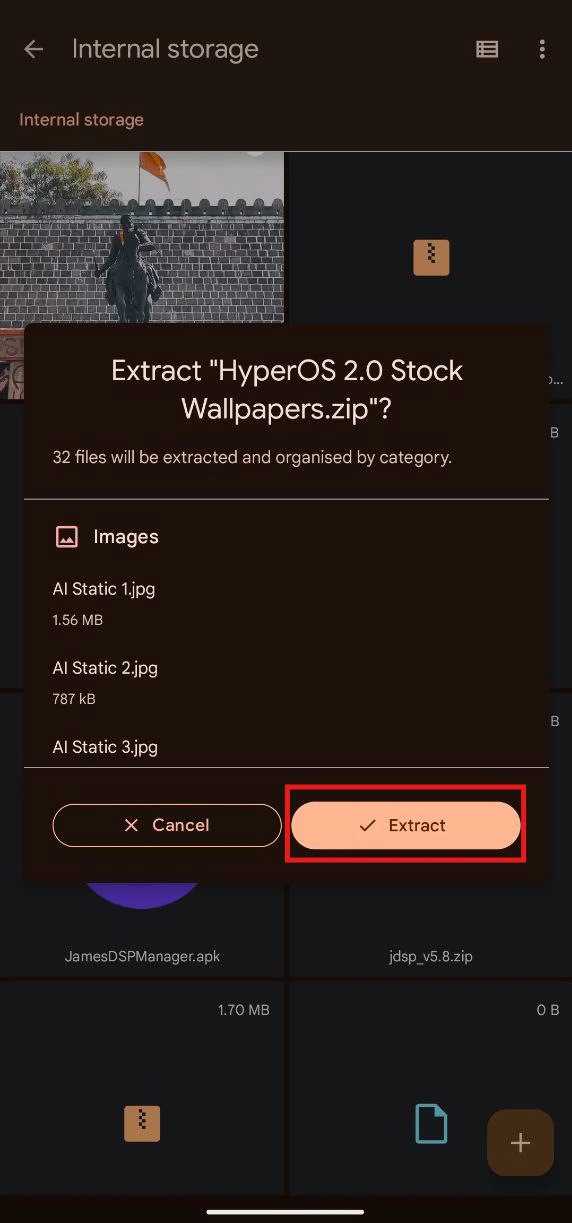
- First, download the wallpapers.zip file and unzip it from File Manager or Explorer.
- Open File Manager and Browse The unzipped wallpapers folder.
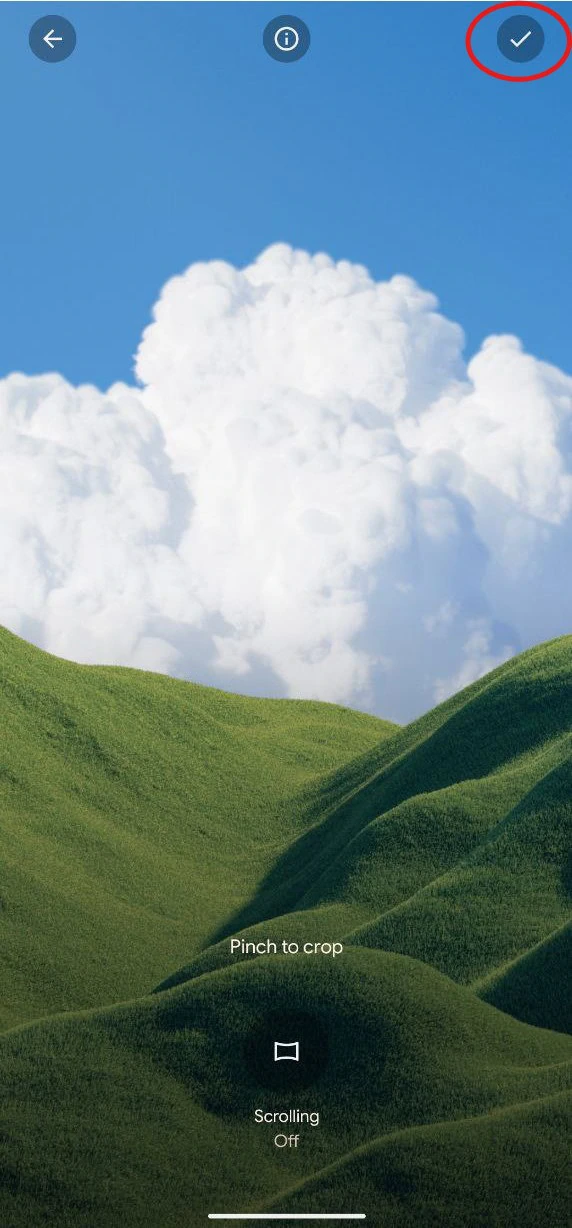
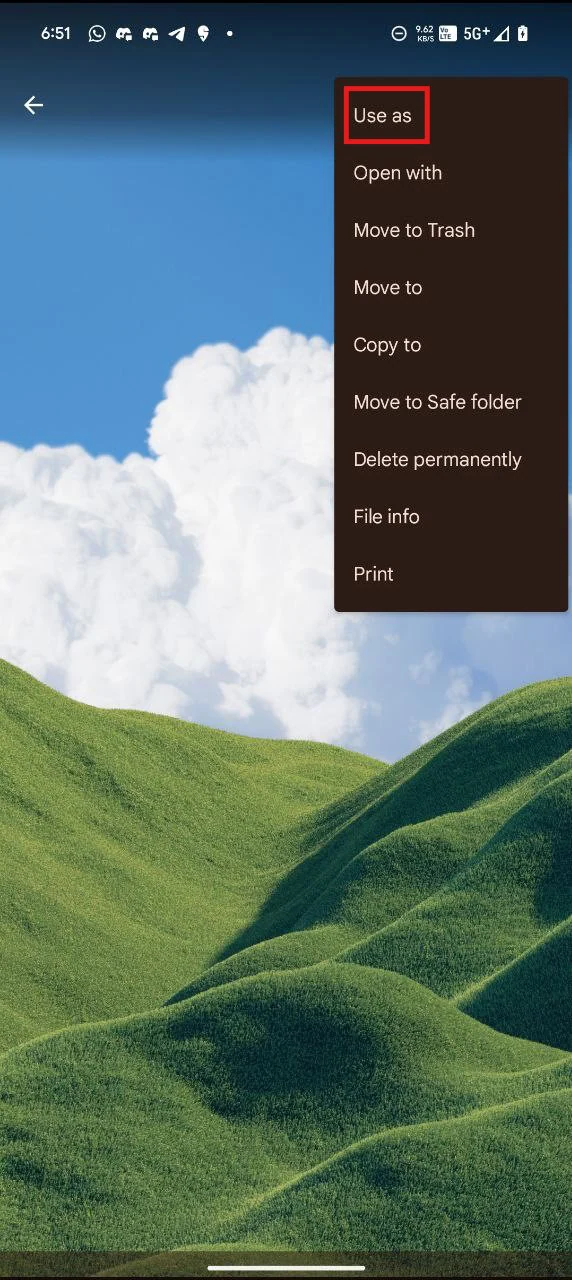
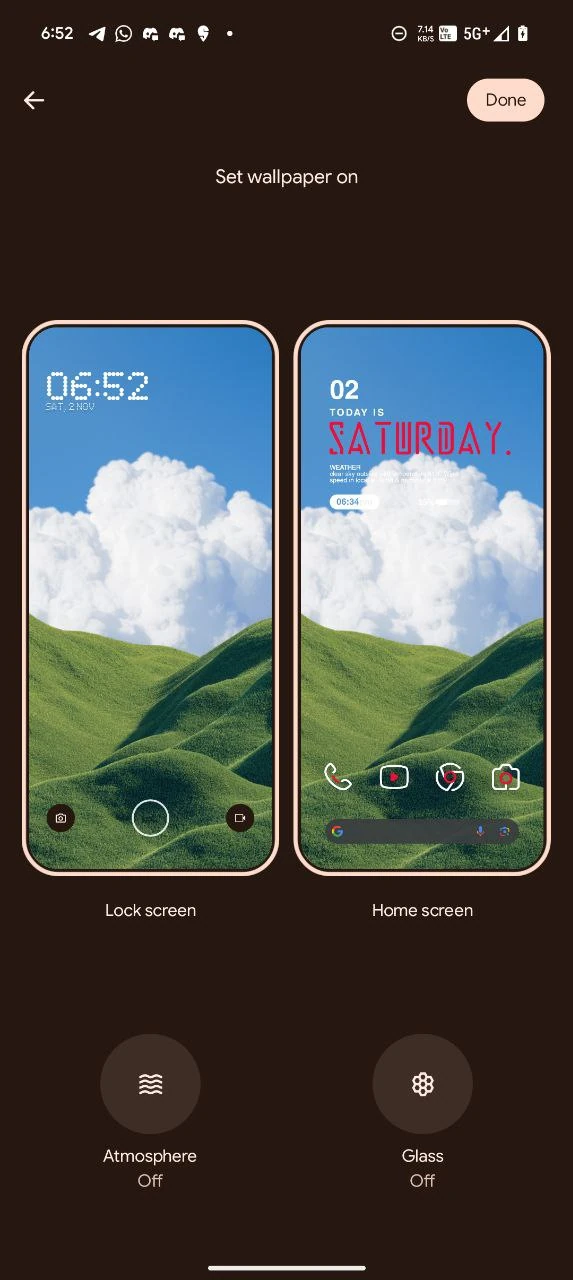
- Select the Wallpaper you like, tap on the 3-dot menu, and then tap Use, Open Galley App, and Set As Home Screen, Lock Screen, or Always-on Display.
Please share those wallpapers with other communities and forums if you like them. Don’t forget to join