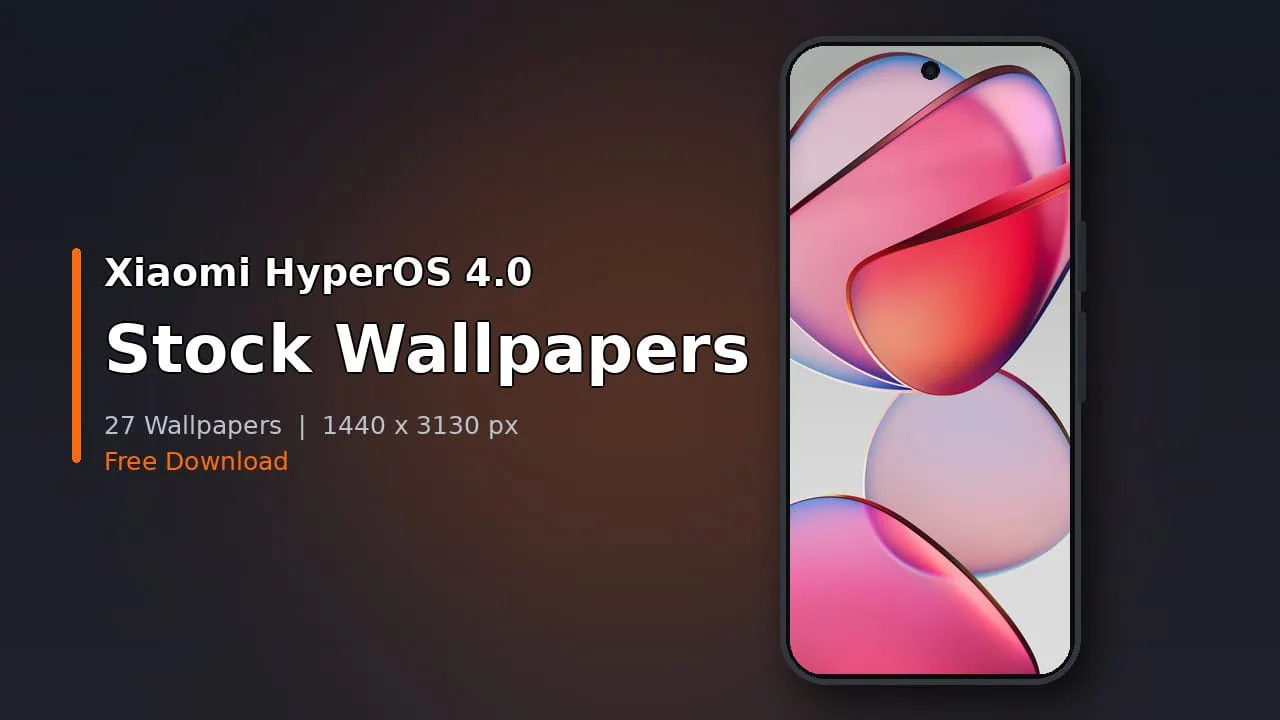
HyperOS wallpapers continue to attract attention and the latest collection of wallpapers from new HyperOS 4.0 is no different. We collected all stock HyperOS 4.0 wallpapers from the latest beta firmware of Xiaomi 17 series. Good news: this set of wallpapers works on all Android phones. The new update, HyperOS, was discussed in MI community forum months ahead of the official announcement. Now this new update is in beta for Mi, Redmi and Poco devices.
HyperOS 4. 0 based on Android 17 core introduces Soft Light Glass design language. This means realistic refraction effects throughout user interface. You can now fully customize your lock screen and arrange widgets freely and resize folder groups. Apps switch smoothly between portrait and landscape. Xiaomi also improved system performance; after 9 hours of use apps launch about 18 percent faster. Moreover Hyper OS preloads resources on device that it predicts will be needed next.
HyperOS 4.0 Wallpapers
HyperOS 4.0 just released 27 new wallpapers. We might see even more when this version gets stable. Eight are Soft Light Glass style with delicate shapes that are faintly tinted in pink, green, blue and amber. Others depict close flower views, sweeping landscapes and timeless scenes. All are 1440 by 3130 pixels, plenty of resolution for tall AMOLED displays.
Wallpapers Preview


Download HyperOS 4.0 Stock Wallpapers
Here we have shared the complete HyperOS 4.0 Wallpapers pack from Xiaomi HyperOS 4.0. The collection can be used on any Android Phone, and iPhone users can set them too after a quick crop. So download the zip file and try them on your phone. We have uploaded twenty-seven wallpapers from Hyper Os 4.0, and we will upload more when the stable updated release from Xiaomi.
HyperOS 4.0 Stock Wallpapers Download Link – devdrive.cloud
Also Download – HyperOS Font
How to Set these Wallpapers on Home Screen, Lock Screen, and Always-on Display
- First, download the HyperOS 4.0 wallpapers.zip file and unzip it from File Manager or Explorer.
- Open File Manager and browse the unzipped wallpapers folder.
- Select the wallpaper you like, tap on the 3-dot menu, and then tap Use, open the Gallery app, and set as Home Screen, Lock Screen, or Always-on Display.
Please share those wallpapers with other communities and forums if you like them. Don’t forget to join our Telegram channel for early wallpaper drops.