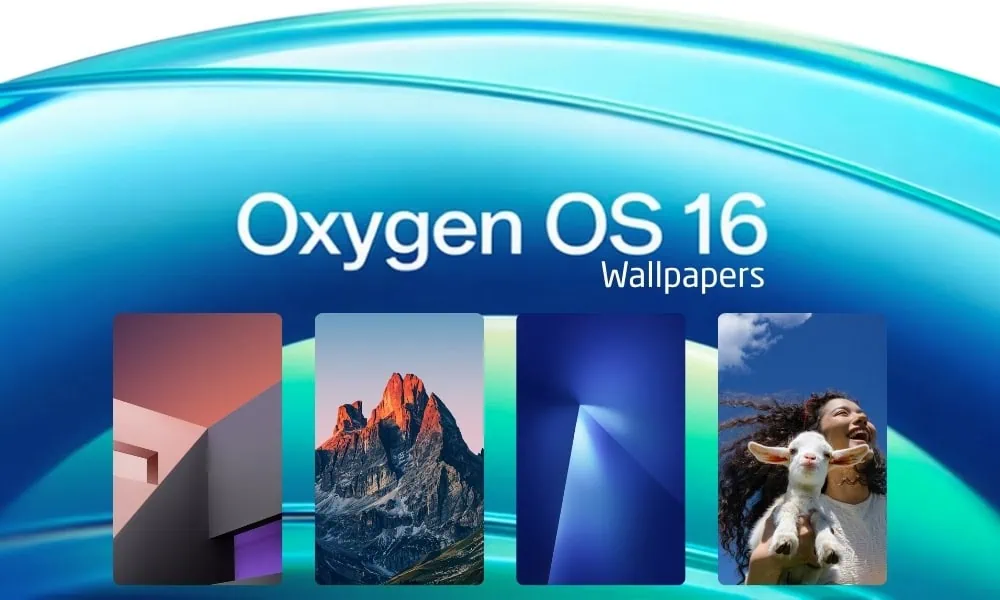
In Short
- OxygenOS 16 Wallpapers offer unique designs and can be used on Android and iOS devices.
- The latest OnePlus OS includes over 42 wallpapers featuring nature, abstract designs, and more.
- Users can download the Wallpapers in a Zip file for easy access on their devices.
- To set the wallpapers, unzip the downloaded file and follow simple steps to use them on home and lock screens.
- Overall, these high-quality wallpapers provide a stylish refresh for any device.
The OnePlus OxygenOS 16 comes with unique wallpapers that can be used on other Android and iOS devices. We have extracted all the beautiful wallpapers specifically for fans of OnePlus, from the OnePlus 15 Smartphone. You can download OxygenOS 16 Stock Wallpapers in a Zip file for your Android devices.
OnePlus’ next flagship OS offering. It promises an even smoother experience with faster responsiveness, more security, and an even easier interface. OnePlus new OxygenOS features improved multitasking, enhanced battery life, and enhanced connectivity, making it friendly for both gamers and users. OxygenOS is refined with clearer interfaces and AI-powered features, aiming to create a smoother experience and foster continuous improvement, setting a new standard in Android-based ecosystems. If you are searching for exclusive OxygenOS 16 Wallpapers, this latest version will give your device something visually fresh.
OxygenOS 16 Wallpapers
The OOS 16 comes with Stunning 42 cool wallpapers.; however, the number may increase in forthcoming releases. The wallpapers designed for OxygenOS include a variety of items, and are perfect for anyone looking to use NEW OxygenOS Wallpapers with vibrant, minimalist flower backgrounds, nature backgrounds, portrait selfies and abstract design walls, including Liquid Glass wallpapers, all of which are in FHD PNG format.
Wallpapers Preview
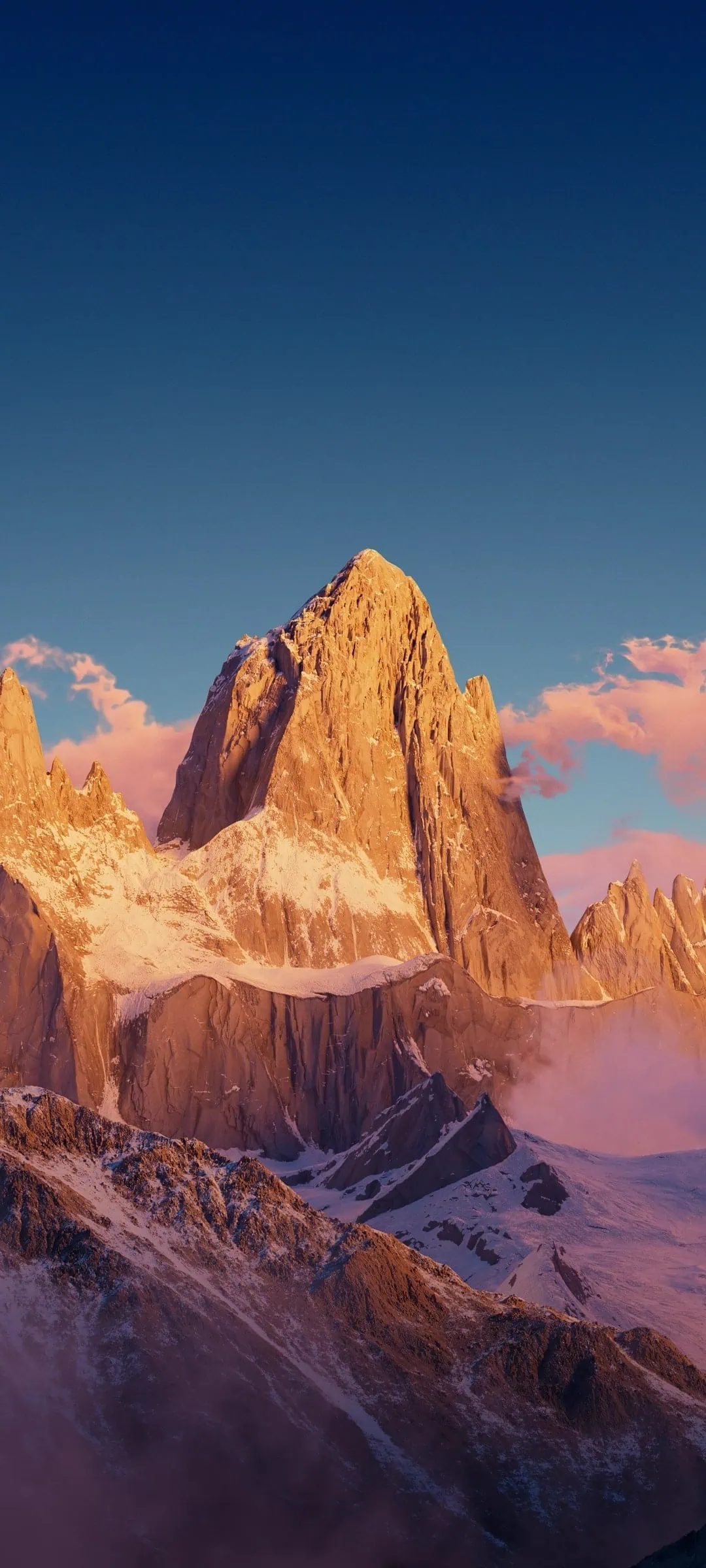






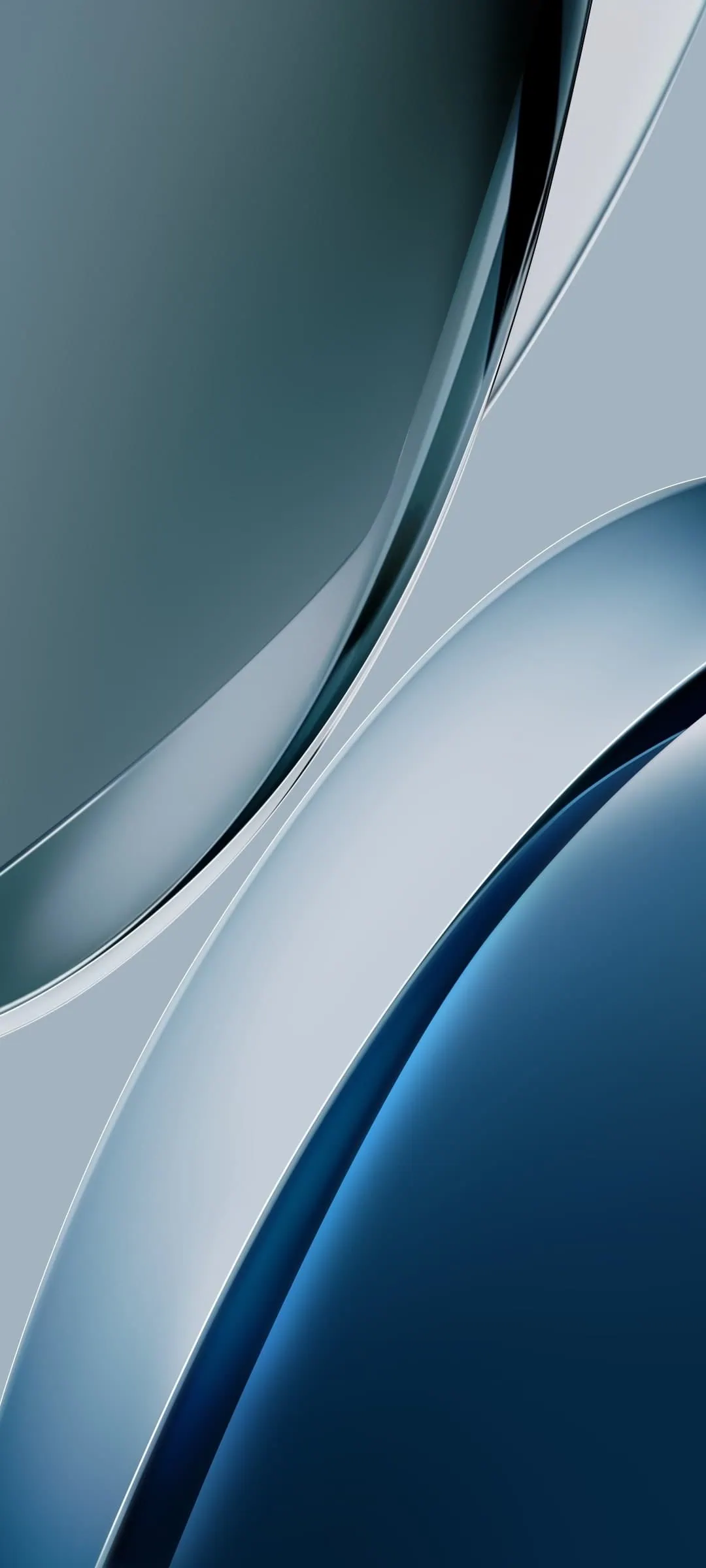
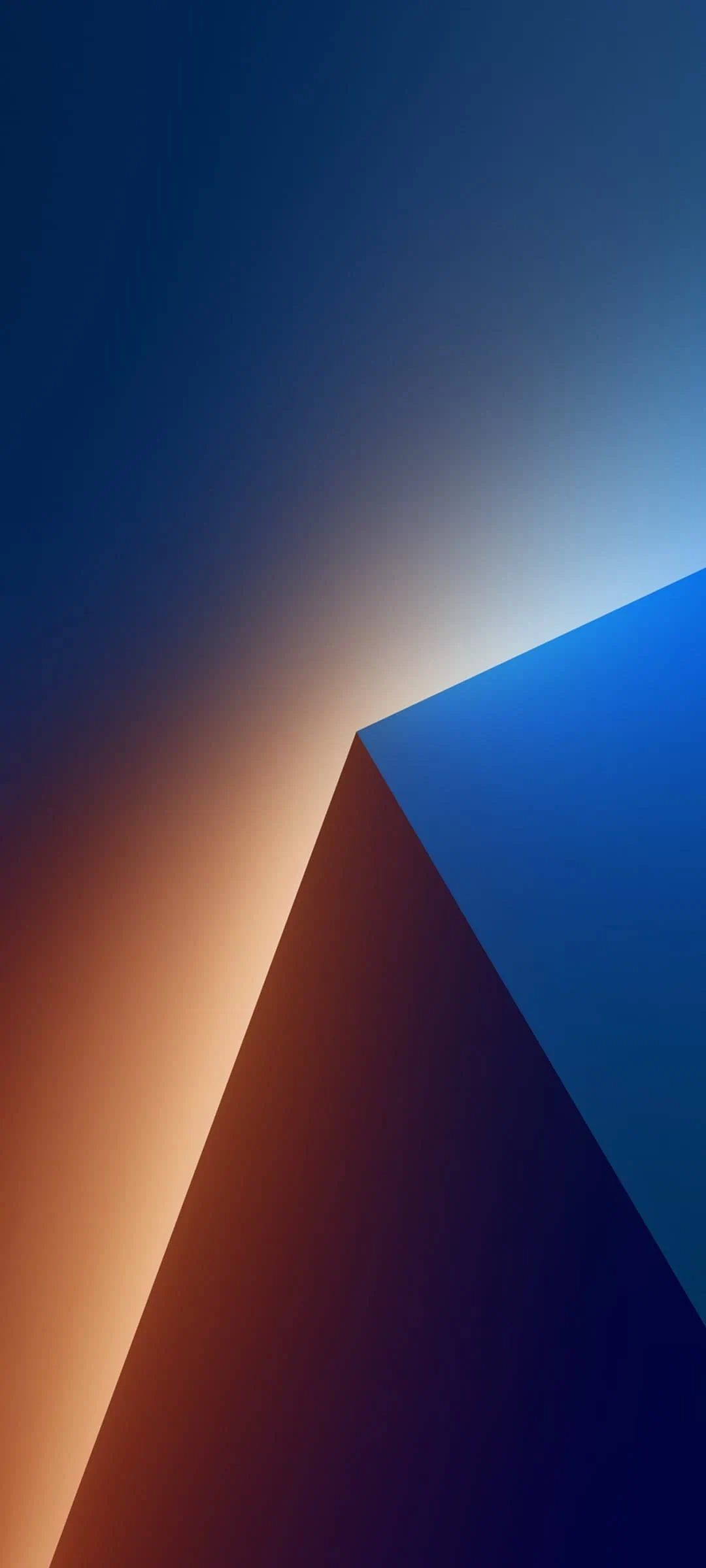


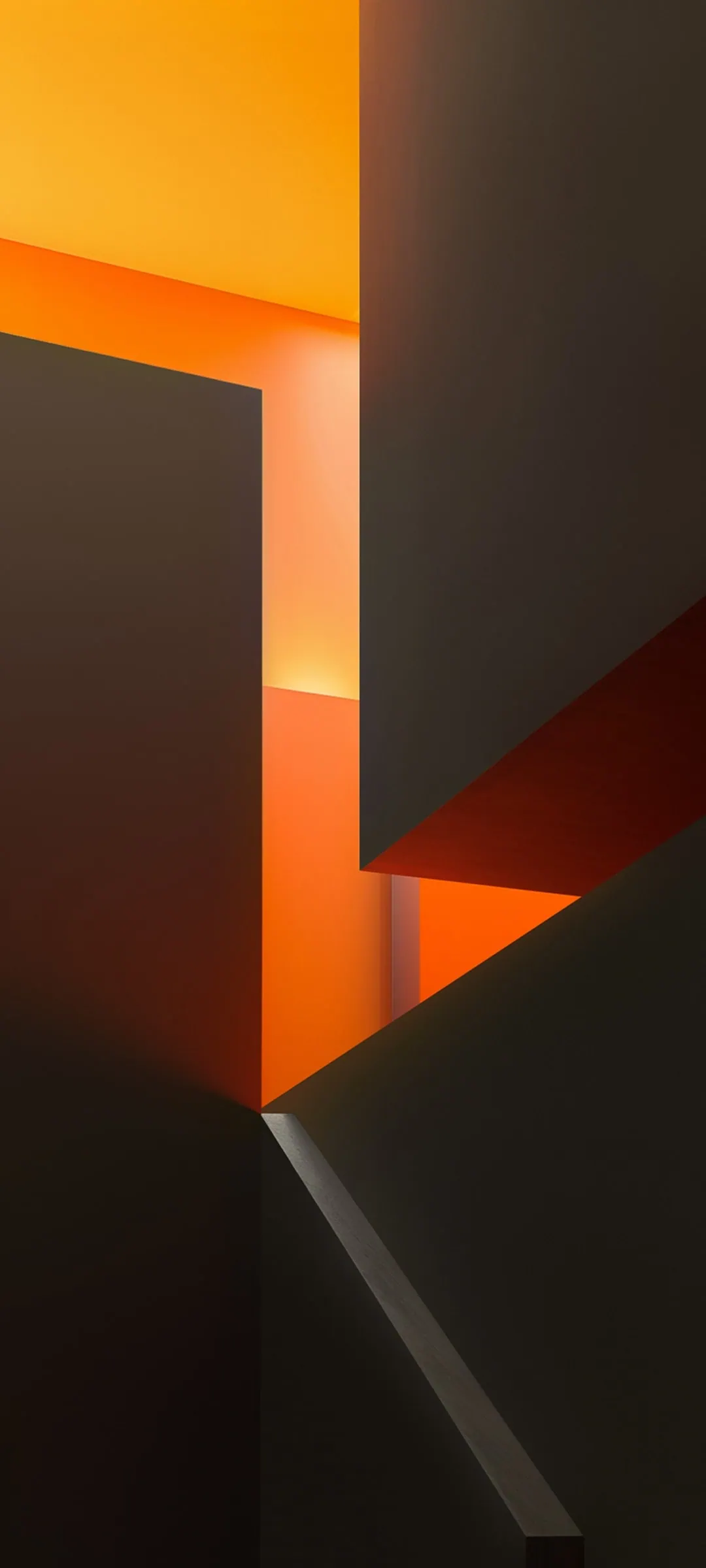



Download OxygenOS 16 Wallpapers
Here we have already shared the ColorOS 16 Wallpapers from Oppo. This time, we will share OnePlus’s OriginOS wallpaper, which can be used on any Android Phone.
Download Stock Wallpaper –
How to Set these Wallpapers on Home Screen, Lock Screen
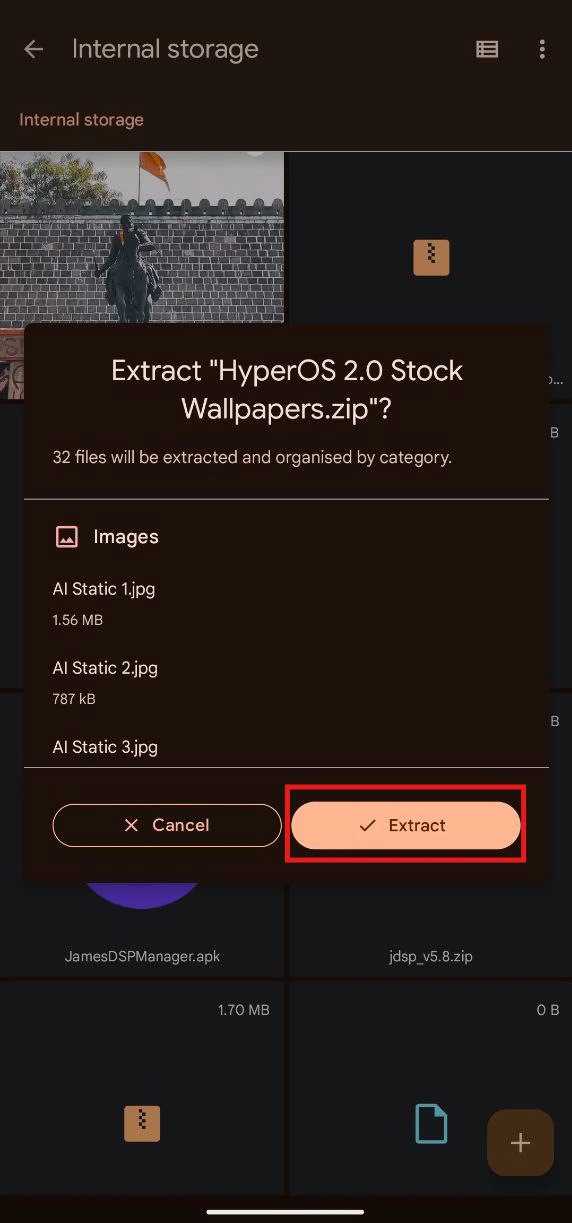
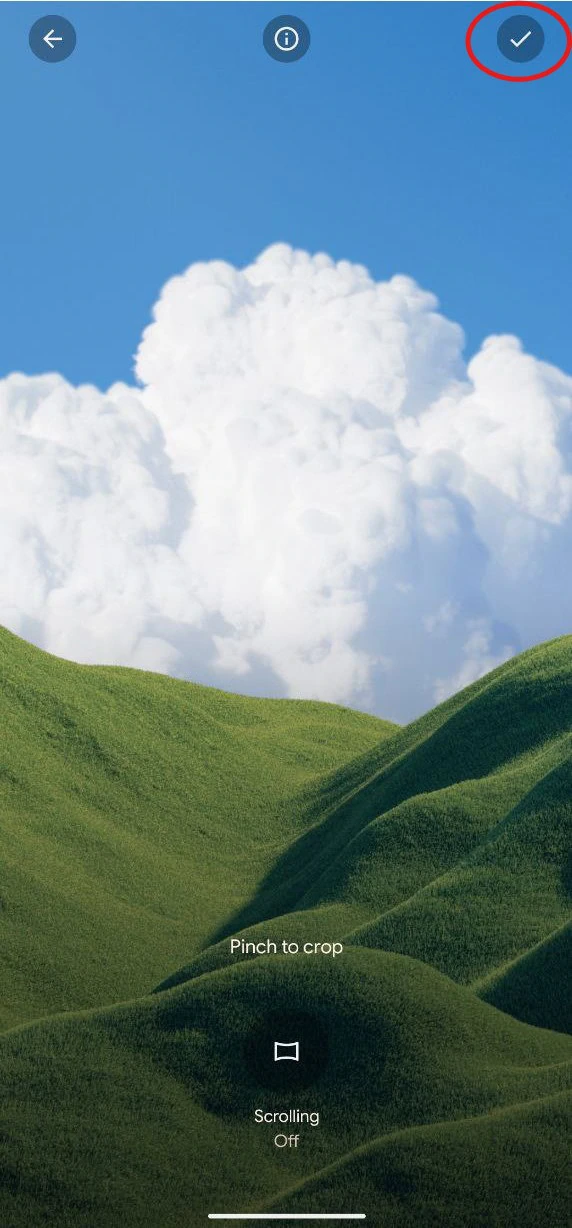
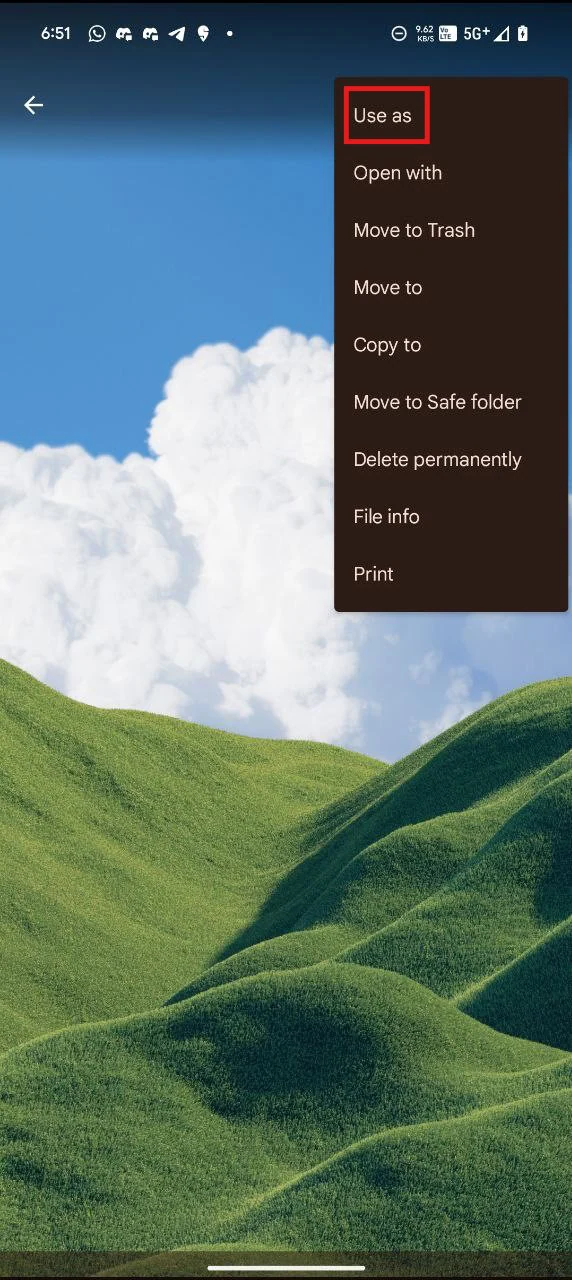
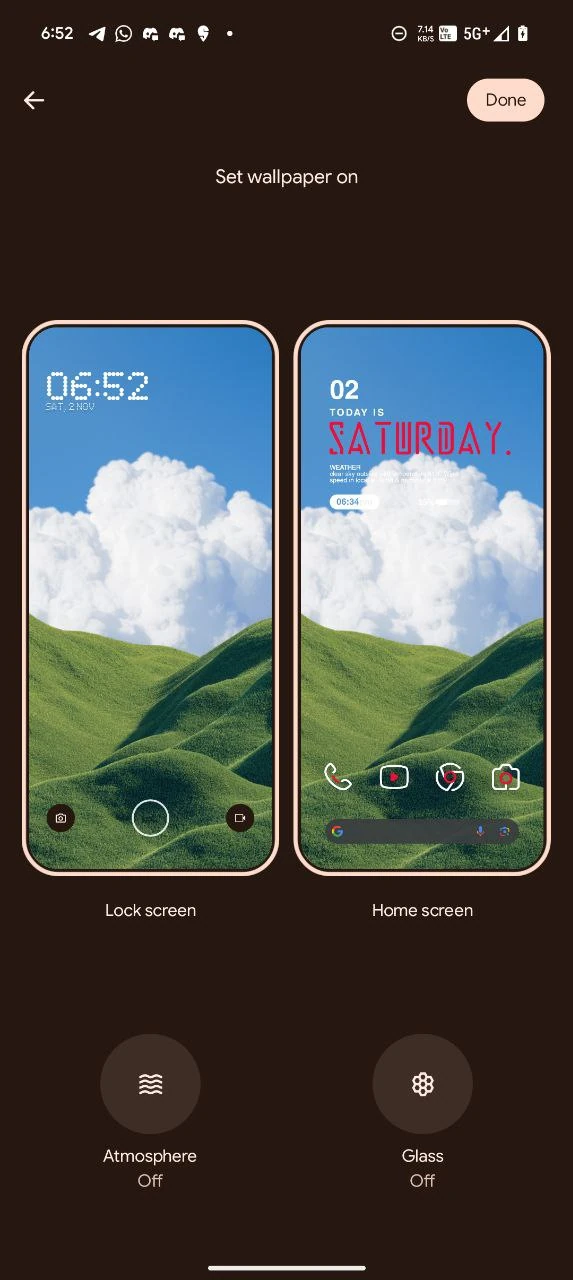
- First, download the OxygenOS 16 Wallpapers.zip file and unzip it from File Manager or Explorer.
- Open File Manager and Browse The unzipped wallpapers folder.
- Select the Wallpaper you like, tap on the 3-dot menu, and then tap Use, Open Galley App, and Set As Home Screen, Lock Screen, or Always-on Display.
Conclusion: OnePlus OxygenOS 16:
To sum up, OxygenOS 16 Wallpapers are a fantastic way to refresh your device’s look with high-quality, eye-catching designs. Whether you prefer minimalism or bold colors, these wallpapers will add a unique and stylish touch to your screen. Download them today and enjoy a visually stunning device every time you unlock it!