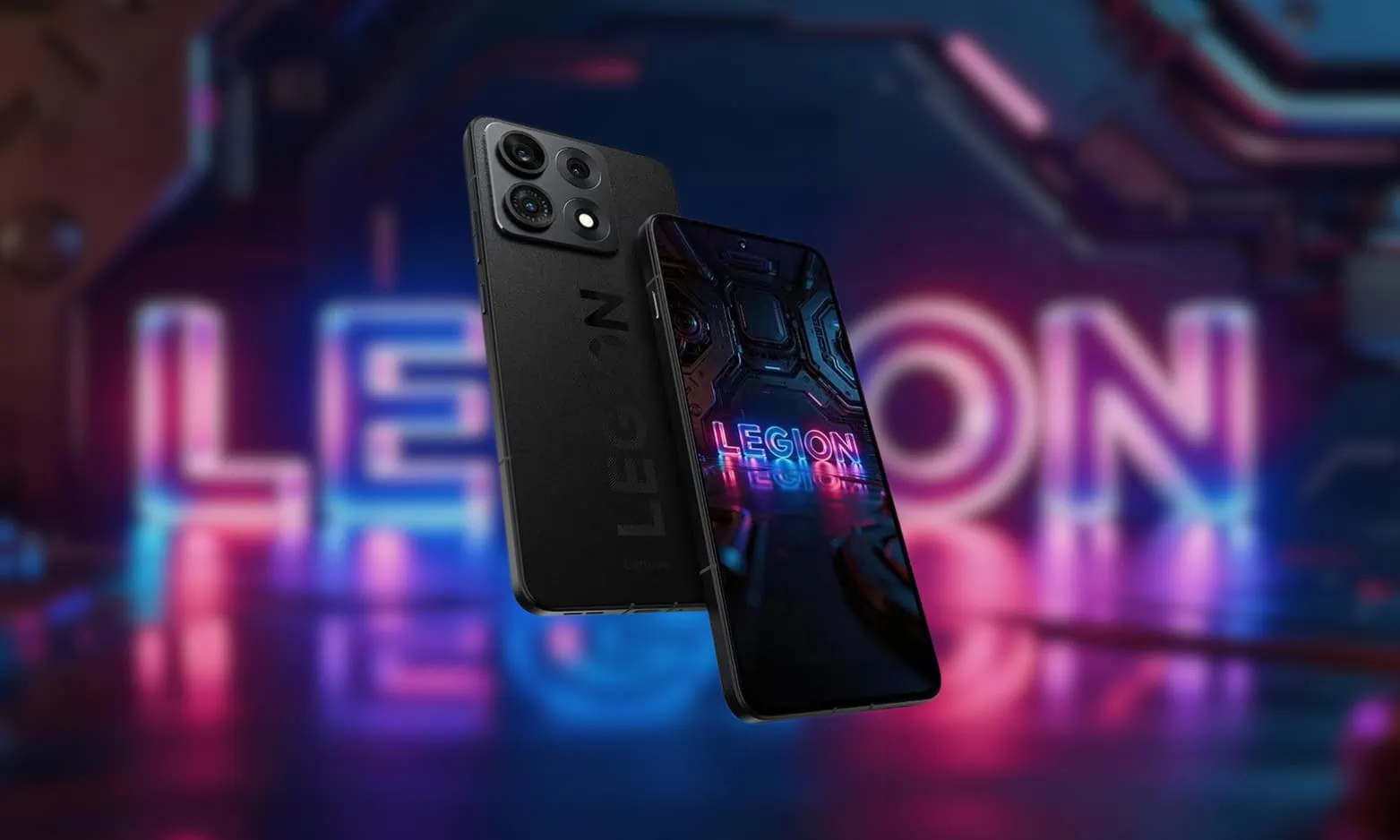
Every new Lenovo Legion smartphone has always come with a set of brand-new wallpapers, and our new stock wallpapers collection is from the Lenovo Legion Y70. In April 2026, Lenovo will introduce its new flagship gaming smartphone, the Legion Y70 (2026), which is Lenovo’s first major smartphone release in over four years. The Legion Y70 will be powered by Qualcomm’s Snapdragon 8 Gen 5 processor. In this post, we will share the NEW Lenovo Legion Y70 Stock Wallpapers in FHD Collection.
The Lenovo Legion Y70 2026 is likely to be released at the end of July 2026, Lenovo Legion Y70 2026 first smartphone from the company since the Legion Y90 was introduced in July of 2022. The phone features a brand-new design with high-quality glass and a 144 Hz 2K OLED display. The device comes with amazing Legion branding wallpapers that will surprise Lenovo smartphone gaming users.
Lenovo Legion Y70 Specification:
| Specification | Details |
|---|---|
| Processor | Snapdragon 8 Gen 5 (Octa-core) |
| RAM | 12 GB / 16 GB |
| GPU | Adreno 830 |
| Display | 6.82-inch OLED, 1440 x 3200px, 144Hz |
| Operating System | Android 16, Legion OS |
| Storage | 256 GB / 512 GB |
| Battery | 8,000mAh, 90W fast charging |
| Wallpaper Resolution | 1440 x 3200 pixels |
The Lenovo Legion Y70 has a 6.82-inch OLED panel with a 1440×3200-pixel resolution and a 144 Hz refresh rate. Inside the Lenovo Legion Y70 is Qualcomm’s Snapdragon 8 Gen 5 processor, which can be used with as much as 16 GB of memory, and up to 512 GB of internal storage. The device uses Android 16 as its base operating system, with Lenovo UI known as “Legion OS”. The device will be available in white or black.
Lenovo Legion Y70 Wallpapers
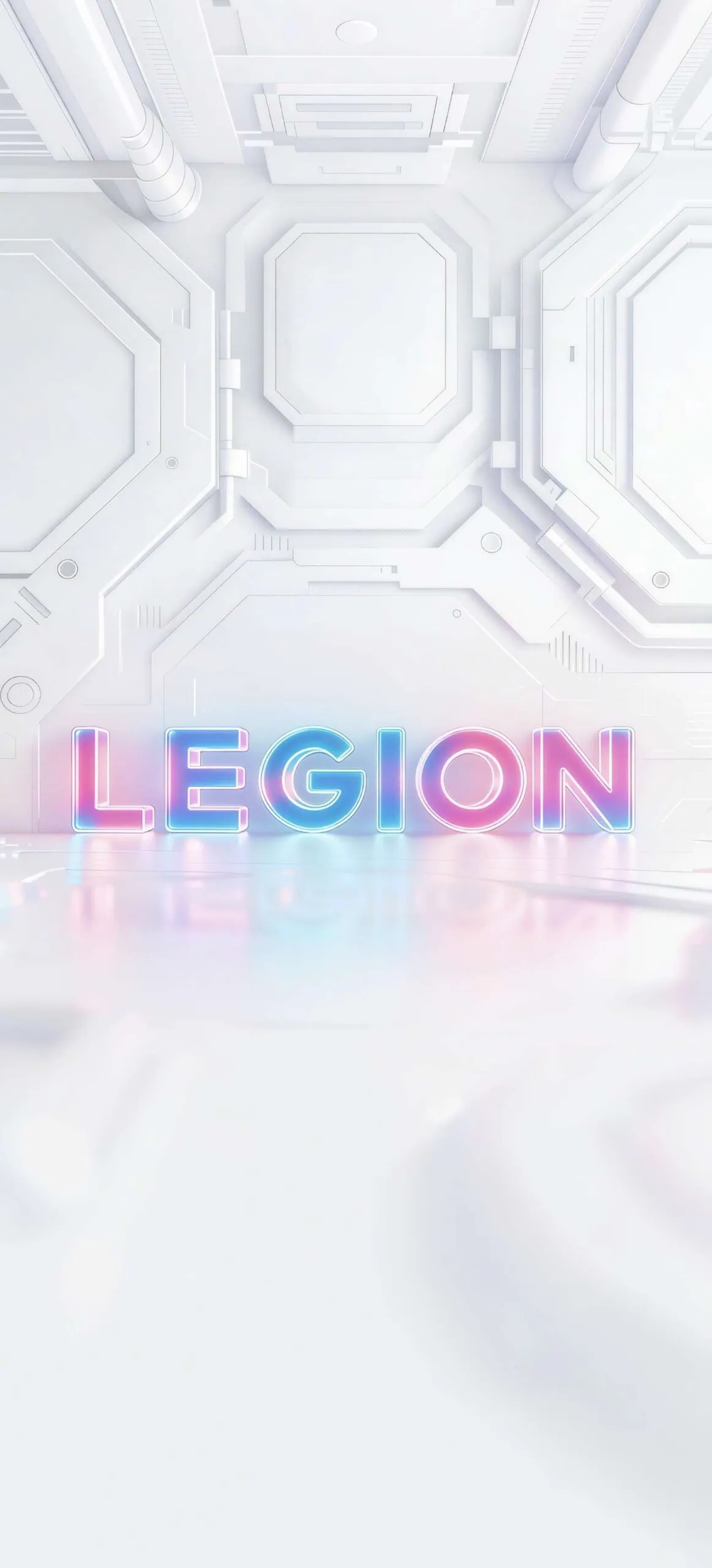
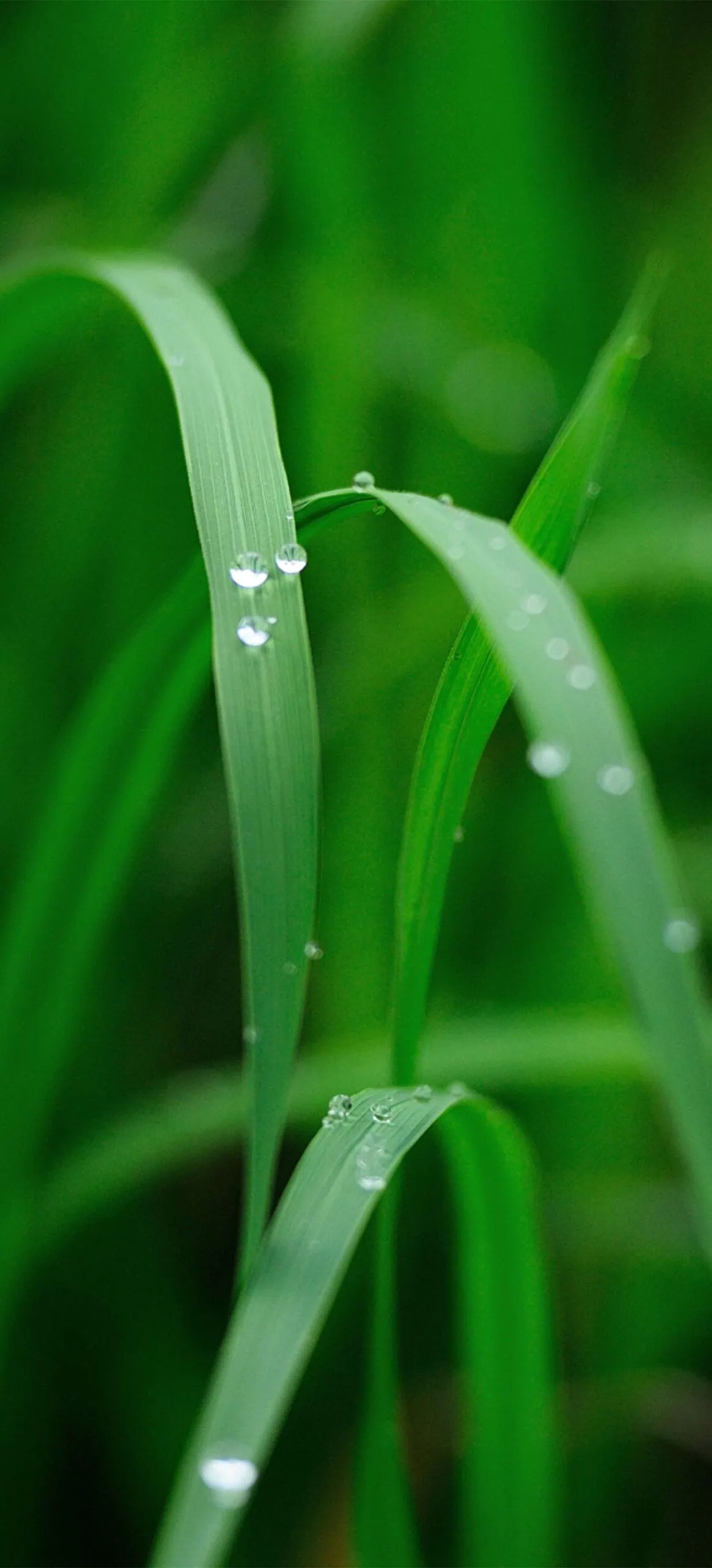
The Lenovo Legion Y70 2026 brings twelve brand-new stock wallpapers. The collection includes three Legion-branded backgrounds, a few clean minimalist designs, and the rest are RAW-style photography shots. If you’re concerned about High-quality stock Wallpapers, you must try these. every wallpaper is available in its original 1440 x 3200 pixels resolution.
Wallpapers Preview


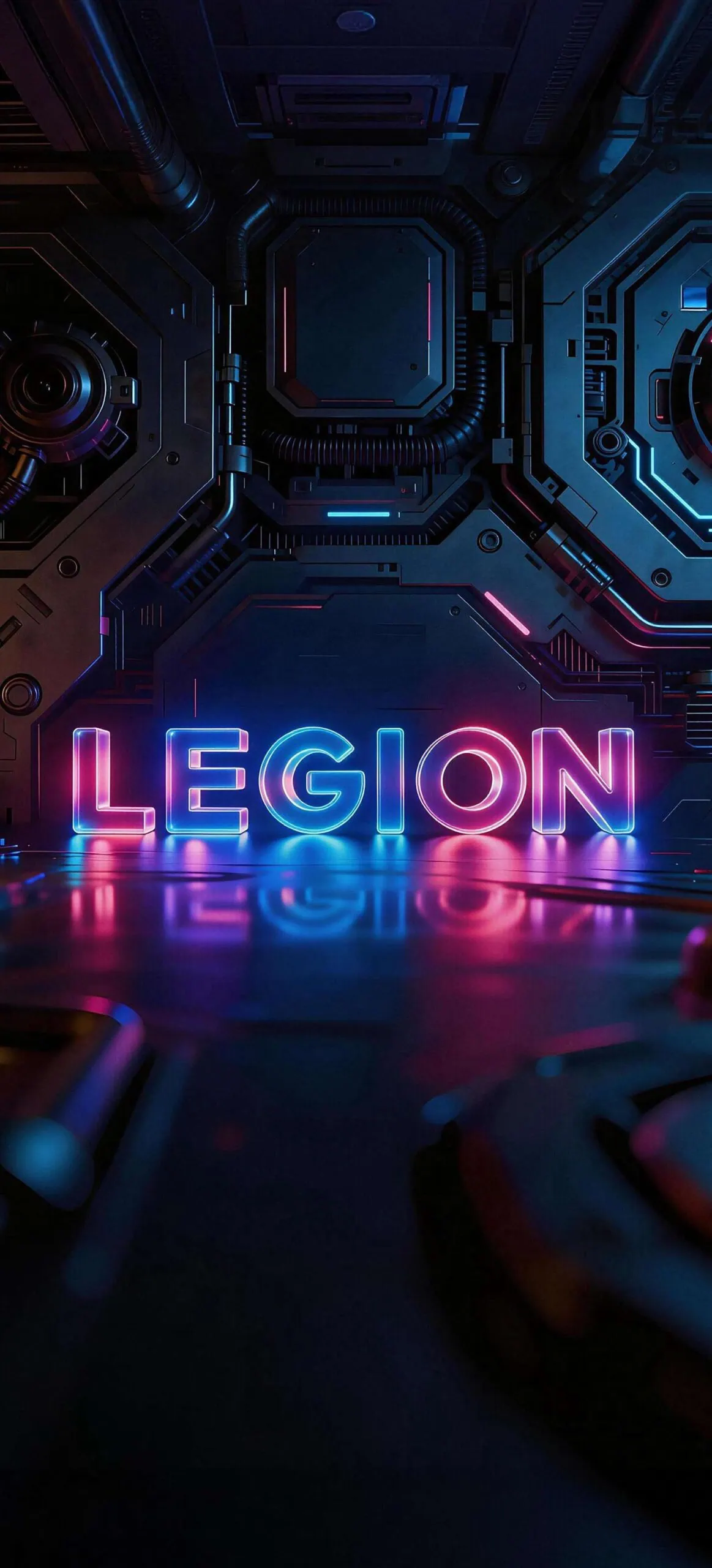

Note: The preview images shown below are compressed and only for representation. Don't download from the previews. Use the download links in the next section to grab them at full resolution.Download Lenovo Legion Y70 Wallpapers
We have gathered twelve wallpapers from the Lenovo Legion Y70 Chinese version that include Snowy Mountain Landscape, Brown Dog Portrait, Person in Blue Pants & Orange Top, Person in Yellow Outfit Smiling, Person with Reddish Hair Raising Arm, Futuristic Neon “LEGION” Scene, Silver Abstract “LEGION” Design, Person Holding Red “LEGION” Sign, Glowing Jellyfish in Dark Water, Close‑up Green Grass with Droplets, Cartoon Campsite with Tent & Campfire, Cartoon Forest Scene with Large Leaves.
We have zipped all the wallpapers into a single file, so you can get them all for your smartphone. Open the wallpaper folder and find the image you wish to be used as your wallpaper. Tap the three dots in the top-right corner, then select “Set as Wallpaper” or “Lock Screen”.
File: Lenovo_Legion_Y70_Wallpapers.zip
Download Link: https://devdrive.cloud/4ebd60cf06544d1a/Lenovo_Legion_Y70_Wallpapers.zip
Once downloaded, open your file manager, head to the Downloads folder, and pick the wallpaper you’d like to set. Tap on it, hit the three-dot menu, and select ‘Set as wallpaper’. That’s it.
How to Set these on your Android Device.
- Download the Lenovo_Legion_Y70 stock wallpapers zip file to your Android phone and extract it using the Files/My Files app or any file manager.
- Open the Gallery / Photos / Files app and go to the folder where you extracted the Lenovo_Legion_Y70 wallpapers.
- Tap on the wallpaper image you want and open it in full-screen preview.
- Tap the three‑dot menu or More option and select Set as wallpaper (wording may vary by brand).
- Choose Home screen to apply the wallpaper only to your home screen, adjust the crop if prompted, then tap Apply / Set wallpaper.
- Choose Lock screen to use the wallpaper only on your lock screen, then confirm with Apply / Set wallpaper.
- If your phone shows Home and lock screen (or similar), select it to use the same wallpaper for both screens at once.