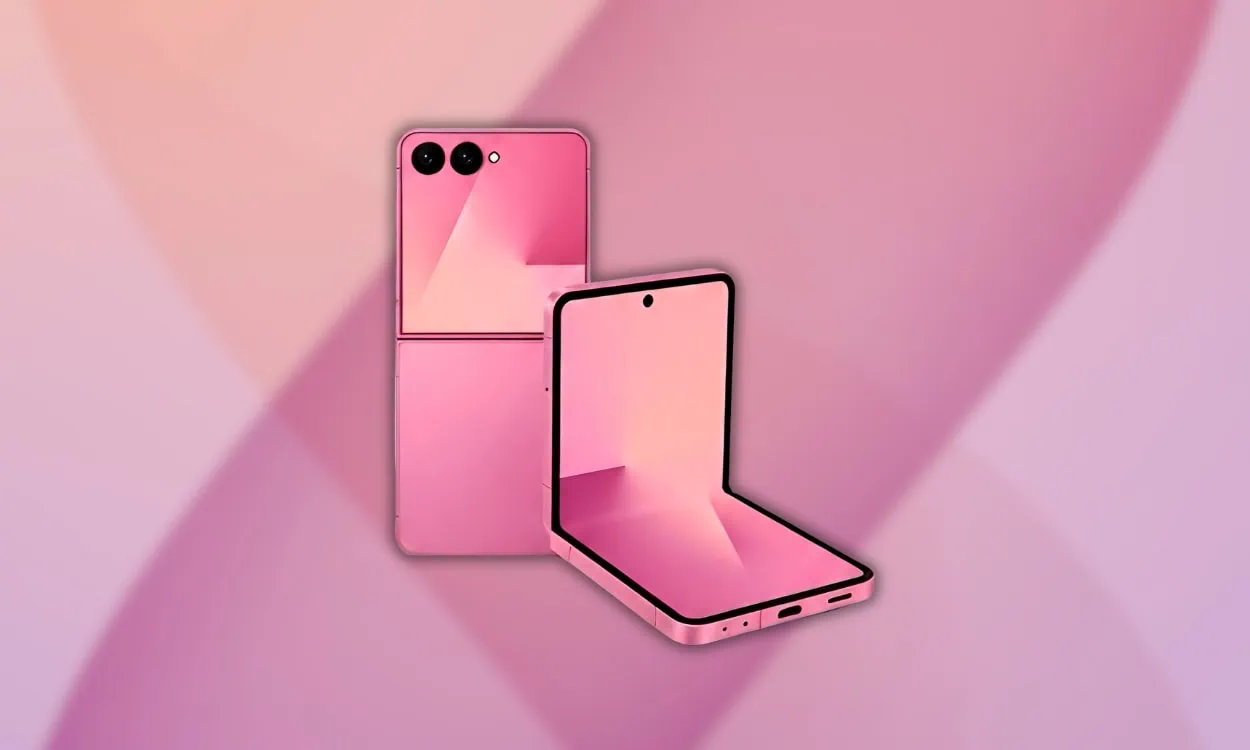
Samsung is ready to launch its latest foldable phones at the upcoming Galaxy Unpacked event. The Galaxy Z Fold 8 joins the Galaxy Z Flip 8 and the Galaxy Z Fold 8 Wide as the premium foldable lineup this year from the brand. Before the official announcement, official-looking Galaxy Z Fold 8 stock wallpapers from the phone have leaked online in full quality, giving us a good look at the design approach Samsung is taking this time around.
The Galaxy Z Fold 8 carries forward Samsung’s foldable legacy with a cleaner design, an improved hinge, and the latest under-display camera tech on the inner screen. Like every big smartphone launch, the device ships with its own set of exclusive wallpapers that fit its premium feel. In this post, we will share the leaked Samsung Galaxy Z Fold 8 Stock Wallpapers in FHD resolution through a downloadable ZIP file.
Galaxy Z Fold 8 Specification:
| Specification | Details |
|---|---|
| Processor | Snapdragon 8 Gen 5 (3 nm) |
| RAM | 12 GB |
| GPU | Adreno 830 |
| Inner Display | 7.6-inch Dynamic AMOLED 2X, 2176 x 1812px, 120Hz |
| Cover Display | 6.5-inch Dynamic AMOLED 2X, HD+ resolution, 120Hz |
| Operating System | Android 16, One UI 8.x |
| Storage | 256 GB / 512 GB / 1 TB |
| Battery | 4400mAh, 45W fast charging |
| Wallpaper Resolution | 2504 x 2504 pixels |
The Galaxy Z Fold 8 packs a 7.6-inch Dynamic AMOLED 2X inner screen running at 2176 x 1812 pixel resolution with a 120Hz refresh rate for smooth scrolling, alongside a 6.5-inch cover display for regular use. Inside, it runs on Qualcomm’s Snapdragon 8 Gen 5 chip, paired with the Adreno 830 GPU, 12 GB of RAM, and storage options up to 1 TB. The phone is expected to be available in Graphite, Lavender, and Pistachio color options.
On the camera front, the Galaxy Z Fold 8 gets a triple rear setup with a 50 MP main sensor, a 12 MP ultra-wide lens, and a 10 MP telephoto camera offering 3x optical zoom. The inner screen hides an under-display camera for a clean full-screen look, while the cover display has a standard punch-hole camera. Samsung has also worked on the hinge this year to improve durability and reduce crease visibility.
Samsung Galaxy Z Fold 8 Wallpapers Sharing
The wallpapers from the Galaxy Z Fold 8 are designed to follow the same general naming convention as previous generations of Galaxy Z Fold phones (i.e., they include a small “8” in each background). They also seem to be built similarly to those from last years Galaxy Z Fold 7. They feature a variety of abstract backgrounds and are offered in three different colors. There is an option for users to use either the outer or inner screens, or even a live wallpaper option.
Wallpapers Preview


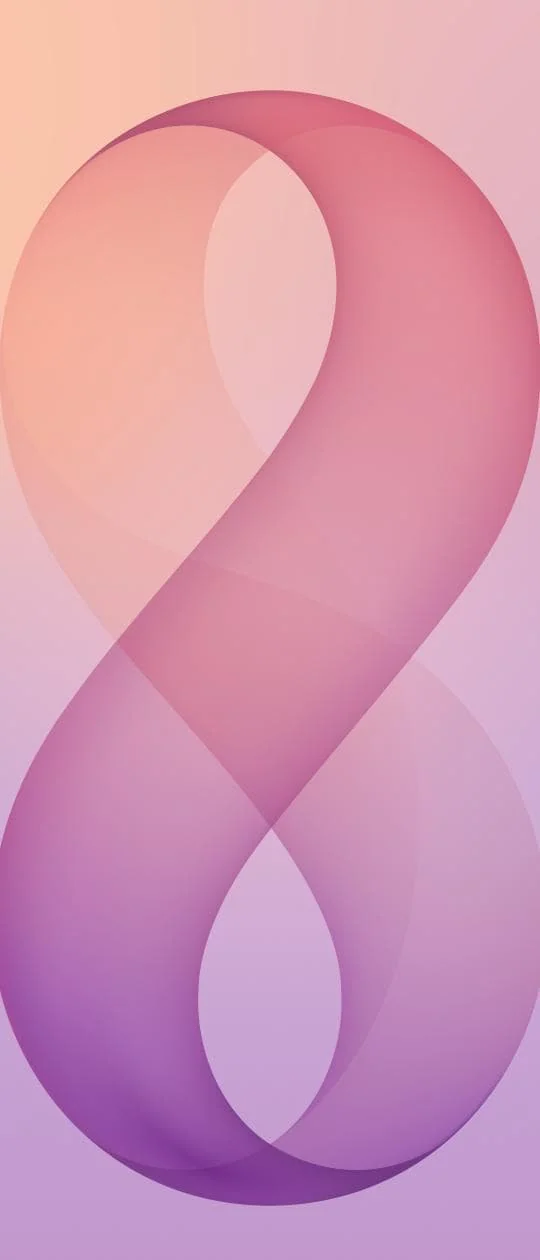

Note: the images listed above serve as a preview of the wallpapers and are only intended for representational purposes. It is important to note that the preview images are of lower quality, hence it is not recommended to download them directly. Instead, kindly utilize the designated download link provided in the section below for obtaining the wallpapers.Download Stock Wallpapers in a Zip File
We have collected all the leaked Galaxy Z Fold 8 wallpapers right here. The wallpaper features four sleek, abstract gradient designs. One uses soft gray and beige tones with smooth curves, another blends pink and purple hues into a figure resembling the number eight, the third showcases a fresh green-to-yellow gradient, and the last combines warm pink and orange shades. These wallpapers with their fluid textures and number branding make a solid match for that big Dynamic AMOLED 2X panel. Grab the full collection in one zip file.
File: Samsung_Galaxy_Z_Fold_8_Wallpapers.zip
Download Link: Devdrive.cloud
How to Set these Wallpapers on Home Screen, Lock Screen, and Always-on Display
- Download the
Galaxy Z Fold 8 Stock wallpaperszip file and unzip it using File Manager or any file manager app on your phone. - Open File Manager and browse the unzipped wallpapers folder.
- Select the wallpaper you like, tap on the 3-dot menu, and then tap Set As Wallpaper, choose Home Screen, Lock Screen, or Home and Lock Screen. Adjust the crop if needed and tap Apply / Set.
Please share these wallpapers with other communities and forums if you like them. Don’t forget to join our Telegram group for more wallpapers, Themes, and ringtones updates.