Sports games are very popular on Roblox. Basketball Zero is one of the most played sports games on the platform right now. It is a quick game for 5 on 5 players inspired by anime series Kuroko’s Basketball. Your own style of play and zone effectiveness determine how you move, pass and score. As is typical for most Roblox experiences, you get free rewards via codes. Codes change every few weeks and we track them monthly, so bookmark this page and check back regularly to get Basketball Zero NEW Codes updates.
September 2026 event drops included two new codes, SCARYMONSTER and 15SCARYMONSTER. Both codes let you get free Lucky Spins, which let you try out new play styles and zone effects free of Robux. These codes work on all platforms where Roblox runs: PC, mobile, console and even Oculus Quest.
Active Basketball Zero Codes (September 2026)
| Code | Rewards | Status |
|---|---|---|
| SCARYMONSTER | 10 Lucky Spins | Working (NEW) — September 2026 |
| 15SCARYMONSTER | 15 Lucky Spins | Working (NEW) — September 2026 |
You need to join the official Current Roblox community and like the page for the game Zero Basketball before any code works. Codes disappear suddenly with every new patch so redeem these two codes immediately do not wait.
Recently Expired Codes
The following codes worked in the last few months but are dead now. Do not waste time entering them, because the game will just show an invalid code message.
- IZURE
- 15IZURE
- TATLISV2
- 15TATLISV2
- EMPERORREWORK
- SILVERRETURN
- 15SILVER
- GOODLUCKV2
- CHROLLOV2
- 10CHROLLOV2
- CHROLLORETURN
- 30CHROLLORETURN
- HAPPY4THJULY
- 4THJULY30
- REFEREE
- SUMMERFIXES
- 4.5MLIKES
How to Redeem Basketball Zero Codes
Redeeming codes takes under a minute once your account is linked to the community. Follow these steps:
- Launch Basketball Zero from the Roblox client on PC, mobile, console or Quest.
- Open the game page and like the experience — the redeem system checks for this.
- Join the official Current Roblox community from the game description link.
- Load into the lobby and wait until the UI settles.
- Tap the purple Codes gift button on the bottom menu.
- Paste the code exactly as written and hit the Redeem button.
- Claim the Lucky Spins from the reward popup and roll for your style.
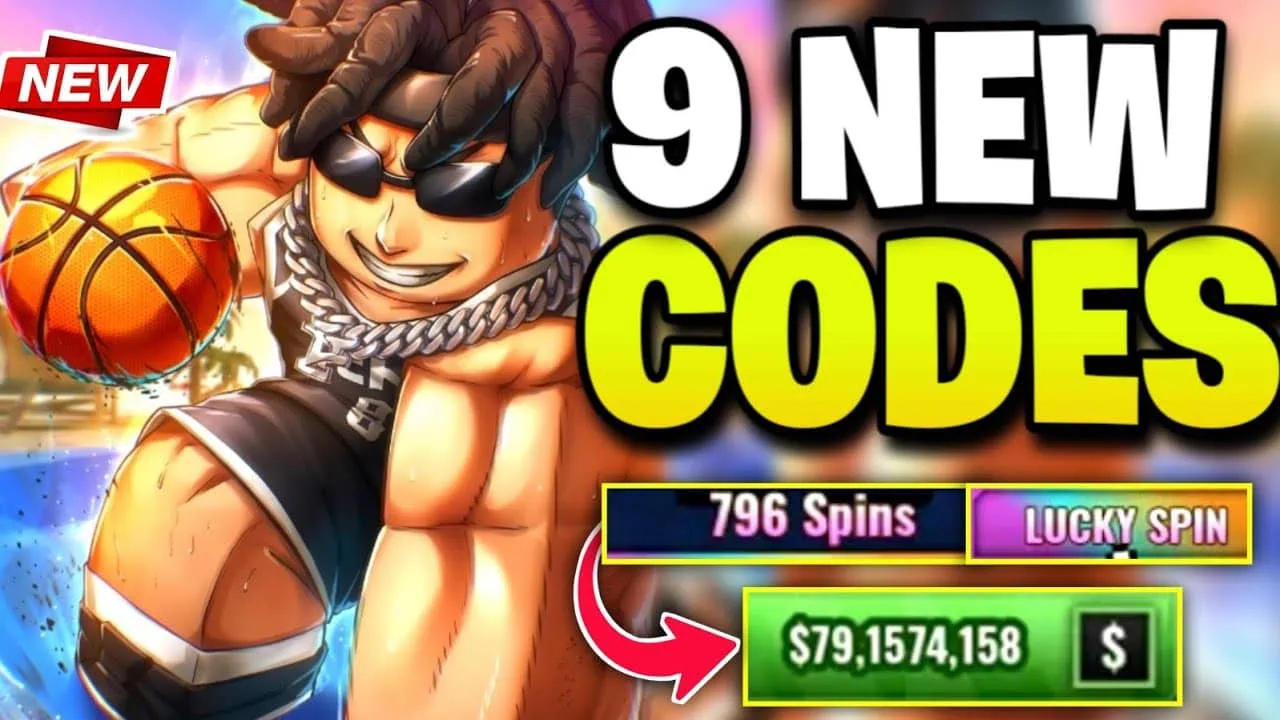
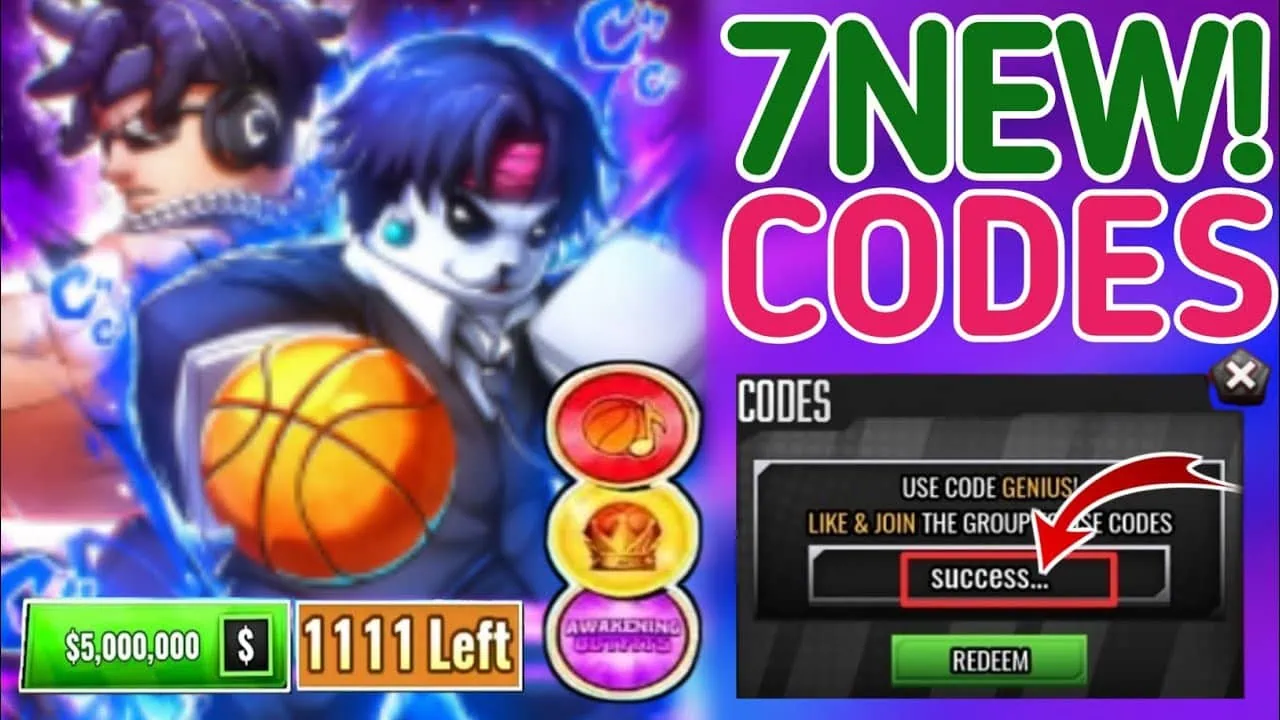
If the game asks you to like the experience or join the community group just close that window. Do those two things then reopen it again. Some codes also need a bit of time to activate so hang around lobby for a moment before you try them.
How to Find New Basketball Zero Codes
Look often for codes for Basketball Zero when the game gets new updates, hits a new achievement or for special events. Keep an eye on a few key places and you won’t miss codes. Start by following Chrollo_Blox, developer and also Discord for official Basketball Zero Codes; codes for events usually show up there first. Then check the codes page for Basketball Zero wiki. There you can see both codes that are still active as well as codes that expired along with their rewards. Lastly, keep an eye on the current Roblox community wall; players always post new codes shortly after they become live.
We update this list monthly. If codes stop working, likely because developers updated their game quietly and disabled them. So check again after the next patch for new codes.
Why Is My Code Not Working?
- Expired: the developer removes codes silently, usually right after the next update.
- Not joined or liked: your account must join the Current community and like the experience page before any code accepts.
- Typing error: codes are a mix of capital letters and numbers. Copy and paste them instead of typing by hand.
- Already redeemed: every code works once per account, so the second try will always fail.
- Stale lobby: if a fresh code errors, rejoin from the Roblox page, wait for the lobby, and try again.