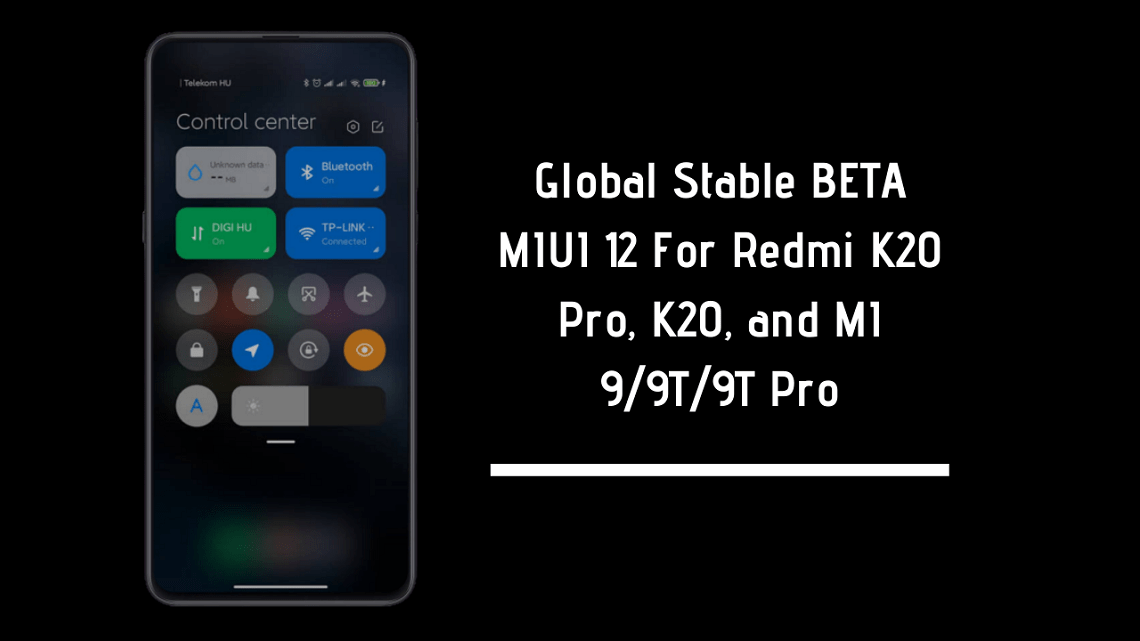
A while ago MIUI 12 was released. The global launch was held on May 19. The first devices which will get the MIUI 12 were listed too. So as per the reveal MIUI 12 For Redmi K20 Pro/K20, MI 9/9T and 9T Pro are available now. This is the global stable BETA update so you can install it easily. MiUI 12 brings huge changes in the UI, this firmware update is so far the best update till from Xiaomi.
Xiaomi tried to do something different this time. Yeah, they tried to copy the iOS UI but still, it’s not the full copy they have added some tweaks and features that’s all we want right? Some people are complaining about the MIUI 12 being a copy of iOS, though MIUI is just a UI they have challenged the iOS 13 transitions too.
Check Out: Download Stable Android 10 MIUI 11 For Redmi K20 Pro
MIUI 12 Global Stable BETA
Xiaomi releases this special ROM called Global Stable BETA. You cannot call it as stable nor BETA lol. You can install this ROM if you have a BETA authorized account. But you can still try installing via stock recovery update.
Good news for those who have unlocked bootloaders and have a custom recovery installed. I have provided the link of MIUI 12 For Redmi K20 Pro/K20, MI 9/9T, and 9T Pro.

If you are going to update through custom recovery make sure to backup. Also, those who are gonna try install it from stock update too. So if you have Redmi K20, Redmi K20 Pro, MI 9, MI 9T and MI 9T Pro you can install this ROM.
Downloads Section
MI 9T/Redmi K20
MI 9T Pro/Redmi K20 Pro
MI 9
You can download MIUI 12 For Redmi K20 Pro/K20, MI 9/9T and 9T Pro from above links.
How To Install Via Custom Recovery
- Make sure to backup your data.
- Download the ROM from downloads section respective to your device. Copy it to your internal storage.
- Turn your phone into recovery mode like TWRP Recovery mode.
- Go to Wipe and do a factory reset. Also again go to wipe–> advanced Wipe–> select system, data, and swipe to wipe it.
- Go to install and navigate to the ROM ZIP File.
- Now swipe to install the ROM.
Done, now you have installed the ROM successfully.
If you like the post, please share it with other communities and forums. Don’t forget to join our telegram group for more wallpapers, Themes, Ringtones Update – https://getdev.me/telegramdev.
MIUI 12 Other Devices ROMs




![Download Latest MIUI 12.0.3.0 For Poco F1 [OTA Update]](https://www.gizdev.com/wp-content/uploads/2021/01/Download-Latest-MIUI-12.0.3.0-For-Poco-F1-OTA-Update-120x86.png)