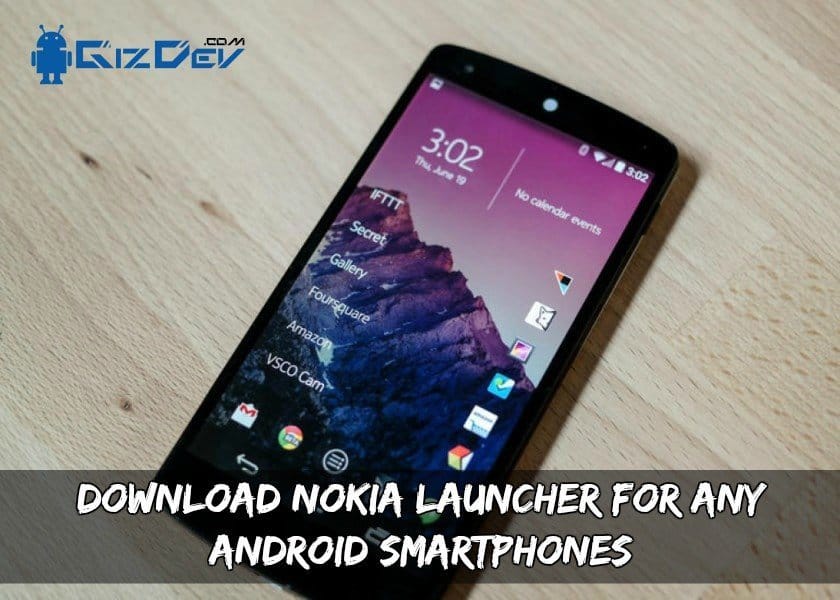
Do you like the new Nokia Style UI? So here is the Download Nokia Launcher For Any Android Smartphones. Read the post and install the Nokia launcher and enjoy the Nokia style on your Android Smartphone. HMD global after taking Nokia’s patents has set a comeback in the smartphone market. After the huge failure of Windows mobile phones, Nokia is set for entering the Android market. Nokia already launched its nostalgia phone Nokia 3110 already. Also, they launched Nokia 3, 5, and 8. There are issues with the availability of these phones. We will see in the upcoming days whether Nokia will get a comeback or not.
About Nokia Launcher:
Nokia X was the only Android-based phone but it was heavily skinned to Windows and it was a pure flop. But now Nokia has made its UI even better. Many users think that this UI is skinned heavily. But it’s not !! It is the same as the Pixel launcher. So you can expect the stock Android experience just some icons change is there. So if you like this Nokia Launcher then give it a try.
Gizdev Recommendations:
- How to Watch 4K and 2K Videos On YouTube In Any Android Phones
- Download Huawei EMUI 4.1 Apps For Android 6.0 Devices
- Download Huawei Honor 9 Stock Ringtones In High Quality (All Tones)
- Celebrate This Diwali In Your Huawei Honor Phone With Diwali Emui Theme
- Guide To Unlock Bootloader Install Twrp & Root OnePlus X
- Download Huawei Honor 8 Stock Themes Extracted From EMUI 4.1
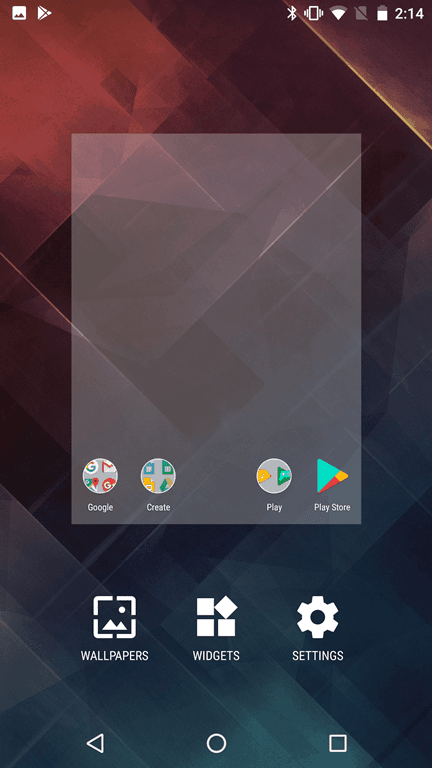
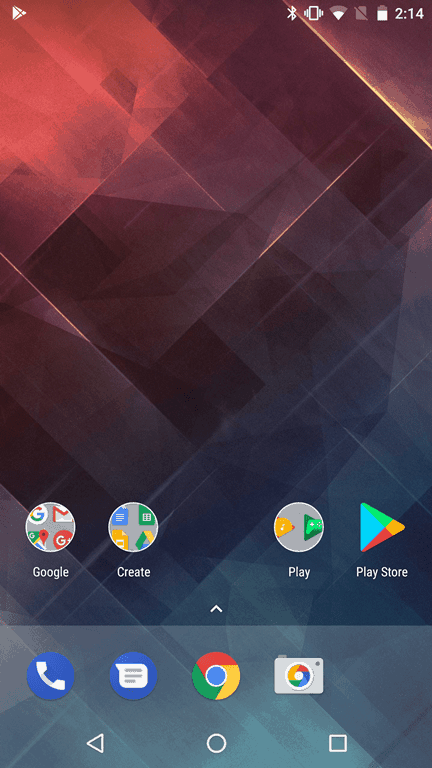
Download Nokia Launcher App
Installation:
- Download the Nokia_Launcher.APK file and copy it to your external SD card or internal storage.
- If you are installing the APK for the first time then enable unknown sources from security settings.
- Install the Nokia_Launcher.APK and open it.
- Press the home button and set it as a default launcher.
Done, you can see the Nokia UI now, Enjoy!!