How To Convert Videos To GIFs In WhatsApp (Simple trick). Here is a simple trick you can convert WhatsApp videos into GIF format. WhatsApp introduced a new feature to send GIFs. Now it also includes converting a video into GIF format. WhatsApp is bringing more and new features in its every update. Earlier they introduced the WhatsApp status feature and now it’s GIF.
The video which you want to convert into GIF should be 6 seconds long. What’s App will convert the video into GIF format. Below is the procedure with screenshots. Follow them and enjoy this feature of Whats App.
Recommended Posts:
- [Guide] How to Download Youtube Videos on Android Without app
- How To Download Facebook Videos On Android And Computer
- Download Transparent Whatsapp Apk For Any Android Phones
- Download Youtube Videos Directly
- Play AC3 Audio Format Videos with AC3 Player
How To Convert Videos To GIF In WhatsApp:
- Store a video in your storage or shoot the video you want.
- Now open a conversation in the What’s App.
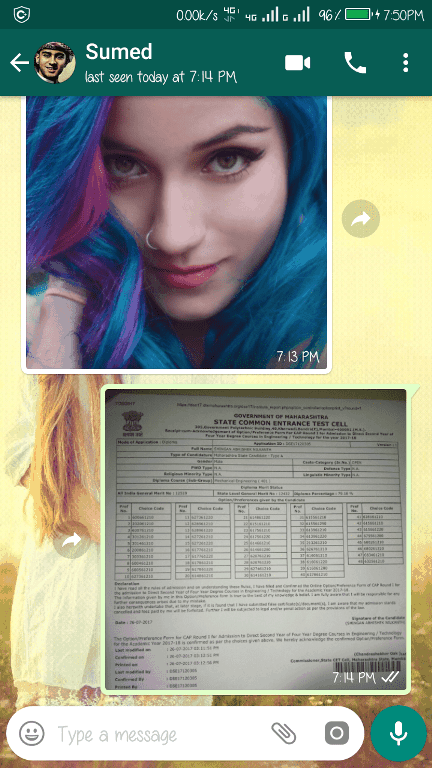
- Now tap on the attachment icon on the bottom right below and a menu will open. Select the gallery and choose the video which you want to convert to GIF. I recorded a video so I am selecting it from the camera.
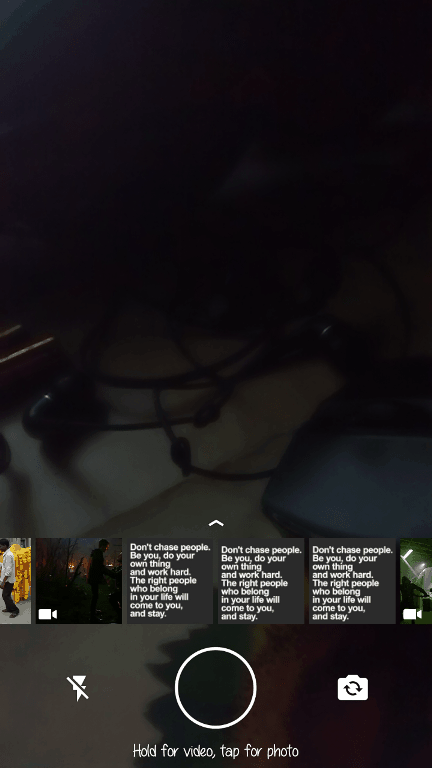
- After selecting the video, a video editor will appear. Touch the video option on the top right once. Now you will see there is a GIF option in its place. Edit the video as you want but it should be of 6 seconds to convert it into GIF format.
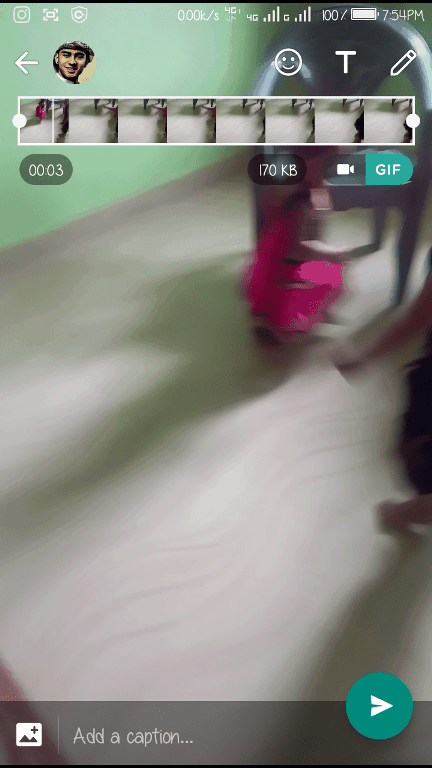
- After you finished your editing, just click the green arrow on the right bottom to Convert Videos To GIF. Your converted GIF will be sent to your selected contact.
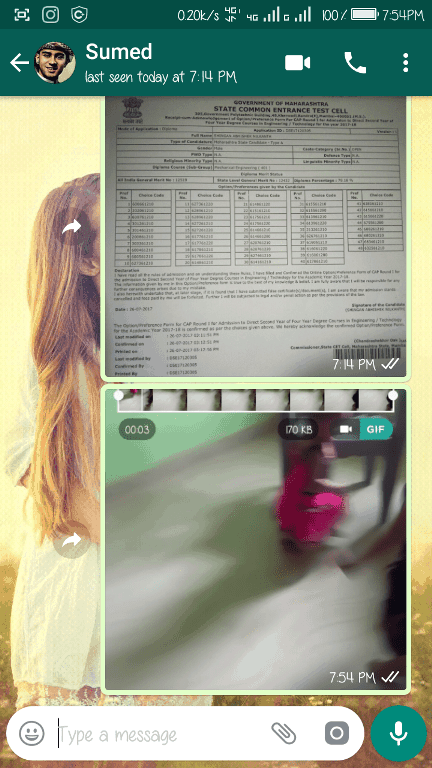
Done, You have Converted Videos To GIF your video into GIF format. If you liked the post don’t forget to share it!! Also, If you have any problems then you can reach us at our official Facebook page GIZDEV.