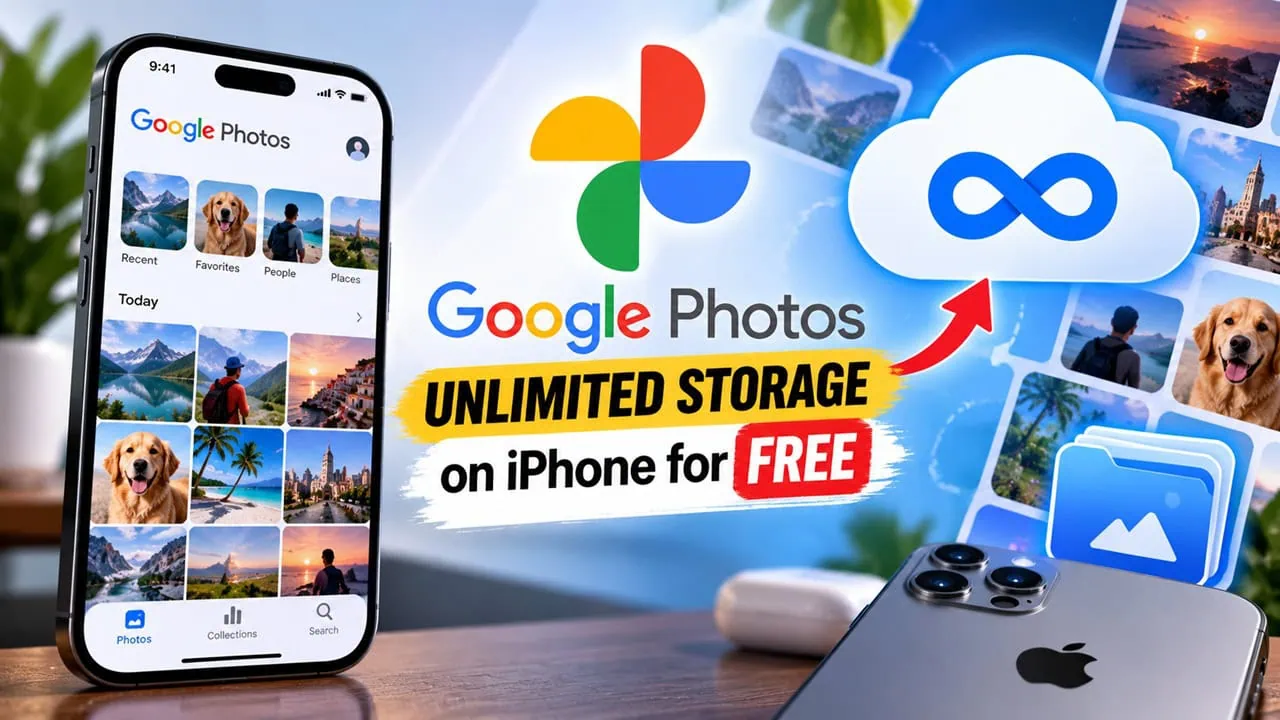
In 2021, Google Photos no longer offers free unlimited storage and High-quality backups for everyone. Only Pixel phones now get this benefit. Until now, only iPhone users have been left out of using the free benefits until Gunshot, an open source tool for iOS, appeared. This guide shows three ways to install it from full jailbreak to sideload without jailbreak. Regardless of how you install it, the result is the same: you get unlimited storage on your iPhone from Google Photos. We explain every step below.
Gunshot works by spoofing the Pixel fingerprint that Google Photos uses for backups when files are uploaded. This makes the app think your phone is a Pixel, allowing for free backups of original quality forever. The project is open source on GitHub and has ongoing maintenance. Along with tweaks for stock iPhones it offers jailbreaks as well.
What You Need Before You Start
Back up your iPhone fully before starting the procedure. Move your contacts, photos, and messages across with our Android to iPhone transfer guide first. This software is open source and trusted by thousands of people. But Google might flag accounts with lots of unusual data too. Nobody can promise safety of your primary account though. The smart choice is therefore to first activate tweak on a secondary account. Get used to it and then decide whether to use your main account. Remember that tweak doesn’t miss any of your media files either. Uploads are done using original files with no re-encoding and Live Photos transfer intact.
Unlimited Google Photos Storage: Pick Your Method
Gunshots come in three different package flavors. Choose according to the setup you use with iOS. Use rootless deb if your iPhone has rootless jailbreak; classic rootful jailbreaks use the rootful deb; and stock iPhones use the jailed dylib, injected into Google Photos with a sideloading tool. Regardless, all three connect to Photos through App Store; the outcome is the same.
Unlock Google Photos Unlimited Storage on iPhone for Free
Want unlimited Google Photos storage on iPhone? There are three ways to get it, and the right one depends on how your phone is set up. Method 1 is for rootless jailbroken devices and uses the gotohp-tweak-rootless package, Method 2 is for classic rootful jailbreaks and uses the rootful package, and Method 3 needs no jailbreak at all, because it injects the jailed dylib into a Google Photos IPA with Sideloadly. All three end at the same result: unlimited Google Photos storage on iPhone through the GoToHP settings panel, so pick the route that matches your setup and jump to that section.
Method 1: Rootless Jailbreak
- Open the Gunshot releases page on GitHub and download the gotohp-tweak-rootless.deb package.
- Add the tweak repository to your package manager (Sileo or Zebra) and install the libSandy dependency, version 1.1.6 or newer.
- Transfer the deb file to your iPhone and install it with your package manager.
- Install Google Photos from the App Store and launch it. Gunshot hooks the app automatically.
- Open Google Photos > Profile > GoToHP settings and turn on the upload feature.
Method 2: Rootful Jailbreak
The steps are identical to Method 1, except you download gotohp-tweak-rootful.deb from the same releases page. Everything else, including the libSandy dependency and the GoToHP settings panel, works the same way.
Method 3: Without Jailbreak (Sideload)
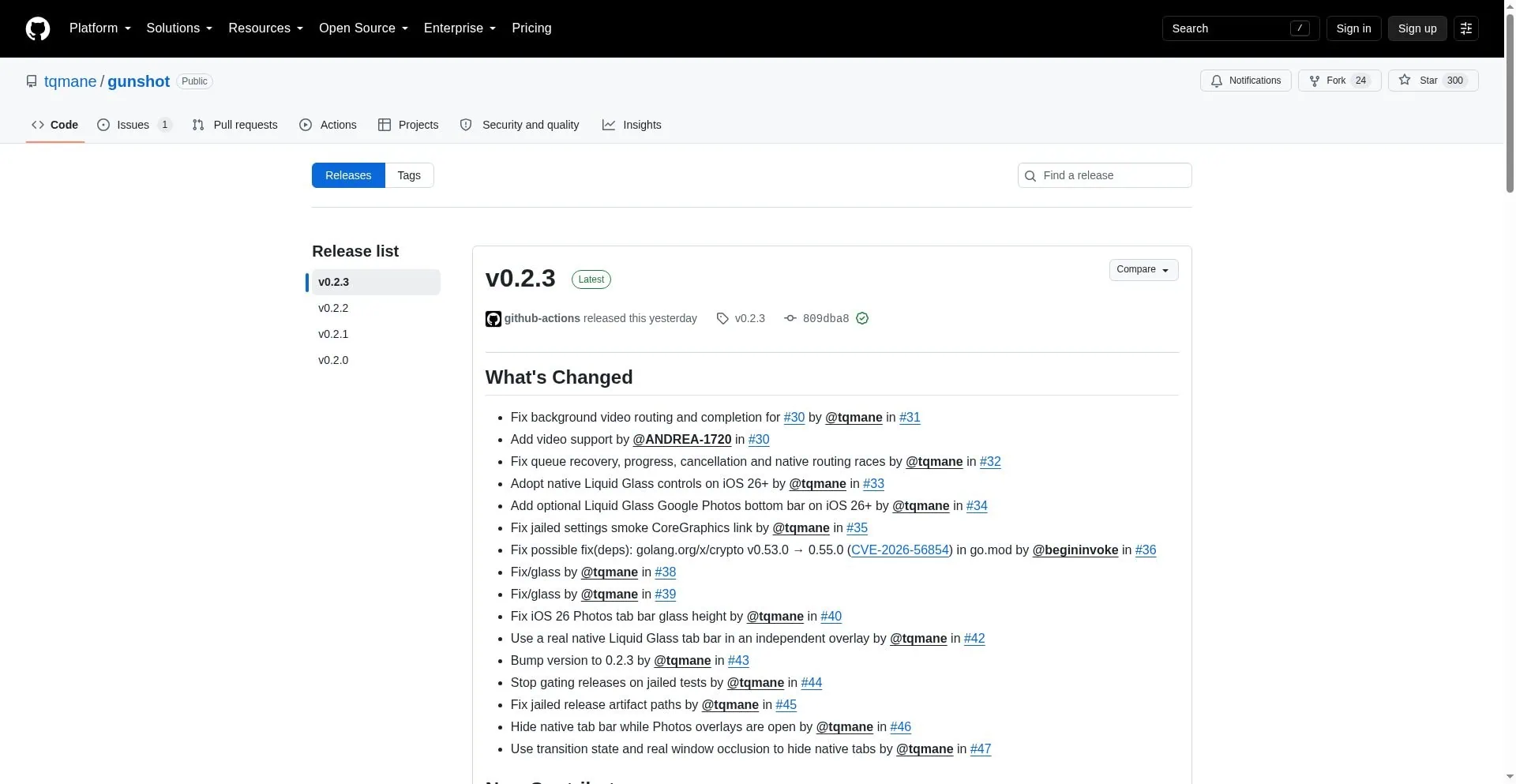
Go to the releases page for the Gunshot GitHub project and download the right package for your system. If your iPhone has been jailbroken, install gotohp-tweak-jailed.deb file via your package manager. You will also need the libSandy dependency at version 1.1.6 or newer. For stock iOS get the jailed dylib and inject that into Google Photos with Sideloadly. Then sign and install the tweaked app on your device. If Google Photos crashes after a jailbreak install, use Choicy and allow only Gunshot for that app.
- Install Google Photos from the App Store, sign in, and close the app.
- Get the Google Photos IPA file from a trusted third-party source.
- Inject GunshotJailed.dylib into the IPA using Sideloadly’s dylib injection option.
- Sign and sideload the modified IPA onto your iPhone with Sideloadly.
- Launch the modified app, sign in, and enable the upload in Profile > GoToHP settings.
Important Notes
- Note 1: Get the latest packages from the GitHub Actions tab instead of the Releases section — Actions always carries the newest builds.
- Note 2: If Google Photos crashes right after installing the tweak, install Choicy and enable only Gunshot for Google Photos.
- Note 3: Use a secondary Google account for the first run. Google can flag accounts with unusual upload patterns, and the same goes for any unlimited Google Photos storage trick, so keep your main identity out of these experiments.
- Note 4: Uploads preserve original quality and Live Photos are kept complete, with a queue that supports retry and cancel.
Is It Still Working in 2026?
Once you’ve made the tweak open Google Photos and sign in. Tap into your profile picture and open GoToHP Settings and turn on upload there. The tweak now reroutes all future backups directly to your Pixel profile silently. Existing photos won’t be affected. That is the key. Unless Google closes this loophole with server side checks, backups will remain free and unlimited of the highest quality from your account indefinitely.
Reports from community show this original Pixel loophole still works on Android in 2026. Original Pixel gets free original quality and Storage Saver backups, iPhone port uses the same checks, and the whole family works like the Google Photos Magic Eraser tweak that unlocks features on older devices. Google has not yet closed it but a change on the server side would break all spoofing at once. That is why using secondary account is safest.