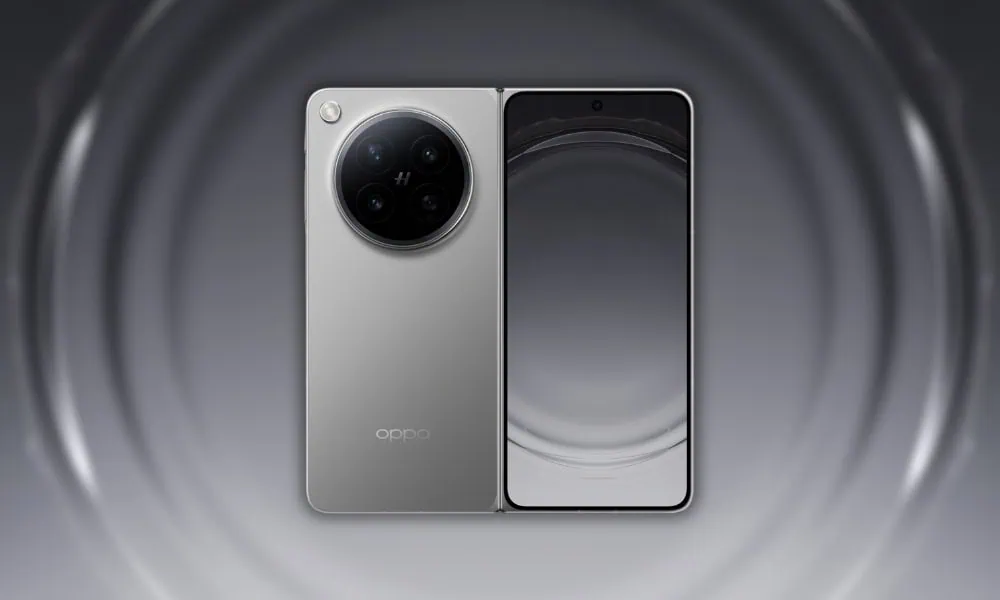
Oppo has finally launched their Find series smartphone and they called it Oppo Find N6. It has an overclocked Snapdragon 8 Elite Gen 5 chipset with a 120Hz refresh rate Foldable LTPO OLED display, a couple of elegant accessories, and other high-end specifications. Also, the most attractive unique rear matrix color display is a daring innovation that highlights the Foldable creative spirit. Whatever, we know that every smartphone comes with some unique wallpapers. The device comes with a slew of aesthetic wallpapers and live wallpapers that look impressive. Here we have shared OPPO Find N6 Stock Wallpapers & Live Wallpapers in a zip file.
Every time we share new wallpapers on our blog, when a new phone is released or leaked on the internet. Today Oppo Find N6 series wallpapers were leaked on Twitter (X.com) before the launch event. So we will share the latest Oppo Find N6 Stock Wallpapers and Find N6 Live Wallpapers. We will share all the other wallpapers when the device launches in the market. We have shared all the stock Wallpapers and Live Wallpapers from the Oppo Find N6 in a ZIP file.
Oppo Find N6 Specification:
The Oppo Find N6 features an 8.12-inch OLED Foldable capacitive touchscreen. It has a display of 2248 x 2480 pixel Resolution. This device comes with the 3.62 GHz octa-core Qualcomm Snapdragon 8 Elite (3 nm) processor. It is available in 16GB RAM and 1 TB onboard storage. You can get Android 16 with ColorOS 16 out of the box. Also, it comes with a 6000 mAh battery to power up the beast, and it supports 80W fast charging.
The Oppo Find N6 on the rear packs a 200-megapixel primary camera with an f/1.8 aperture wide sensor; a second 50-megapixel periscope telephoto camera with an f/2.7 aperture and a third 50-megapixel ultrawide camera. The rear camera setup has Hasselblad Color Calibration, color spectrum sensor, LED flash, HDR, panorama. It sports a dual 20-megapixel camera on the front for selfies, with an f/2.4 aperture ultrawide sensor.
Oppo Find N6 Stock Wallpapers
Oppo Find N6 Stock wallpapers come with aesthetics and are impressive with their unique images. You know that we always share all new wallpapers and themes as soon as possible on our websites. The device comes with six new preloaded stock wallpapers and live Wallpaper. All the wallpapers are now available to download. The wallpaper is in QHD resolution. All the wallpapers are now available to download, which are listed below. If your device has the same screen resolution or lower, then these will look good on your device.
Wallpapers Preview



Live Wallpapers Preview
OPPO Find N6 Live Wallpapers
Download Oppo Find N6 Stock Wallpapers and Live Wallpapers
We have extracted six wallpapers from the Oppo Find N6 smartphones. Additionally, you can download the wallpapers for your phone in a zip file. To set wallpaper or lock screen, browse the wallpaper folder and open the image you want to set as wallpaper. Press the 3-dot menu and tap on the set as wallpaper or lock screen.
Stock Wallpapers –
Live Wallpaper – su_button url=”https://devdrive.cloud/d34136c8f173157f/OPPO_Find_N6_Live_Wallpapers.zip” target=”blank” style=”flat” background=”#1671c4″ size=”4″ radius=”5″ icon=”icon: file-zip-o” text_shadow=”0px 0px 0px #0048bf”]OPPO_Find_N6_Live_Wallpapers.zip[/su_button]
After downloading, extract the file and set the wallpaper on your smartphone’s home screen or lock screen.
How to Set Wallpapers on Home Screen, Lock Screen, and Always-on Display
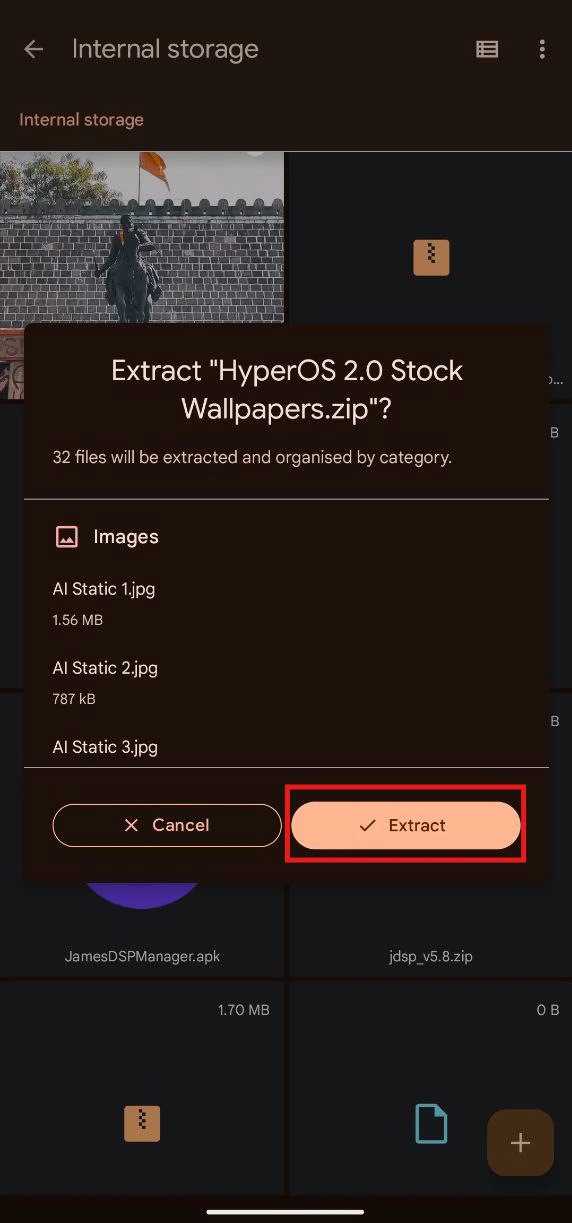
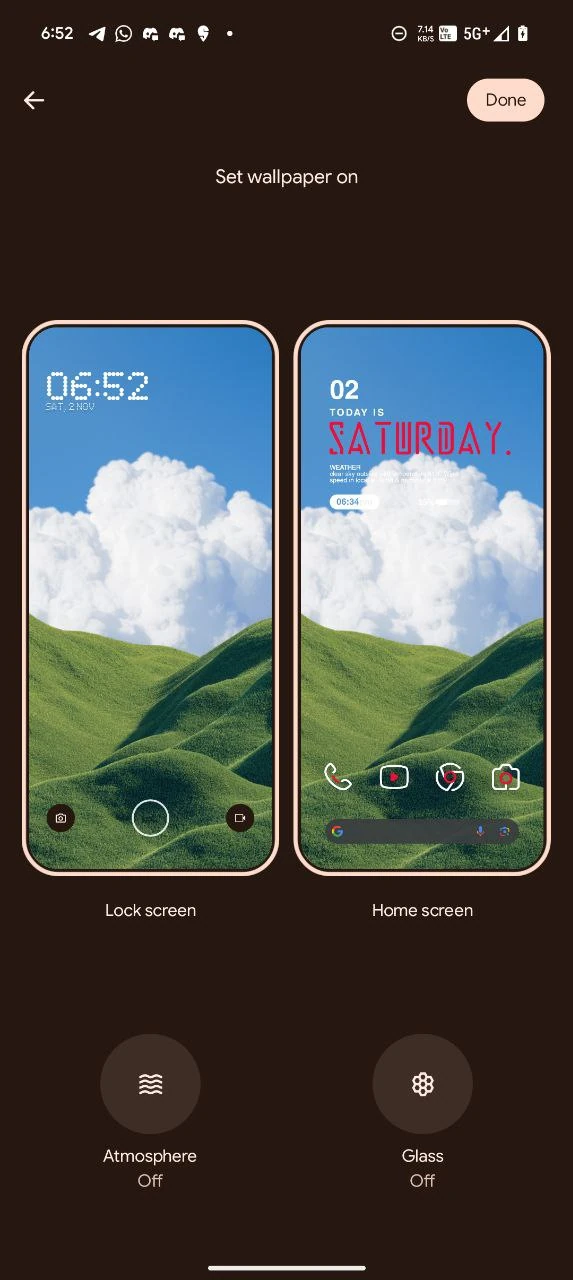
- First Download the Oppo Find N6 wallpapers.zip file and unzip it from File Manager or Explorer.
- Open File Manager and Browse The unzipped wallpapers folder.
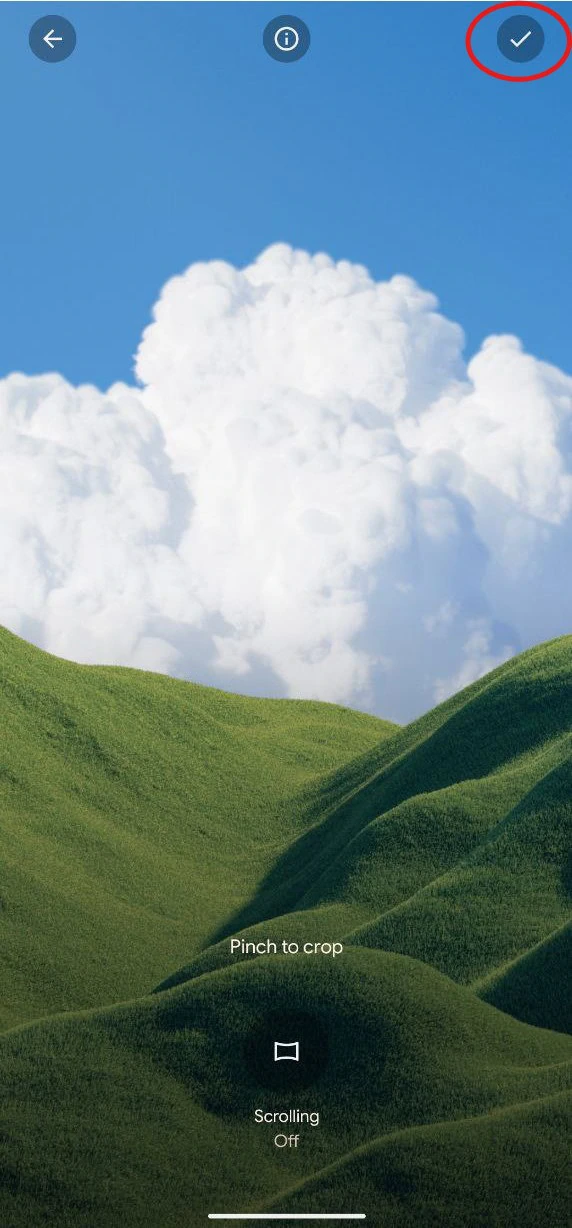
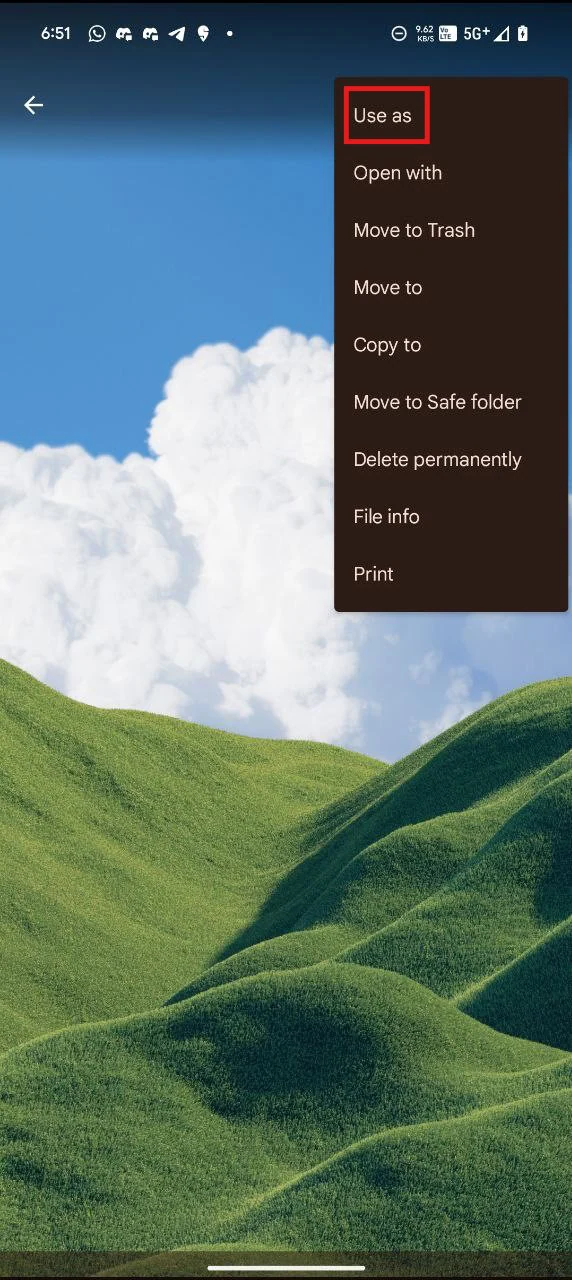
- Select the Wallpaper you like, tap on the 3-dot menu, and then tap Use, Open Gallery App, and Set As Home Screen, Lock Screen, or Always-on Display.
Please share those wallpapers with other communities and forums if you like them. Don’t forget to join o