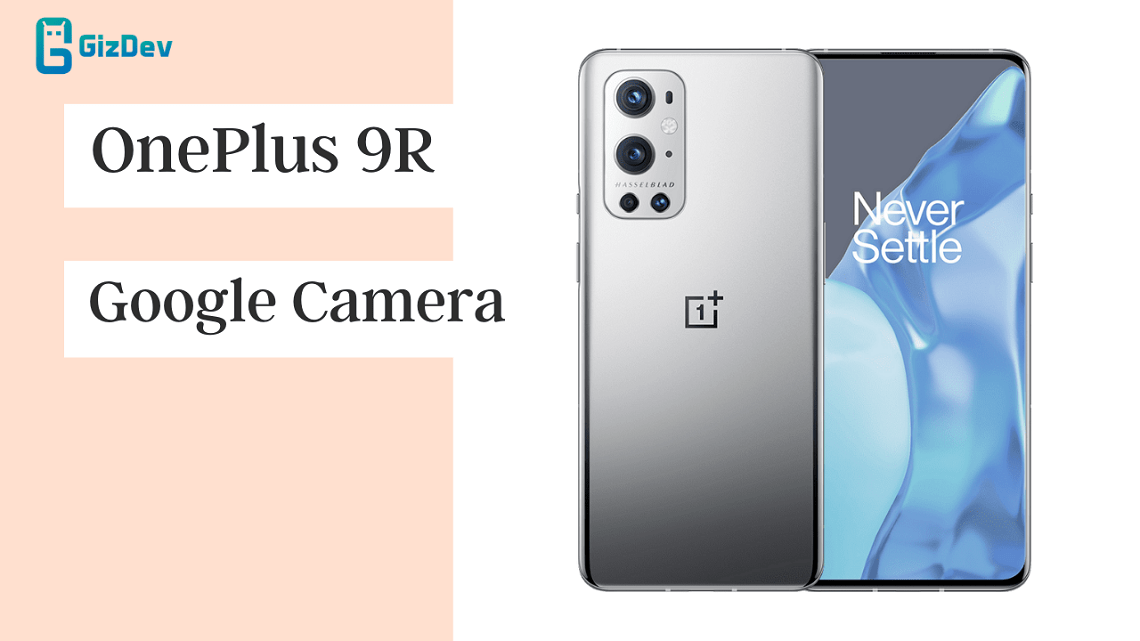
OnePlus has finally launched its lower latest flagship smartphone called OnePlus 9R. The 9R is a lower version of the OnePlus 9 series and is considered the best choice among the OnePlus 9 series. Also, this device comes with a 120Hz Fluid AMOLED panel, 48MP quad-lens camera module, and 16 megapixels front camera. The cameras already seem good. But as always here is the Google camera for OnePlus 9R. The latest OnePlus 9R GCam APK is available.
Google Camera for OnePlus 9R
OnePlus 9R on the rear packs a 48-megapixel primary camera with an f/1.7 aperture and a pixel size of 0.8-micron with OIS; a second 16-megapixel ultrawide camera with an f/2.2 aperture and a third 5-megapixel macro camera with an f/2.4 aperture; 2 megapixels monochrome camera. The rear camera setup has autofocus. It sports a 16-megapixel camera on the front for selfies, with an f/2.4 aperture.
The Google Camera app is one of the best alternatives to the stock camera app. Also, it has features like anticipated astrophotography mode, night sight mode, PhotoSphere, Slow Motion, Playground (AR Stickers), RAW support, HDR+ mode, Panorama, Lens Blur, Portrait mode (with Focus Slider), Google Lens mode & a few more. Also, the latest Google Camera 8.4 has lots of essential features, along with better Google camera optimization. Google camera picture quality is better than the stock camera in some places. It provides better low-light image quality and a more detailed picture. Just follow the guide and install Google Camera for the OnePlus 9R.
Downloads GCAM For OnePlus 9R
- New GCAM For OnePlus 9R – LMC8.4_R17.apk | Arcide-LMC8.4-OP9P-v7.1.xml
- Latest GCAM For – Google Camera APK MOD for All Android
OLD GCAMS
Install OnePlus 9R GCam APK
- Download The GCamera.apk file.
- Then Copy the downloaded file to your mobile or tablet in internal or external storage.
- Now enable Unknown Sources options from Settings > Security or Settings > Additional settings > Privacy.
- Install GCamera.apk Open the camera app on your device and Give all the permission.
- Now enjoy.
How to use config files
- First, create a folder named GCam in Internal Storage.
- Then open the GCam folder and create one more folder with the configs7 name.
- Then copy the downloaded configuration file (reno5p-config.xml) file in /Internal Storage/GCam/Configs/ (folder).
- Now open Google Camera, and double-click the dark area around the capture button.
- Select the config (.xml) file and then click on “restore.”
Note: If you’re using Google Camera version 8.4 then create a config folder with Configs7 naming, while for GCam 8.1 create the Configs8 folder.
You may also like:
Now you can enjoy Google Camera on your Samsung device. Share the most beautiful pictures taken by you in the comment section below. Don’t forget to join our telegram group for more Mods, Themes, and Ringtones Update – https://getdev.me/telegramdev.