

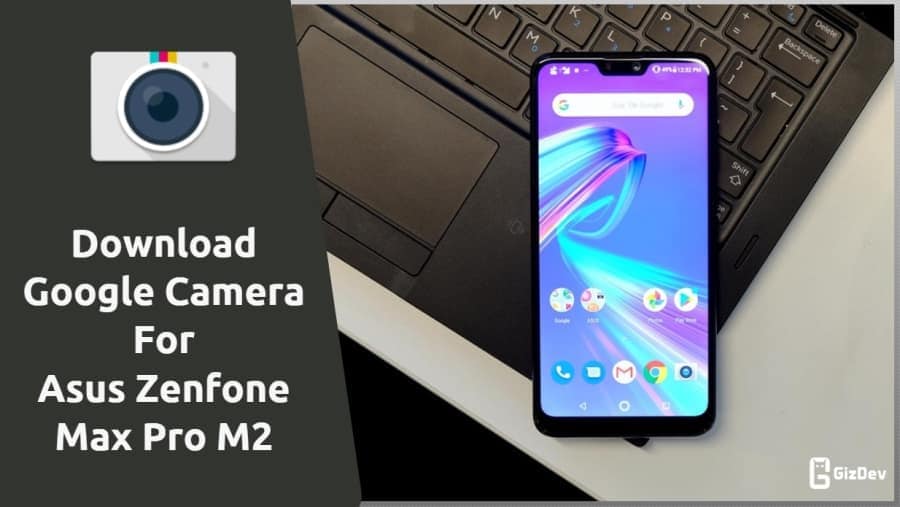
Today we share Asus Zenfone Max Pro M2 Google Camera in this post. This is the best camera app for Asus Zenfone Max Pro M2. Asus Zenfone Max Pro M2 comes with a dual 12-megapixel + 5-megapixel rear camera and a 13-megapixel front camera. We all want our phone camera quality to be very good. Well, so GCAM Improves the Quality of Image of the Asus Zenfone Max Pro M2. The Google camera is of the best camera app and comes with Night Sight and the best portrait features. Gcam is a very much popular camera app for Android smartphones. Today we share a guide to installing Asus Zenfone Max Pro M2 GCAM.
Google Camera For Asus Zenfone Max Pro M2
If you love the GCAM interface and want to use it on your Asus Zenfone Max Pro M2 then you are in the right place. Here we share GCam on Asus Zenfone Max Pro M2 for all types of devices (root and non-root). You can install it like a simple APK. Google camera picture quality is better than the stock camera. It provides better low-light image quality and a more clear picture. Just follow the guide and install GCAM for Asus Zenfone Max Pro M2.
What’s Working:
- Rear Portrait
- Night Sight
- Normal Rear Camera
- Panorama
Not Working:
- The front Camera does not work.
- Slo-mo videos
Thanks to the Developers to make the Gcam for Asus Zenfone Max Pro M2. This is the best budget smartphone under 15000. Those users who bought this device can try this Google camera. In this MOD the portrait mode and Night sight feature are working. Check them out and download the Google Camera APK from the below link.
Download Asus Zenfone Max Pro M2 Google Camera
su_button url=”https://devdrive.cloud/66c1fa3eb14ff99d/MGC_8.4.300_Parrot043_V1.8.apk” target=”blank” style=”stroked” background=”#0054a1″ size=”6″ radius=”5″ icon=”icon: hand-o-right” text_shadow=”0px 0px 0px #0048bf”]MGC 8.4.300 Parrot043 V1.8.apk[/su_button]
Install Gcam on Asus Zenfone Max Pro M2
- Download The GCAM 8.4 For Zenfone Max Pro M2 GCamera.apk file.
- Then Copy the downloaded file to your mobile or tablet in internal or external storage.
- Now enable Unknown Sources options from Settings > Security or Settings > Additional settings > Privacy.
- Install GCamera.apk and Open the camera app on your device and Give all the permission.
- Now enjoy.
Now you can enjoy GCAM For Asus Zenfone Max Pro M2. Share the most beautiful pictures taken by you in the comment section below.






Not working….