

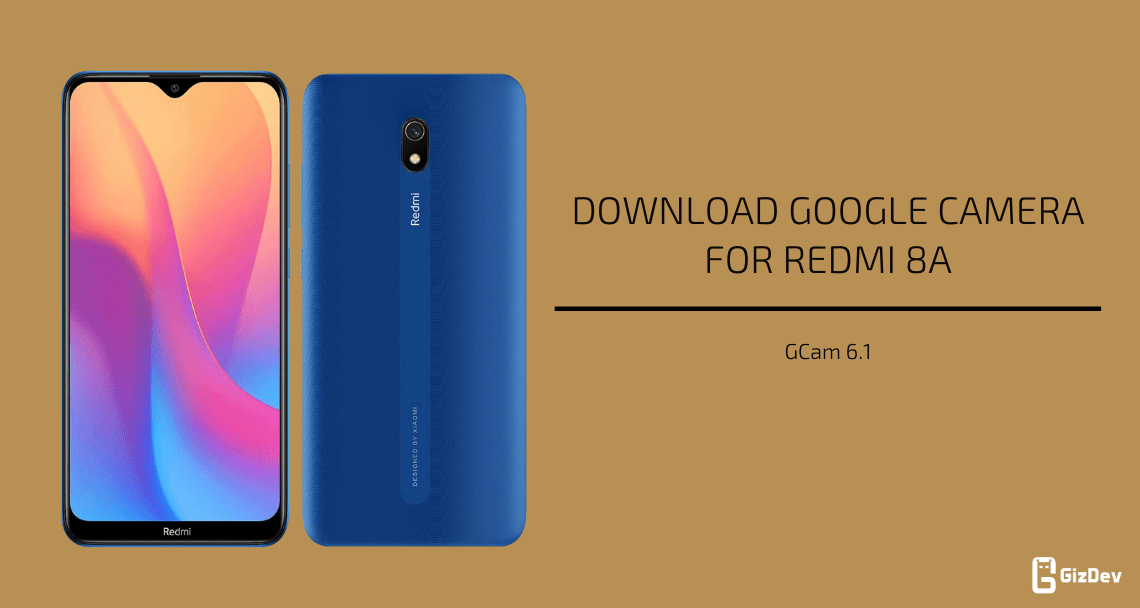
Today we share Gcam for Redmi 8A. Redmi 8A is one of the best low-budget smartphones that brings good performance with as far best camera smartphones at that price. The device comes with a single-camera setup on the rear. This device is powered by Qualcomm SDM439 Snapdragon 439 (12 nm) Chipset, also based on Android 10.0 with MIUI 11 skin on top. After lots of research, we found Google Camera for Redmi 8A.
This is the best 3rd party camera app for Redmi 8A. It takes a more detailed image than the stock camera. The Google Camera is the best camera app that offers to shoot Night Sights and the best portrait with HDR+. Here we found the best working Google Camera 7.2 for Redmi 8A.
Google Camera for Redmi 8A
Gcam is a very much popular camera app for Android smartphones. Also, it has features like night sight mode, PhotoSphere, Slow Motion, Playground, RAW support, HDR+ mode, Panorama, Lens Blur, Portrait mode, Google Lens mode & a few more. Already Redmi 8A comes with Camera2 API and HAL3 sport so you can easily use GCam. Google camera picture quality is better than the stock camera in some places. It provides better low-light image quality and a more detailed picture.
Gcam For Redmi 8A
As far as the cameras are concerned, the Redmi 8A on the rear packs an 8-megapixel primary camera with an f/1.8 aperture. The rear camera setup has LED flash, HDR, and panorama. It sports a 12-megapixel camera on the front for selfies, with an f/2.0 aperture.
Download Google Camera for Redmi 8A
- HDR + Night Mode support GCAM 7.2 – https://t.me/Redmi8AOfficial/249395
Install Redmi 8A Google Camera
- Download The GCamera.apk file.
- Then Copy the downloaded file to your mobile or tablet in internal or external storage.
- Now enable Unknown Sources options from Settings > Security or Settings > Additional settings > Privacy.
- Install GCamera.apk Open the camera app on your device and Give all the permission.
- Now enjoy.
More Gcam –
- Download Google Camera Go 2.8 APK for any Android device [GCAM GO 2.8]
- Google Camera for iQOO 7 [GCam 8.2]
- Download Google Camera 7.4 for Realme 7 Pro [GCam]
If you love the Camera app for the Redmi 8A article, then please share it with other communities and forums. Don’t forget to join our telegram group for more wallpapers, Themes, and Ringtones updates – https://getdev.me/telegramdev.




Gcam camera redmi 8a