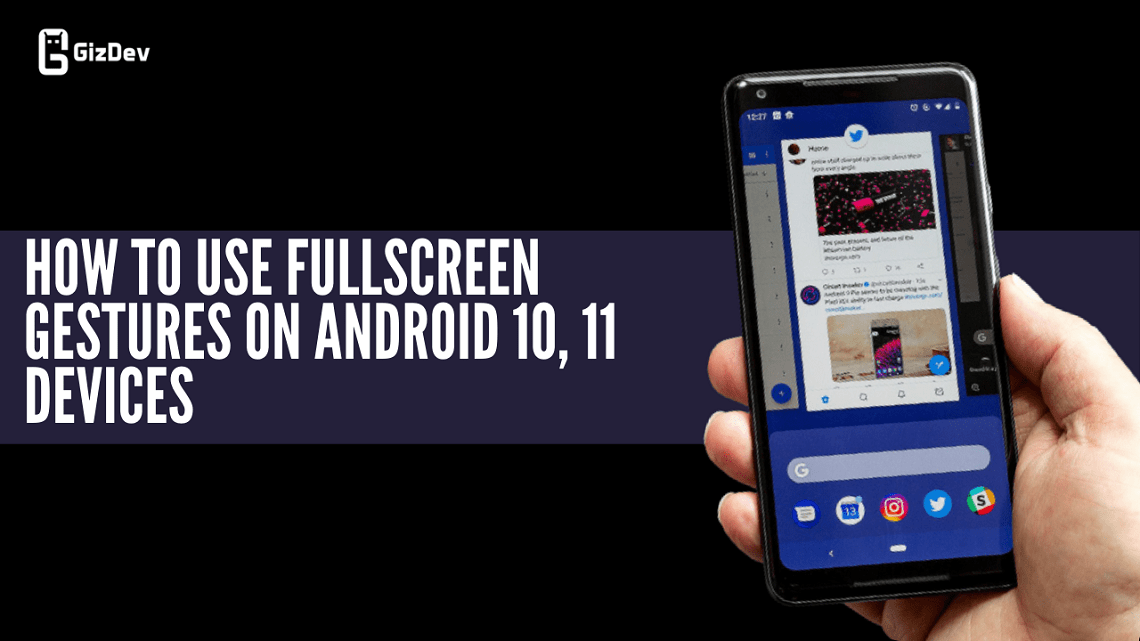
We all know and use full-screen gestures nowadays. If you have a rooted device and have Magisk installed you can try these Fullscreen gestures on Android 10 or Android 11. These are the fullscreen immersive gestures and will look great if you want to use gesture-supported smartphones.
You have already fullscreen gesture support in your own Android phone’s system settings, right? But this one has immersive gesture controls and it is working on the custom ROMs too. If you have an older smartphone running on Android 10 or 11 custom ROMs you can still try out this one.
The fullscreen gestures on Android 10 are my favorite. Once I used them I never used the navigation buttons later. In this fullscreen gesture on Android 10, and 11 even the navbar and the pill be hidden. So you can enjoy your big home screen without any space eaten up by the navigation buttons.
Features
- Immersive full-screen display navbar and the pill will be hidden
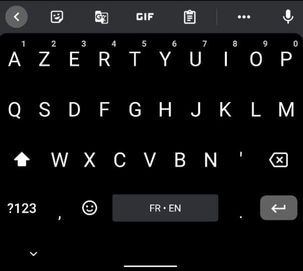
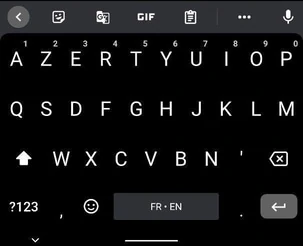
- Full-screen experience keeping keyboard space
- Adjustable sensitivity
- Small keyboard space mode in an immersive display
You can tinker with its settings to adjust it according to your preferences. Thanks to the XDA developer DANGLES3 for these full gestures on the Android 10 Magisk module. It’s a Magisk module so you can just flash and later if you don’t want you can just uninstall directly from the Magisk module. Get more information on the developers’ GitHub Page.
Screenshots


Downloads Section
How To Install Fullscreen gestures On Android 10, 11
1) Make sure your phone is rooted and the latest Magisk manager is installed. You can get the latest Magisk here.
2) Download the gestures ZIP file from the above downloads section.
3) Open the Magisk Manager, and go to modules.
4) Click on add a Module, and select the gestures ZIP file you downloaded earlier.
5) The file will be flashed automatically.
Now all you have to do is restart your smartphone. You can now enjoy new fullscreen gestures on your Android 10 or Android 11 smartphones. If you want this type of more update, you can join our Telegram channel. If you like the post, don’t forget to share it, also like our official Social handle for more instant updates and some best memes!!
More stuff