

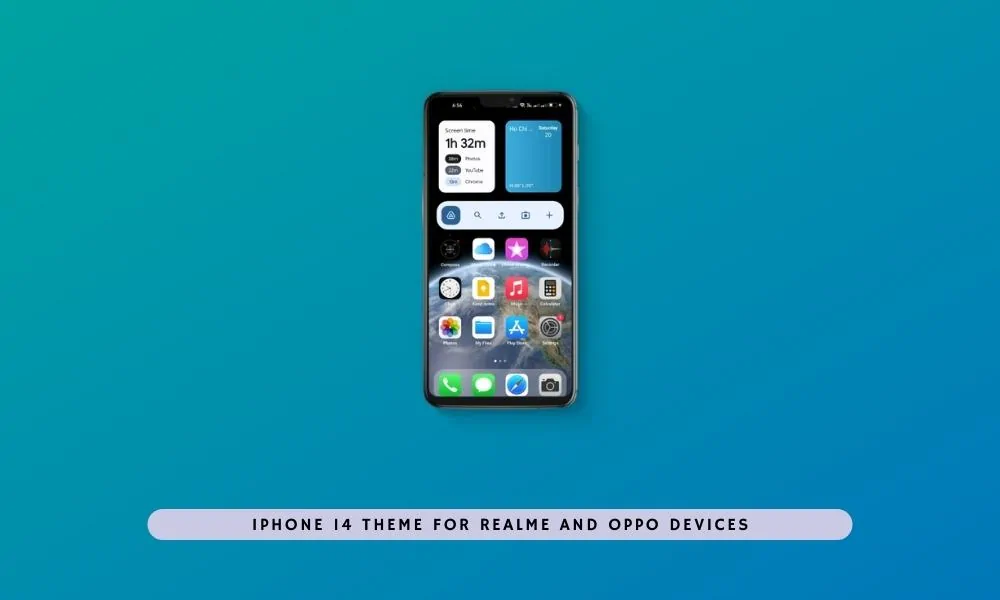
Recently, at the Apple iPhone 14 launch event, the new feature was announced. If you are keeping up to date, you might know it already. The dynamic island feature was introduced, which makes use of the notch. However, this is not the first time someone has implemented this feature. It was already available on Honor V20 and other phones. But as we all know, Apple knows how to sell the feature. But here comes the Android pro developers. One of the Realme developers made a theme that will allow users to install the iOS 16 iPhone 14 theme on Realme and Oppo devices. Here you can download the iPhone 14 Theme for Realme and Oppo devices
iOS 16 and iPadOS 16
Many changes and updates were introduced in the latest editions of these OS. iOS 16 is coming up with redesigned lock screen improvements, adding widgets to the lock screen. Other apps like Maps and Wallet are also changing considerably. But one of the biggest changes is about the car play. CarPlay will be working with car makers for a revamped UI next year.
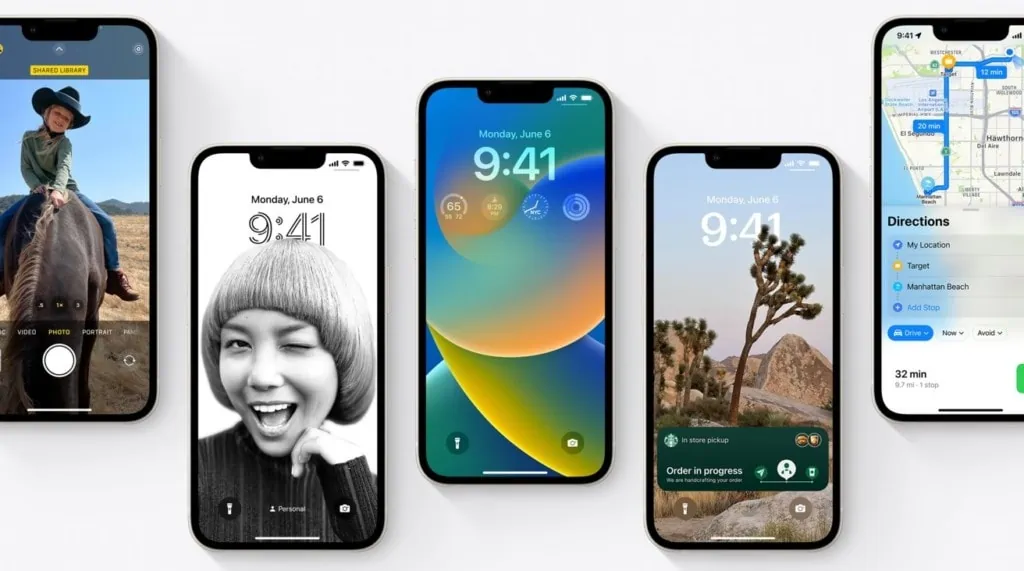
IOS 16 will require iPhone 8+ hardware for compatibility. So, if you have an iPhone 7 or before phones, they are now outdated and will not be able to get the latestiOS 16 updates. iPad OS 16 came up with a new feature called Stage Manager, which will work only on iPads having an M1 chipset. Stage Manager is the ability to automatically organize your apps and windows, easily drag and drop them from the side window, and open apps from the Dock for faster multitasking. Along with this comes the flexible canvas, allowing collaboration—now available on your iPad as well.
iOS 16 themes for Realme and Oppo
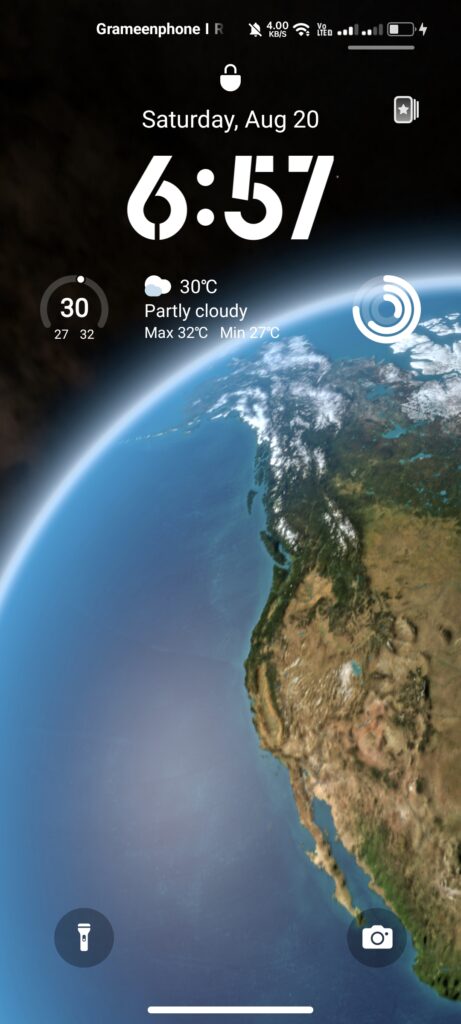
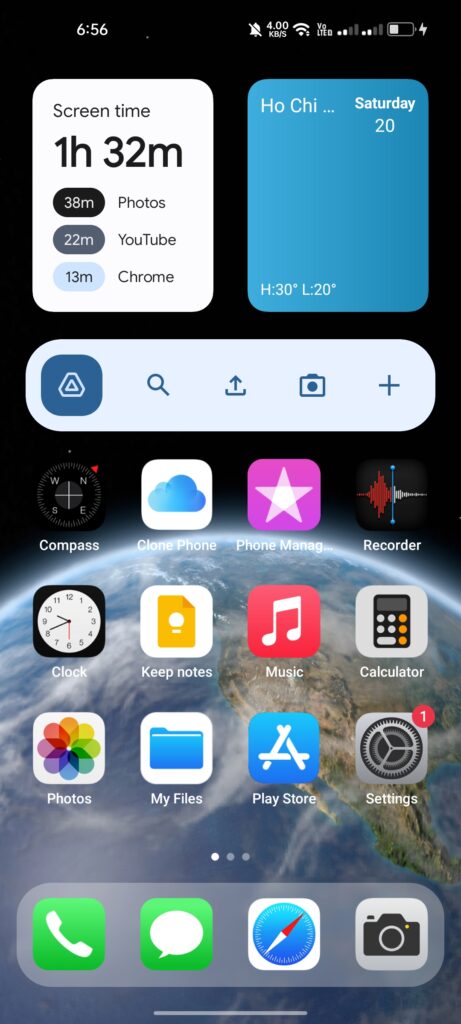
The iPhone 14 Theme for Realme and Oppo devices is created by some Realme forum members who support every Realme and Oppo device. The theme was tested on the latest Oppo ColorOS 12.1 and realme UI 3.0. It features the iOS 16 fonts, colors, Icons, Styles, Status bar, iOS widget, and Wallpaper from the iPhone 14 device. The theme also features the dynamic island but some bug still exists you can try this on your device too.
Supported Device:
- Oppo – ColorOS 6, ColorOS 7, ColorOS 11
- realme UI 2.0 and realme UI 3.0
Theme Screenshot


Download iOS 16 and iPhone 14 Theme for Realme and Oppo devices
Here you can download the Apple iPhone iOS 16 theme from the iPhone 14. We have shared the iPhone 14 theme for Realme UI and ColorOS with the installation guide.
iOS 16 Theme – Realme UI 3.0 – ColorOS 12 | Realme UI 2.0 – ColorOS 11 | Realme UI 1.0 – ColorOS 7 | ColorOS 6 – ColorOS 5
iOS 16 Dark Theme – Realme UI 3.0 – ColorOS 12 | Realme UI 2.0 – ColorOS 11 | Realme UI 1.0 – ColorOS 7 | ColorOS 6 – ColorOS 5
iPhone 14 – Download From Oppo Store | iOS 16 Control Center
How to Apply iOS 16 and iPhone 14 Theme on Realme and Oppo devices
- First Uninstall the Theme update then install
Theme_Store_7.4.0_Beta1OrTheme_Store_7.4.2.apk. - Open the download theme from the internal storage and tap on
Try Now. - Open iMOD Pro and Tap on the blue minus icon.
- We have a complete guide on how to apply external themes and Remove 5 Minutes Theme trial Limit
- For Oppo Devices – Remove 5 Minutes Theme trial Limit in Realme and Oppo Devices
- For Realme Device – Remove 5 Minutes Theme trial Limit in Realme UI 3.0





Please help me icons oppo k10 5g