Micromax Unite 2 Install Official Lollipop Android 5.0 Update
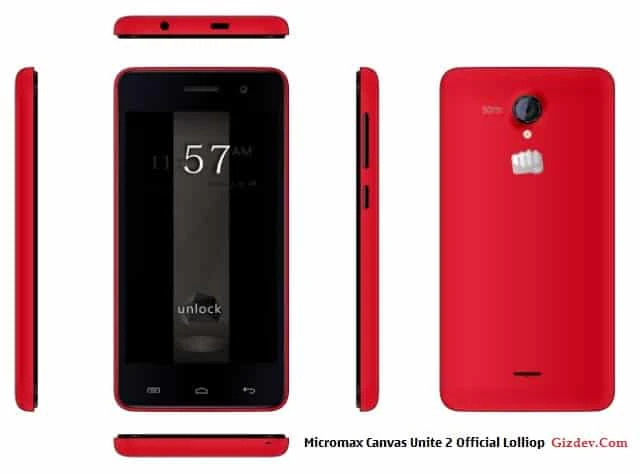
Unite 2 have 2 type handset 4 GB and 8 GB beware before update This Lollipop For 8 Gb Version
Preparations
- Backup Your Data IMEI Data Via Mobile Uncle
- Download The Driver Firmware Flash Tool
- Install The Driver
- Extract Flash Tool And Firmware To Desktop
- Now Follow The Step
Download Flash Tool Driver Firmware
Firmware Writing Guide
- Open Smart Phone Flash Tool
2. Click Scatter-Loading button,choose MT6582_Android_scatter.txt file
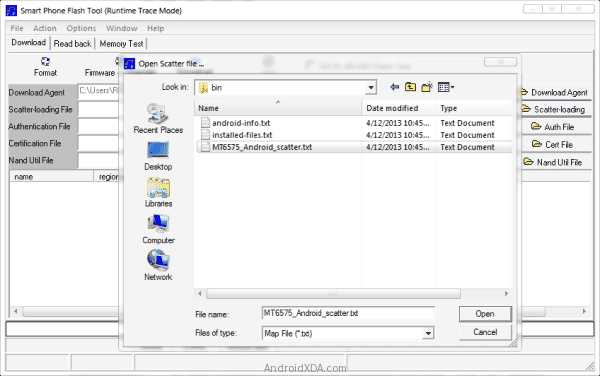
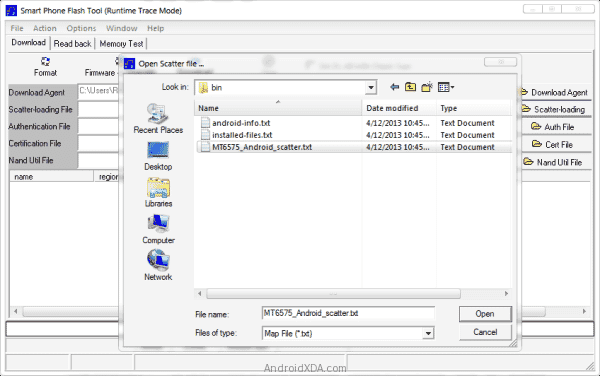
3. Wait file to be added into Flash Tool
4. Choose Option->USB Model,click USB Model,
Choose Option->DA Download All->Speed->High Speed, click High Speed
7. Click Firmware download and begin to download
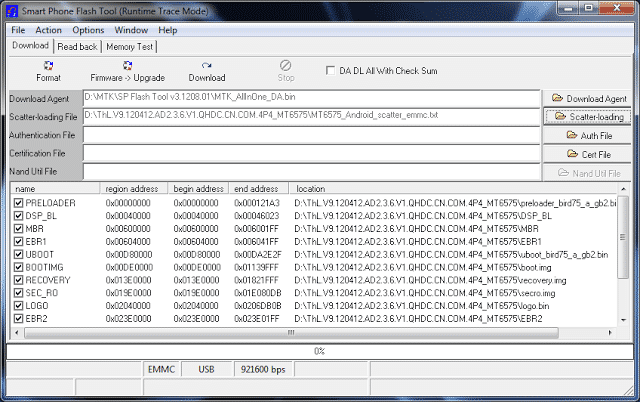
8. Refer flashing key matrix &Insert USB cable Press Volume Up Then Insert USB Cable
9. Software start downloading
Note-If IMEI Gone Go Here
Driver Installing Problem Go Here