Still having trouble finding your LG TV remote? Don’t rush out and buy a new one. A simple, inexpensive universal remote usually works fine. LG TVs use codes from many different brands, so you probably already own one that works. This guide lists all LG TV Universal Remote Codes, arranged by brand, and also includes instructions for programming WebOS models.
Universal remotes from GE, RCA, Philips, One For All, Magnavox, Spectrum, Xfinity, Sky, Brightstar, Blackweb and Inteset all ship with preset codes for LG. The Universal Remote Codes you need depend on the remote brand and sometimes the model. Many GE remotes even tell you their generation inside the battery compartment, marked CL3, CL4, CL5 or CL6, and the list below is split the same way so you can match yours in seconds.
LG TV Universal Remote Codes List (TV)
Locate the brand of your remote in the list. Then jot down the codes that LG has. Enter them in order during programming. Usually the first code that gets the power button to work is an almost match. Continue testing until all volume and input controls work.
| Universal Remote | LG TV Universal Remote Codes |
|---|---|
| GE (CL3) | 0001, 5511, 3001, 5501, 3021, 3091, 3221, 3281, 3311, 5271, 0131, 0251, 0611, 0761, 0931, 1181, 1221, 1471, 1501, 1911, 3811, 4731 |
| GE (CL4 / CL5) | 6021, 0001, 5511, 3001, 1911, 1181, 1221 |
| GE (CL6) | 6021, 5511, 0001, 3001, 1911, 1181, 1221 |
| RCA (4 Digit) | 2731, 0856, 1934, 2358, 1447, 0017, 1423, 3397, 0178, 2424, 1178, 1265 |
| RCA (5 Digit) | 63913, 11840, 31311, 52412, 12731, 2358, 3397, 11860, 0178, 0017, 11265, 11423, 10017, 10178, 10856, 11447, 12424, 12358, 14397, 14398, 11756 |
| One For All | 2358, 4137, 1840, 1423, 0876, 0178, 2182, 1663, 1753, 0019, 0030, 0037, 0039, 0003, 0060, 1305, 1721, 2057, 1539, 0556, 0009, 0714, 0108, 0606, 0109, 0698, 0715, 1681 |
| Magnavox | 0103, 0122, 0124, 0038, 0017, 0021, 0026, 0027, 0002, 0606, 0502, 0102, 0117, 0814, 0324, 0435, 0802, 0307, 0609, 0217 |
| Spectrum (URC 1060BC2 / 1060BC3) | 11423, 10017, 11265, 10178, 10700, 10856, 11178, 11768, 11993, 12358, 12424 |
| Spectrum (Philips RC122) | 1013, 1178, 1018, 1035, 1079, 1234, 1264, 1225, 1307, 1318, 1340, 1373 |
| Spectrum (Universal CLIKR) | 363, 113, 116, 102, 112, 143, 569, 284, 648, 741 |
| Spectrum (UR3) | 004, 106, 112, 127, 086, 236, 648, 741 |
| Spectrum (URC) | 0017, 0178, 0030, 0856 |
| Charter Spectrum | 11423, 10178, 12864, 14398, 12867, 10017, 10442 |
| Brightstar | 619, 910, 700, 227 |
| Blackweb | 3534, 0004, 2098, 0155, 2254, 0338, 0009, 0012, 0057, 0134, 0156, 1957, 2492, 4080, 4127, 4079 |
| Comcast Xfinity | 12731, 11178, 10178, 11756, 11637, 10017, 11530, 10442, 11314, 11454, 12253, 10856, 11265, 11993, 12271, 11934, 10700, 11032, 11758, 12246, 10032, 10037, 10016, 10842, 10386, 10003 |
| Inteset INT422-3 | 11840, 11860, 12731, 12182, 10037, 10556, 11423 |
| Inteset INT422-4 | 11840, 11860, 14397, 12731, 11423, 12182, 15168, 12358, 10037, 14398, 10556 |
| Sky+ Remote Version 4 | 1584, 0065, 0742, 0743, 0459, 0726, 0584, 0679, 0533, 0451 |
| Sky+ Version 6 | 1584, 0065, 0742, 1962, 0743, 0459, 0726, 0584, 1679, 1533 |
| Sky+ HD Version 8 | 1280, 1665, 1246, 0206, 0065, 1321, 0742, 1293, 1206, 1962 |
| Sky+ HD Version 9 | 1868, 2240, 2210, 1451, 1502, 1464, 1333, 1280, 1665, 1755 |
| Sky+ HD Version 10 | 1868, 2210, 1451, 1333, 1280, 1665, 1755, 2225, 2704, 1870 |
| Sky Q Version 1 | 2210, 1665, 0206 |
Common LG TV universal remote codes below work when your remote is not in the brand table. Pick the codes that match the number length of your remote and try them in order.
| 3 Digit Codes | 4 Digit Codes | 5 Digit Codes |
|---|---|---|
| 004 | 0004 | 10003 |
| 005 | 0005 | 10016 |
| 009 | 0009 | 10017 |
| 012 | 0012 | 10032 |
| 050 | 0030 | 10037 |
| 057 | 0037 | 10178 |
| 080 | 0050 | 10386 |
| 156 | 0056 | 10442 |
| 227 | 0057 | 10700 |
| 338 | 0080 | 10842 |
| 420 | 0108 | 10856 |
| 505 | 0109 | 11032 |
| 506 | 0156 | 11178 |
| 512 | 0178 | 11265 |
| 520 | 0227 | 11314 |
| 553 | 0338 | 11423 |
| 615 | 0361 | 11454 |
| 627 | 0556 | 11530 |
| 653 | 0606 | 11637 |
| 678 | 0644 | 11756 |
| 766 | 0698 | 11758 |
| 773 | 0714 | 11934 |
| 0715 | 11993 | |
| 1002 | 12246 | |
| 1004 | 12253 | |
| 1005 | 12271 | |
| 1014 | 12358 | |
| 1025 | 12424 | |
| 1078 | 12612 | |
| 1081 | 12834 | |
| 1095 | 12864 | |
| 1096 | 12867 | |
| 1097 | 13397 | |
| 1098 | 13979 | |
| 1099 | ||
| 1100 | ||
| 1101 | ||
| 1111 | ||
| 1128 | ||
| 1130 | ||
| 1132 | ||
| 1134 | ||
| 1144 | ||
| 1149 | ||
| 1171 | ||
| 1205 | ||
| 1305 | ||
| 1343 | ||
| 1346 | ||
| 1396 | ||
| 1423 | ||
| 1637 | ||
| 1663 | ||
| 1681 | ||
| 1840 | ||
| 1842 | ||
| 1859 | ||
| 2065 | ||
| 4086 |
Quick pick: GE style remotes start with 0001, 5511 or 3001. RCA five digit models use 12731 or 11840 first. For other remotes, 10178, 11178 and 11423 are the most widely reported LG codes, and 0178 or 0037 cover most four digit remotes.
How to Program a Universal Remote to Your LG TV
Programming these remotes works pretty much the same whether GE, RCA, Philips or One For All. The only real difference is the name of the button; GE and Philips call it “Setup,” Magnavox and RCA use “Code Search” and One For All calls it “Magic” but the way you point them and how their lights flash is always the same.
Method 1: LG TV Universal Remote Codes (Direct Code Entry)
- To pair fast, enter the LG TV Universal Remote Code.
- First, turn on your LG TV. Press and hold the Setup button until the red light stays lit on the remote power button.
- Then press TV button once. Find your remote brand LG TV Universal Remote Code in table, then type the code.
- If red light turns off after you have entered the code correctly,
- You can check volume and input and power.
- If it flashes after you type last digit, code is wrong.
- Wait a second and try the next number in the list.
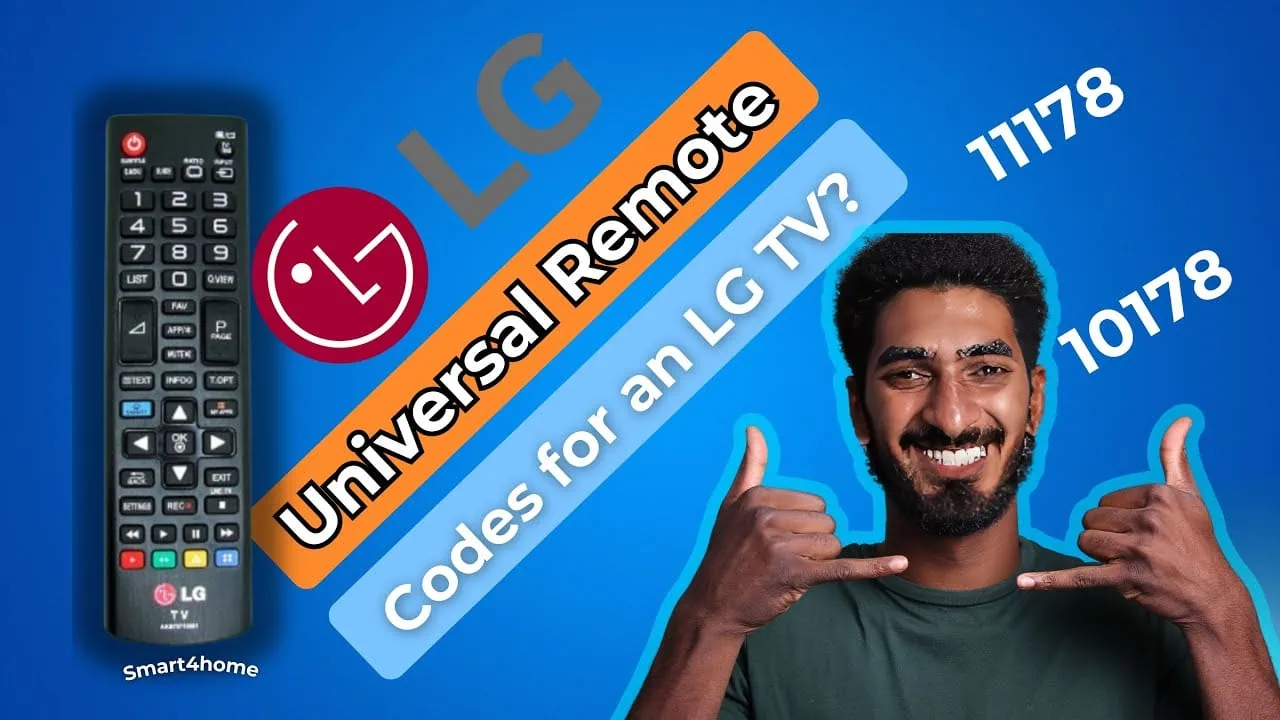
A good first attempt is 10178, followed by 11178 and then 11423. These three are the codes reported most often for LG across brands, and one of them usually lands on the first try for five digit remotes.
Method 2: Auto Code Search (Without Codes)
If codes don’t work and your brand isn’t listed, then try using Auto Search. It scans the internal library of codes until your TV responds. Here’s how:
- Press “Setup” until the red light is steady.
- Enter “913” using the keypad.
- Release “Setup” and red light starts blinking.
- Keep pressing and releasing the button for channel up. Remote will go through the codes stored.
- As soon as the LG TV turns off, press Enter or OK to set the code.
Some remotes scan without the 913 sequence, for example, QFX style models: press TV, hold Setup until the red light stays lit, then press Power and watch the light blink as the library cycles. Either way, the lock step is the same: press OK the instant the TV clicks off or the search rolls past your code.
Method 3: LG webOS Universal Control (No Codes Needed)
LG’s newer TVs have a neat feature: they come with a built-in universal remote control, and you don’t need any extra codes. Here’s how to set it up for webOS:
- Go to Settings
- Then select All Settings
- Next, select General
- Go to Devices and open External Devices
- Finally, click on Universal Control Settings
Pick what you want your LG remote to control, like a cable box or streaming stick, and follow the on-screen pairing instructions. Once you do that, the Magic Remote controls both the TV and the device in one hand.
Troubleshooting
Check these fixes directly from real owners of LG TVs. They work in order if your TV breaks down.
- This remote is not supported on this TV” (LG OLED). Pull the batteries out of the LG remote, wait about ten seconds, and put them back. This re-pairs the Magic Remote functions and clears the false warning in most cases.
- Xfinity X1 remote spins through codes and never locks. Use the manual pairing route: press and hold the Setup button, key in 991, then press Channel Up and enter the LG code from the table above.
- DirecTV remote gets stuck on “Attempting code 1 of 1”. Exit the guided setup on the DirecTV menu and pick the direct code entry screen instead. Key in 10178, 11178 or 11423 and the pairing completes on the first try.
- Only power, volume and mute respond. That is a partial code. Move to the next number in the list for your remote brand until input switching also behaves.
- Red light never comes on. Dead or upside-down batteries are the usual cause. Swap in fresh ones and test the Setup hold again.
- Auto search keeps cycling and never stops. You are locking the code too late. The instant the TV clicks off, press Enter or OK, otherwise the remote rolls past the correct code and keeps going.
That’s the whole story on LG remotes – everything from the list of full codes by brand to direct entry and the shortcut for universal webOS control is covered. Find your remote in the table. Try direct entry first. If that doesn’t work go to auto search or setup on screen.