Microsoft unveiled Surface Ultra at Computex 2026. The new laptop is their most powerful Surface yet. We have already shared the Surface Ultra news and updates on our Telegram channel. Some media persons shared the Surface Ultra wallpapers on Twitter. You can now download the Microsoft Surface Ultra Wallpaper in high resolution for desktop or laptop.
In this post, you can download the Microsoft Surface Ultra Wallpaper. We have extracted the wallpaper from the Surface Ultra device. The wallpaper is in 3200 x 2000 pixels resolution. We have zipped the wallpaper so you can download it easily. You can apply this wallpaper to your Windows, Linux, or macOS device.
About Microsoft Surface Ultra
The Microsoft Surface Ultra is a premium thin-and-light laptop first shown at Computex 2026. This laptop delivers a lot of power under the hood. It comes equipped with the Nvidia RTX Spark SoC paired with up to 20 ARM CPU cores, up to 128 GB of LPDDR5X unified RAM, and a Blackwell GPU with 6,144 CUDA cores. The device also gets 2.5 times larger thermal headroom compared to the Surface Laptop 7 (15) and has a 15-inch MiniLED Ultra display with 2,000 nits of peak brightness.
The Surface Ultra runs Windows 11 out of the box and comes with Windows Hello face recognition for secure unlocking. The laptop has a replaceable SSD so you can upgrade your storage when needed.
Microsoft Surface Ultra Wallpapers
The official Microsoft Surface Ultra wallpaper is now available for download. The Surface Ultra ships with a gorgeous dark abstract wallpaper that follows the design language seen on previous Surface devices. The wallpaper is available in 3200 x 2000 pixels resolution. Download the Microsoft Surface Ultra wallpaper below to give your desktop a premium Surface look.
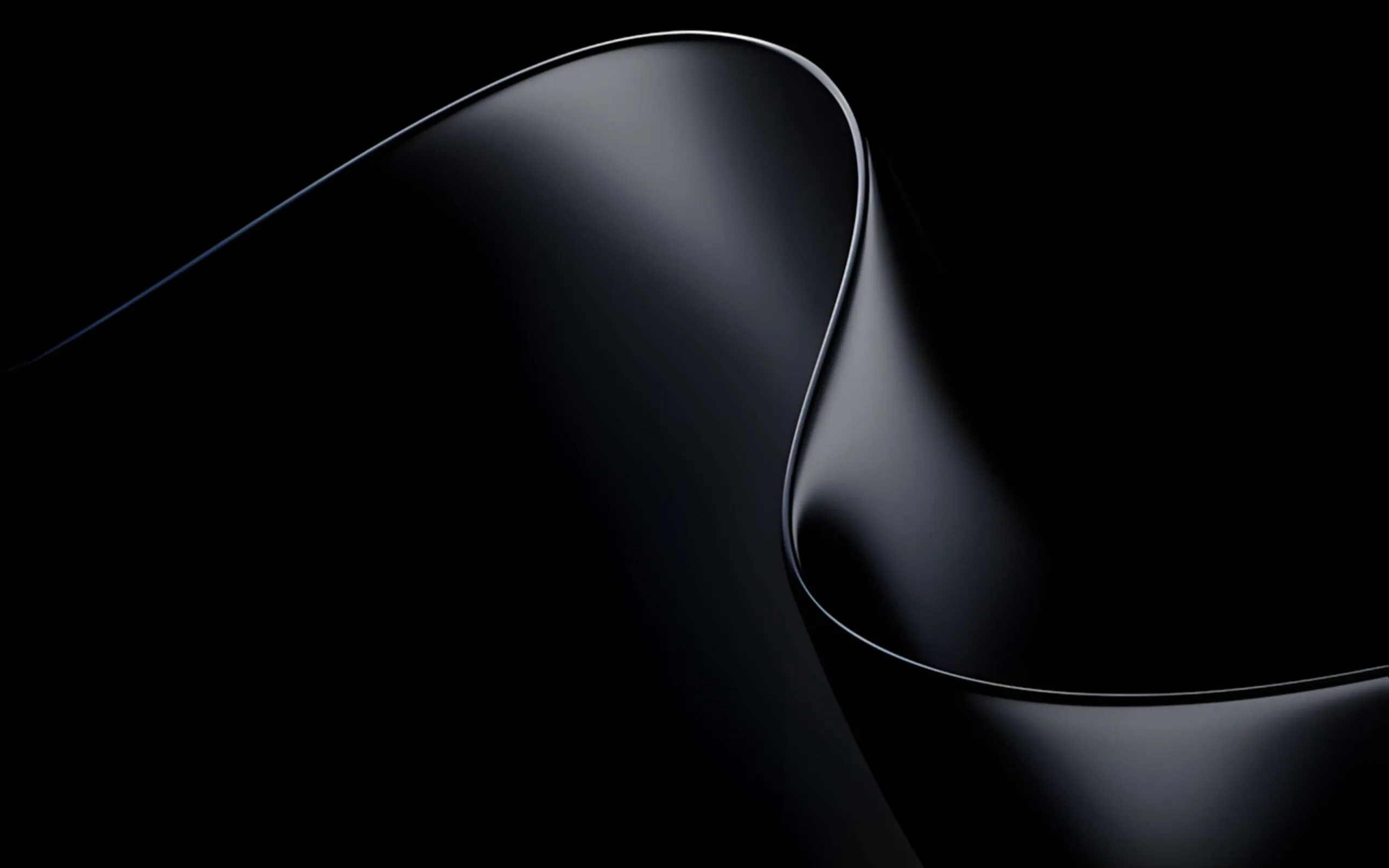
Note: the images listed above serve as a preview of the wallpapers and are only intended for representational purposes. It is important to note that the preview images are of lower quality, hence it is not recommended to download them directly. Instead, kindly utilize the designated download link provided in the section below for obtaining the wallpapers.Download Wallpapers In ZIP File –
Download –
How to Set these Wallpapers on Home Screen, Lock Screen, and Always-on Display
- First, download the
Microsoft_Surface_Ultra_Wallpaper.zipfile and unzip it using File Manager or Explorer. - Open File Manager and browse the unzipped wallpapers folder.
- Select the Wallpaper you like, tap on the 3-dot menu, and then tap Set As Wallpaper, Home Screen, or Lock Screen.
Please share these wallpapers with other communities and forums if you like them.
Dont forget to join our Telegram group for more wallpapers, Themes, and ringtones updates.