

Miui 7.1 Global stable with swap patch rom for Lenovo A7000

Miui 7.1 recently released in Xiaomi redmi smartphones 1 week ago via ota, Also Rom developers started developed custom miui-7.1 roms for others device, so here custom full working Miui-7.1 rom for Lenovo A7000, so lets go this rom details and download link, Miui 7.1 Global stable with swap patch rom for Lenovo A7000 .
Rom Features
- Miui 7 Features .
- Lollipop Android 5.1 .
- Play In- Built .
- Rooted .
- Dolby atmos sound .
- Fhd video recording .
- Smooth .
- No Bugs .
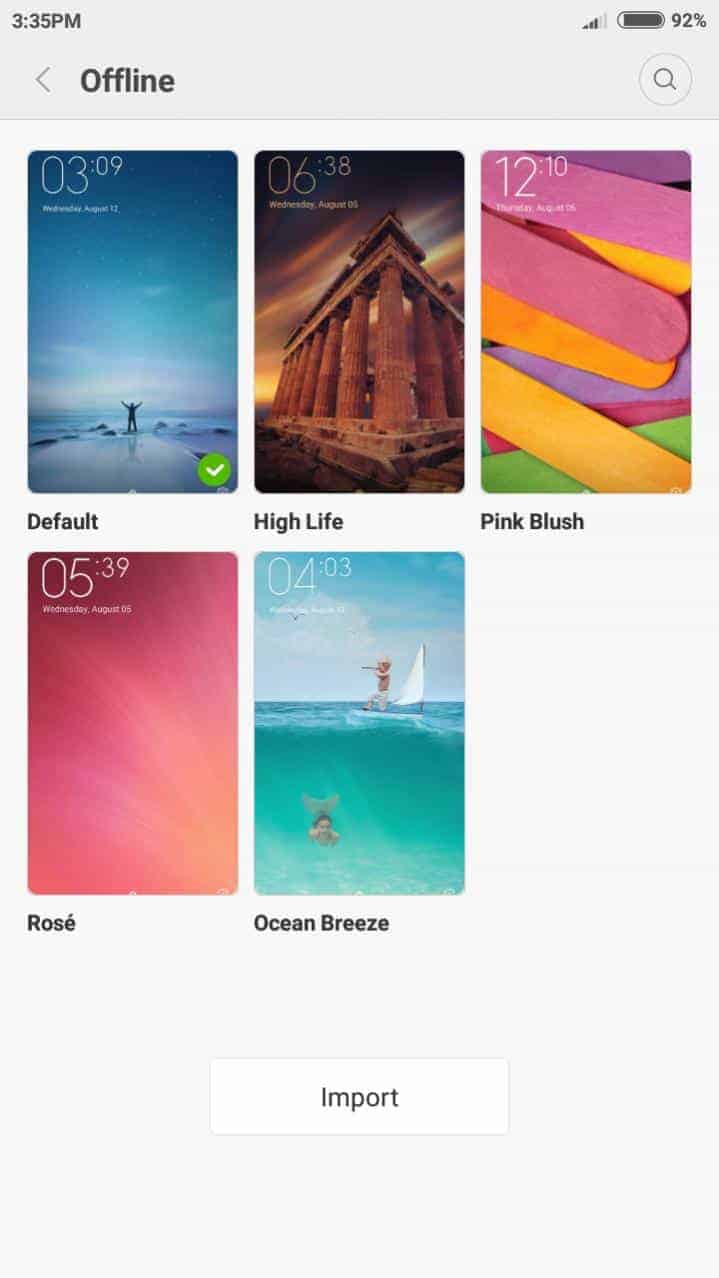
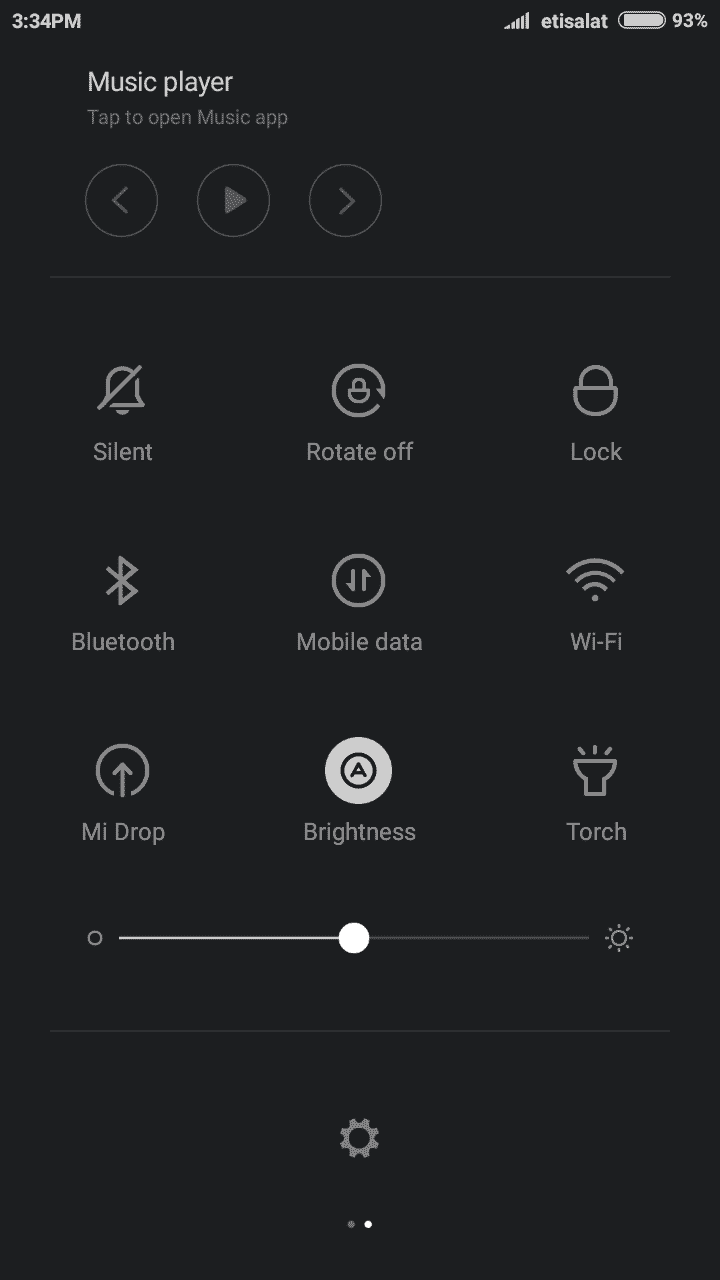
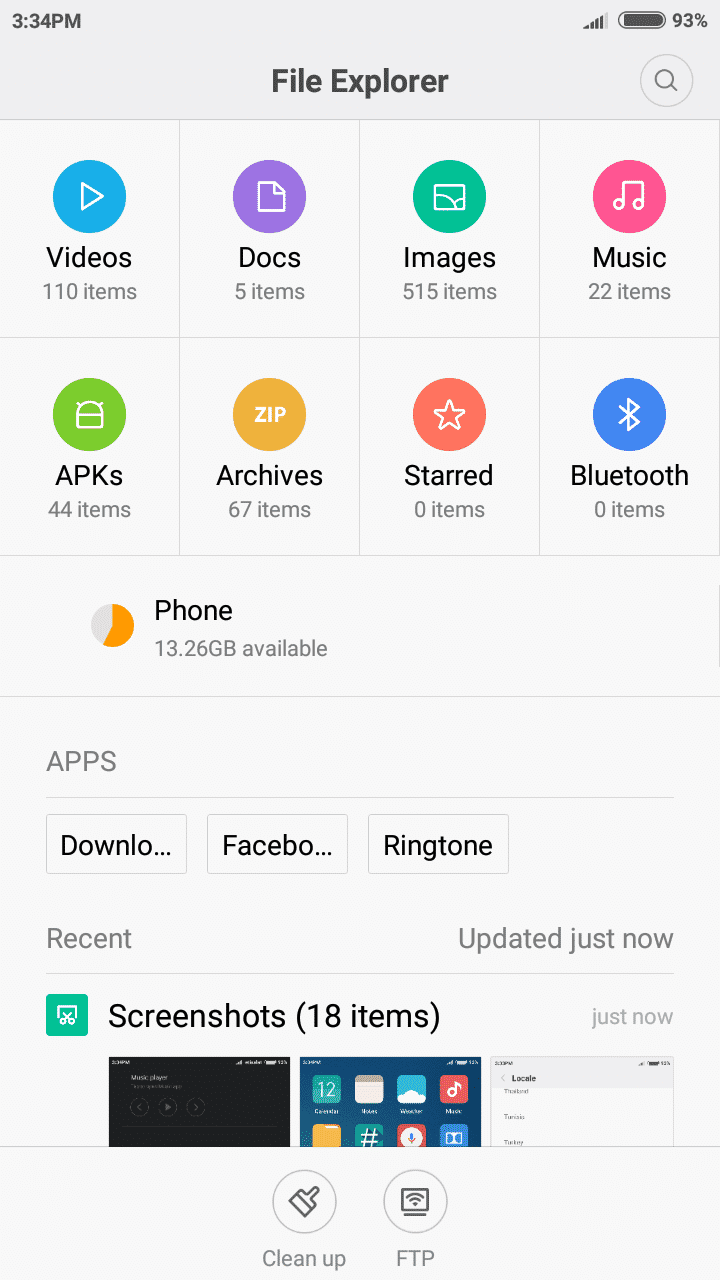
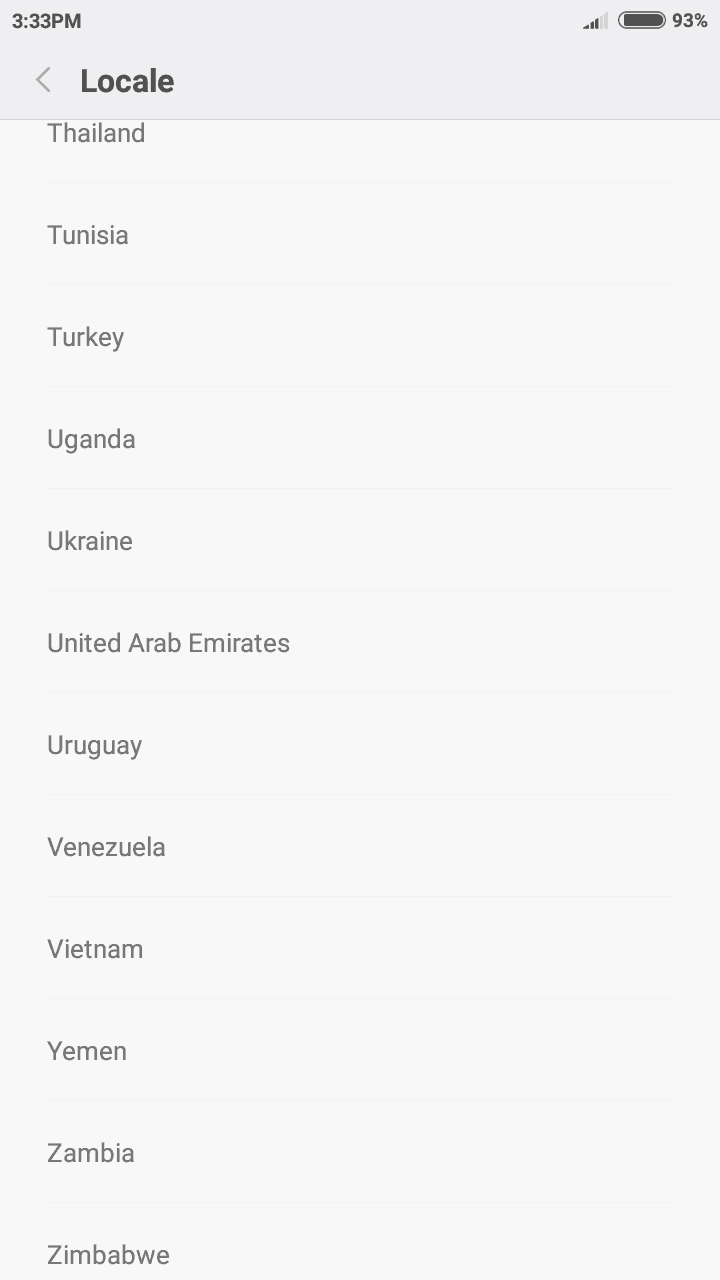
__Miui 7.1 Screenshots__


⇓⇓Download MIUI 7.1 For A7000 & Patches⇓⇓
[sociallocker]
Rom -> miui 7v7.1.1.0 stable_global full a-7000.zip / Torrent
Sms Patch Fix -> sms fix miui 7v7.1.1.zip
Default Storage Patch -> SD_memory_7.1.1.0.zip / default_memory_7.1.1.0.zip
[/sociallocker]
Guide To Install Miui-7 On Lenovo A7000 :-
Step = 1 > You Need A Custom Recovery Installed On Your Device Here Guide ->.
Step = 2 > Backup Your Current Rom With Recovery Mode .
Step = 4 > Download The Rom Zip Sms Fix Patch Copy To Sd Card .
Step = 5> Turn Of Your Phone .
Step = 6 > Turn Your Phone Recovery Mode By Volume Up + Power .
Step = 7 > Wipe advanced wipe ( system/ data/ cache/ dalivak cach )
Step = 8 > Go To Install Navigate To Miui 7 Rom Zip Install And Then Install Sms Fix Patch .
Reboot And Enjoy
More Roms –
Install Vibe UI 3.0 Android Lollipop Rom On Lenovo A7000
If You Want Change The Default Storage Then Flash Zip Internal Sd Patch Zip Via Recovery.






Link dead on sms fix or default sd card 🙁 plz fix
Link dead
Link not dead. I downloaded all zips successfully. But, I am not so happy. I flashed the Miui ROM, booted successfully, still the default storage ( to make SD Card as the default storage) zip did not work. Neither of the two zips. Is there any other way?
hi dear flash the Default Storage Patch -> 🙂