[Mod] GPE Dialer 5.0 & 6.0 Clean Light Dialer & Contacts For HTC Device
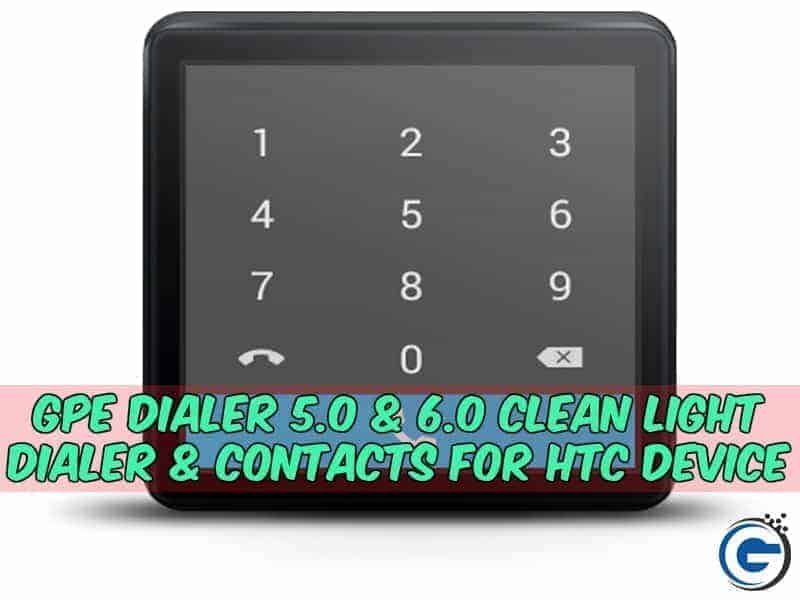
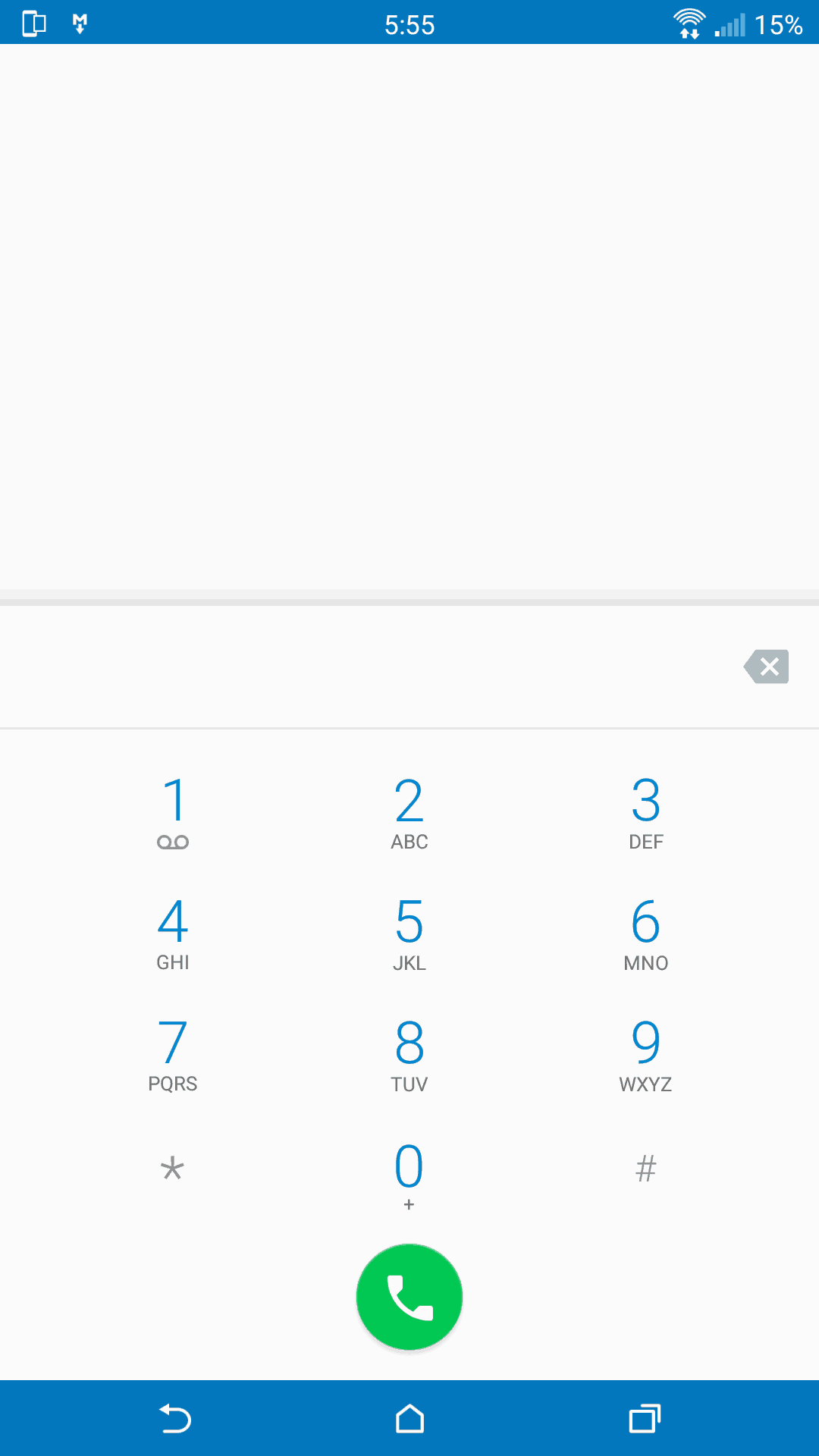
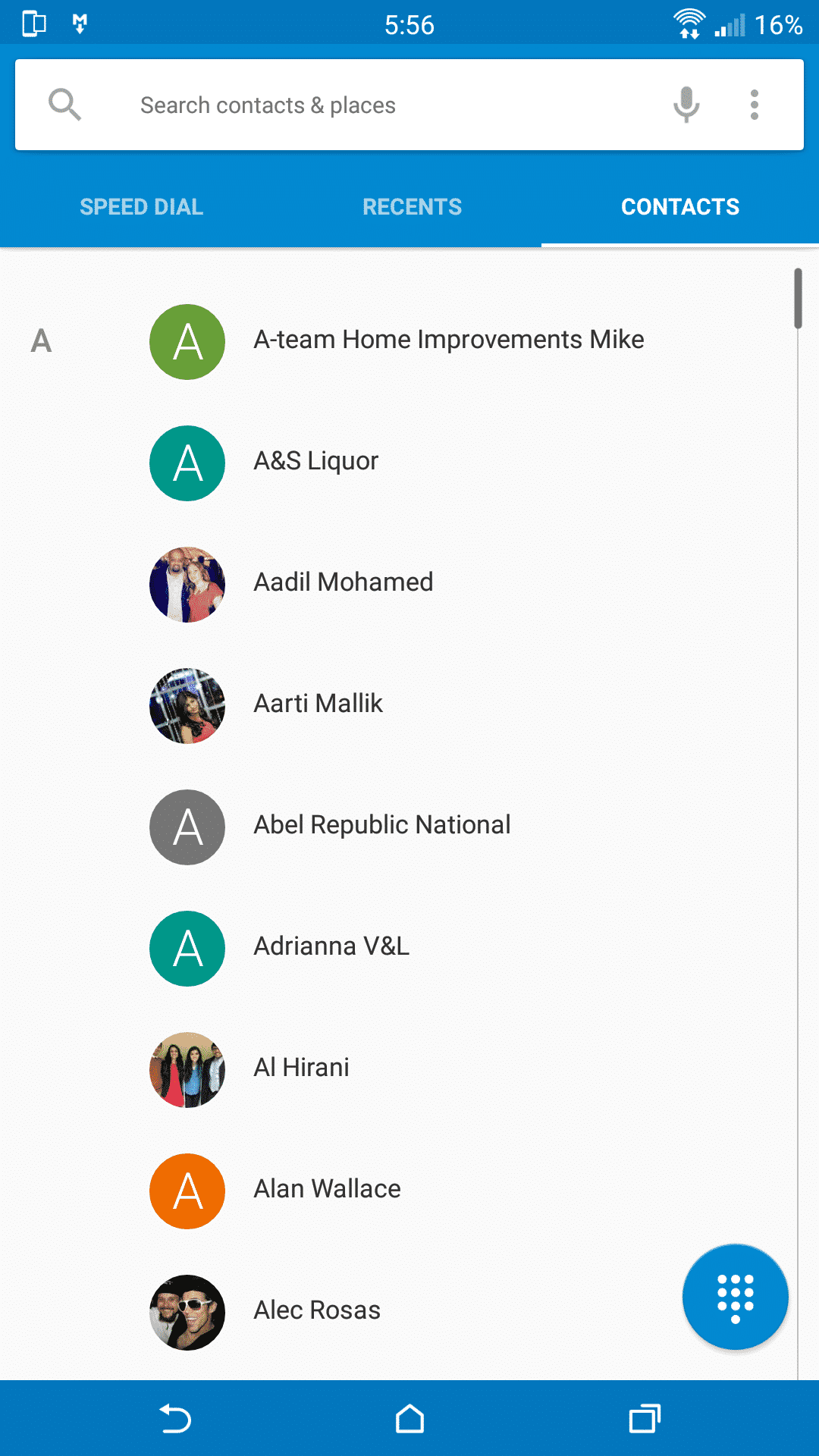
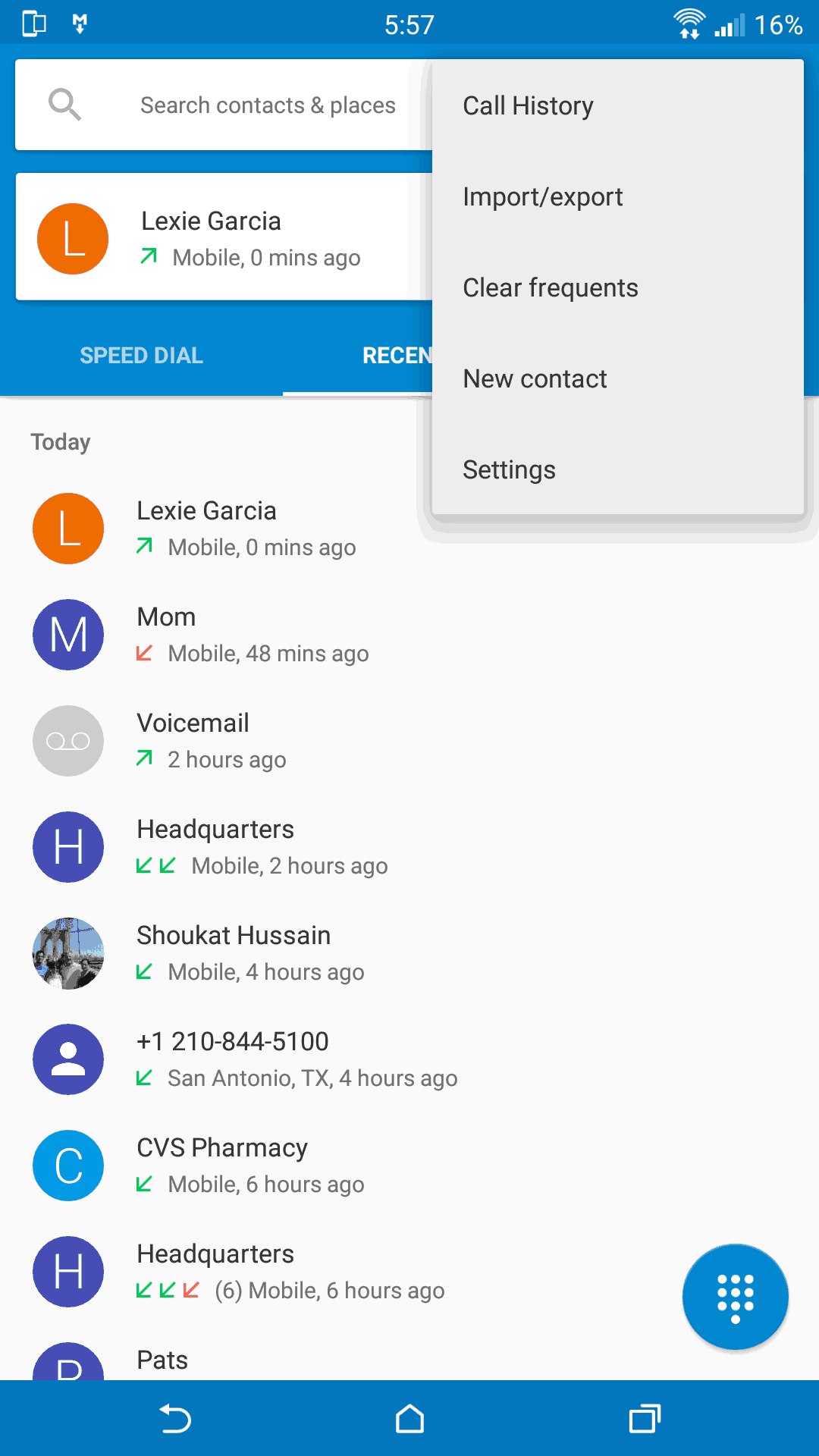
You Dont Like Stock Dialer ! You Like GPE_Dialer, So Today We Share GPE Dialer For Htc Device. Its Too Cool Then Stock Dialer. Its Work Htc Many Device Like Htc M8, Htc M9. You Need Your Device Rooted With Custom Recovery. By Using This Mode You Will Give Too Cool GPE_Dialer.
Please Read Full Post Carefully Then Flash File……
Features Of Camera Mod :-

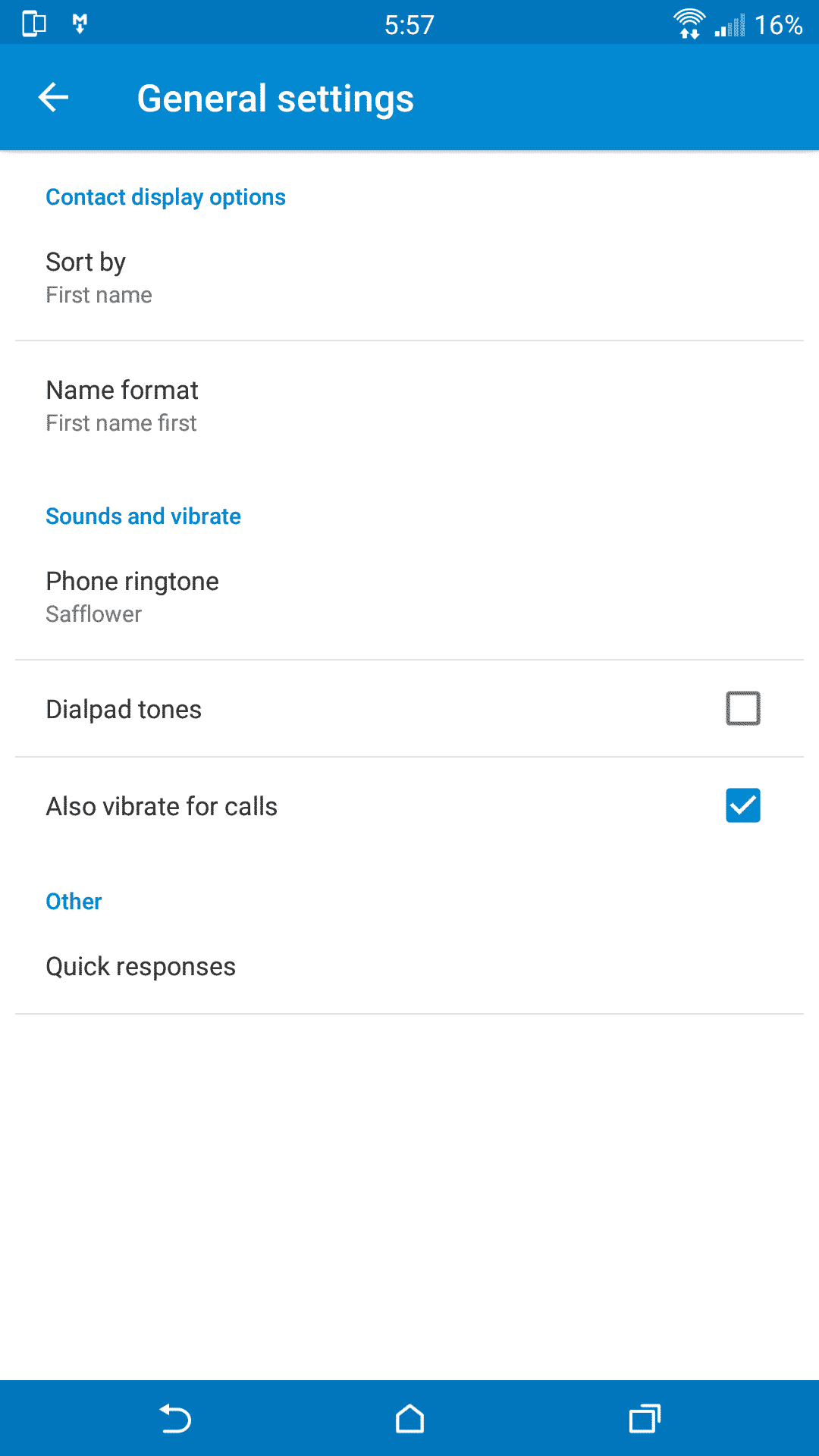
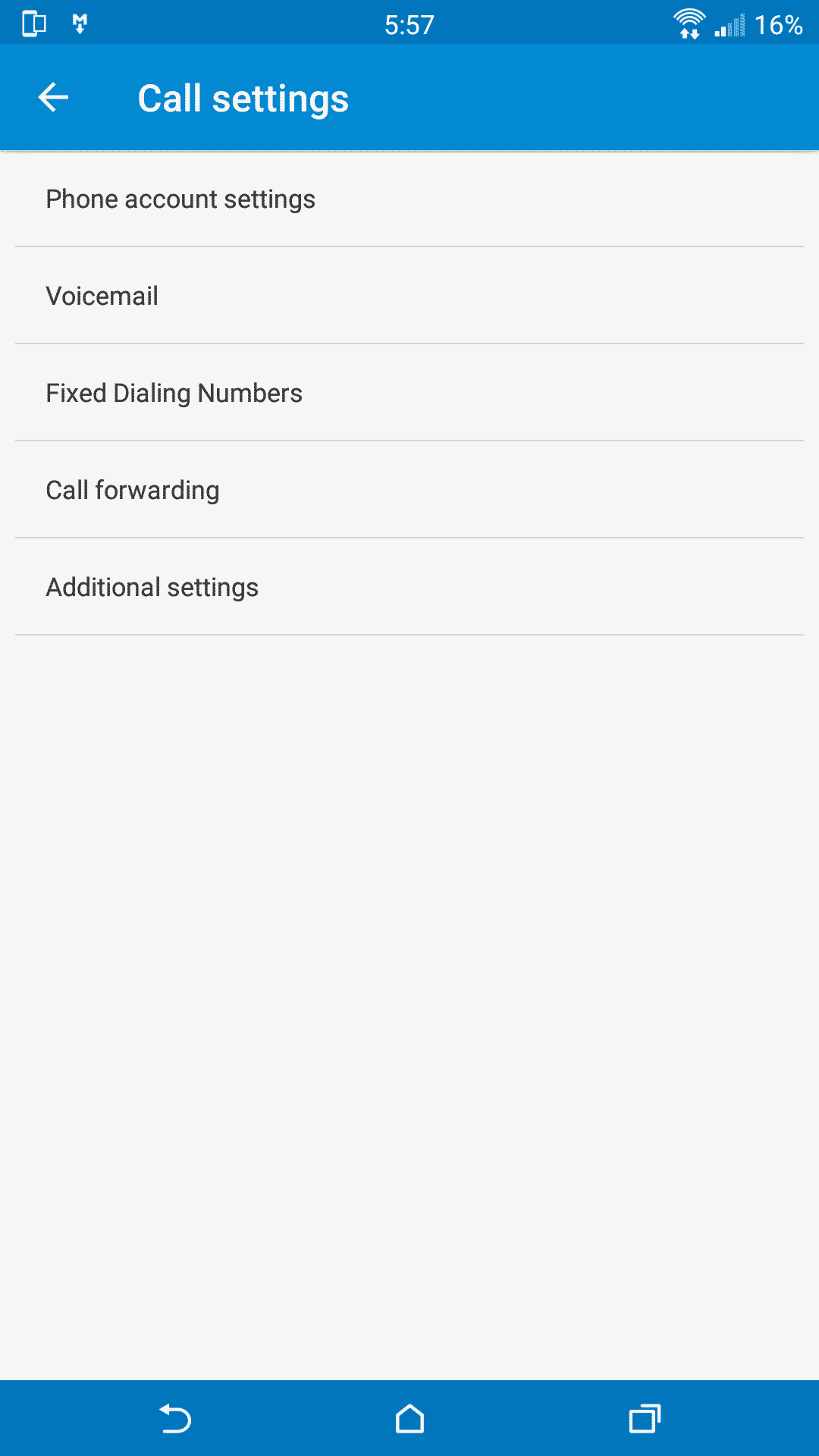
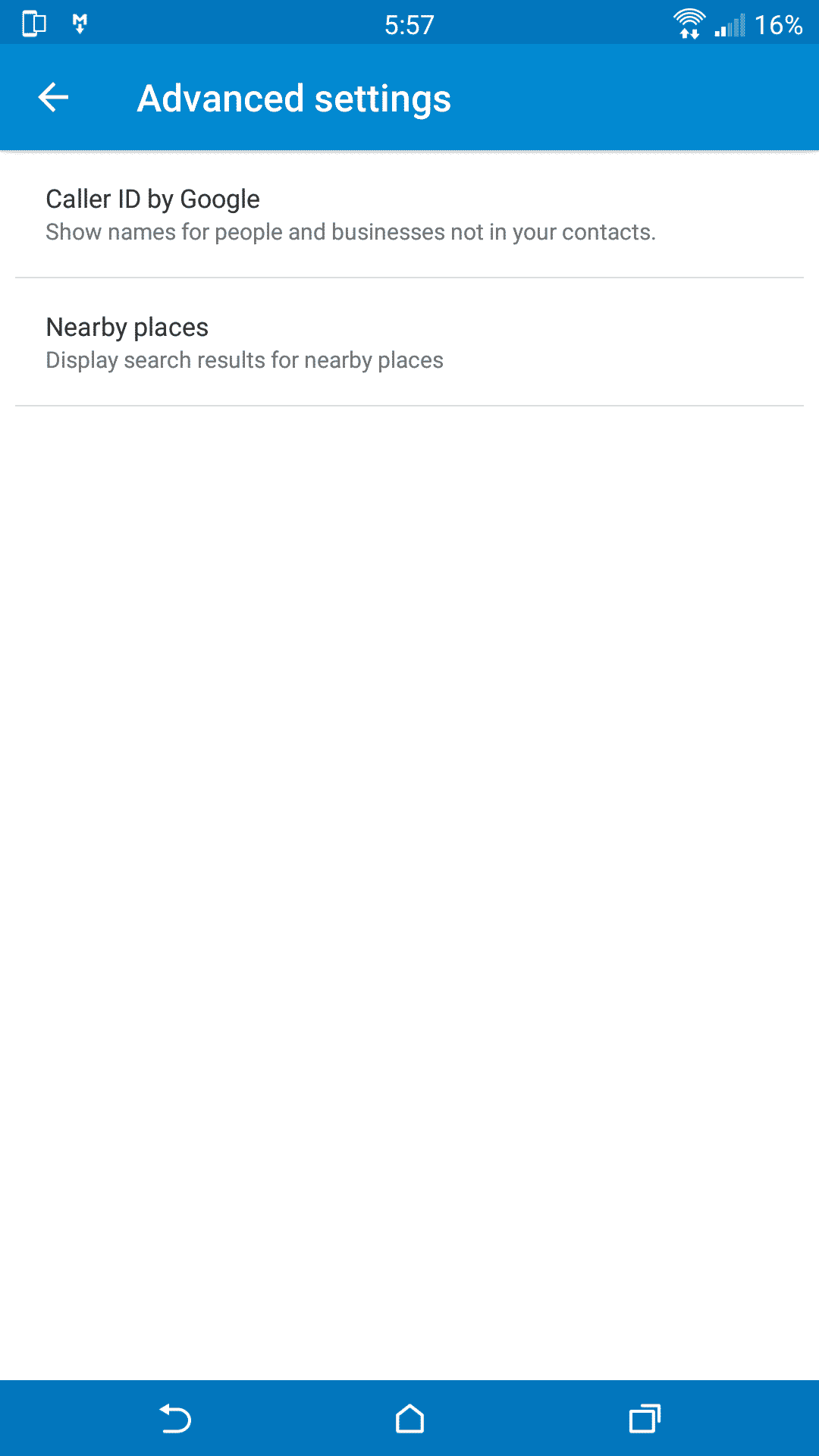
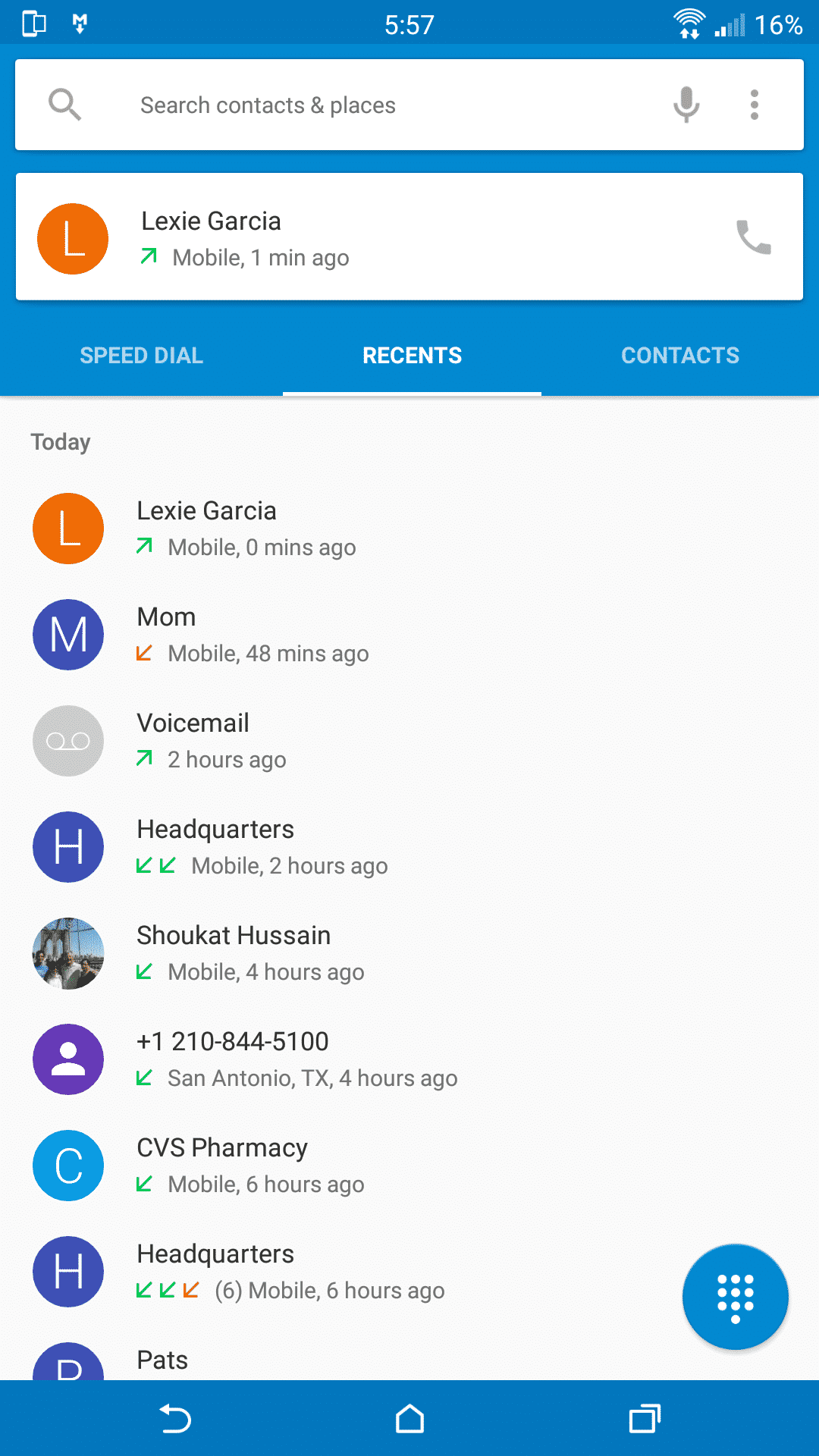
Prerequisites:-
Have Installed The USB Drivers
Need Rooted Device
Have Installed A Custom Recovery
Make Sure You Have A Fully Charged Battery (Min 60%)
⇓⇓ Download GPE Dialer ⇓⇓
Step-By-Step To The Installation:-
- Download Mod File.
- Copy “.Zip” File To Sd Card.
- Turn Off The Phone And Go To Recovery Mode By Volume Up + Power Key
- In Recovery Wipe Dalvik Cache + Cache.
- In Recovery Main Menu Select Install Zip.
- Choose Zip From /Storage/SDCard1
- Install “.Zip” File.
- Now Reboot Your Device And Enjoy GPE Dialer On Your HTC device.
Any Problem So Comment Below….. 
Source:- Xda