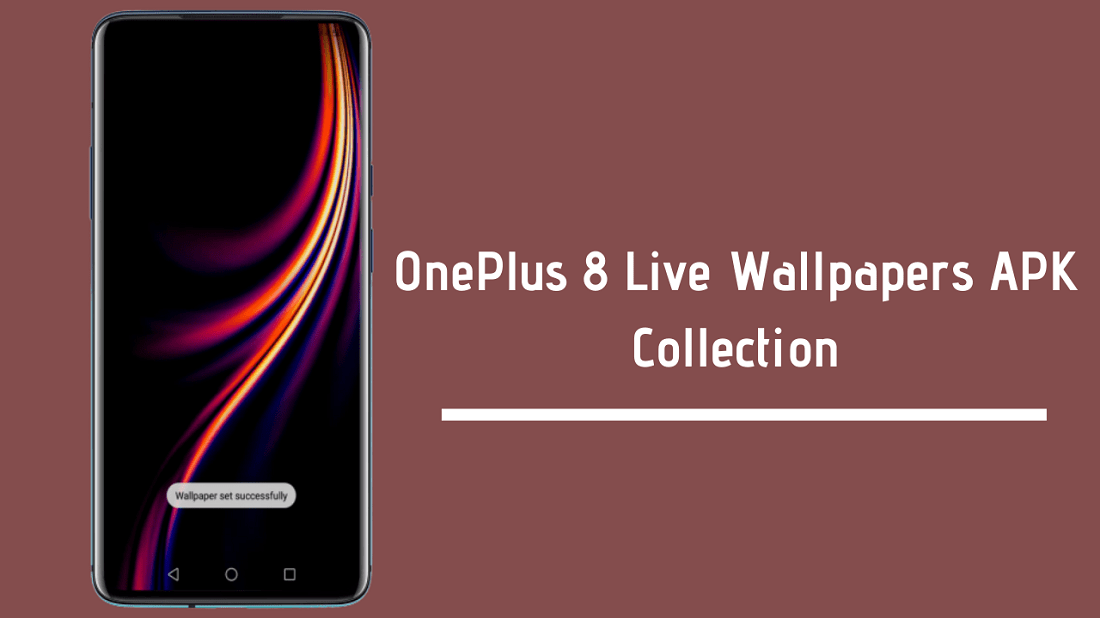
We shared one of the stock wallpapers of the OnePlus 8. Today we are going to share the full set of OnePlus 8 Live wallpapers APK by which can be used in any Android smartphone. You can download the OnePlus 8 Live wallpapers APK from the links below. There is immense competition is going on right now. Every brand is releasing a new phone in a very short period of time.
The OnePlus launch was held today on international online platforms. There was so much hype for this series; most of the features were already known, yet there was still hype for this OnePlus series. OnePlus has come a long way from being a flagship killer and has made a name for itself with higher prices. It’s no more the killer flagship brand. Last year, they released the OnePlus 7 series with a 90Hz display and strangely again the OnePlus 7T Pro series. That was just insane launching, and just after 2-3 months, prices were dropped. Check out full OnePlus 8 and OnePlus 8 Pro specifications.
OnePlus 8 Live Wallpapers
So getting back to the OnePlus 8 Series live wallpapers, you can install the live wallpapers APK from the given links below. I will post a small tutorial video to install the OnePlus 8 Series Live Wallpapers APK. The video will be short just for showing you for how the OnePlus 8 Live Wallpapers APK will work. I’ll post some steps in here too. But firstly, download the ZIP File from the downloads section.
Update: Thanks to the @ModuleMagic awesome group for 60FPS Wallpapers. Now you can enjoy these live wallpapers without lag or stutter.
Downloads Section:
- OnePlus 8 Series Live Wallpapers Collection – Devdrive.Cloud
- OnePlus 8 60FPS Live Wallpapers Masgik Module – Devdrive.cloud
How To Install And Use:
- Extract the ZIP file using any ZIP file extractor such as WinRAR, WinZip.
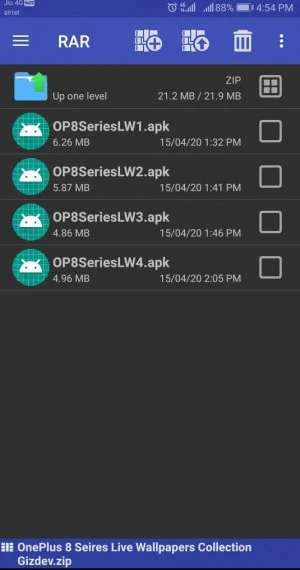
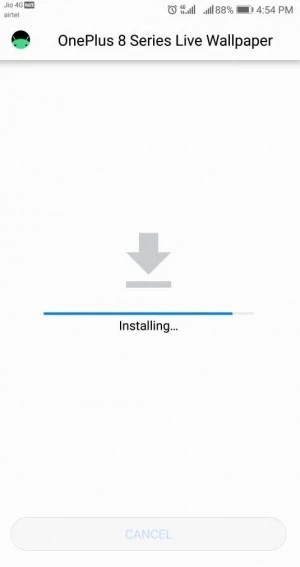
- Now, go to the extracted files, install all the APK files one by one.
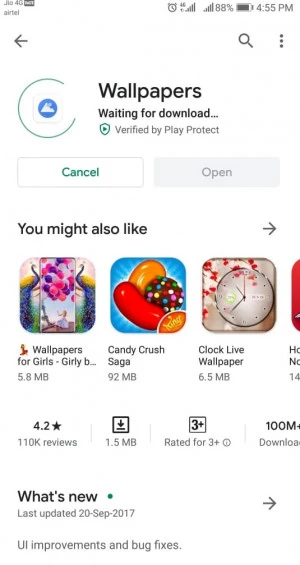
- So now all the wallpapers are installed, now download the Wallpapers App or any live wallpapers picker app. In my case, I have used the wallpapers app from Google. Go to the Play Store, download the Wallpapers App.
- Install the app and open it; in that app, you can see the Live Wallpaper section. Open the live wallpaper section and you will all the installed Live Wallpapers set.
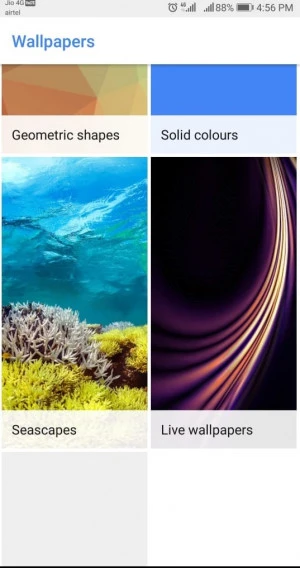
- Apply the wallpapers
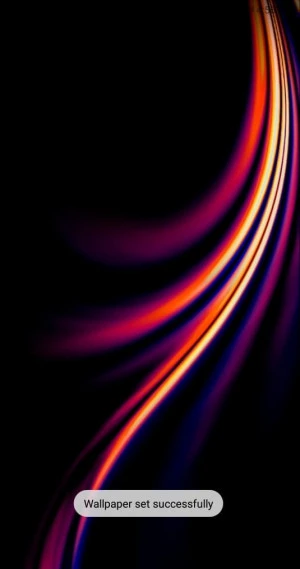
How To Use a Video Tutorial
So that’s all for Live Wallpapers APK. If you like the post, don’t forget to share it, also like our official Social handle for more instant updates!! If you like those wallpapers, please share it with other communities and forums. Don’t forget to join our telegram group for more wallpapers, Themes, Ringtones Update – https://getdev.me/telegramdev.