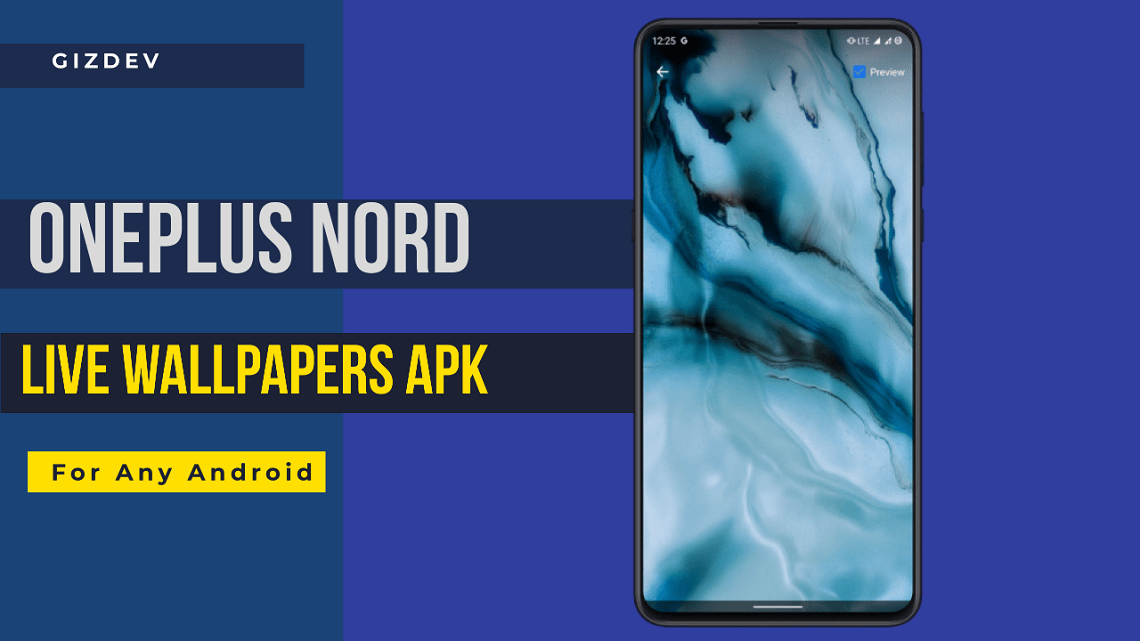
The OnePlus Nord is launched today. As always here are the OnePlus Nord Live Wallpapers APK for any Android devices. We already posted lots of live wallpapers you can checkout the live wallpapers section.
This was the first AR smartphone launch/ Though lots of users were reporting for not able to watch through app but the event was good enough. Oneplus revealed the pricing and released the 3 models of the OnePlus Nord.
Though there is not much special about the phone that it will stand out. But hey, its OnePlud mid-range smartphone. If you are on our Telegram channel you would have seen the AR launch screenshots and videos.
OnePlus Nord
The OnePlus Nord is 5G ready smartphone with the Snapdragon 765G chipset. Personally, I feel they played so much of marketing mindgames. The lower-end smartphone is supposed to be available in September. The higher-end variants are available from 4th of August.
Lots of users bought the 499INR invites. Though they will be getting some 5K worth gift IF they buy the smartphone before 31st August. Guess what the lower end variant will be launched in September Well PLAYED!! Anyway you can get to know more about OnePlus Nord Specifications.
OnePlus Nord Live Wallpapers APK
There are 4 live wallpapers APK files. You can download and install it on any of your Android smartphone. You can install the APK file as usually we install the APK files. I will provide the steps to use if you don’t know and video tutorial too. So let’s download the OnePlus Nord Live Wallpapers APK from the below links.
Get Stock Wall: OnePlus Nord Stock Wallpapers 4K Resolution
Downloads Section
If you have OnePlus device then download Live Wallpapers Video File ZIP and install OP Wallpaper Resources APK. Other users just download the APK ZIP file or set the video as wallpaper. Thanks to the XDA forum members for these awesome wallpapers.
How To Install
1.) Download the OnePlus Nord Live Wallpapers APK ZIP file from downloads section. Extract the ZIP file.
2.) Install the APK files file.
3.) So now all the wallpapers are installed, now download Wallpapers App or any live wallpapers picker app. In my case, I have used the wallpapers app from Google, Go to play store download the Wallpapers App.

4.) Install the app and open it, in that app you can see the Live Wallpaper section. Open the live wallpaper section and you will all the installed OnePlus Nord Live Wallpapers.

5.) Apply the wallpapers.
Video Preview
More Live Wallpapers
- Cyberpunk 2077 Keanu Reeves Live Wallpapers
- Motorola Edge Plus Live Wallpapers
- Prince Of Persia Live Wallpapers
- MIUI 12 Super Wallpapers APK